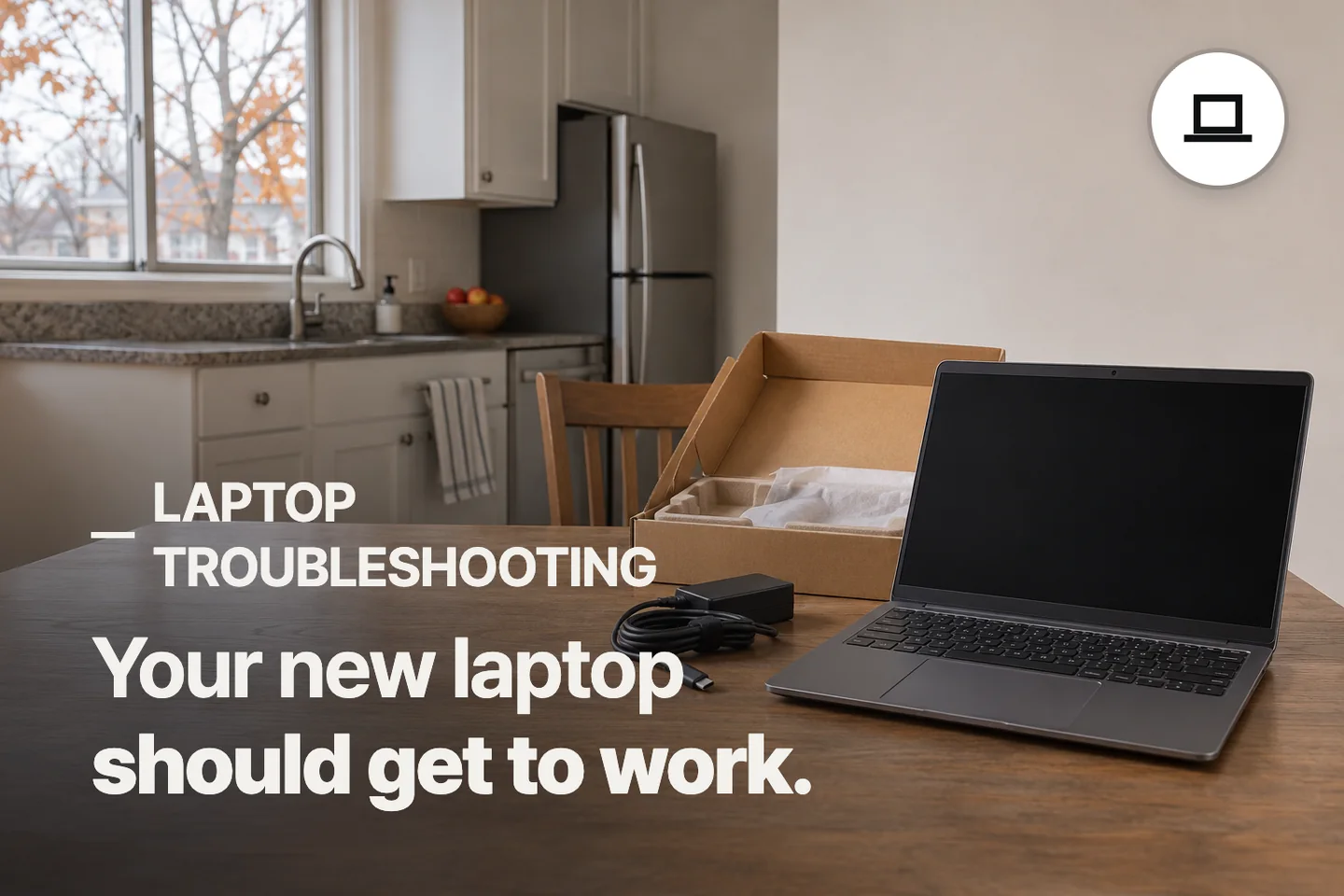
The new laptop is open on the kitchen table, your Monday presentation is waiting, and the screen offers the professional reassurance of a black rectangle. It's the weekend after Black Friday, with Cyber Monday still ahead; a laptop not working is rather less exciting than the deal that brought it home.
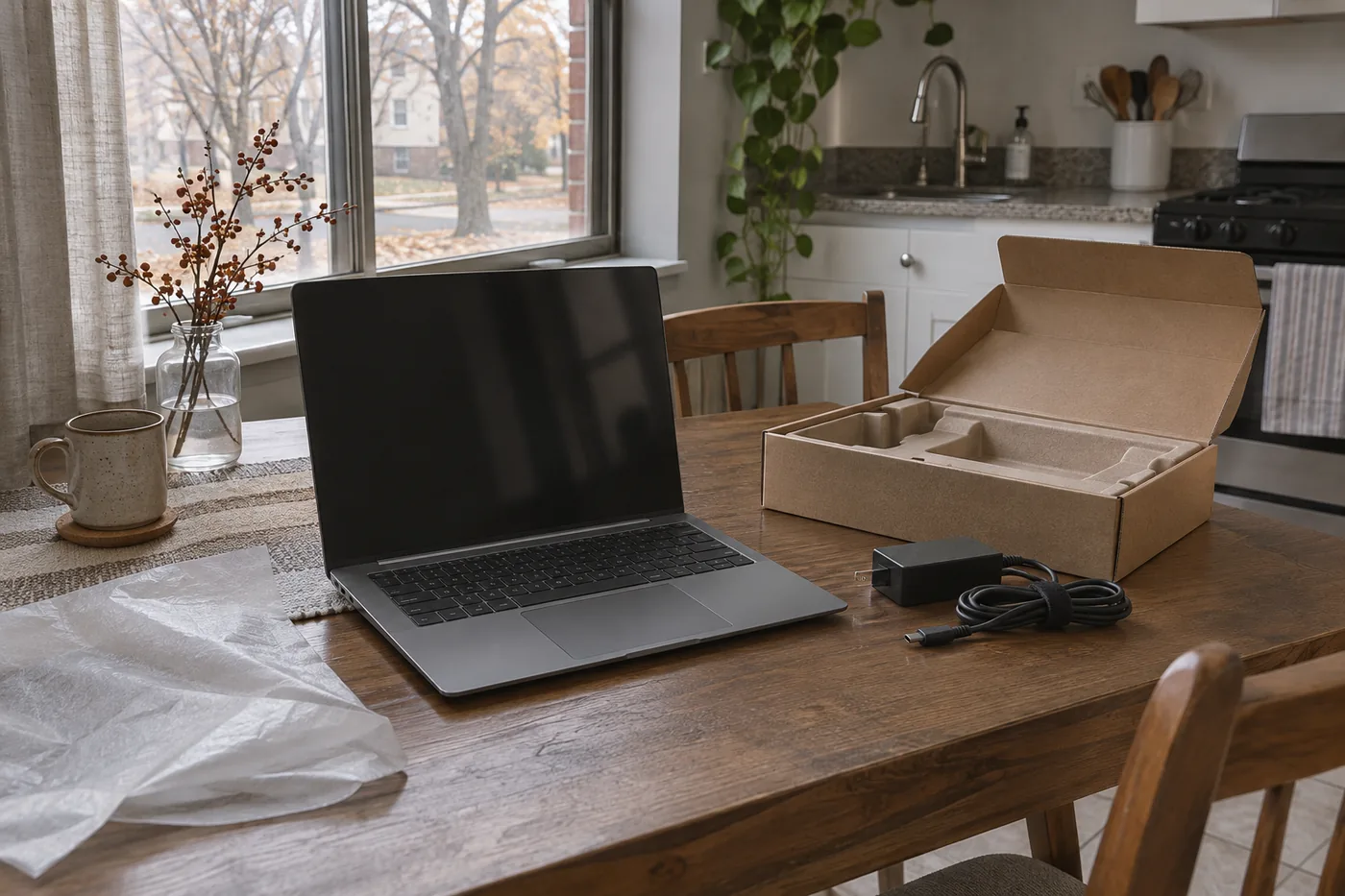 Keep the packaging while you establish whether the laptop can do its basic job.
I'd start with the supplied charger and the laptop alone, not another purchase: separate power, startup, and connection failures before changing anything. If the same fault survives the relevant checks below, contact the seller while the return option remains open rather than turning your workweek into unpaid repair training.
How we chose
We checked Dell power guidance and US return terms, Google Chromebook help, and Microsoft Wi-Fi instructions. The sequence uses three priorities: identify the symptom, try reversible checks, and preserve return eligibility before attempting more disruptive changes.
Part 1A laptop not working needs a specific symptom
Start by watching what happens when you press Power, because a dark screen does not establish that the laptop is dead. Dell distinguishes no power, failed startup checks, failure to load the operating system, and a display problem; each points to a different next step.
Swipe sideways to see the full table →
| What you observe | What to check next |
|---|---|
| No lights, fan, or other activity | Outlet, supplied adapter, and connections |
| Lights or fan, but a black screen | Brightness and the maker's display diagnostics |
| Logo, blinking code, or startup error | Record the exact message and use model-specific support |
| Desktop loads, but calls disconnect | Network settings and comparison connections |
Before continuing, save the order confirmation, return terms, and model details. Then photograph any error or blinking pattern, keeping personal information out of anything you share publicly; evidence beats a description of “sometimes weird.”
Part 2No power or charging: simplify the connections
Disconnect the dock, external drives, and other peripherals, then connect the supplied charger directly to the laptop. Dell's basic power guide recommends checking the wall outlet with a working device and bypassing a suspect power strip, so the first check may involve a lamp rather than a screwdriver.
For Dell laptops, Dell specifies a Dell-provided or approved charger; a spare that happens to fit is not the same thing. Dell also says to stop using equipment with a damaged adapter, cable, or power port and contact support, rather than continuing to experiment with it.
For a Chromebook that will not charge, Google says to unplug the charger from both ends, reconnect it to the Chromebook and then the wall, and charge for at least 30 minutes. That is a proper pause for lunch, not repeated power-button pressing between bites; if it still fails, follow Google's hardware guidance for that model or contact the manufacturer.
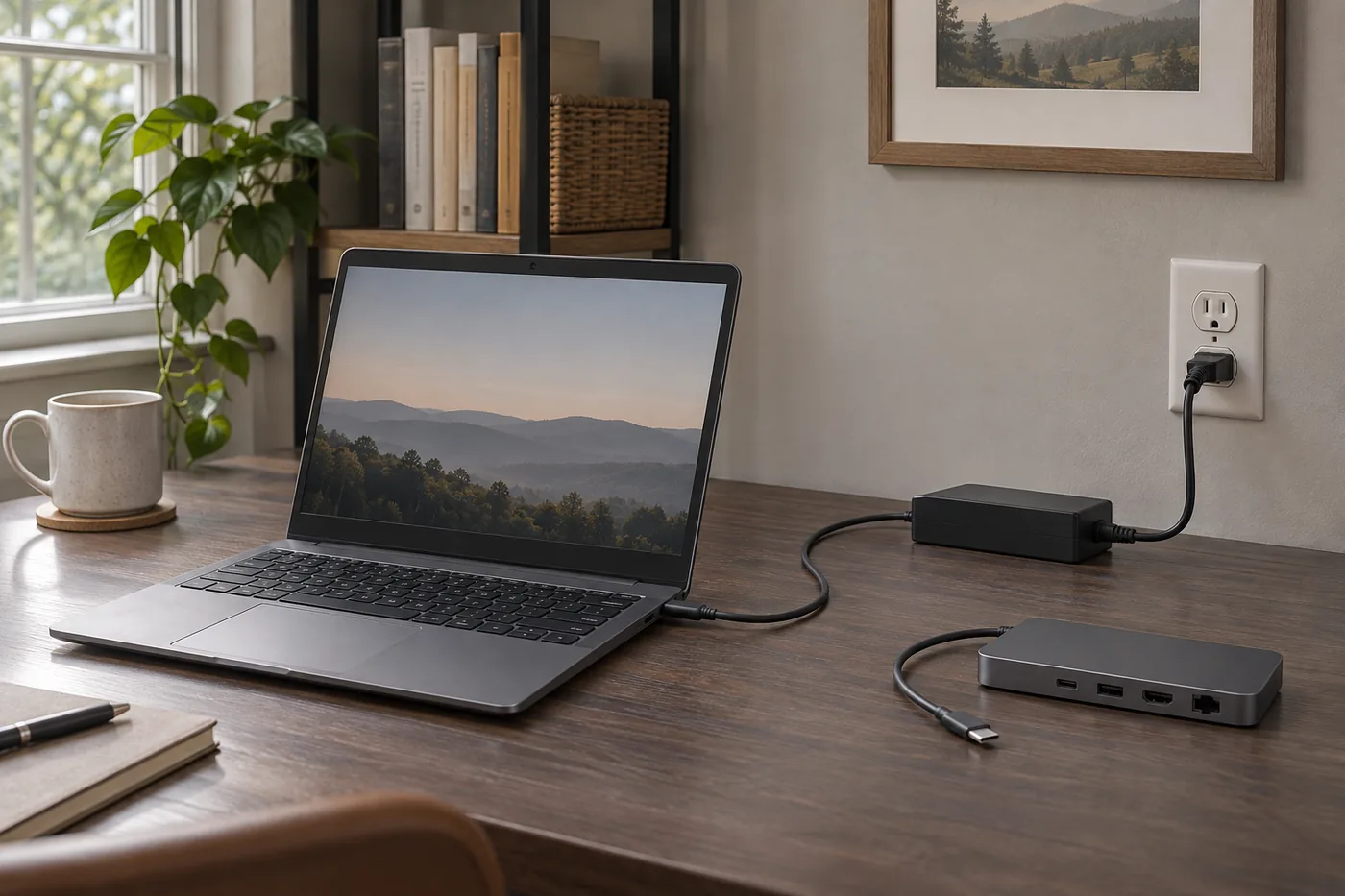 Remove the dock from the equation before blaming the laptop or buying a replacement charger.
If lights respond but the screen stays dark, increase brightness and, if an appropriate monitor is already available, check the external display. Dell describes these as ways to distinguish a display fault from an apparently powerless computer, but an external picture alone does not identify the failed component.
Do not apply a universal long-press reset. Dell's RTC reset is limited to supported models and restores BIOS defaults and date settings, so use the exact model's instructions with support rather than copying a timing recipe from an unrelated laptop.
Dell identifies a lifting keyboard or touchpad, uneven case seams, or rocking on a flat surface as possible swelling signs. Its guidance says damaged components or a swollen battery need repair or replacement before use resumes; stop troubleshooting and contact the seller or manufacturer if those signs are present.
A power light changes the investigation: a blank display and a laptop receiving no power are not the same fault.
Part 3Wi-Fi drops: compare before resetting
Does the laptop disconnect while another device stays online in the same spot? That comparison makes a laptop-specific problem more plausible, whereas several devices failing together points toward the shared connection; neither observation proves which component is faulty.
On Windows, check Wi-Fi is enabled and Airplane mode is off, then use Microsoft's Network and Internet troubleshooter in Get Help. If reconnecting is necessary, forget the saved network and join again with its password, provided you have permission and the credentials needed to restore access.
Next, compare the laptop near the router with its usual office position, then try another trusted network if available. Keep the workload comparable, because a successful email refresh does not demonstrate that a video meeting will stay connected.
For a Chromebook, Google puts network selection under the time menu, Settings, then Network. So follow the ChromeOS controls rather than hunting for Windows Device Manager; if joining fails, use Google's linked connection help or the manufacturer's support.
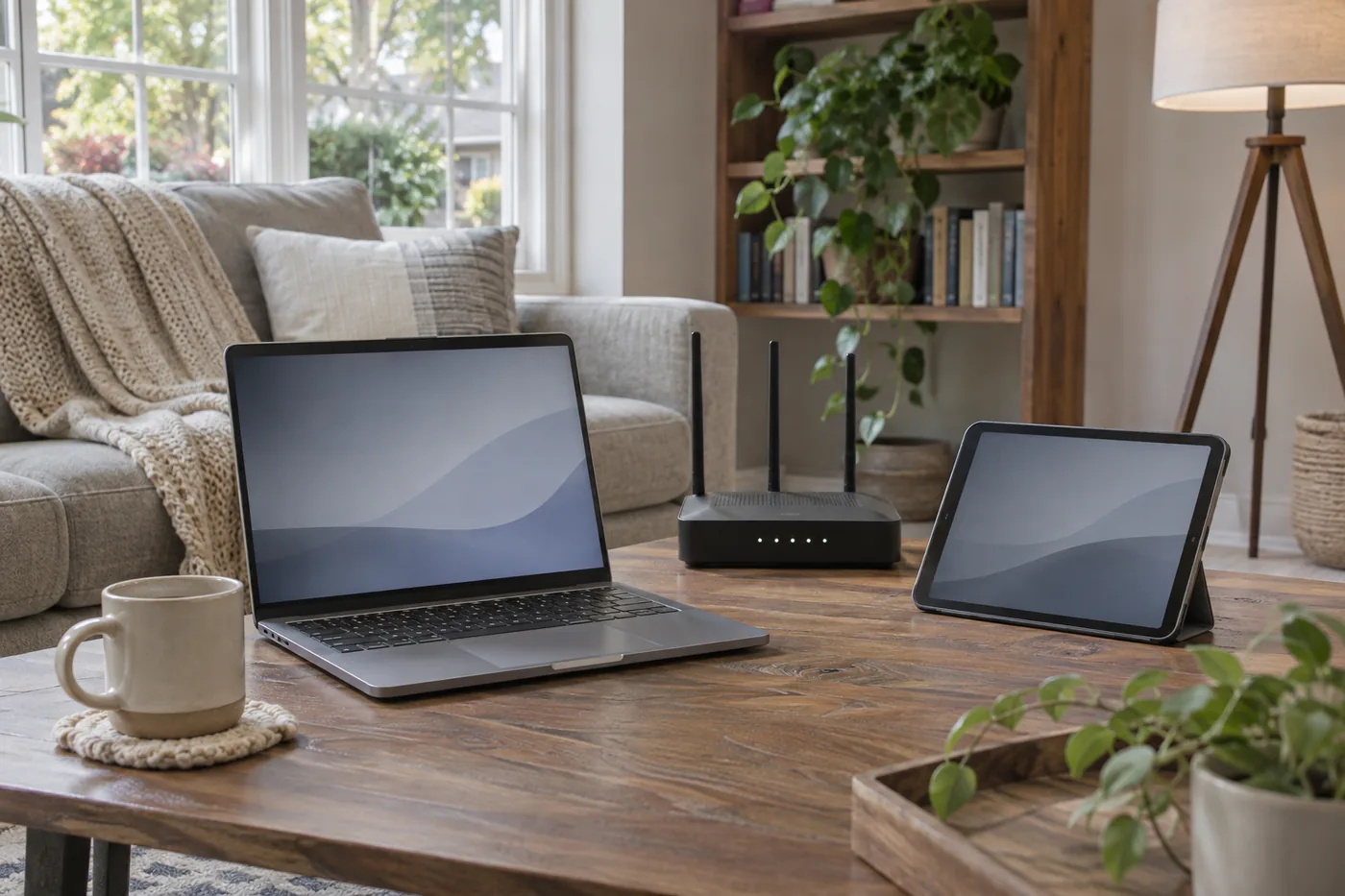 Compare locations and devices without changing every network setting at once.
If Windows disconnects after idle periods, Microsoft's guidance includes disabling the adapter's power-saving shutoff in Device Manager, where that option exists. It also recommends Windows updates and checking the manufacturer's driver, so use the exact model's official downloads, not a driver-fixer advertisement.
Keep network reset for later, because Microsoft says it removes network adapters and their settings and may require reinstalling VPN software. On a work-managed machine, involve IT before those changes; a functioning browser is little comfort if the company connection has disappeared.
Part 4Finish setup, or start the return
Once the laptop starts reliably, finish updates and restart, then open the apps, camera, microphone, and work connection you actually need. If you're wondering how to set up laptop accounts, use your own account or your employer's approved enrollment process; an unfamiliar organization sign-in on a refurbished machine belongs with the seller, not a workaround.
For a laptop not working reliably after the relevant checks, I'd favor an authorized return or exchange over opening the case or buying speculative parts. Send the seller the symptom, the checks completed, and the recurring result, and ask for the deadline and return instructions in writing.
Dell's US direct-purchase policy, checked November 28, 2026, gives eligible purchases 30 days from the invoice date under its standard terms. Its holiday section extends eligible purchases made November 1–December 29, 2026, until January 15, 2027, or 30 days from invoice, whichever is later; exclusions apply, and commercial purchase-order purchases are not covered by that return option.
That calendar belongs to Dell-direct purchases, not every Dell-branded laptop. For Amazon.com or a refurbished seller, check the specific order's terms, because a brand warranty and the seller's return window are different promises.
Before an approved return, back up accessible files and follow the seller's data-removal instructions. Google warns that a Chromebook Powerwash erases local user data, including Downloads, so confirm the backup first; if the computer cannot boot, tell the seller that data removal is unresolved rather than pretending it happened.
Sources and method: Manufacturer troubleshooting pages and Dell's US return policy were checked on November 28, 2026. The sequence prioritizes symptom identification, reversible checks, and preserving return eligibility; no accessory is selected and no purchase links are included.
In one sentence
Separate power, startup, display, and Wi-Fi faults before resetting a new or refurbished laptop.
Frequently asked questions
Which laptop common problems can I check without buying tools?
Check the supplied charger's connections, a working outlet, disconnected peripherals, brightness, and whether Wi-Fi works on another device. Record startup errors before trying a reset, and contact the seller if the same fault returns.
Do Dell laptops all use the same power-button reset?
No. Dell limits RTC reset to supported models, and it restores BIOS defaults and date settings. Follow the exact model's instructions or ask Dell support rather than applying another laptop's timing.
What if a Chromebook will not charge?
Google recommends checking the outlet and connections, unplugging the charger from both ends, reconnecting it to the Chromebook and then the wall, and charging for at least 30 minutes. If the problem persists, follow the hardware guidance or contact the manufacturer.
How to set up laptop accounts on a refurbished computer?
Use your own account or your employer's approved enrollment instructions. If an unfamiliar organization demands sign-in, contact the seller rather than trying to bypass it. Complete updates and check your actual work apps and connection before relying on the machine.
Does Dell's holiday return window cover a laptop bought on Amazon.com?
Dell's direct-purchase return policy says purchases made elsewhere follow that seller's return policy. Check the specific Amazon.com order or refurbished seller's terms instead of assuming the Dell-direct holiday deadline applies.
Sources
- Dell basic power troubleshooting · 2026-11-28
Step 1 checks the outlet; Step 2 checks adapter condition and specifies Dell-provided or approved chargers. The model-limited RTC section gives 30–35 seconds, deliberately not reproduced as a universal procedure.
- Dell laptop power diagnostics and swelling signs · 2026-11-28
Fixes 4–6 distinguish lights, brightness, and external-display checks. Fix 11 identifies swelling signs and says damaged parts or swollen batteries require repair or replacement before use resumes.
- Google Chromebook hardware and system help · 2026-11-28
Battery charging guidance says reconnect to the Chromebook, then the wall, and charge for at least 30 minutes.
- Microsoft Wi-Fi connection troubleshooting · 2026-11-28
Windows 11 guidance starts with Get Help; Step 10 covers adapter power saving and Step 13 makes network reset a last step, with VPN reinstallation warnings.
- Google Chromebook Wi-Fi connection steps · 2026-11-28
Step 2 places network selection under the time menu, Settings, then Network; no throughput or coverage figure is claimed.
- Google Chromebook factory reset and backup warning · 2026-11-28
The page's Step 3 calls for backup; Powerwash erases local user data including Downloads. No recovery-time estimate is used.
- Dell US direct-purchase return policy · 2026-11-28
Policy section: standard eligible returns within 30 days of invoice; eligible purchases 11/1/2026–12/29/2026 extended to 1/15/2027 or 30 days from invoice, whichever is later. Excludes specified commercial purchases and directs third-party buyers to their seller's policy; footer uses different delivery-date wording, so order-specific confirmation remains important.