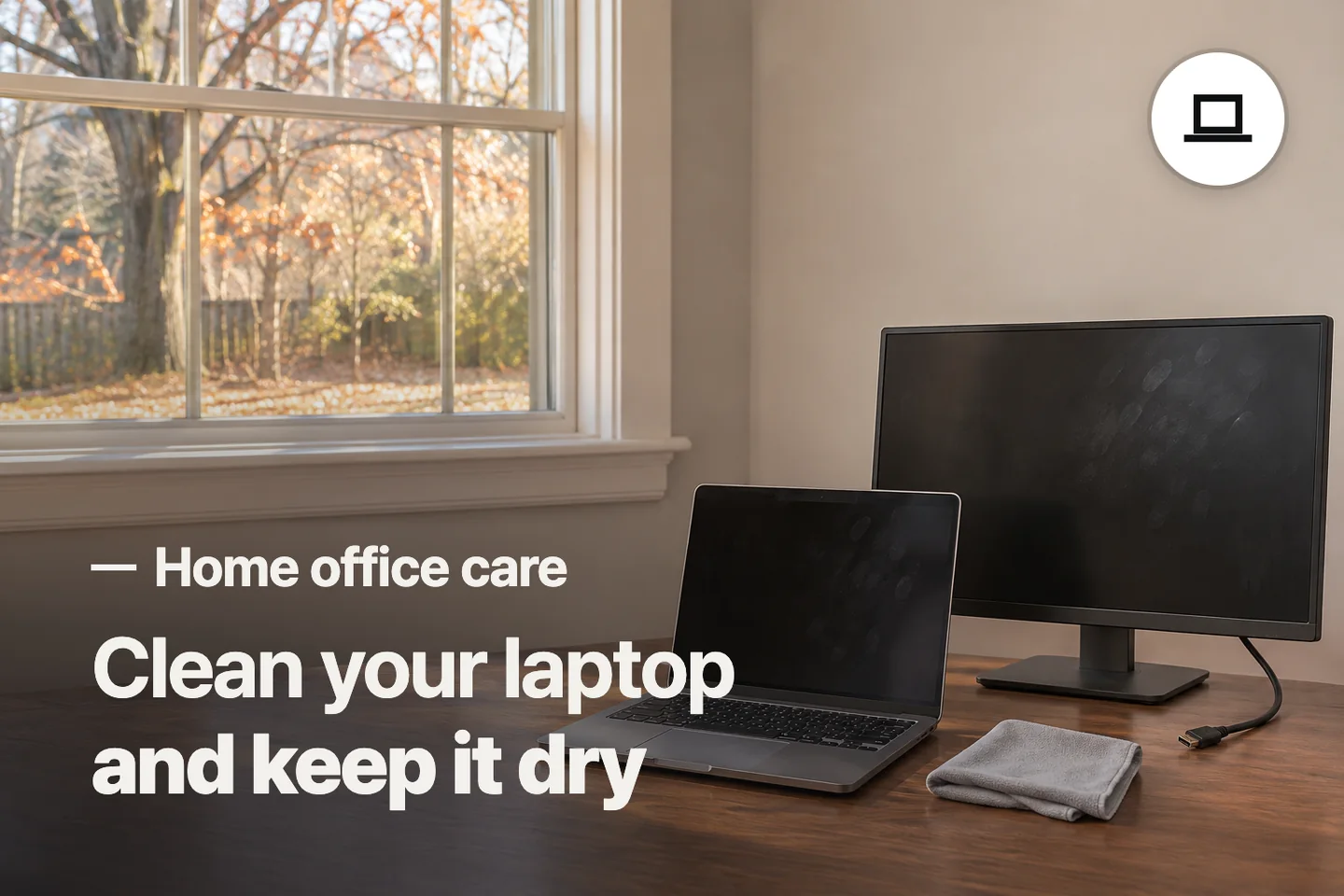
The fan's hum fills the quiet home office while fingerprints catch the light on a newly arrived refurbished laptop. It's the weekend after Black Friday, the deal tabs are still open, and the search for ‘how to clean laptop’ suddenly feels more urgent than choosing a dock for the year-end work rush.
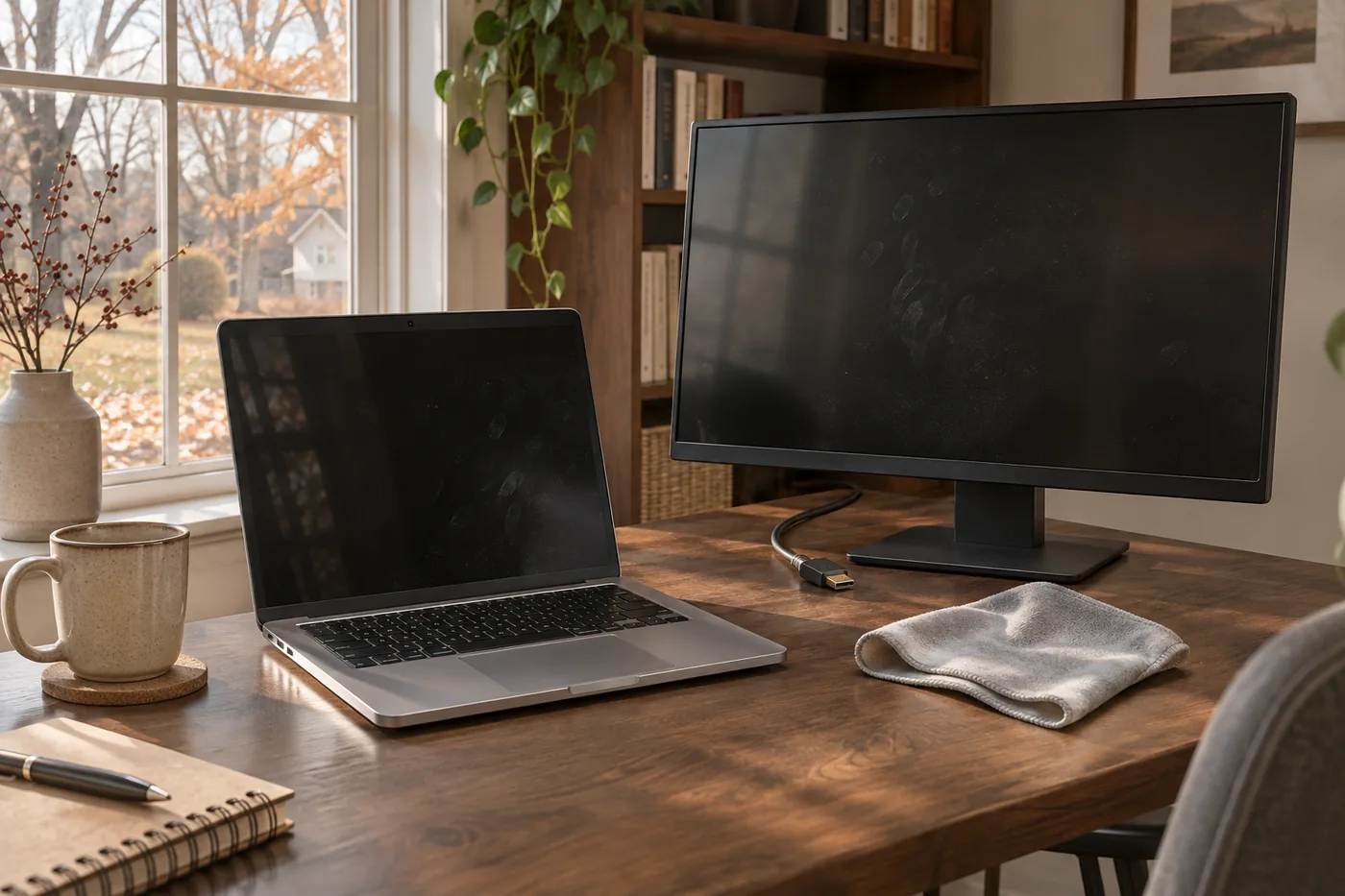 Start with the laptop and monitor disconnected, not with a cleaner already in hand.
My recommendation is a cloth-first clean, not a cleaning kit: identify the laptop, shut it down, and follow its maker's instructions for each surface. For a MacBook Pro, that starts with Apple's water-dampened, lint-free cloth for the ordinary screen clean; Dell publishes a different cleaning mixture for its own equipment.
That difference matters before the laptop joins the big monitor on your desk. Because screen coatings and keyboard openings aren't interchangeable, the bottle that suits one device doesn't automatically belong on the other.
How we chose
Reviewed Apple's product-care and keyboard instructions alongside Dell's equipment-cleaning and vent guidance. The three checks were compatibility with the surface, control of moisture, and whether the procedure addresses marks, unresponsive keys, or vent dust.
What we considered
Surface match
Does this instruction cover your exact surface?
Apple separates ordinary Mac laptop screen care from nano-texture guidance. Dell's client instructions apply to its own equipment, so a shared desk does not mean a shared cleaning recipe.
Moisture control
Can the cloth clean without leaving liquid at openings?
Both manufacturers warn against moisture entering the device. Dell specifies a damp rather than dripping cloth and air-drying before reconnection.
Problem match
Are you removing marks or addressing a fault?
Apple provides a separate compressed-air sequence for an unresponsive key on supported notebooks. Dell's vent guidance addresses dust, so neither procedure should become a general-purpose spraying routine.
Part 1How to clean laptop surfaces without spreading the mess
Look up the model's care instructions on the manufacturer's support site first. Because display finishes differ, the model matters more than the amount of dust.
Then separate the jobs: loose debris, finger marks, and a key that doesn't respond. Because those are different problems, scrubbing harder isn't a sensible common answer; a stuck key may need the maker's keyboard procedure rather than more liquid.
Apple and Dell both tell owners to turn the device off and disconnect power before this kind of cleaning. So shut down rather than leaving it asleep, unplug the charger, and disconnect the dock and peripherals before bringing a damp cloth near it.
For the outside, Apple specifies a damp, soft, lint-free cloth and warns against spraying the computer directly or letting moisture enter openings. That makes the cloth the place for the moisture, not the keyboard, hinge, or charging socket.
Dell likewise says its microfiber cloth should be damp, not dripping. So if the cloth is wet enough to leave liquid gathering at an edge, remove the excess before it touches the machine; Dell warns that moisture inside electronics can cause damage.
Match the cleaning instruction to the surface before choosing the liquid.
Part 2Give the keyboard its own pass
On a shared laptop, shiny keys can tempt you to reach straight for a wipe. But Apple's guidance distinguishes acceptable exterior wiping from its compressed-air procedure for an unresponsive key, so decide which problem you're actually treating.
Apple permits a 70% isopropyl alcohol wipe on hard, nonporous surfaces such as the keyboard, while warning against moisture in openings and products containing bleach or hydrogen peroxide. That isn't permission to soak the key gaps, and it doesn't turn a cosmetic clean into a guarantee about germs.
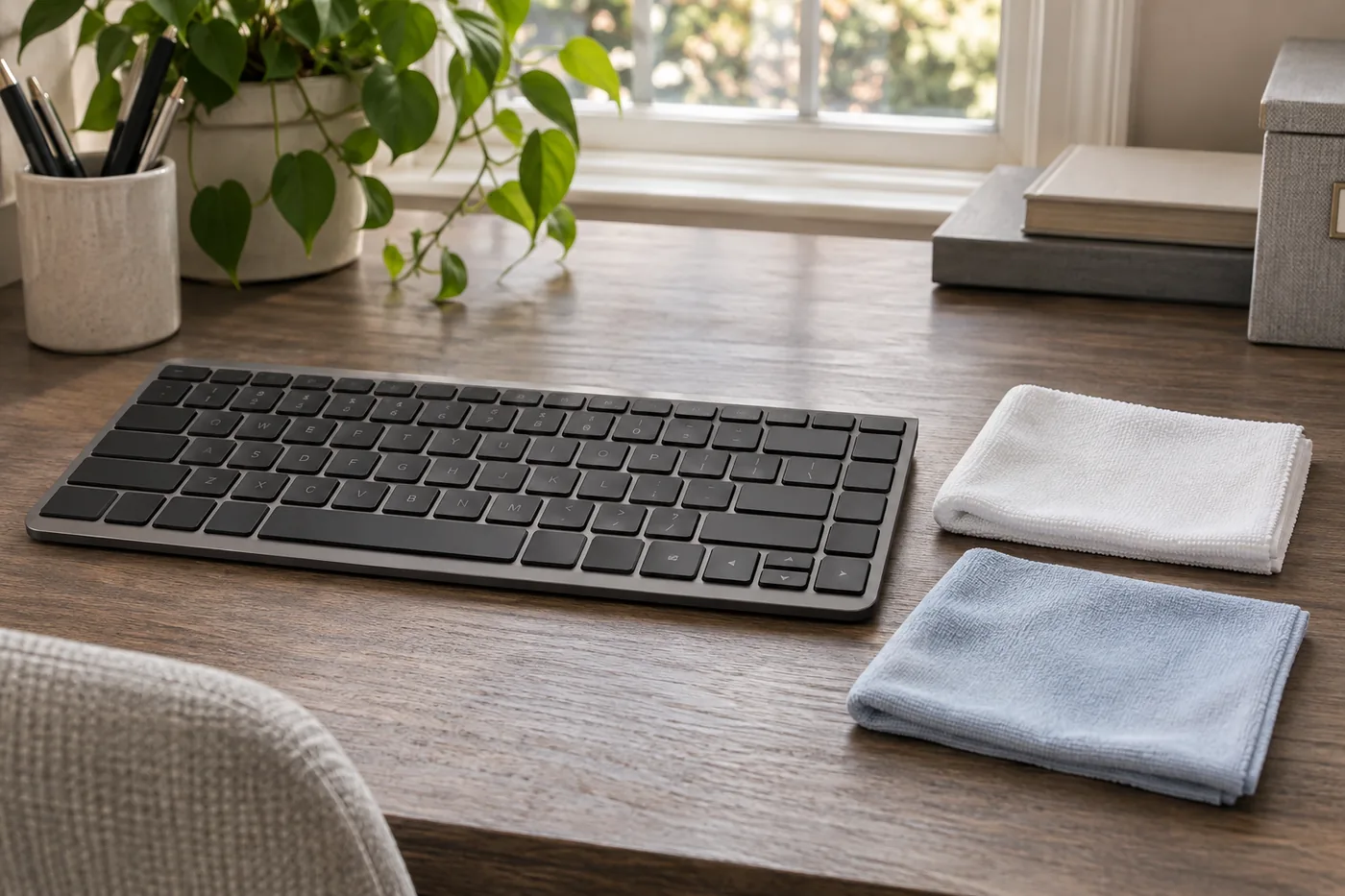 Keep loose debris and damp wiping as separate jobs, with liquid away from the key gaps.
For Dell-branded client equipment, Dell specifies 70% isopropyl alcohol and 30% water on a microfiber cloth. But Dell lists ethyl alcohol among chemicals to avoid, whereas Apple's general guidance permits certain ethyl alcohol wipes; that is a good reason not to share a cleaning recipe across brands.
If a MacBook Pro key is unresponsive or feels different, Apple's keyboard article gives a separate compressed-air sequence for the models it lists. That sequence holds the notebook at 75 degrees and keeps the supplied straw about half an inch from the keyboard, with left-to-right spraying repeated after rotating the notebook to each side.
Apple also says not to invert the air can while spraying. So follow the illustrated instructions for the supported model rather than improvising an angle, and seek Apple service if the key still doesn't respond afterward.
Part 3How to clean a 4K monitor without guessing
The laptop screen may be clean while the external display still has a bright smear across your next call window. But ‘4K’ describes resolution, not a cleaning method, so the monitor's own model instructions need a separate look.
For an ordinary MacBook Pro screen, Apple starts with water only on a soft, lint-free cloth. It also permits a cloth moistened with 70% isopropyl alcohol for stubborn marks on a Mac laptop's display or enclosure, while directing nano-texture display owners to separate instructions.
That exception doesn't cover every monitor. So use the external display's own instructions, especially for a special coating.
Dell's cleaning guidance explicitly includes its own monitors and display screens. It specifies the microfiber-cloth mixture above, gentle wiping from top to bottom in one direction, and air-drying before power is reconnected, with no visible moisture remaining.
So keep the pressure light and resist repeated polishing at a stubborn patch. Because Apple and Dell both warn that excessive wiping can damage surfaces, a mark that survives the permitted method is a reason to consult support, not escalate to household glass cleaner.
Part 4Check the vents, then reconnect the desk
A fan that remains audible after the screen looks better is a separate issue. Dell's air-vent cleaning guide calls for powering down, disconnecting external devices, and using compressed air to remove dust from the vents before reconnecting and restarting.
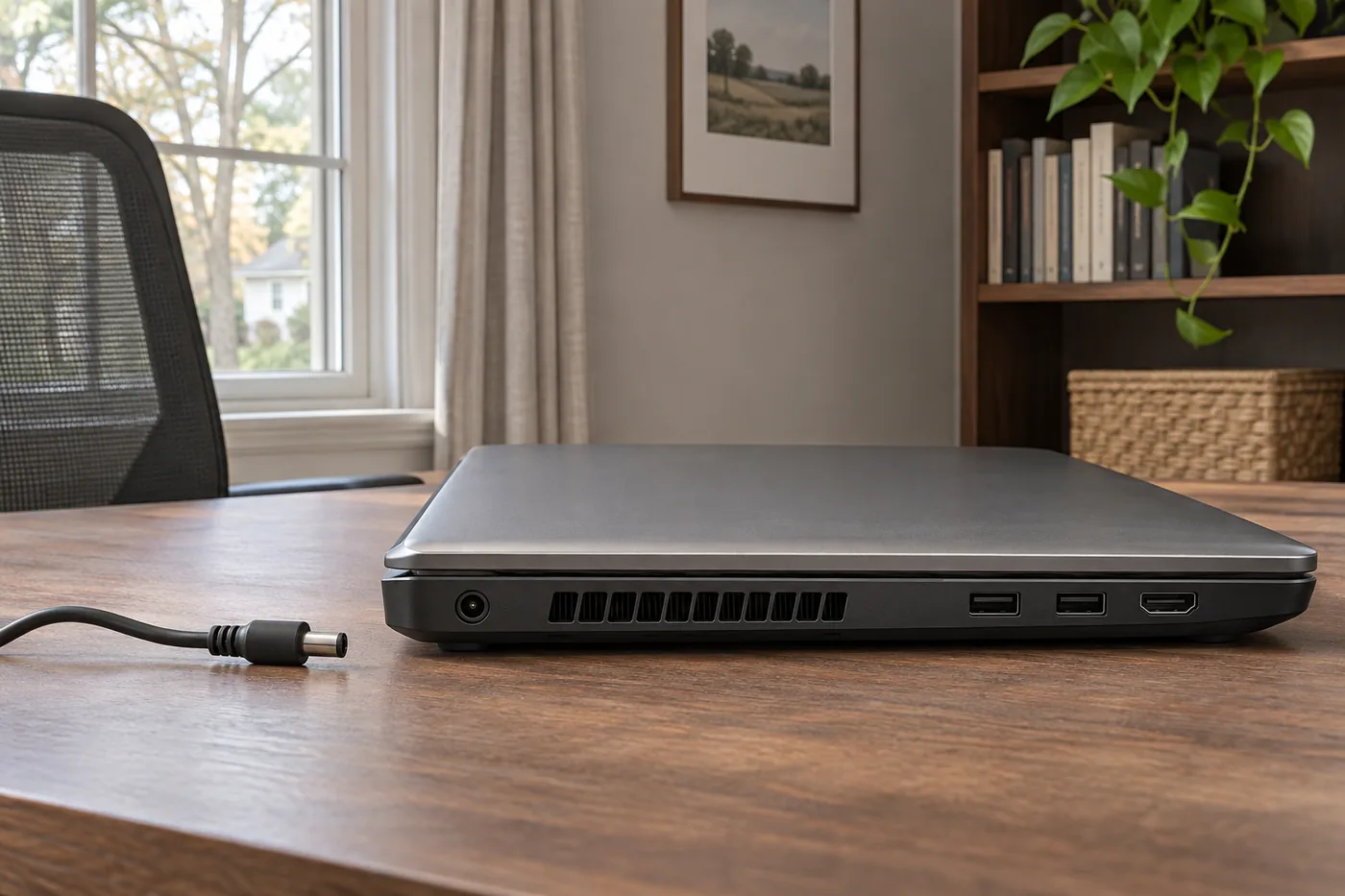 Check the exterior vents with the laptop off; a cleaner screen does not explain persistent fan noise.
That is Dell's vent guidance, not an instruction to apply Apple's keyboard straw distance to every fan opening. For another laptop, find the model's vent instructions before using air; if cleaning would require opening the case, take that question to the refurbisher or service provider.
Then let the cleaned surfaces dry as the maker directs before reconnecting the dock and monitor. Dell specifically requires air-drying and no visible moisture, so there's no invented countdown here; the condition of the surface matters more than rushing back to the meeting.
The useful answer to ‘how to clean laptop’ starts with the correct care page, not a stronger bottle. So for today's quick tweak, clear the desk around the disconnected laptop and open that page before starting. That keeps a fingerprint clean from turning into an experiment with the wrong wipe, and leaves persistent keyboard or fan problems for proper troubleshooting.
Method: Compared Apple's product-care and keyboard instructions with Dell's equipment-cleaning and air-vent guidance. The priorities were surface compatibility, moisture control, and keeping keyboard and vent procedures separate. No cleaning product is recommended for purchase, and there are no purchase links in this article. Sources checked November 28, 2026.
In one sentence
Start with the model's care instructions, then clean the keyboard, screen and vents as separate jobs.
Frequently asked questions
Can I clean a MacBook Pro screen with alcohol?
Apple starts ordinary Mac laptop screen cleaning with water on a soft, lint-free cloth. For stubborn marks, it permits a cloth moistened with 70% isopropyl alcohol; a nano-texture display has separate instructions. Do not spray the screen directly.
How to clean a 4K monitor connected to a laptop?
Identify the monitor model and follow its own screen-care instructions, not the laptop brand's instructions by default. Dell includes its monitors in its 70% isopropyl alcohol and 30% water microfiber-cloth guidance, but that does not authorize the mixture on another brand's coating.
Does a laptop refurbished by a seller need a disinfecting wipe?
Refurbished status alone does not tell you which cleaner the finish tolerates or establish a hygiene requirement. Ask what the seller already cleaned and consult the model's care instructions before treating the keyboard or screen. This guide does not claim that wiping sterilizes a device.
What if the fan stays loud after cleaning the laptop?
Exterior cleaning does not establish the cause of persistent fan noise. Follow the maker's troubleshooting guidance and contact the refurbisher or service provider if vent cleaning does not resolve the concern; do not assume more liquid or opening the case is the next step.
Sources
- Apple product and Mac laptop cleaning guidance · 2026-11-28
Apple permits 70% isopropyl alcohol wipes and 75% ethyl alcohol wipes on specified hard, nonporous surfaces. Ordinary Mac laptop screens start with water; stubborn marks may use a cloth moistened with 70% IPA. Nano-texture displays have separate instructions.
- Apple MacBook and MacBook Pro keyboard cleaning · 2026-11-28
For the listed MacBook (2015 and later) and MacBook Pro (2016 and later) models with affected keys: 75-degree angle, straw about half an inch from keyboard, left-to-right air sequence and side rotations; do not invert can. Service advised if keys remain unresponsive.
- Dell equipment cleaning guidance · 2026-11-28
Dell client-equipment guidance specifies 70% isopropyl alcohol and 30% water on a damp microfiber cloth, includes monitors, requires top-to-bottom screen wiping and air-drying with no visible moisture before power. Ethyl alcohol is on Dell's avoid list.
- Dell air-vent cleaning instructions · 2026-11-28
Official video page published April 6, 2026; description says to power off, disconnect external devices, use compressed air to remove vent dust, then reconnect and restart. No numerical air distance or timed cleaning interval is given in the description.