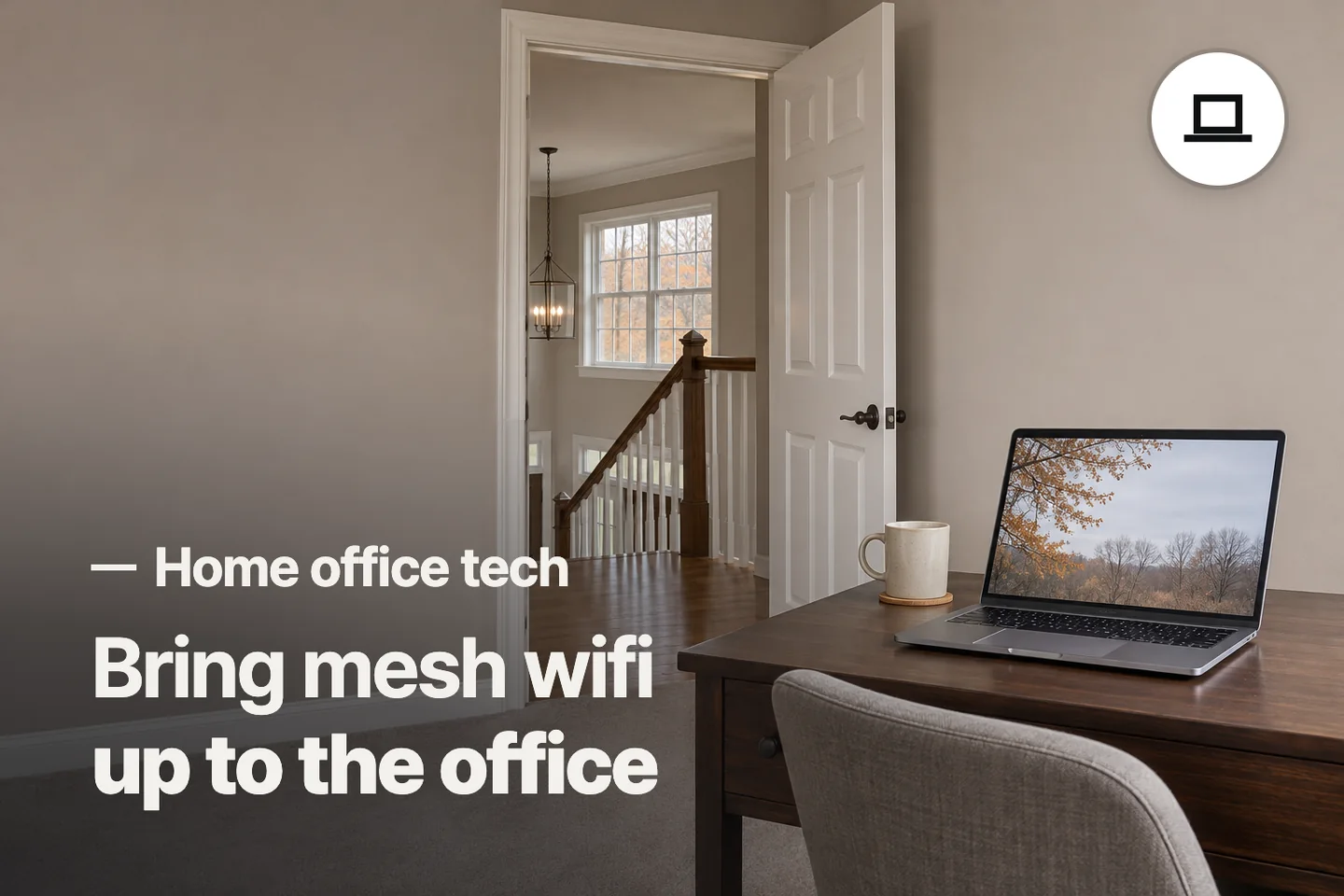
The new laptop is open on the upstairs desk after Black Friday, but learning how to set up mesh wifi has become the next job before the year-end work rush.
 The office needs a reliable route downstairs, not just a newer laptop.
Fix the connection between floors before buying more nodes. If the existing router works well nearby but not upstairs, a mesh system can help; if it fails nearby too, start with the internet service or laptop. For a replacement system, the TP-Link Deco X55, 2-pack is a reasonable starting option because it supports Ethernet backhaul and leaves ports for office equipment.
How we chose
Reviewed TP-Link's product specifications, setup instructions, and Ethernet-backhaul rules alongside eero's placement guidance. The three checks were a usable inter-floor connection, the correct routing mode, and enough wired ports for the office; no measured throughput or verified checkout price is claimed.
Toneandroom picks
Best how to set up mesh wifi tools for an upstairs office: Top 1
Only if replacement is needed for a two-story home with an upstairs office and optional Ethernet between floors

TP-Link Deco X55, 2-pack
US two-unit pack, checked 2026-11-28; no dollar offer verified in the opened maker material. Price varies; check Amazon.
An optional replacement with Ethernet backhaul and ports for desk equipment, not a necessary purchase if repositioning existing mesh solves the problem.
- Pack coverage
- Up to 4,500 sq ft
- Ports per unit
- 3 × Gigabit
- Wi-Fi
- Wi-Fi 6
- Backhaul
- Ethernet / Wi-Fi
- Existing Ethernet can link floors
- Desk equipment needs wired ports
- Coverage depends on the floor plan
- Wired ports are Gigabit only
What we considered
Inter-floor link
Can the upstairs node reach the gateway reliably?
A wireless satellite needs a usable upstream connection, while Ethernet backhaul can bypass the weak radio path between floors. Placement and available cabling therefore come before advertised coverage totals.
Routing mode
Will the provider's gateway or the mesh system handle routing?
Deco's wiring rules differ between Router and Access Point modes. Identify the active router before connecting upstairs wall jacks or adding a switch.
Wired ports
Can the node accommodate backhaul and the office equipment?
The X55 has three Gigabit Ethernet ports per unit. That provides room for a backhaul cable and desk equipment, but it is not a multi-gigabit wired solution.
Part 1How to set up mesh wifi without hiding the fault
Start with the laptop beside the current router, then repeat the same work task at the upstairs desk. That comparison separates a weak upstairs signal from a problem that follows the laptop everywhere, so keep the device and task unchanged. Does another device fail in the same places?
If everything loses internet beside the router, check the provider's service status and modem connection before unpacking mesh. But if only the new laptop struggles, check its network settings and manufacturer updates before changing the whole house. Mesh cannot repair an upstream outage.
For mesh wifi for a small home office, the desk's size is not the useful buying measure. The route across the house matters more, especially when the internet enters downstairs and the office sits beyond an enclosed stairway.
TP-Link lists the X55, 2-pack for up to 4,500 sq ft, with three Gigabit Ethernet ports per unit and Wi-Fi 6. That makes it plausible for the two-story house in this scenario, but TP-Link says actual coverage depends on walls, obstacles, traffic, and client location; the area claim does not guarantee this desk's connection.
Keep existing compatible mesh equipment if repositioning fixes it. If replacement is necessary, the X55's ports and wired-backhaul support are useful here, but its Gigabit connections are a limit for anyone expecting a multi-gigabit wired path. Price varies; check Amazon for the US two-unit pack; checked November 28, 2026, with no verified dollar offer in the opened manufacturer material.
Part 2Set up the gateway before moving upstairs
Begin by deciding which equipment will handle routing. If the provider's gateway must remain the router, Deco's Access Point mode lets that gateway keep the job; if Deco will replace the router, confirm the provider's bridge-mode and connection requirements before changing its equipment. Do not guess the internet connection type.
Install the Deco app on a phone and sign in with a TP-Link ID. Then connect the main Deco to the modem or existing router by Ethernet and follow TP-Link's power-on instructions and the app's prompts.
For a Deco connected behind an existing router, TP-Link's setup guide specifies Dynamic IP. But a direct modem or provider connection may need different settings, so obtain those from the provider rather than copying a neighbor's configuration.
Create a network name and password, connect the phone to it, and confirm internet access beside the main unit. Then bring the other unit online nearby and finish adding it to the same Deco network before moving it upstairs. TP-Link's setup screens vary by model and software, so use the current app rather than treating an older screenshot as exact.
Part 3Place the satellite where it can still hear downstairs
For a wireless satellite, begin near the upstairs landing, on an open shelf rather than behind the office's metal filing cabinet. That position gives you a route toward the desk without placing the node in the very spot where the downstairs connection already disappears.
Eero's placement guidance makes this distinction clearly: put a wireless node between the gateway and dead zone, not directly inside the dead zone. It also recommends open placement and fewer substantial barriers; those are useful layout principles, not a guarantee that every brand shares the same spacing requirement.
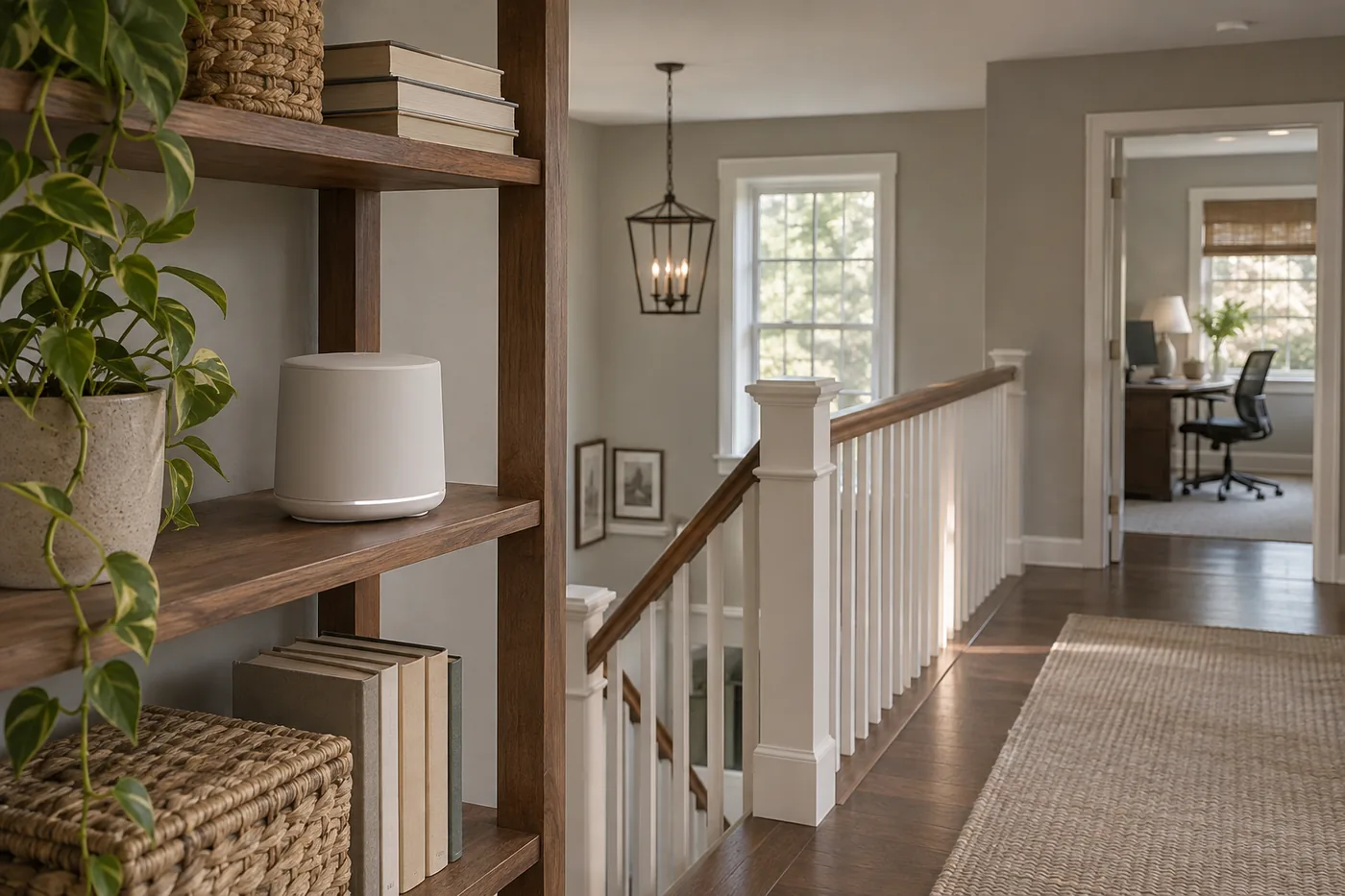 An open landing is a starting position; the connection information decides whether it works.
After moving the satellite, check its upstream connection in the app and repeat the desk task. If the link is weak, move the satellite toward the gateway or a more open doorway, then compare again before adding hardware.
A wireless satellite needs a usable connection back to the gateway before it can help the office.
Part 4Use Ethernet backhaul when the house allows it
Backhaul is the connection between mesh units. With an existing Ethernet run upstairs, use the cable for that connection so the inter-floor path does not depend on the radio signal that was already struggling.
TP-Link says to finish adding all Decos wirelessly before connecting their backhaul cables. Then, in Router mode, connect the upstairs unit to a LAN port on the main Deco, directly or through a switch downstream of that port; do not put the satellite on the modem side of the main Deco.
In Access Point mode, TP-Link allows satellites to connect to another Deco or the main router. That difference matters when existing wall jacks lead to a central network cabinet, so trace where the upstairs jack actually ends before plugging it in.
Open the satellite's entry in the Deco network map and check that its connection shows Ethernet. TP-Link says wired backhaul activates automatically, and unwired satellites can remain wireless; a plugged-in cable alone is not confirmation that the intended route is working.
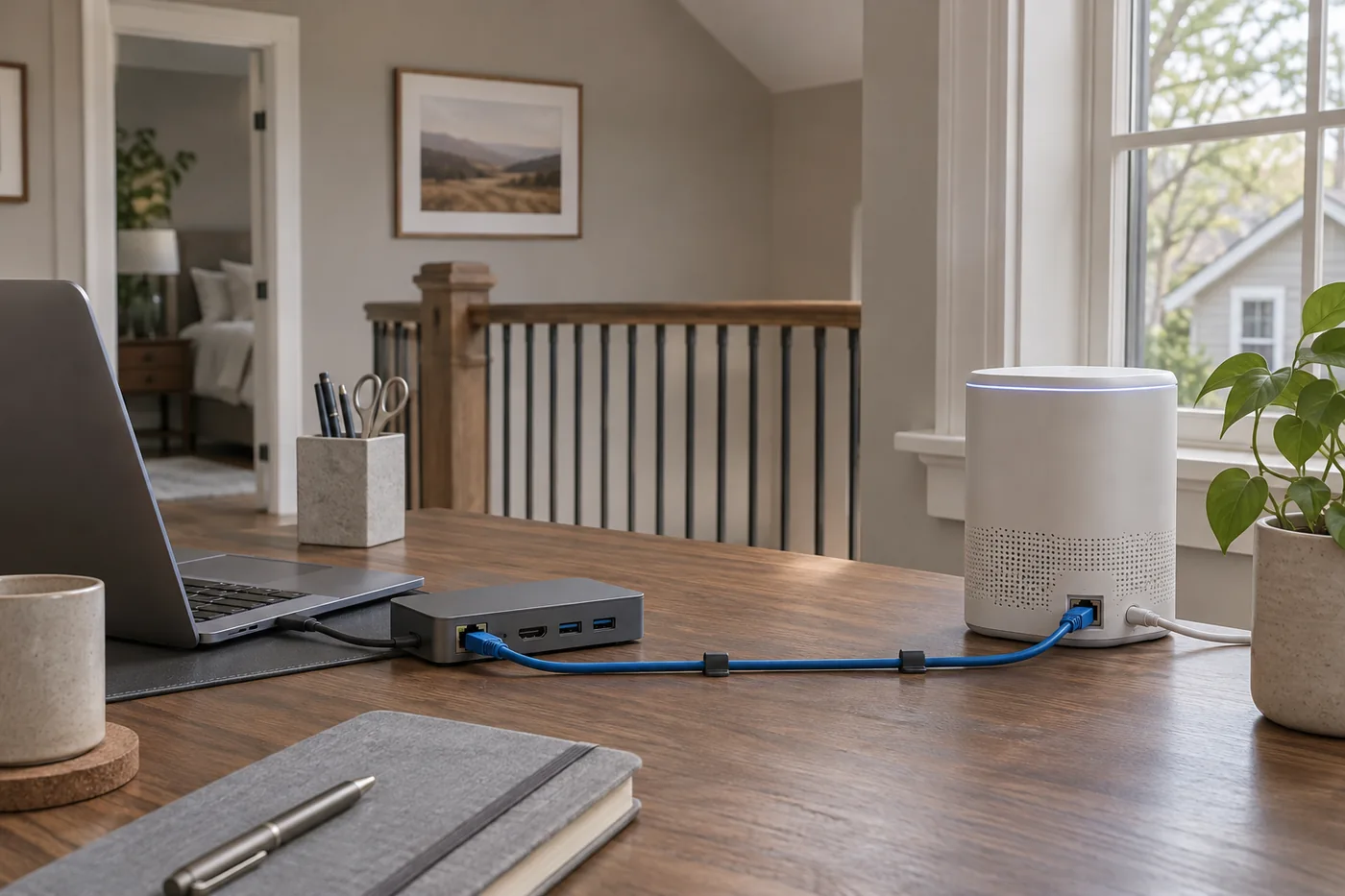 Check the app's backhaul status after connecting the upstairs Ethernet run.
Part 5Mesh wifi common problems: change one thing at a time
If you are searching for mesh wifi not working, start by identifying what failed. The table keeps a dead satellite, a failed internet connection, and a laptop problem from becoming the same troubleshooting job.
Swipe sideways to see the full table →
| What fails | What to check next |
|---|---|
| Internet fails beside the main node too | Provider status, modem connection, and gateway setup |
| Office fails but downstairs works | Satellite's upstream link and placement |
| Cable is connected but backhaul stays wireless | Actual wiring route, another port, and another cable |
| Backhaul fails only through a switch | Direct Deco-to-Deco cable connection to isolate the switch |
| Only the laptop fails | Its network connection, settings, and maker updates |
TP-Link recommends bypassing an intermediate switch when Ethernet backhaul fails. If the direct cable works, that narrows the problem to the switch path rather than proving you need another mesh unit.
Finish at the desk with the applications you actually need: join a work call and open the files you normally use. Then check the app's node status again; successful setup is not the same as a reliable office connection.
My recommendation for how to set up mesh wifi here is simple: fix placement first, use existing Ethernet between floors whenever available, and replace the system only if those checks show the current equipment cannot do the job.
Method: Reviewed TP-Link's X55 specifications, Deco setup instructions, and Ethernet-backhaul guidance, plus eero's placement advice. Selection follows the inter-floor link, routing arrangement, and usable wired ports; no household throughput measurements or checkout price are claimed. Links have no tracking tags. Last checked: November 28, 2026.
In one sentence
Check the upstairs node's connection back downstairs before adding more equipment.
TP-Link Deco X55, 2-pack
Check price on AmazonFrequently asked questions
What matters most for mesh wifi for a small home office?
The route from the gateway to the desk matters more than the office's area. Start with satellite placement and any existing Ethernet run; a node in a wireless dead zone still needs an upstream connection.
What are mesh wifi common problems during setup?
Common checks include a weak upstream satellite link, an incorrect internet connection type, wiring that does not match the operating mode, and a cable or switch path that prevents Ethernet backhaul. Change one variable at a time.
Why is mesh wifi not working even though the laptop connects?
Joining the Wi-Fi network does not prove that the gateway has internet access. Check another device near the gateway, provider status, and the modem connection before blaming the upstairs satellite.
Must every Deco satellite use Ethernet backhaul?
No. TP-Link allows wired and wireless satellites in the same Deco network. Verify each satellite's connection type in the app rather than assuming that one wired node makes all links wired.
Sources
- TP-Link Deco X55, 2-pack · 2026-11-28
Two-pack coverage up to 4,500 sq ft; three Gigabit Ethernet ports per unit; Wi-Fi 6 and optional Ethernet backhaul. Coverage disclaimer reviewed. No verified dollar price; maker Amazon search link did not establish the exact two-pack destination.
- TP-Link Deco setup guide · 2026-11-28
Guide contains 12 setup steps and an eight-character minimum Wi-Fi password. Article uses the app/account, Ethernet connection, connection-type, network-creation, and satellite-addition instructions rather than timing guarantees.
- TP-Link Deco Ethernet-backhaul rules · 2026-11-28
Direct connection between two Deco units is a documented switch-isolation check. Supports wireless onboarding before wiring, automatic Ethernet backhaul, mixed wired/wireless links, and distinct Router/Access Point wiring rules.
- eero placement guidance · 2026-11-28
Eero gives 20–30 ft spacing and a 50 ft maximum for its own units; these figures are not transferred to Deco. Article uses its guidance to place wireless nodes between gateway and dead zone and avoid enclosed or obstructed positions.