
The video call is connecting, the wired headset is in your hand, and its plug has nowhere to go. At a parent's shared desk in a spare bedroom, that is a rather expensive moment to discover that the new laptop needs another accessory. What belongs on this desk: a lighter computer, or one that accepts the equipment already there?
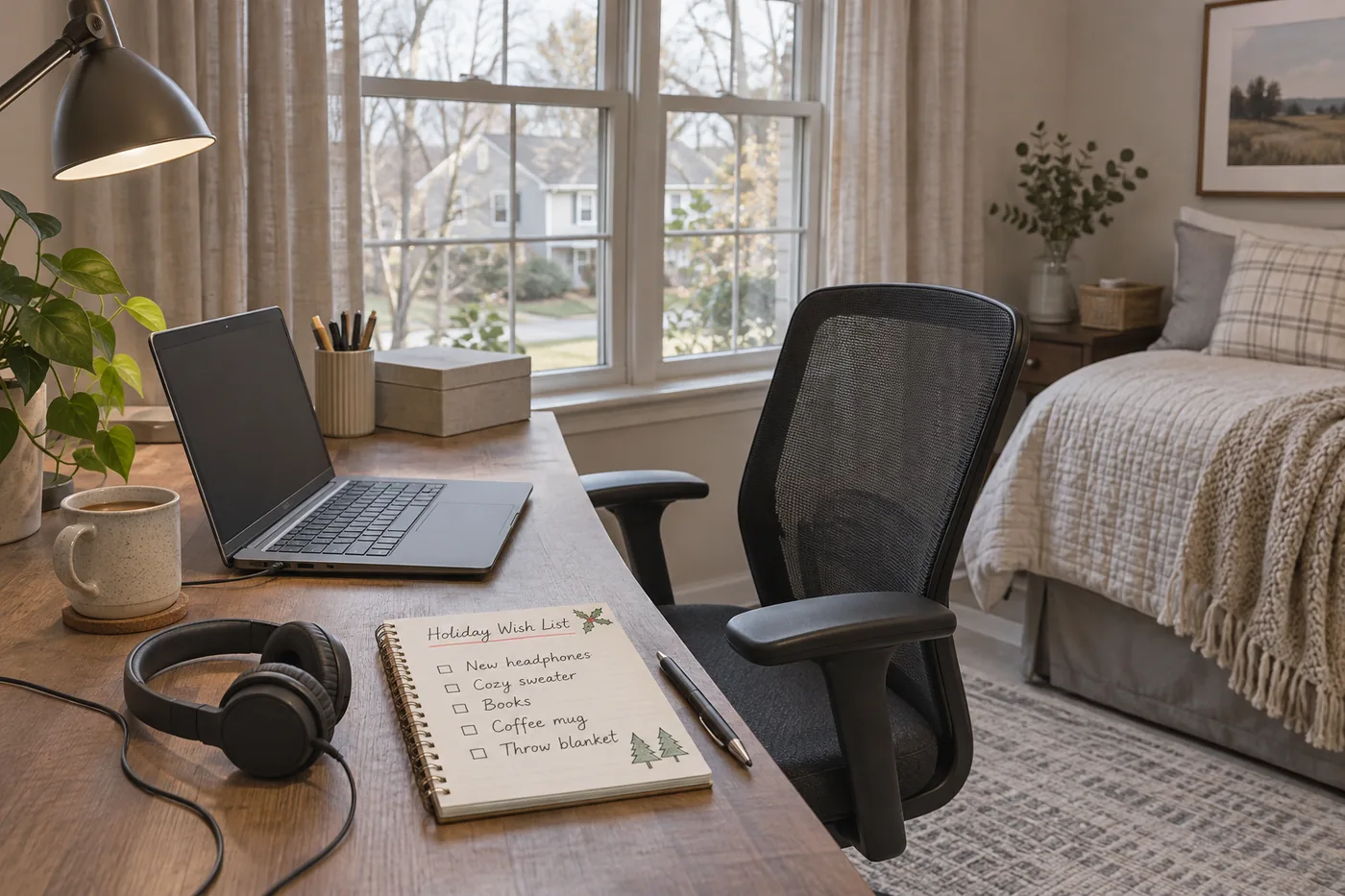 A work laptop and a school folder share a spare-bedroom desk.
For this mostly stationary setup, I'd choose the Lenovo Yoga 7 2-in-1 14ILL10, WUXGA IPS configuration because its built-in connections reduce adapter errands. The Dell XPS 13, Intel Core 5 320 configuration makes more sense when the parent regularly carries it away from home. Neither choice needs to consume the money intended for a better chair.
How we chose
Compared Lenovo and Apple specifications with Tom's Guide's configuration-specific Dell review. The three criteria were accessory connections, screen and keyboard suitability, and portability with battery evidence; different battery-test methods were kept separate, and current Amazon configuration prices remain unverified.
Toneandroom picks
Best Dell XPS vs Lenovo Yoga for a shared desk: Top 2
A parent who regularly carries the laptop and already owns suitable USB-C accessories
See all specsDell XPS 13, Intel Core 5 320 configuration
Amazon.com exact configuration price unverified, checked 2026-11-11. Price varies; check Amazon.
Tom's Guide documents a light Core 5 320 configuration with a high-resolution touch display and traditionally spaced keys. Its connection limitations matter less when compatible accessories are already owned.
- Weight
- 2.2 lb
- Display
- 13.4 in touch
- Pixels
- 2560 × 1600
- Ports
- 2 × USB-C
- Regular trips away from home
- USB-C equipment already owned
- Adapters for older accessories
- Confirm work memory needs
A mostly stationary shared desk with a wired headset, USB-A accessory and monitor
See all specsLenovo Yoga 7 2-in-1 14ILL10, WUXGA IPS configuration
Amazon.com exact configuration price unverified, checked 2026-11-11. Price varies; check Amazon.
Lenovo documents the accessory connections this shared desk needs without immediately adding a hub. The recommendation depends on a US listing matching the WUXGA IPS configuration and the employer's memory and processor requirements.
- Weight
- From 3.28 lb
- Display
- 14 in IPS touch
- Pixels
- 1920 × 1200
- Battery
- 70 Wh
- Wired accessories stay at home
- Built-in HDMI is useful
- Glossy screen near windows
- Confirm HDMI refresh needs
Compare 2 products at a glance
The selected configurations at the shared desk
| Workday detail | Top pickDell XPS 13, Intel Core 5 320 configurationAmazon.com exact configuration price unverified, checked 2026-11-11. Price varies; check Amazon. | Lenovo Yoga 7 2-in-1 14ILL10, WUXGA IPS configurationAmazon.com exact configuration price unverified, checked 2026-11-11. Price varies; check Amazon. |
|---|---|---|
| Screen | 13.4 in touch; 2560 × 1600; 30–120 Hz, per Tom's Guide | 14 in glossy IPS touch; 1920 × 1200; 300 nits; 60 Hz |
| Keyboard | Traditional spaced layout, per Tom's Guide | Six-row, backlit layout, per Lenovo |
| Carry weight | 2.2 lb in the review | IPS configurations start at 3.28 lb |
| Connections | Two USB-C 3.2 Gen 2; no headphone jack | Two Thunderbolt 4 USB-C; USB-A; HDMI 1.4b; audio; microSD |
| Battery evidence | 14 hr 26 min Wi-Fi browsing at 150 nits, Tom's Guide | Up to 14 hr MobileMark 30 at 250 nits, Lenovo; not directly comparable |
| Amazon.com price | Price varies; check Amazon. Exact price unverified, 2026-11-11 | Price varies; check Amazon. Exact price unverified, 2026-11-11 |
Swipe sideways to see the full table →
What we considered
Accessory fit
Can the existing headset, mouse and monitor connect?
The Yoga includes analog audio, USB-A and HDMI alongside Thunderbolt connections. The reviewed Dell relies on USB-C, so existing adapters can change which purchase makes financial sense.
Daily input
Does the selected screen and keyboard suit document work?
The Dell offers higher resolution while the selected Yoga has a slightly larger, glossy IPS panel. Keyboard descriptions establish layouts rather than comfort, so personal shortcuts still need a layout check.
Away time
How often will the laptop leave its charger and desk?
The reviewed XPS weighs less than Lenovo's IPS starting weight. Battery figures come from different procedures, so portability informs the recommendation without an unsupported endurance ranking.
Part 1Start with the plugs, then consider the Dell
An older USB-A mouse receiver and an analog headset make the connection question fairly concrete. Tom's Guide describes this XPS as having two USB-C 3.2 Gen 2 ports and no headphone jack, so those accessories need adapters or replacements. That is manageable if a compatible dock already lives on the desk; less charming if it becomes another item to locate during the morning handover.
The Dell's attraction is its 2.2 lb reviewed weight. That means less to carry between home and the office, whereas a machine that mostly moves aside for homework gets less benefit from the lighter chassis. The review also specifies a 13.4-inch, 2560 × 1600 touch display with variable refresh from 30–120 Hz, making this the higher-resolution screen in the pair.
This is the Core 5 320 machine described in the linked review, whose entry configuration has 8GB memory and 512GB storage. So the employer's memory requirements belong in the shopping decision, not after checkout. Tom's Guide describes a traditionally spaced keyboard here; it is not permission to assume every XPS has that layout.
Part 2The Yoga suits the desk that keeps its cables
Lenovo lists USB-A, HDMI, a headphone/microphone jack and microSD alongside two Thunderbolt 4 USB-C ports. So a wired headset and an older mouse receiver can connect directly while the USB-C ports remain available for other equipment. That is the main reason I'd favor this Yoga for the shared desk, rather than its ability to fold.
The selected panel is a 14-inch, 1920 × 1200 touch IPS screen, specified at 300 nits and 60 Hz. Its slightly larger diagonal does not erase the Dell's resolution advantage, and display scaling determines usable workspace on either computer. Lenovo calls this panel glossy, so a bright window opposite the screen deserves attention before the desk arrangement is settled.
Lenovo's IPS configurations start at 3.28 lb. That means accepting more carry weight in exchange for the Yoga's connections and convertible design, rather than treating a heavier laptop as a defect in isolation. Its backlit keyboard has a six-row layout; the specification does not establish how its keys will feel during a long document-editing session.
The platform sheet covers different processors and memory options, not a single confirmed US retail bundle. So the listing must explicitly match 14ILL10 and WUXGA IPS, with the processor, memory and storage shown separately. An OLED listing is a different comparison, even if its product photograph looks obligingly similar.
For this desk, the port list explains the recommendation more clearly than the convertible hinge.
Part 3Battery hours need their test conditions
Tom's Guide measured 14 hours 26 minutes of continuous Wi-Fi browsing on the Dell at 150 nits. Lenovo lists up to 14 hours for the Yoga IPS using MobileMark 30 at 250 nits. Those are different workloads at different brightness levels, so the figures do not establish a battery winner.
That distinction matters when the parent needs meetings, shared documents and background work applications rather than a browser-only session. Neither source establishes how long this household's actual workday would last unplugged. So I would keep charging available at the desk instead of budgeting around either headline runtime.
The monitor connection needs similar restraint. Lenovo specifies HDMI 1.4b with output up to 4K at 30 Hz, so a compatible monitor may connect directly without delivering the refresh rate the buyer expects. Direct HDMI is convenient, not a promise of smooth high-refresh output; compare the monitor's inputs with Lenovo's Thunderbolt display specifications if that matters.
The keyboard decision is less numerical but no less practical. Both descriptions identify physical keys, yet neither proves that the parent's shortcuts and punctuation habits will feel familiar. So an in-store layout check, where available, is more useful than choosing on keyboard photographs alone.
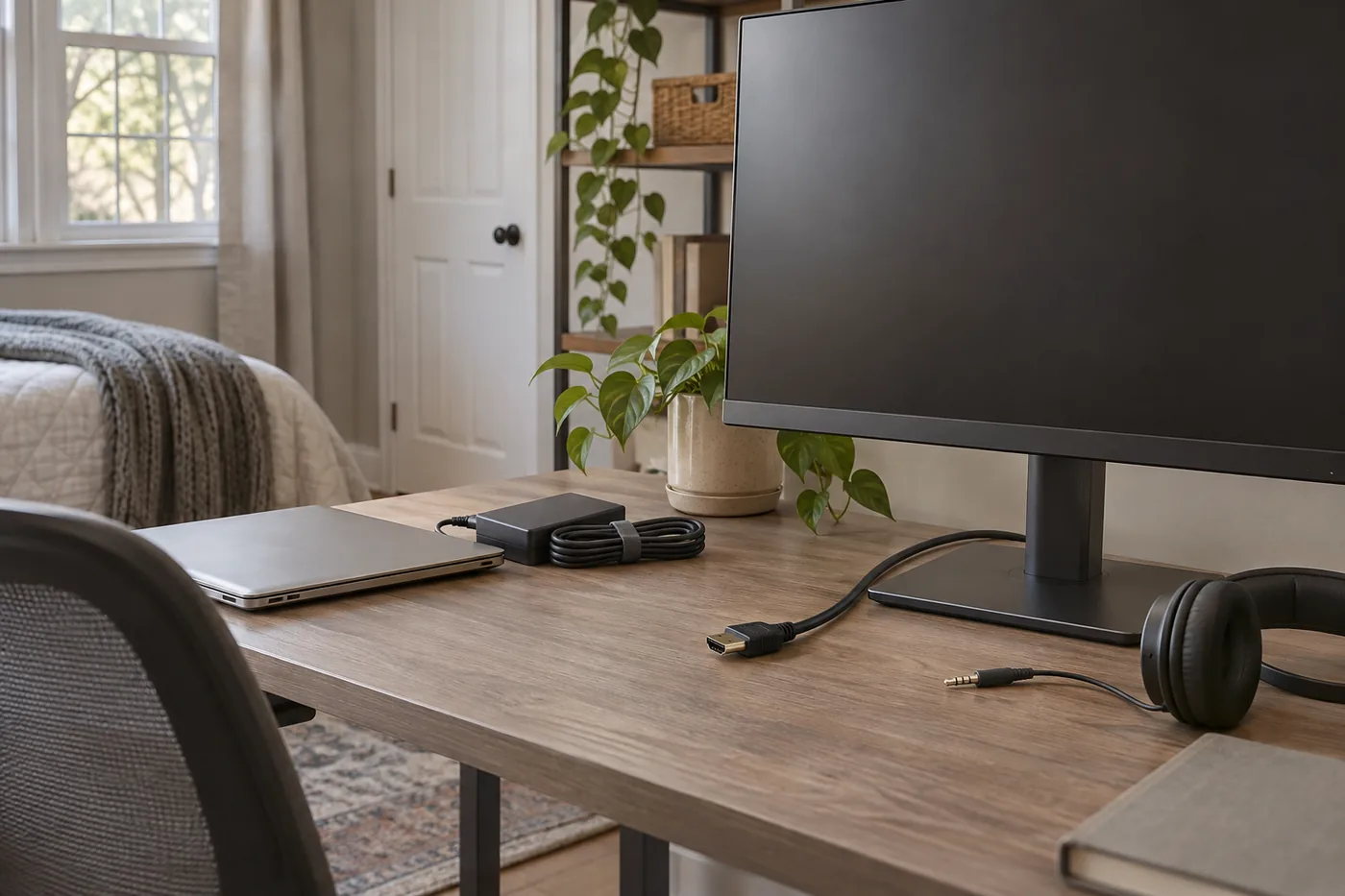 The monitor input and headset plug belong in the laptop comparison.
Keep battery claims attached to their test conditions, and monitor claims attached to the actual connection.
Part 4Where the MacBook Air and the budget fit
The 13-inch M4 MacBook Air is context, not another purchase pick here. Apple lists a 13.6-inch, 2560 × 1664 display at 500 nits and a 2.7 lb weight. That places its published weight between these Windows configurations, but it does not turn separate specification sheets into a side-by-side screen test.
Apple also lists MagSafe charging, a headphone jack and two Thunderbolt 4 ports. So charging through MagSafe leaves those USB-C connections free, although the Air still lacks the Yoga's built-in USB-A and HDMI. Employer approval for macOS comes before those conveniences; a Windows-only work requirement is not solved by changing the cable arrangement.
Its up-to-15-hour wireless-web claim uses Apple's own method. That makes it another separate battery reference, not a tie-breaker between the Dell and Lenovo. For a parent already juggling work and school accounts, application compatibility is the more useful place to spend attention.
For both Windows picks, the retained Amazon.com price status is: Price varies; check Amazon. That status was checked November 11, 2026; this rewrite does not present it as a newly verified offer. The specifications were revisited November 24, 2026, but no exact current Amazon configuration price was established, and Dell's store page denied access.
 The laptop purchase should leave room in the household budget for the rest of the desk.
Would the Dell actually leave the house often enough to justify adapting the existing accessories? If yes, its lower weight makes a clear case. Otherwise, the Yoga is my starting choice, provided the US listing matches the IPS configuration and the employer's requirements; compare the complete price with any adapters before allocating the chair money.
Method: Lenovo and Apple specifications were reviewed alongside Tom's Guide's configuration-specific Dell review, using accessory fit, screen and keyboard suitability, and portability with battery evidence as the criteria. Specifications checked November 24, 2026; the unverified Amazon price status retains its November 11, 2026 date. Dell's store page was inaccessible, so Dell specifications remain attributed to the review.
In one sentence
Choose the Yoga for a cable-filled shared desk, or the lighter XPS for regular trips away from home.
Dell XPS 13, Intel Core 5 320 configuration
Check price on AmazonLenovo Yoga 7 2-in-1 14ILL10, WUXGA IPS configuration
Frequently asked questions
Which Dell XPS 13 configuration does this comparison cover?
The Intel Core 5 320 configuration described in the linked Tom's Guide review. Its entry review configuration has 8GB memory and 512GB storage; details should not be transferred to older Intel or Snapdragon XPS models.
Does every Lenovo Yoga 7 have this IPS screen and weight?
No. The selected platform is the Yoga 7 2-in-1 14ILL10 with WUXGA IPS. Lenovo lists other panels and processor options, so verify the panel, processor, memory and storage in the exact US listing.
Does the Dell XPS have better battery life than the Lenovo Yoga?
These sources cannot establish that. Tom's Guide's Dell result uses Wi-Fi browsing at 150 nits, while Lenovo's IPS maximum uses MobileMark 30 at 250 nits. Neither represents a measured meeting day in this household.
Is the M4 MacBook Air a better work laptop for this shared desk?
It is relevant only if the employer permits macOS and the required applications work there. Apple lists MagSafe, a headphone jack and two Thunderbolt 4 ports, but the Air does not replace the Yoga's direct USB-A and HDMI connections.
Sources
- Tom's Guide: Core 5 320 XPS 13 review · 2026-11-24
Core 5 320; entry review configuration 8GB memory and 512GB storage; 13.4-inch 2560 × 1600 touch display, 30–120 Hz; 2.2 lb; two USB-C 3.2 Gen 2 ports; no headphone jack; traditionally spaced keyboard. Wi-Fi browsing battery result 14 hours 26 minutes at 150 nits. Review pricing is not used as a current Amazon offer.
- Lenovo Yoga 7 2-in-1 14ILL10, WUXGA IPS configuration · 2026-11-24
WUXGA IPS option: 14-inch 1920 × 1200 glossy touch, 300 nits, 60 Hz; starting weight 3.28 lb; six-row backlit keyboard; 70 Wh battery; up to 14 hours MobileMark 30 at 250 nits. Two Thunderbolt 4 USB-C, USB-A, HDMI 1.4b, 3.5 mm audio and microSD; HDMI output up to 4K at 30 Hz. Platform options do not confirm a specific US retail bundle.
- Apple: 13-inch M4 MacBook Air specifications · 2026-11-24
13.6-inch 2560 × 1664 display, 500 nits; weight 2.7 lb; MagSafe 3, 3.5 mm headphone jack and two Thunderbolt 4 ports. Up to 15 hours wireless web under Apple's own battery-test conditions.
- Dell XPS 13, Intel Core 5 320 configuration · 2026-11-24
The linked XPS 13 store page returned Access Denied. No numerical specifications or prices were taken from this response; the Core 5 320 configuration details are attributed to the separately opened Tom's Guide review.







