
Lenovo Yoga 7 2-in-1 14ILL10, WUXGA IPS configuration
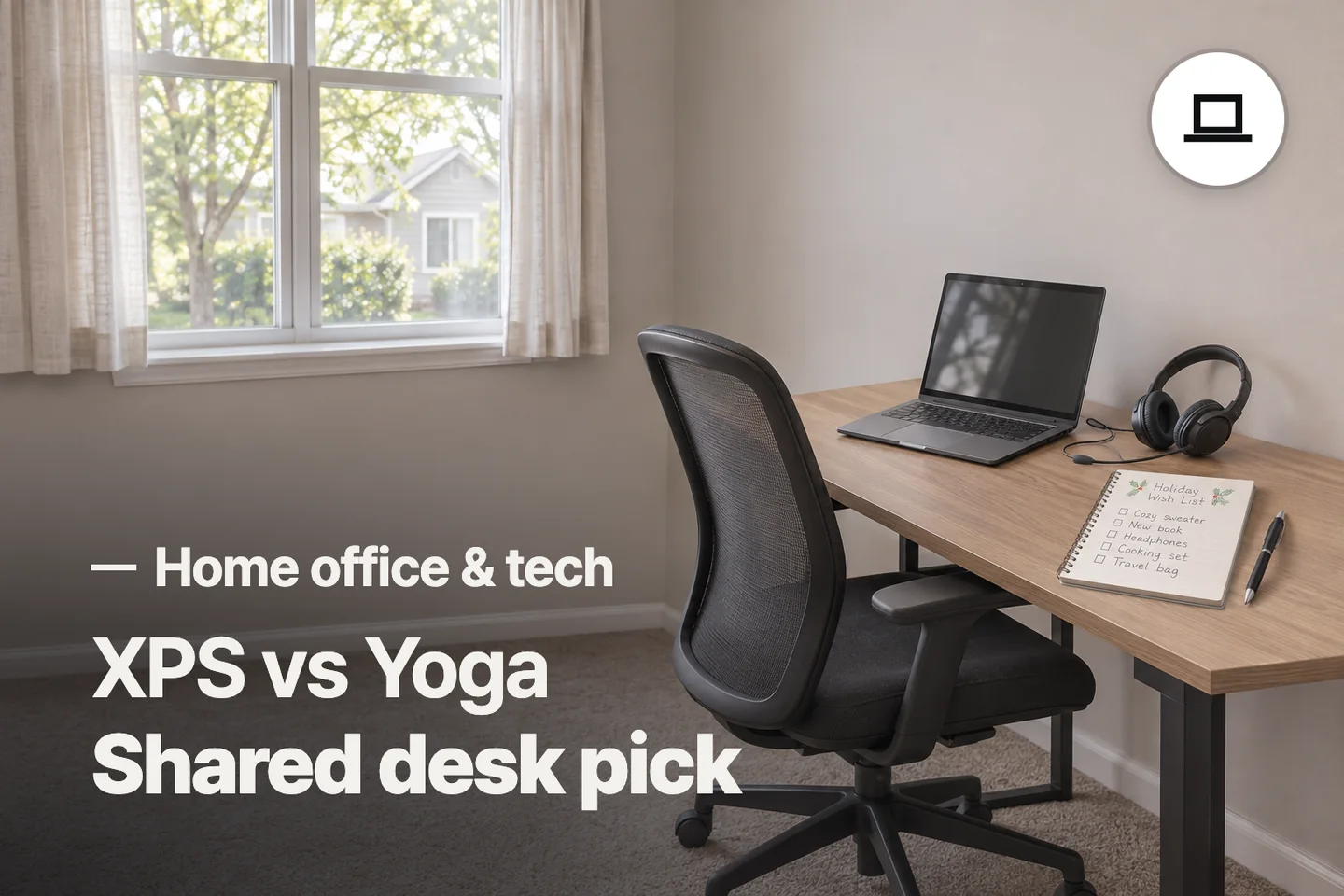
A mostly stationary shared desk with a wired headset, USB-A accessory and monitor
Lenovo documents the accessory connections this shared desk needs without immediately adding a hub.
The recommendation depends on a US listing matching the WUXGA IPS configuration and the employer's memory and processor requirements.
Price history
No recorded prices yet
Pros and trade-offs
Pros
- Wired accessories stay at home
- Built-in HDMI is useful
Trade-offs
- Glossy screen near windows
- Confirm HDMI refresh needs
Products from the same guide
Dell XPS vs Lenovo Yoga work laptop| Another product from this guideDell XPS 13, Intel Core 5 320 configuration | Product you’re viewingLenovo Yoga 7 2-in-1 14ILL10, WUXGA IPS configuration | |
|---|---|---|
| Best for | A parent who regularly carries the laptop and already owns suitable USB-C accessories | A mostly stationary shared desk with a wired headset, USB-A accessory and monitor |
| Features |
|
|
| Seller | Check price on Amazon |
The guide behind this product
 ComparisonDell XPS vs Lenovo Yoga for a Shared Work Desk