
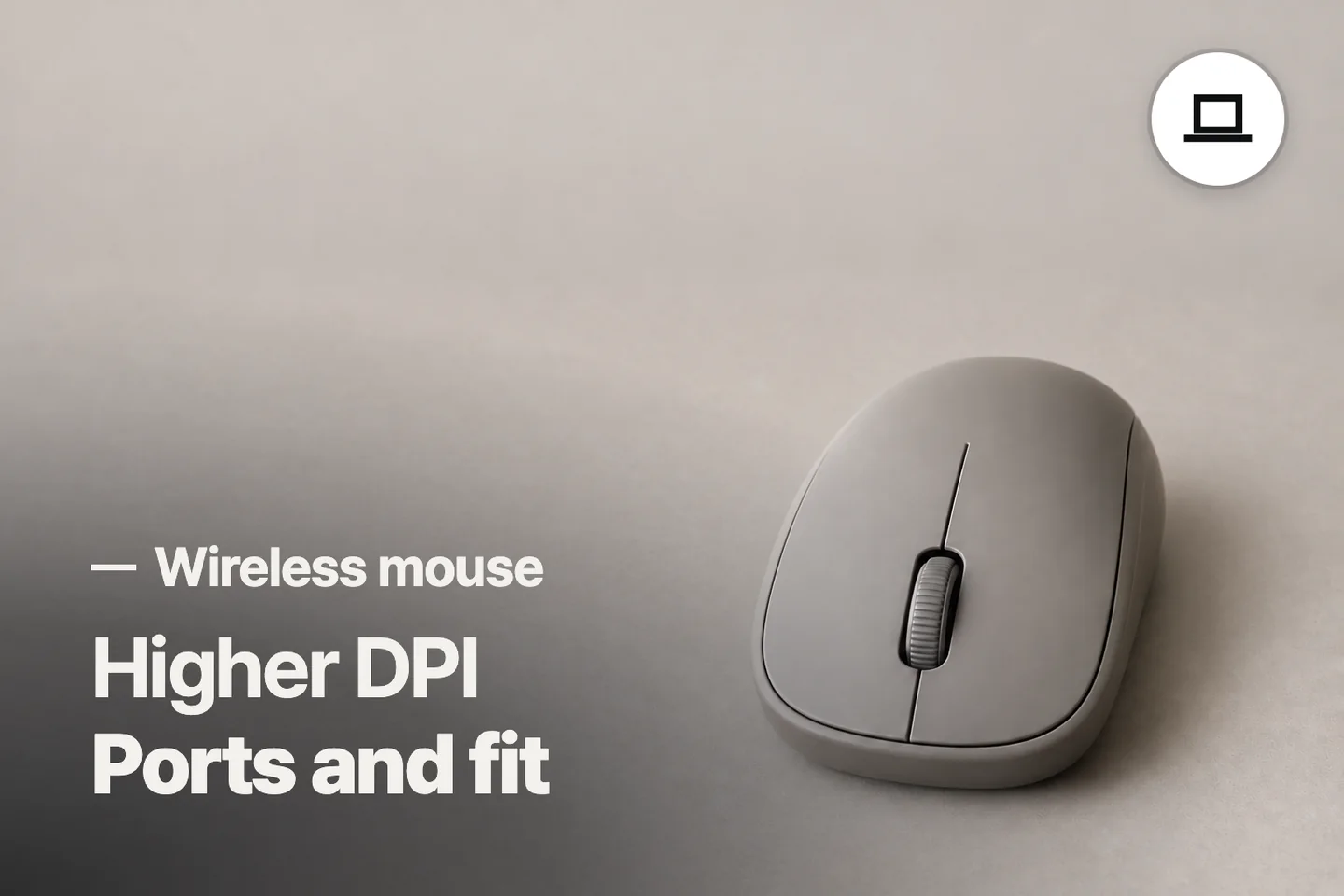
Logitech M185 Wireless Mouse, Swift Grey
Basic office work with a free USB-A port and either-hand flexibility
My starting choice for basic pointing when the port is available: a compact ambidextrous body, conventional scrolling, and an included battery without a charging schedule.
Price history
No recorded prices yet
Pros and trade-offs
Pros
- Either hand uses the same shell
- Included AA gets setup started
Trade-offs
- USB-A socket or adapter needed
- No Bluetooth connection
Products from the same guide
Wireless mouse| Product you’re viewingLogitech M185 Wireless Mouse, Swift Grey | Another product from this guideTECKNET 841270 2.4G Ergonomic Optical Mouse, Purple | Another product from this guideApple Magic Mouse MXK53AM/A USB-C, White | |
|---|---|---|---|
| Best for | Basic office work with a free USB-A port and either-hand flexibility | A right-handed desk user who wants physical side controls | A supported Mac or iPad setup that prioritizes Bluetooth gestures |
| Features |
|
|
|
| Seller | Check price on Amazon | Check price on Amazon | Check price on Amazon |
The guide behind this product
 RecommendationsLogitech mouse or Bluetooth: what fits your home desk?