
Dell XPS 14 DA14260, Core Ultra 5 325, 16GB, 512GB
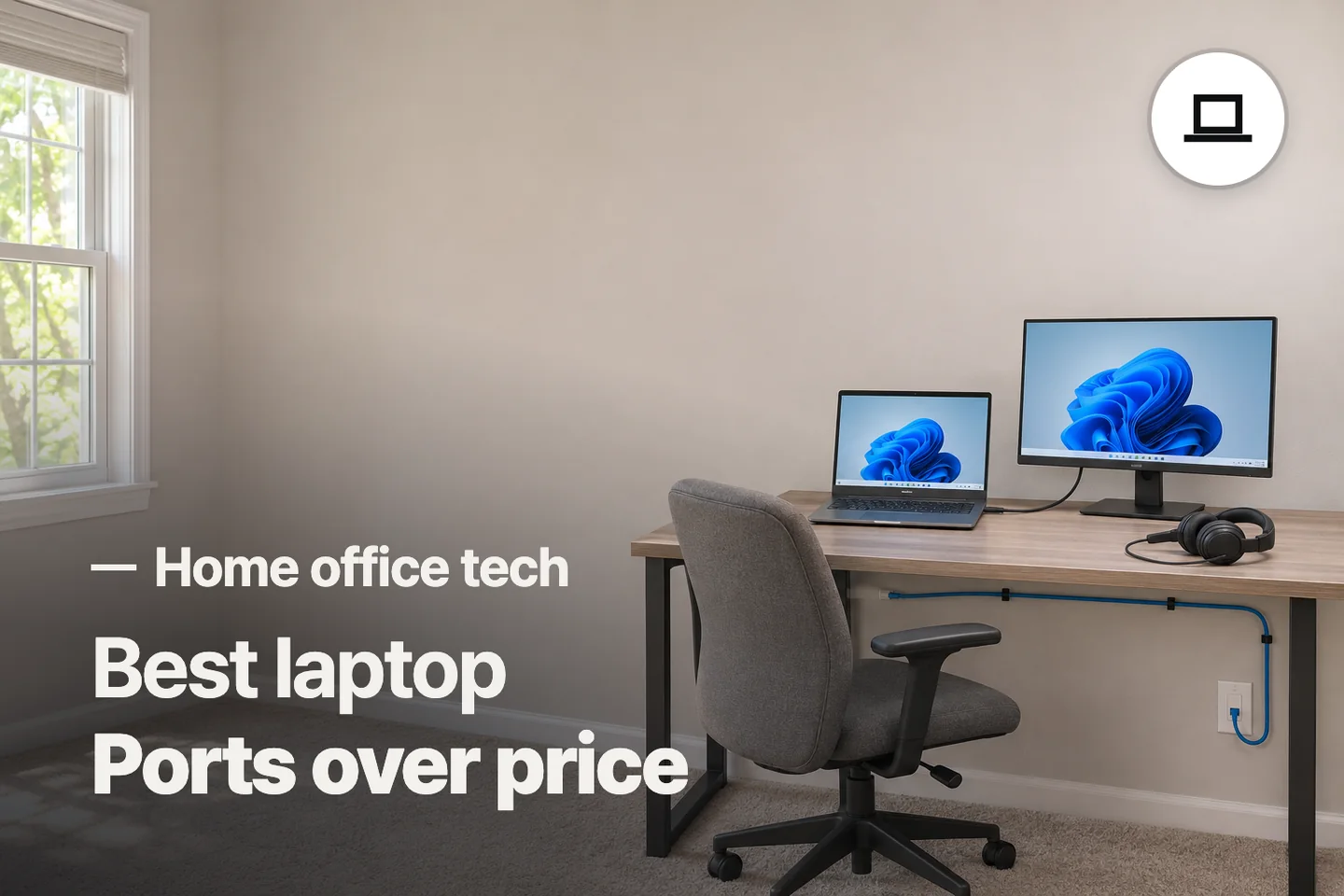
A USB-C monitor or dock stays upstairs while the laptop moves
Its Thunderbolt connections fit an established USB-C workspace.
The documented Windows 11 Home configuration needs employer approval where Pro or managed business support is required.
Price history
No recorded prices yet
Pros and trade-offs
Pros
- Your monitor already uses USB-C
- A dock holds desk accessories
Trade-offs
- Budget for legacy-port adapters
- Windows Home may not fit work
Products from the same guide
Windows work laptop| Another product from this guideLenovo ThinkPad T14 Gen 6 Intel, Core Ultra 5 225U configuration | Product you’re viewingDell XPS 14 DA14260, Core Ultra 5 325, 16GB, 512GB | Another product from this guideHP EliteBook 8 G2i 14-inch Notebook, customizable C5EA6AV_MB | |
|---|---|---|---|
| Best for | Ethernet and an HDMI monitor already reach the upstairs desk | A USB-C monitor or dock stays upstairs while the laptop moves | An HDMI desk needs the documented Windows Pro and camera configuration |
| Features |
|
|
|
| Seller | Check price on Amazon |
The guide behind this product
 RecommendationsBest Windows Laptops for an Upstairs Home Office