
Lenovo ThinkPad T14 Gen 6 Intel, Core Ultra 5 225U configuration
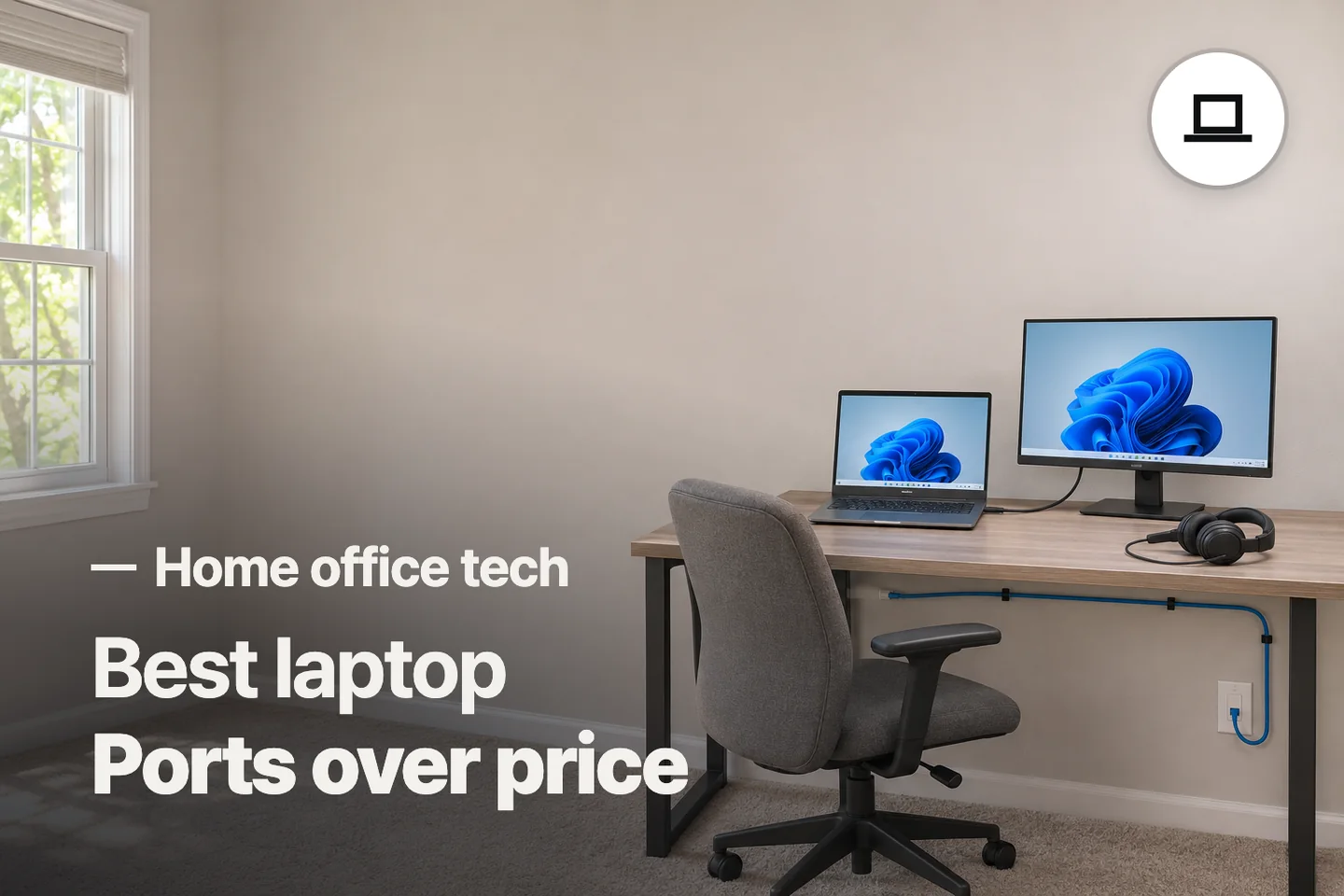
Ethernet and an HDMI monitor already reach the upstairs desk
Built-in Ethernet, HDMI, and USB-A suit the wired upstairs desk without requiring a dock for those connections.
*Specified keys use 1.35mm travel; battery and backlight depend on configuration.
Price history
No recorded prices yet
Pros and trade-offs
Pros
- Your desk uses Ethernet and HDMI
- Older USB accessories stay in use
Trade-offs
- Confirm battery and backlight
- Check seller changes and warranty
Products from the same guide
Windows work laptop| Product you’re viewingLenovo ThinkPad T14 Gen 6 Intel, Core Ultra 5 225U configuration | Another product from this guideDell XPS 14 DA14260, Core Ultra 5 325, 16GB, 512GB | Another product from this guideHP EliteBook 8 G2i 14-inch Notebook, customizable C5EA6AV_MB | |
|---|---|---|---|
| Best for | Ethernet and an HDMI monitor already reach the upstairs desk | A USB-C monitor or dock stays upstairs while the laptop moves | An HDMI desk needs the documented Windows Pro and camera configuration |
| Features |
|
|
|
| Seller | Check price on Amazon |
The guide behind this product
 RecommendationsBest Windows Laptops for an Upstairs Home Office