
You unmute in a spare-bedroom Teams call just as the workbook stops responding, leaving everyone to admire your very thoughtful expression. Meanwhile, the Black Friday laptop tabs behind it promise a fresh start. But replacing a home-office computer raises a less glamorous question: will the new one actually run the work that pays for it?
 The spare bedroom still needs to function as an office when the sale ends.
I'd choose the Lenovo ThinkPad T14 Gen 6 Intel, U-series configuration when essential Windows dependencies remain unresolved. But the Apple MacBook Air, 13-inch, M5, 16GB memory, 512GB SSD makes sense if IT approves macOS and your real files work there; software permission comes before preference.
How we chose
Reviewed Lenovo and Apple specifications, Apple's US store and repair terms, and Microsoft's Office for Mac documentation. The comparison prioritizes employer and workbook compatibility, existing monitor and peripheral connections, and the complete purchase budget including accessories and service coverage.
Toneandroom picks
Best laptops for a home office: Top 2
An approved Windows office with essential Excel dependencies and wired peripherals
Lenovo ThinkPad T14 Gen 6 Intel, U-series configuration
US direct-store price: Not listed by the maker. Storefront access denied November 24, 2026; obtain an exact U-series configuration quote.
The U-series configuration retains memory slots and built-in HDMI, Ethernet and USB-A for an existing wired office, subject to employer approval.
- Memory slots
- 2 slots
- Memory limit
- 64GB
- External screens
- Up to 3
- HDMI output
- 4K at 60Hz
- Windows-only workbook needs
- Existing wired peripherals
- Confirm U-series processor
- Get price and warranty quote
An approved macOS office with compatible workbooks and a verified dual-monitor dock
Apple MacBook Air, 13-inch, M5, 16GB memory, 512GB SSD
Apple US direct-store starting price $1,299 before tax, checked November 24, 2026. Accessories extra; no Black Friday reduction verified.
The M5 Air supports both external monitors with its built-in screen active, making it suitable once employer, workbook and dock compatibility are confirmed.
- Memory
- 16GB
- Storage
- 512GB SSD
- External screens
- Up to 2
- Weight
- 2.7 lb
- Employer-approved macOS
- Compatible workbook workflow
- Verify add-ins and VPN
- Budget for wired adapters
What we considered
Work compatibility
Does your employer approve the platform and its workbook dependencies?
Microsoft documents differences in Mac VBA and COM add-in support. The Windows option comes first when an essential dependency or company policy rules out macOS.
Desk connections
Will your monitors and wired equipment connect as intended?
Both specified laptops support the required external monitor pair. The ThinkPad includes HDMI, Ethernet and USB-A, while the Air needs appropriate accessories for those connections.
Complete cost
What does the functioning replacement setup cost?
Apple's verified starting price is a baseline, not a matched comparison with a Lenovo quote. Required accessories, coverage and return terms need to be established before comparing offers.
Part 1Start with the workbook that causes trouble
A demanding Excel file is not merely a large rectangle full of numbers. Because add-ins, macros and external connections can determine whether it works, the useful question is what happens when you refresh, calculate and save it, not whether it opens.
Microsoft's Office for Mac VBA documentation says most VBA objects are available, but its compatibility table states that Office 2016 for Mac does not support third-party COM add-ins. That is a reason to have IT check the exact add-in and Office version, rather than assuming every macro fails on Mac or every workbook transfers cleanly.
The VPN needs the same treatment: ask IT about the approved client, device enrollment and security software for the operating system you intend to buy. That means obtaining approval for a personally owned machine too; a successful app download is not a company access policy.
For that Windows-dependent desk, the Lenovo ThinkPad T14 Gen 6 Intel, U-series configuration is my first choice. Lenovo lists two memory slots, supporting up to 64GB, so there is an upgrade route if memory pressure grows later; the similarly named V-series version has soldered memory instead. That distinction matters more here than a sale banner's enthusiasm.
An approved operating system and a functioning workbook matter more than a discounted specification you cannot use.
Part 2The Air can keep both monitors working
The Apple MacBook Air, 13-inch, M5, 16GB memory, 512GB SSD does not need to be dismissed because an older Air had different display limits. Apple specifies two external displays with the built-in screen active, including two at up to 6K and 60Hz. That leaves the laptop available for meeting controls while your separate screens hold Excel and reference material.
Apple also allows both external displays through a single Thunderbolt port. But that is the laptop's capability, not a promise that an arbitrary dual-HDMI hub will reproduce it; ask the dock maker to confirm independent displays with this exact Mac and your monitors' resolutions.
The Air has two Thunderbolt 4 ports and separate MagSafe charging. So charging need not occupy a Thunderbolt connection, but HDMI, Ethernet and USB-A equipment still need the appropriate adapters or dock. A clean-looking laptop can acquire quite a supporting cast under the desk.
For the Air's specified 16GB memory and 512GB storage configuration, have IT check the workload you actually keep open. Because a capacity figure alone cannot establish performance with your workbook, browser and meeting software running together, neither machine gets a speed claim here.
I'd favor this Air for an employer-approved macOS setup whose workbook dependencies have already been cleared. But I would settle the display accessories before ordering, because a pair of monitor sockets on a hub is not proof of a compatible desk.
Part 3Compare the whole desk, including Teams
Lenovo gives the U-series T14 support for its internal screen plus three external monitors, with resolution-related limits in its specifications. For an ordinary dual-monitor office, that provides headroom; its built-in HDMI, Ethernet and USB-A also reduce the adapters needed for older equipment.
Swipe sideways to see the full table →
| Desk requirement | Lenovo ThinkPad T14 Gen 6 Intel, U-series configuration | Apple MacBook Air, 13-inch, M5, 16GB memory, 512GB SSD |
|---|---|---|
| External screens with laptop open | Up to 3; resolution limits apply | Up to 2; resolution limits apply |
| HDMI monitor connection | Built in; up to 4K at 60Hz | Appropriate adapter or dock needed |
| Wired network and USB-A | Built in | Appropriate accessories needed |
| Memory planning | 2 slots; up to 64GB | Specified configuration: 16GB |
The table makes the ThinkPad easier to fit around an existing wired desk, not automatically better at meetings. Because camera specifications are not call quality, the return-window check should include your headset, camera, screen sharing and the real workbook while the VPN is connected, using employer-approved procedures.
Can the person at the other end hear you while the workbook refreshes? That is a more useful acceptance question than a webcam number, and it keeps network behavior, audio setup and application compatibility in the same check instead of separate shopping tabs.
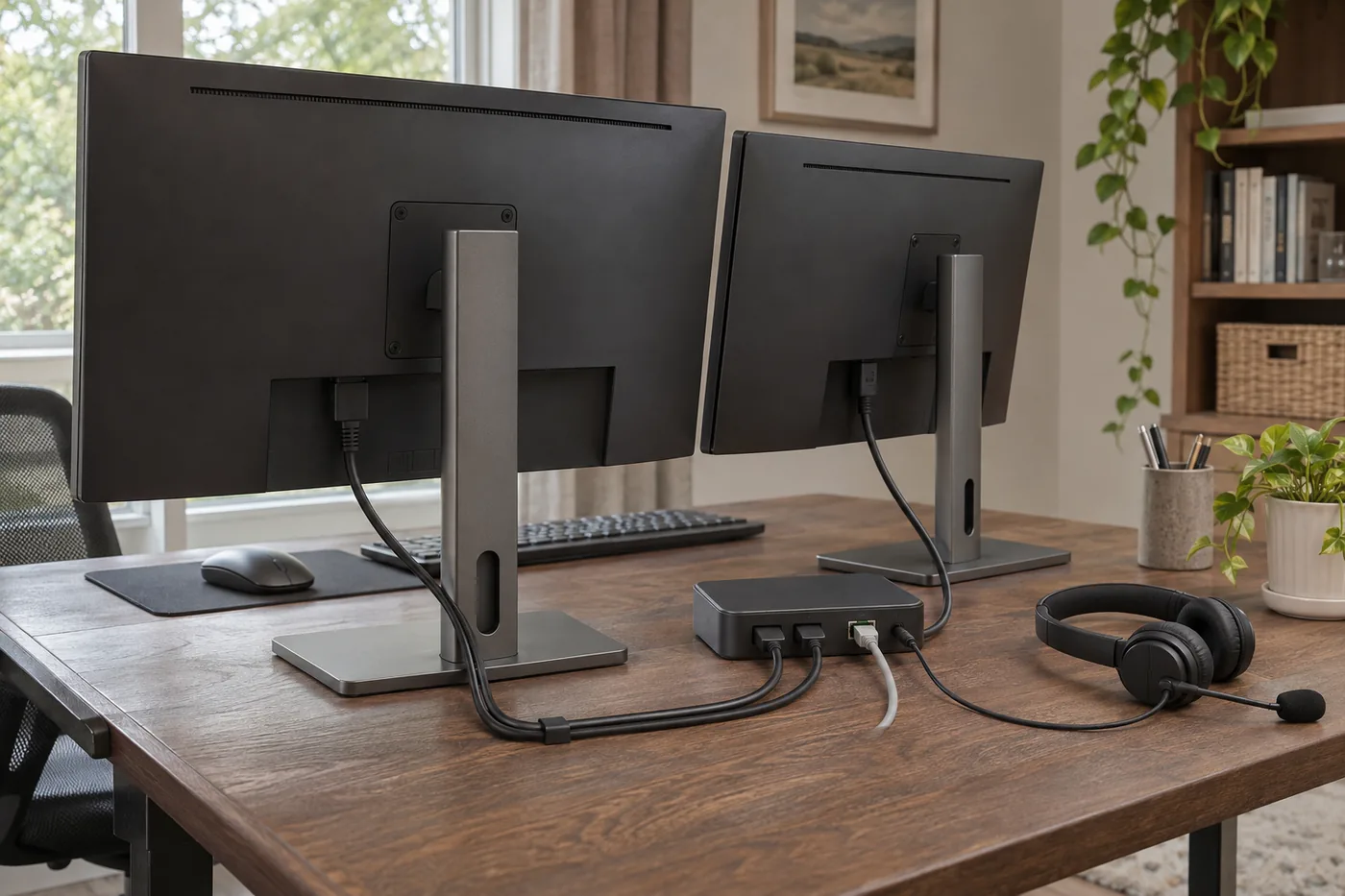 Trace the monitor, headset and network connections before pricing the dock.
Part 4Price the replacement, not just the laptop
Apple's US store lists a $1,299 starting price before tax, checked November 24, 2026, for the entry 13-inch M5 Air; Apple's specifications list 16GB memory and 512GB storage at entry level. That is a direct-store baseline, not an Amazon.com quote or evidence of a Black Friday reduction.
Lenovo's US storefront denied access during this check, so obtain a dated quote for the exact U-series configuration. Without that quote, declaring either laptop cheaper would be rather premature accounting.
Compare laptop price plus required adapters or dock, additional software costs and any chosen coverage. Because the same desk may need different accessories on each platform, compare complete checkout baskets, and check seller-specific return terms before relying on a trial period.
Service deserves a line in that basket too. Apple's repair page lists a one-year limited warranty for manufacturing issues, excluding accidental damage and ordinary battery wear; it offers in-person and mail-in service, but its repair-price estimator did not load. So request an estimate rather than inserting an imaginary repair allowance.
Lenovo lists different warranty options across configurations, which means the actual order determines coverage. For either machine, plan for time without it as well as the repair bill: an upgradeable computer is still unhelpful during a deadline if it is away for service.
 Keep the existing computer available until the replacement has cleared the work checks.
For a Windows-dependent office, I'd buy the U-series ThinkPad after confirming the order details and employer approval. But if the software checks clear on macOS and the dock is confirmed, the M5 Air is a reasonable alternative; either way, keep the old machine until VPN access, workbook outputs and meetings work on the replacement.
Basis and selection: Lenovo and Apple specifications, Apple's US store and repair terms, and Microsoft's VBA compatibility documentation were reviewed on November 24, 2026. The Apple price excludes tax and accessories; Lenovo pricing, repair fees and holiday discounts remain unverified. No purchase links are supplied in this draft.
In one sentence
Keep Windows when work requires it; choose the Air only after software approval and dock checks.
Lenovo ThinkPad T14 Gen 6 Intel, U-series configuration
Apple MacBook Air, 13-inch, M5, 16GB memory, 512GB SSD
Frequently asked questions
Can a MacBook Air run demanding Excel workbooks?
File size alone does not settle compatibility or speed. Check the workbook's actual macros, add-ins, data connections and outputs with IT; Microsoft's Mac VBA documentation describes compatibility differences, including no third-party COM add-in support in its Office 2016 for Mac table.
Does this M5 MacBook Air support dual monitors while open?
Yes. Apple lists two external displays alongside the built-in screen, including two at up to 6K at 60Hz and both through one Thunderbolt port. The dock, cables and monitor modes still need to be compatible.
Which ThinkPad T14 configuration has upgradeable memory?
Lenovo lists two memory slots and up to 64GB for U- and H-series configurations. This comparison keeps the U-series model; the V-series alternative has soldered memory without upgrade slots.
Which laptop is better for company VPN access and Teams calls?
The approved operating system and exact software setup decide VPN access. Have IT confirm device requirements, then check a Teams call with the intended headset, screen sharing, external displays and real workbook; specifications alone cannot establish call quality.
Sources
- Lenovo ThinkPad T14 Gen 6 Intel, U-series configuration · 2026-11-24
U/H models: 2 memory slots, up to 64GB, built-in screen plus up to 3 external monitors with resolution caveats. HDMI up to 4K at 60Hz; 2 Thunderbolt 4 and 2 USB-A ports plus Ethernet. V-series memory is soldered; warranty varies by configuration.
- Apple MacBook Air, 13-inch, M5, 16GB memory, 512GB SSD · 2026-11-24
13-inch M5 entry specification: 16GB memory, 512GB SSD, 2.7 lb, 2 Thunderbolt 4 ports and MagSafe 3. Supports 2 external displays up to 6K at 60Hz alongside the built-in display, including both through one Thunderbolt port.
- Apple US MacBook Air store · 2026-11-24
US page embedded AggregateOffer lowPrice: USD 1299.00. Entry product links identify 13-inch M5, 10-core CPU, 8-core GPU, 16GB memory and 512GB storage. Used as the before-tax direct-store starting baseline, not an Amazon or holiday offer.
- Microsoft Office for Mac VBA documentation · 2026-11-24
Documentation updated October 28, 2026. Lists Office 2016 for Mac sandbox and third-party COM add-in restrictions and says most VBA objects are available; no numeric performance comparison is claimed.
- Apple Mac laptop repair and service · 2026-11-24
1-year limited warranty for manufacturing issues; excludes accidental damage and normal battery wear. In-person and mail-in service listed. Price estimator failed to load, so no repair cost is claimed.
- Lenovo US ThinkPad T14 Gen 6 storefront · 2026-11-24
Access denied on this attempt; no current dollar price or order-specific warranty was available. No numerical price is taken from the blocked page.







