
Picture the pause before a video call: the webcam needs a USB socket, the mouse already occupies one, and the network adapter is somewhere behind the guest bed. In a spare-bedroom office, a laptop purchase can become an unexpectedly detailed discussion about holes in its sides.
 A desk can look ready for work while its connections tell a different story.
I'd choose the Lenovo ThinkPad T14 Gen 5 Intel for a mostly stationary Windows office with wired accessories. But the ASUS Zenbook 14 UX3405MA makes more sense when the same computer regularly leaves the house and the desk needs fewer connections. Neither earns a battery-life win from an advertising headline.
How we chose
Compared Lenovo's published specification sheet with ASUS's US specifications and battery footnotes. The three priorities were existing desk connections, portability, and memory upgrade limits; no independent keyboard, battery, or dock measurements were made, and live prices were not verified.
Toneandroom picks
Best ThinkPad vs ASUS laptop fit for a home office: Top 2
A permanent Windows desk with wired networking and USB accessories
See all specsLenovo ThinkPad T14 Gen 5 Intel
Price varies; check Amazon. No live US offer verified; manufacturer specifications reviewed 2026-11-24.
My choice for a stationary office: Ethernet, extra USB-A connectivity, and replaceable memory solve practical desk problems. *The weight applies to the black-cover model with the 52.5Wh battery.
- USB-A
- 2 ports
- USB-C
- 2 Thunderbolt 4
- HDMI
- Up to 4K/60Hz
- Weight
- From 3.05 lb*
- You use wired Ethernet and USB peripherals
- You want replaceable memory for later upgrades
- Confirm backlighting and the exact screen
- Battery claims do not predict your calls
A simpler Windows setup carried between home and other workspaces
See all specsASUS Zenbook 14 UX3405MA
Price varies; check Amazon. No live US offer verified; manufacturer specifications reviewed 2026-11-24.
The lighter listed laptop suits regular travel when peripherals are few. Choose memory at purchase and account for any extra USB or Ethernet adapters.
- Weight
- 2.82 lb
- USB-A
- 1 port
- USB-C
- 2 Thunderbolt 4
- Adapter
- 65W USB-C
- You carry the laptop away from home often
- You use few USB-A peripherals at your desk
- Memory is onboard; choose capacity now
- Confirm the exact 4K connection mode
Compare 2 products at a glance
What changes at the home-office desk
| Desk detail | Top pickLenovo ThinkPad T14 Gen 5 IntelPrice varies; check Amazon. No live US offer verified; manufacturer specifications reviewed 2026-11-24. | ASUS Zenbook 14 UX3405MAPrice varies; check Amazon. No live US offer verified; manufacturer specifications reviewed 2026-11-24. |
|---|---|---|
| USB-A | 2 ports | 1 port |
| USB-C | 2 Thunderbolt 4 ports | 2 Thunderbolt 4 ports |
| Ethernet | Built-in Gigabit Ethernet | No built-in socket listed |
| Memory | 2 replaceable slots; up to 64GB | 16GB or 32GB onboard configurations |
| Keyboard | TrackPoint; backlighting varies | Backlit chiclet; precision touchpad |
| HDMI output | Explicitly up to 4K/60Hz | HDMI 2.1 TMDS; exact ceiling not listed |
| Listed laptop weight | From 3.05 lb: black cover, 52.5Wh battery | 2.82 lb: US MA specification |
| Battery capacity | 52.5Wh; 39.3Wh special-bid option | 75Wh |
Swipe sideways to see the full table →
What we considered
Desk connections
Can your current peripherals connect without extra hardware?
The T14 includes Ethernet and two USB-A ports; the Zenbook lists one USB-A port and no built-in Ethernet. That favors Lenovo when a wired desk already has several devices waiting to connect.
Carry load
Will the laptop leave the home office regularly?
ASUS lists 2.82 lb, while Lenovo's black-cover model with a 52.5Wh battery starts at 3.05 lb. The Zenbook therefore favors regular travel here, but the charger and required adapters belong in the bag comparison too.
Memory options
Do you want a memory upgrade route after purchase?
Lenovo specifies two replaceable memory slots supporting up to 64GB. ASUS lists onboard memory, so its capacity should be settled before buying rather than treated as a later upgrade.
Part 1Start with the cables already on your desk
The ThinkPad has two USB-A ports, two Thunderbolt 4 USB-C ports, HDMI, and built-in Gigabit Ethernet. So a wired USB keyboard and mouse can connect alongside the network cable without needing a hub just to accommodate them. Add a USB webcam, though, and those USB-A sockets are spoken for.
That is why I would choose this Lenovo for an established home office rather than buy a thinner-looking machine and immediately rebuild its missing connections. Its built-in Ethernet is useful if your workroom already has a wired connection; it does not, by itself, promise a better video call. Your internet connection still has a say.
Lenovo also specifies two replaceable DDR5 memory slots, supporting up to 64GB. That means memory has an upgrade route, rather than being permanently tied to the original purchase configuration. But the precise installed amount, Windows version, and display still need checking on the seller's listing; the family name does not settle those details.
Part 2The Zenbook makes more sense when the desk travels
The ASUS Zenbook 14 UX3405MA lists a laptop weight of 2.82 lb in its US specifications. By comparison, Lenovo's black-cover T14 with the 52.5Wh battery starts at 3.05 lb. So ASUS has the lighter listed machine here, but neither figure includes the charger or the adapters that migrate into your bag.
The Zenbook provides two Thunderbolt 4 ports with display and power-delivery support, one USB-A port, HDMI 2.1 TMDS, and an audio jack. That makes the single USB-A socket the immediate question if your old keyboard and mouse both use it. There is no built-in Ethernet socket in the listed port layout.
Would you actually carry fewer things, or merely exchange laptop weight for adapters? ASUS lists an Ethernet adapter among accessories that vary by territory, so the US seller's box contents matter before adding another to the cart. A Bluetooth mouse and a USB-C monitor make a different shopping list from wired peripherals and a network cable.
Its memory is onboard, with 16GB and 32GB configurations listed. So choose that capacity at purchase instead of budgeting for a later memory upgrade. Also keep the MA suffix attached to your search: ASUS's specification page includes UX3405CA alongside UX3405MA, and their options should not be mixed.
For a commuter with a simple desk, I would take the Zenbook rather than pay for connections that stay unused. But for a fixed office, Lenovo's sockets and replaceable memory are more useful to me than the lighter listed weight.
Part 3Keyboard numbers are not a comfort ranking
Lenovo specifies 1.5mm key travel, reduced to 1.35mm for the function row and G/H/B keys. ASUS describes 1.4mm travel on its product page. These are small movements beneath your fingertips, not evidence that one keyboard will make a long email less regrettable.
The more useful distinction is how you move the pointer. Lenovo offers a TrackPoint and dedicated pointing buttons, while ASUS lists a precision touchpad and backlit chiclet keyboard. If you already prefer the TrackPoint, that is a concrete reason to favor the ThinkPad; an unfamiliar pointing system is not automatically an upgrade.
Backlighting is configuration-dependent on the Lenovo, so an individual listing needs to confirm it. That matters more if evening work happens on the laptop keyboard than if the machine spends the day beside a separate keyboard. In the latter arrangement, paying extra solely for built-in typing comfort buys a feature with very little to do.
Battery capacity needs the same restraint. ASUS lists 75Wh, while the T14 offers a 52.5Wh battery and a special-bid 39.3Wh option. Those describe stored energy, not meeting time, because the screen, processor, brightness, and workload determine how quickly the reserve disappears.
 An external keyboard changes how much the laptop's own keys should influence the purchase.
Part 4Build the monitor connection before buying a dock
For the T14, Lenovo explicitly documents HDMI output up to 4K at 60Hz. So the straightforward route is HDMI to a monitor and cable supporting that mode, with the laptop's charger connected separately. A powered dock is optional, not an admission requirement for a sharp desktop.
The ASUS specification lists HDMI 2.1 TMDS without an exact output ceiling in the reviewed text. That means the label alone is not enough to promise your desired 4K refresh rate. Ask ASUS or the seller to confirm that mode for UX3405MA and the intended connection before ordering a display around it.
Both laptops have display-capable Thunderbolt 4 connections. So a compatible USB-C monitor or dock may consolidate display, peripherals, and charging, provided its documented display modes and power delivered to the laptop meet the exact configuration's requirements. ASUS lists a 65W USB-C adapter; a dock's power-brick rating is not necessarily what reaches the computer.
At a permanent desk, start with direct connections; add a dock when it solves a specific cable problem.
Part 5Leave battery headlines and sale banners out of the tie-break
Lenovo publishes up to 11.5 hours in MobileMark 25 for a specified low-power-display configuration at 250 nits. ASUS's 15+ hour claim instead references local video playback at 150 nits, with Wi-Fi enabled but disconnected. So these results cannot tell you which computer lasts longer through your calls, shared documents, and browser tabs.
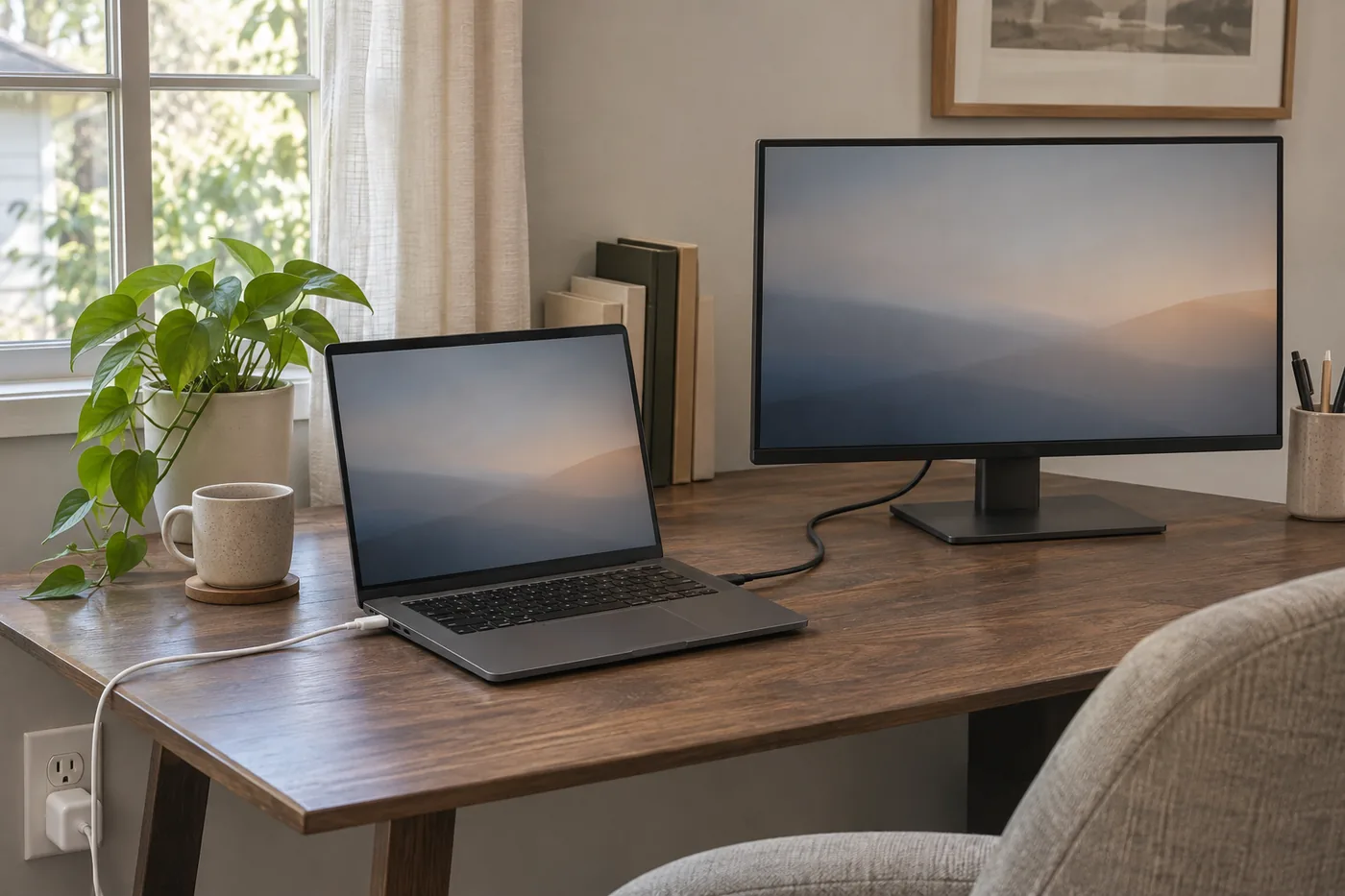 A separate display cable and charger can be enough; cable consolidation is a separate purchase.
Neither reviewed set of specifications supplies a verified current US checkout price for these exact configurations. So compare complete desk costs, including necessary adapters, rather than declaring either laptop cheaper. Price varies; check Amazon. No live offer is quoted here; specifications were checked November 24, 2026.
My choice remains the T14 for the wired spare-bedroom office, and the Zenbook for regular travel with fewer peripherals. But either purchase needs the exact memory, display, Windows configuration, condition, seller, and warranty checked before payment. A familiar model name cannot do that paperwork for you.
Method: Compared Lenovo's specification sheet with ASUS's US technical specifications and product-page footnotes, prioritizing desk connections, portability, and upgrade limits. Keyboard feel, call endurance, and dock compatibility were not independently measured. No purchase links are supplied here; stock and live prices were not verified. Last checked: November 24, 2026.
In one sentence
I would choose the ThinkPad for a wired home office and the Zenbook for a simpler desk that regularly travels.
Lenovo ThinkPad T14 Gen 5 Intel
ASUS Zenbook 14 UX3405MA
Frequently asked questions
Does a ThinkPad T14 need a dock for a 4K monitor?
Not necessarily. Lenovo explicitly supports up to 4K/60Hz over HDMI, so a suitable monitor and cable can connect directly while the laptop charges separately. A dock is useful when it consolidates other connections you actually need.
Can the ASUS Zenbook 14 UX3405MA drive an external monitor?
ASUS lists display support on its two Thunderbolt 4 ports and provides HDMI 2.1 TMDS. The reviewed text does not specify an exact HDMI output ceiling, so confirm the intended resolution and refresh rate for the laptop, connection, cable, and monitor.
Does the Zenbook's larger battery guarantee longer video calls?
No. Battery capacity is stored energy, not a comparable runtime measurement. ASUS's 15+ hour headline references local video playback, whereas Lenovo's cited 11.5-hour result uses MobileMark 25 under different settings.
Which laptop allows a memory upgrade later?
Lenovo lists two DDR5 SODIMM slots supporting up to 64GB for the T14 Gen 5 Intel. ASUS lists onboard memory for UX3405MA, with 16GB and 32GB configurations, so choose the required capacity when buying.
Sources
- Lenovo ThinkPad T14 Gen 5 Intel · 2026-11-24
Two USB-A ports, two Thunderbolt 4 ports, Gigabit Ethernet, HDMI up to 4K/60Hz, two DDR5 slots supporting up to 64GB. Key travel 1.5mm, or 1.35mm for Fn row and G/H/B. Black cover with 52.5Wh battery starts at 3.05 lb; 39.3Wh is special-bid only. MobileMark 25 up to 11.5 hours at 250 nits uses a low-power non-touch display, Core Ultra 5 125U, 8GB memory, Windows 11, and 52.5Wh battery. No live US checkout price verified.
- ASUS Zenbook 14 UX3405MA · 2026-11-24
UX3405MA lists one USB-A port, two display/power-delivery Thunderbolt 4 ports, HDMI 2.1 TMDS, onboard 16GB or 32GB memory configurations, 75Wh battery, 65W USB-C adapter, and 2.82 lb weight. Backlit chiclet keyboard and precision touchpad. Ethernet adapter inclusion varies by country or territory. The page also contains UX3405CA; do not merge its specifications. No exact HDMI output ceiling or verified live US offer price used.
- ASUS US keyboard details and battery-test footnotes · 2026-11-24
Key travel 1.4mm. The 15+ hour battery claim references 1080p video playback on UX3405MA with FHD OLED, Core Ultra 5 125H, 512GB SSD, and 8GB RAM, at 150 cd/m2 with Wi-Fi enabled but disconnected. This does not establish comparable call endurance against Lenovo.







