
The video call stalls in your upstairs bedroom office, but the TV downstairs keeps playing. In a two-story home, that makes an eero wifi search feel urgent. But before choosing a box for your roughly 2,500 sq ft layout, look at the connection between the floors.
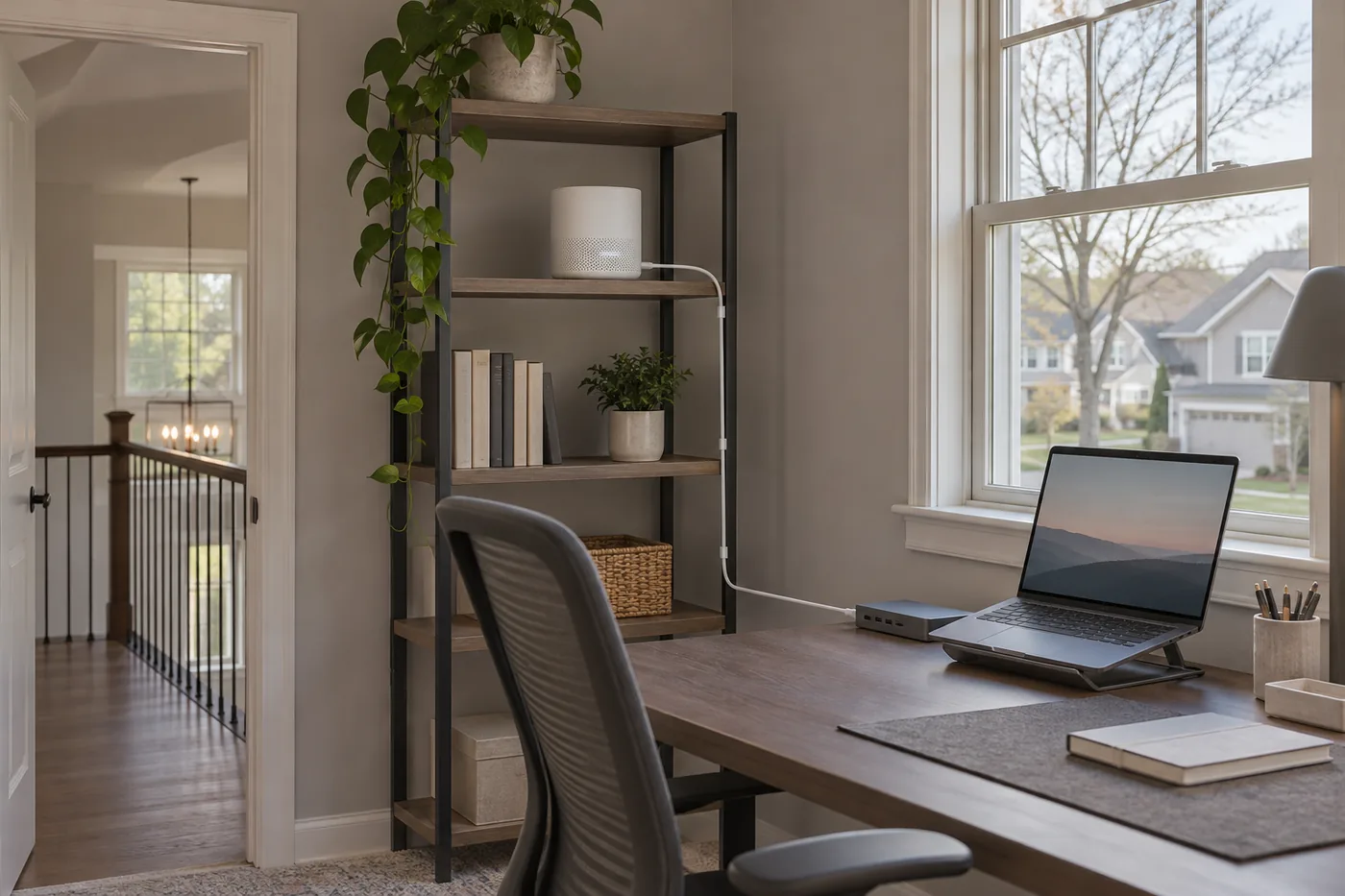 The office desk and the downstairs internet connection need a workable route between them.
I'd choose Amazon eero 7, 2-pack for a straightforward office with Ethernet already running upstairs. But I'd move to Pro 6E for a specific need for its additional band, or Deco BE63 when the desk needs more wired connections.
How we chose
I compared eero's US product and purchase pages with TP-Link's US BE63 specifications. The three priorities were the connection between floors, radio bands the household can actually use, and Ethernet ports left for office equipment.
Toneandroom picks
Best eero wifi for an upstairs office: Top 3
Existing Ethernet between floors and a simple office setup
See all specs
Amazon eero 7, 2-pack
Eero US store: $229.99 per 2-pack before tax, checked 2026-11-24. Price varies; check Amazon.
The same port speed on both connections suits a straightforward Ethernet route between floors, provided the remaining device connections are counted.
- Wi-Fi
- Wi-Fi 7
- Ports
- 2 × 2.5 GbE
- Area/unit
- Up to 2,000 sq ft
- You already have inter-floor Ethernet
- Your desk needs few wired connections
- Gateway cables can occupy both ports
- Coverage figures do not prove desk reception
Compatible clients needing 6 GHz, with gigabit downstream wiring acceptable
See all specsAmazon eero Pro 6E, 2-pack
Eero US store: $259.99 per 2-pack before tax, checked 2026-11-24. Price varies; check Amazon.
The additional radio band has a purpose for compatible clients, but the gigabit port limits the downstream wired arrangement.
- Wi-Fi
- Wi-Fi 6E
- Bands
- 2.4 / 5 / 6 GHz
- Ports
- 2.5 GbE + 1 GbE
- Your clients can connect on 6 GHz
- Gigabit downstream wiring is sufficient
- Only one port per unit is 2.5 GbE
- The 6,000 sq ft headline is for three units
An upstairs office with backhaul and several wired devices
See all specsTP-Link Deco BE63, 2-pack
Manufacturer US price: Not listed by the maker on the reviewed page, checked 2026-11-24. Price varies; check Amazon.
Four ports per unit leave more room for the dock and other endpoints after an Ethernet backhaul cable is connected.
- Wi-Fi
- Tri-band Wi-Fi 7
- Ports
- 4 × 2.5 Gbps
- Pack area
- Up to 5,800 sq ft
- Your office needs several wired ports
- You want Ethernet backhaul and 6 GHz
- Confirm the exact two-unit BE63 package
- No verified manufacturer price to compare
Compare 3 products at a glance
Match the two-pack to the upstairs wiring
| Office requirement | Top pickAmazon eero 7, 2-packEero US store: $229.99 per 2-pack before tax, checked 2026-11-24. Price varies; check Amazon. | Amazon eero Pro 6E, 2-packEero US store: $259.99 per 2-pack before tax, checked 2026-11-24. Price varies; check Amazon. | TP-Link Deco BE63, 2-packManufacturer US price: Not listed by the maker on the reviewed page, checked 2026-11-24. Price varies; check Amazon. |
|---|---|---|---|
| Ethernet ports per unit | Two 2.5 GbE | One 2.5 GbE + one Gigabit | Four 2.5 Gbps WAN/LAN |
| Radio generation | Wi-Fi 7 | Tri-band Wi-Fi 6E | Tri-band Wi-Fi 7 |
| Best-fitting layout | Simple Ethernet route | Compatible 6 GHz clients | Several wired office devices |
| US maker price, 2-pack, before tax; 2026-11-24 | $229.99 | $259.99 | Not listed by the maker |
Swipe sideways to see the full table →
What we considered
Inter-floor link
Can the upstairs node reach the gateway reliably?
A wireless satellite needs a usable link to the downstairs unit, not just proximity to the laptop. I favor a supported Ethernet route when existing wiring makes that practical.
Client bands
Can your devices use the additional radio band?
Pro 6E and BE63 list a 6 GHz band, but that does not give an older laptop new radio capabilities. I reserve that advantage for compatible equipment rather than treating a generation label as a call-quality guarantee.
Desk ports
Which Ethernet ports remain after backhaul is connected?
Both eero models have a pair of ports, while BE63 has four per unit. I count the modem, backhaul cable, and office devices before deciding whether another switch would be needed.
Part 1Start the eero wifi comparison at the stairs
First, take the work laptop near the existing router and try the same call setup. If it still fails there, the internet service or laptop needs attention before a mesh purchase. But if it works downstairs, the upstairs link becomes the useful thing to investigate.
Backhaul is the connection between mesh units. When that connection is wireless, putting the satellite beside an already-disconnected desk may leave it struggling too. So an open route near the stairs is a more useful starting point than the back corner of the office.
Ethernet backhaul uses a cable instead. That means existing wiring between floors can carry traffic without relying entirely on the obstructed radio path. Eero's Pro 6E FAQ supports wired or wireless nodes, while TP-Link explicitly lists Ethernet backhaul for BE63.
Before comparing generations, ask: where can the upstairs unit connect well to downstairs? That answer determines where the kit can help, rather than where you'd most like to hide it.
A coverage headline cannot tell you how well a signal will cross your particular floor.
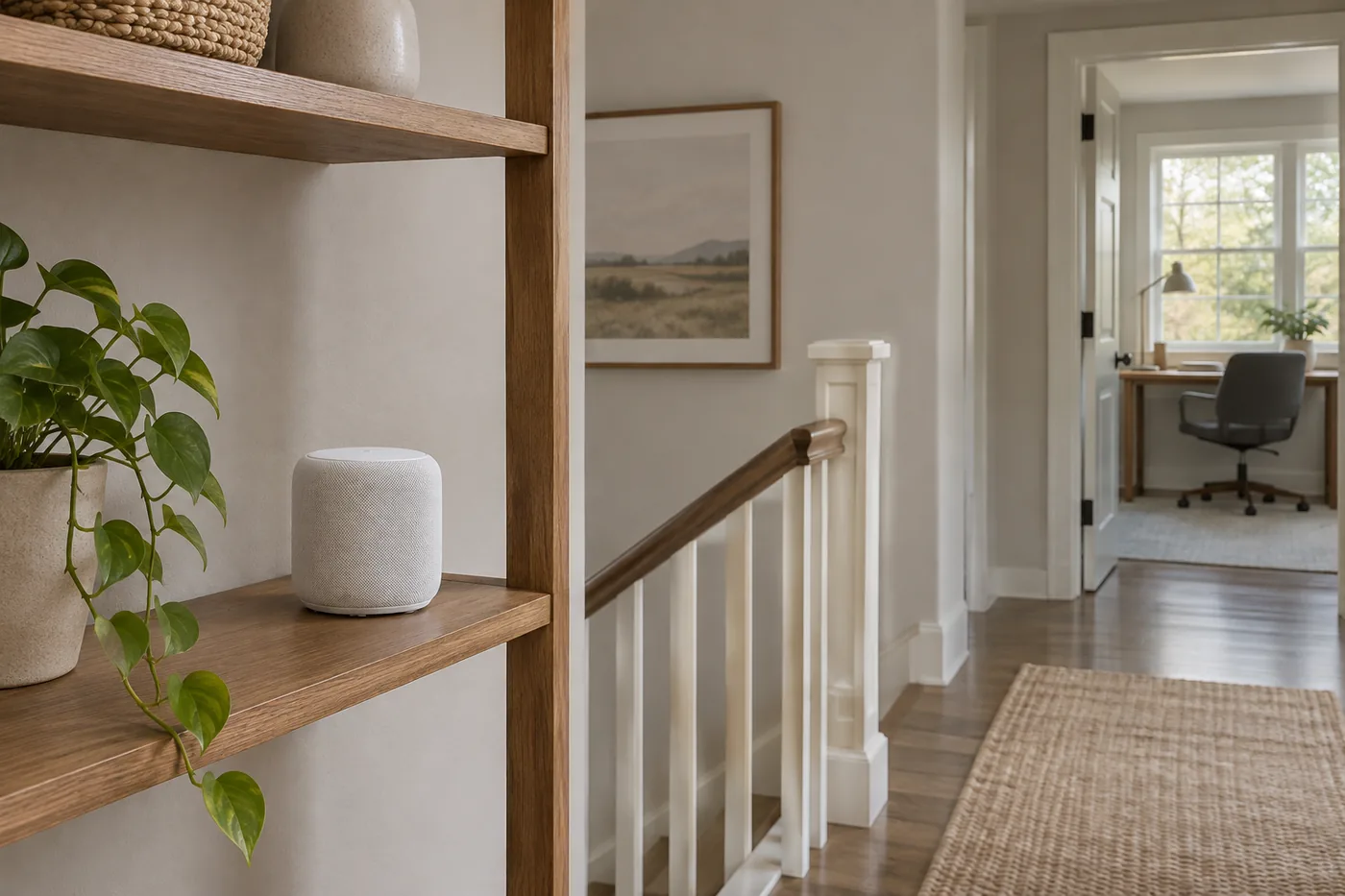 A landing shelf offers a starting location for checking the inter-floor wireless link.
Part 2Eero 7: keep the wired route simple
Amazon eero 7, 2-pack is my starting choice when the house already has Ethernet between floors. Eero lists two 2.5 GbE ports per router, so the incoming internet connection and the cable upstairs can use ports with the same rated speed.
That does not mean both ports remain available for computers. At the gateway, the internet cable takes one and wired backhaul takes the other. So a desktop beside that gateway may need a separate switch; upstairs, the backhaul cable also occupies a port before the dock connects.
Eero advertises up to 2,000 sq ft per router. But that is a coverage ceiling, not a floor-by-floor promise, and adding the units' figures does not demonstrate coverage at your desk. The cable route is the stronger reason to choose it here.
The eero US store displays the two-pack at $229.99 before tax, checked November 24, 2026. Its displayed previous price is $284.99, so the current listing is lower than the original article's figure. This is a manufacturer-store price, not an Amazon quote; Price varies; check Amazon.
Part 3Pro 6E: choose the band deliberately
Amazon eero Pro 6E, 2-pack makes more sense when the household has compatible devices that can use its 6 GHz band. Eero lists concurrent 2.4, 5, and 6 GHz operation, so there is an additional radio option rather than simply a newer-sounding name.
But an extra band does not remove the floor between the nodes. That means client compatibility and node placement still matter, especially if the satellite has no Ethernet connection. I'd choose this model for equipment that benefits from that band, not merely because the office is upstairs.
Its wired ports deserve a separate look: one 2.5 GbE and one Gigabit Ethernet port per unit. If the gateway's faster port connects to the modem, its remaining wired connection is gigabit. So this is not the same multi-gigabit cable arrangement as eero 7.
Eero's US page displays the two-pack at $259.99 before tax, checked November 24, 2026. But its up-to-6,000-sq-ft headline appears with the three-pack, so it should not be carried over to this two-pack comparison. Price varies; check Amazon.
Part 4Deco BE63: give the desk more sockets
TP-Link Deco BE63, 2-pack is the option I'd choose for an office with several wired devices. TP-Link specifies four 2.5 Gbps WAN/LAN ports per unit, so the upstairs backhaul cable leaves more connections for a dock, desktop, or another wired endpoint.
That extra room matters when you want to avoid adding a separate switch at the desk. But only one port can serve as WAN at a time, according to TP-Link; these are flexible connections, not several independent internet inputs.
The US page also calls BE63 Deco 7 Pro BE10000 and lists tri-band Wi-Fi 7. Its up-to-5,800-sq-ft claim applies to the two-pack, so it comfortably exceeds this home's floor area on paper. But TP-Link qualifies coverage and throughput by building materials, obstacles, interference, and client equipment.
The reviewed manufacturer page does not display a US price, checked November 24, 2026. So there is no verified dollar comparison against the eero packs here: Price varies; check Amazon. Match BE63 and the two-unit package before comparing checkout totals.
Part 5Finish with the office connection, not the box
The most useful shopping note is a sketch of the gateway, upstairs node, and desk cables. So write down which port each cable needs before paying for a faster generation. Port count can change the purchase even when the advertised coverage looks generous.
No Ethernet upstairs? Then leave room to move the satellite along the route toward the office, and check its connection information as you go. That keeps the purchase focused on a workable mesh wifi link rather than a node sitting beside the laptop with a weak connection downstairs.
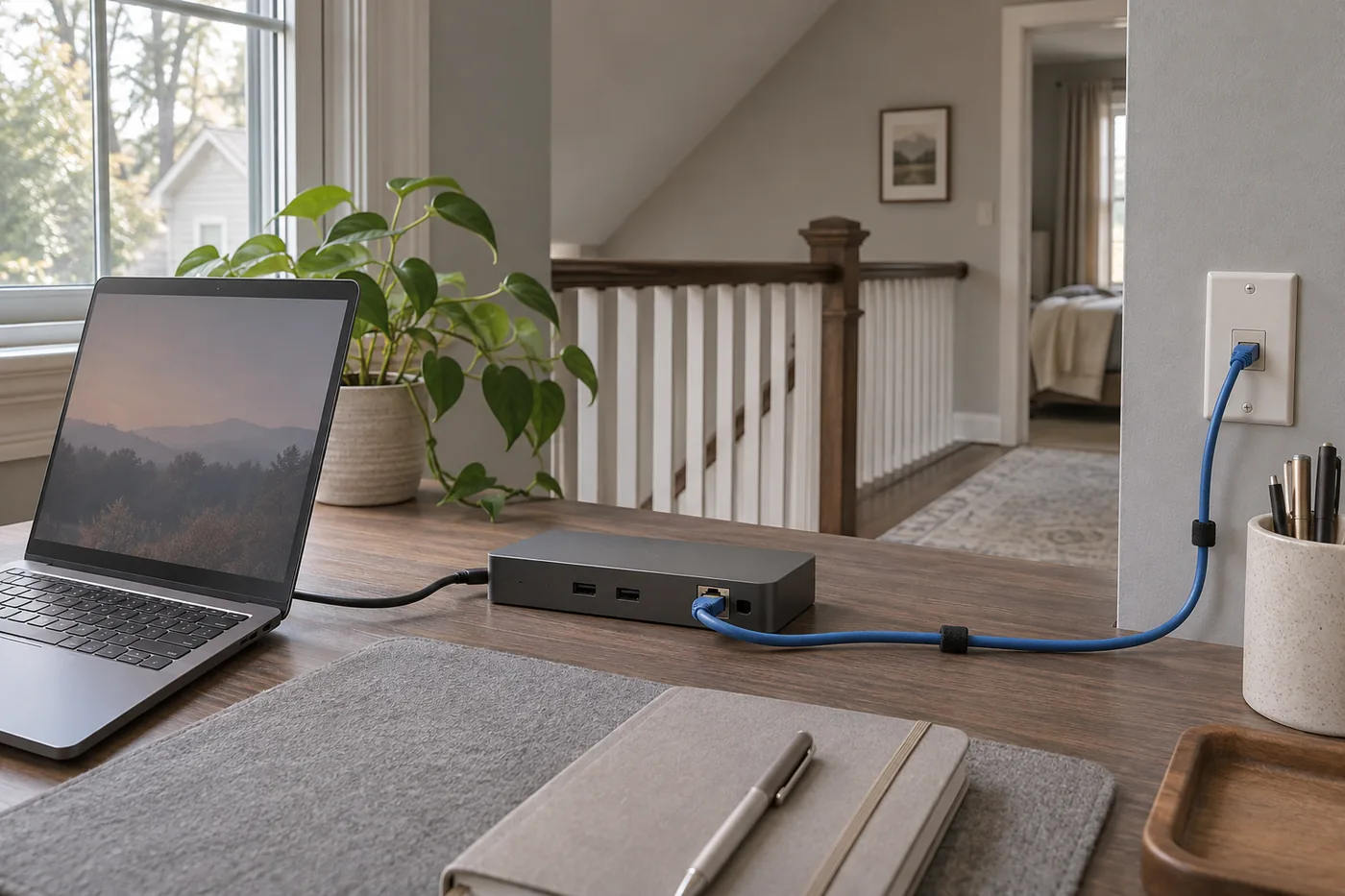 Counting the dock and backhaul cables helps reveal whether another switch would be needed.
For this eero wifi comparison, I'd keep eero 7 as the simple wired starting point. But Pro 6E earns its place through compatible clients, while BE63 earns it through desk connections. None promises an uninterrupted call just because its coverage figure exceeds your home's area.
Sources and selection: Eero product and US purchase pages and TP-Link's US BE63 specifications were checked for backhaul options, client bands, and usable Ethernet ports. Last checked November 24, 2026; prices and availability can change.
In one sentence
Choose the connection between floors before choosing a Wi-Fi generation.
Amazon eero 7, 2-pack
Check price on AmazonAmazon eero Pro 6E, 2-pack
Check price on AmazonTP-Link Deco BE63, 2-pack
Check price on AmazonFrequently asked questions
What is the best mesh wifi system for an upstairs office?
For a simple office with existing Ethernet between floors, I'd start with eero 7. But if calls also fail beside the current router, investigate the service or laptop first; another mesh kit may not address that problem.
When does eero pro 6e make more sense than eero 7?
Pro 6E makes sense when compatible devices benefit from its 6 GHz band and gigabit downstream Ethernet is sufficient. Its US manufacturer two-pack listing was $259.99 before tax on November 24, 2026, compared with $229.99 for eero 7 on the same date.
Why choose tp link deco BE63 for a wired office?
BE63 provides four 2.5 Gbps WAN/LAN ports per unit, leaving more connections after wired backhaul is attached. Its up-to-5,800-sq-ft coverage claim is for the two-pack, and the reviewed US maker page did not list a price.
Should a mesh wifi satellite go directly in the dead zone?
Not automatically: a wireless satellite still needs to reach the gateway. Start along a usable route between floors and check the link, or use supported Ethernet backhaul when suitable wiring exists.
Sources
- Amazon eero 7, 2-pack · 2026-11-24
Wi-Fi 7; two auto-sensing 2.5 GbE ports; up to 2,000 sq ft per router. Page structured offers identify the 2-pack at $229.99 USD.
- Eero 7 US store pack prices · 2026-11-24
Visible 2-pack current price $229.99 and previous price $284.99; manufacturer US listing, not an Amazon price. Two 2.5 GbE ports per router.
- Amazon eero Pro 6E, 2-pack · 2026-11-24
Visible and structured 2-pack offer $259.99 USD; 2.4, 5, and 6 GHz; one 2.5 GbE and one Gigabit Ethernet port. Up-to-6,000-sq-ft headline appears with the 3-pack. FAQ supports wired and wireless nodes.
- TP-Link Deco BE63, 2-pack · 2026-11-24
Two-pack up to 5,800 sq ft; four 2.5 Gbps WAN/LAN ports per unit; only one WAN port at a time; tri-band Wi-Fi 7 and optional Ethernet backhaul. Also named Deco 7 Pro BE10000. US price not displayed; coverage and throughput disclaimers cite building materials, obstacles, interference, and clients.







