

Your video call is starting, but the monitor on the apartment desk still shows yesterday's input. So you crawl underneath to reseat a cable while your colleague addresses an empty chair. Does replacing the laptop with a MacBook Pro fix this particular indignity, or are you about to spend more money on the wrong end of the cable?
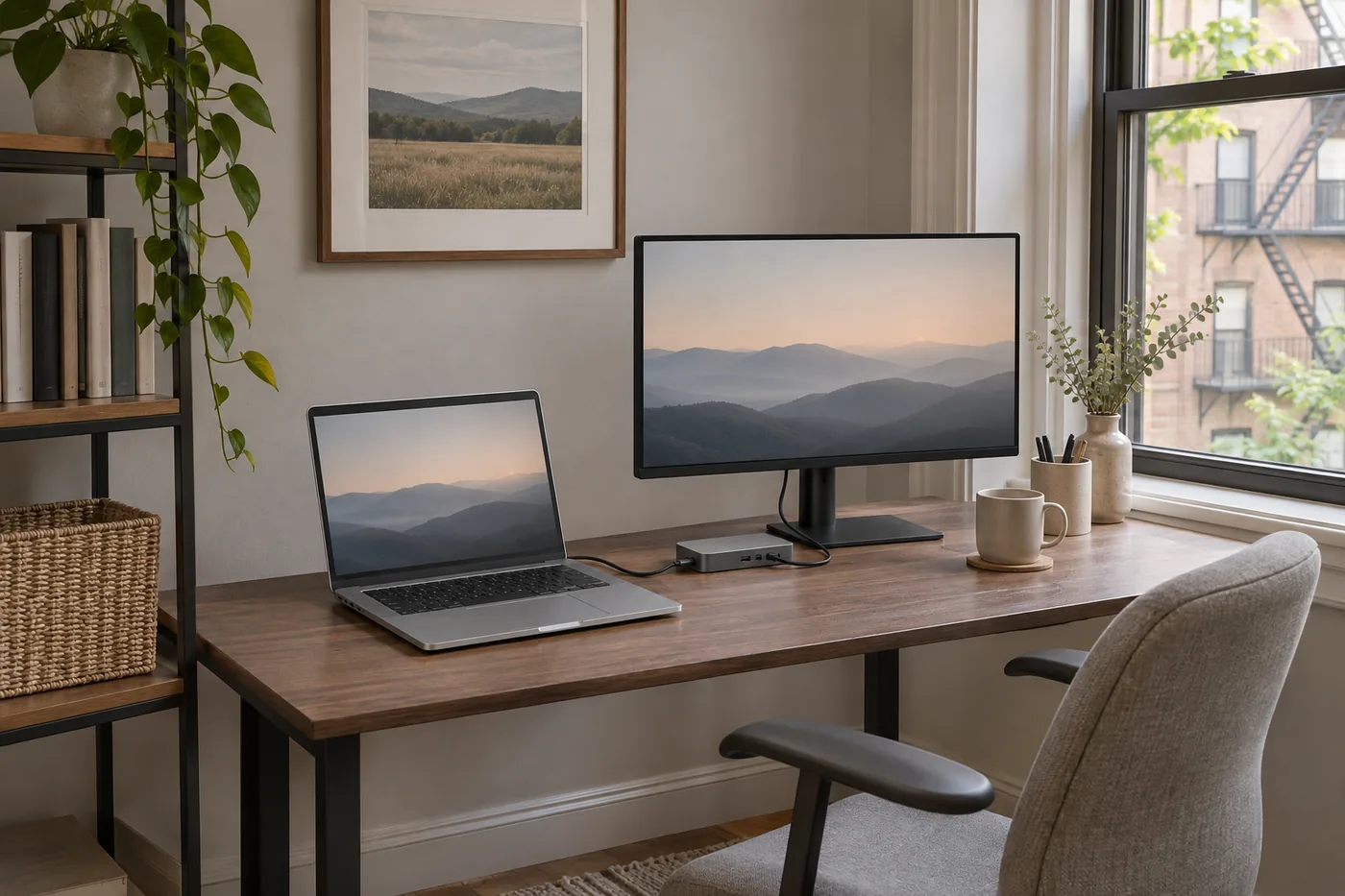 A desk connection should not require a trip beneath the furniture.
I'd choose the Apple MacBook Air 13-inch, M5 for calls, documents, and browser work at a docked desk. But the Apple MacBook Pro 14-inch, M5 Pro makes sense when long processing jobs or its built-in connections solve a recurring problem. Neither recommendation excuses an incompatible dock.
How we chose
I compared Apple's US technical specifications, product descriptions, store configuration prices, and fan guidance. The three criteria were workload duration, actual desk connections, and complete purchase cost; published battery ceilings were kept separate from unmeasured video-call endurance.
Toneandroom picks
Best MacBook Pro vs MacBook Air for a home office: Top 2
Calls, documents, and browser work with a compatible desk dock
See all specsApple MacBook Air 13-inch, M5, 10-core CPU, 8-core GPU, 16GB memory, 512GB SSD
Apple US starting purchase price $1,299 before tax, excluding trade-in and education discounts; checked 2026-11-24. Price varies; check Amazon.
My choice for routine docked work: native external-display support and no cooling fan, without the Pro's higher starting price.
- Memory
- 16GB
- Storage
- 512GB SSD
- Displays
- Up to 2 external
- Weight
- 2.7 lb
- You share a quiet work room
- Your dock already fits the desk
- HDMI needs an adapter or dock
- Long heavy jobs favor the Pro
Repeated demanding workloads or direct HDMI and card access
See all specsApple MacBook Pro 14-inch, M5 Pro, 15-core CPU, 16-core GPU, 24GB memory, 1TB SSD, standard Liquid Retina XDR display
Apple US starting purchase price $2,499 before tax, excluding trade-in and education discounts; checked 2026-11-24. Price varies; check Amazon.
Active cooling, added memory and storage, and direct desk connections make this the more suitable configuration for regular sustained processing.
- Memory
- 24GB
- Storage
- 1TB SSD
- Displays
- Up to 3 external
- Weight
- 3.5 lb
- Long exports interrupt work
- You need HDMI and SDXC
- Fans can be audible under load
- Closed lids hide screen gains
Compare 2 products at a glance
The selected desk configurations
| Desk detail | Top pickApple MacBook Air 13-inch, M5, 10-core CPU, 8-core GPU, 16GB memory, 512GB SSDApple US starting purchase price $1,299 before tax, excluding trade-in and education discounts; checked 2026-11-24. Price varies; check Amazon. | Apple MacBook Pro 14-inch, M5 Pro, 15-core CPU, 16-core GPU, 24GB memory, 1TB SSD, standard Liquid Retina XDR displayApple US starting purchase price $2,499 before tax, excluding trade-in and education discounts; checked 2026-11-24. Price varies; check Amazon. |
|---|---|---|
| External displays | Up to two, including two at 6K/60Hz | Up to three, including three at 6K/60Hz |
| Thunderbolt | Two Thunderbolt 4 ports | Three Thunderbolt 5 ports |
| Direct connections | HDMI and SDXC need accessories | HDMI and SDXC built in |
| Memory / SSD | 16GB / 512GB | 24GB / 1TB |
| Apple battery ceilings | 18 hours streaming / 15 hours web | 22 hours streaming / 14 hours web |
| Weight | 2.7 lb | 3.5 lb |
| Apple US starting price | $1,299 before tax; checked 2026-11-24 | $2,499 before tax; checked 2026-11-24 |
Swipe sideways to see the full table →
What we considered
Desk connections
Can the laptop connect to the desk you already own?
The Air supports up to two external displays, while the selected Pro supports up to three and adds HDMI and SDXC. I favored the Air where a compatible dock already handles the desk, and the Pro where its extra sockets remove needed adapters.
Workload duration
Does demanding work arrive occasionally or keep running?
The Air is fanless, while the Pro uses active cooling and has more memory in this configuration. I separated routine interactive work from repeated long processing jobs without claiming a measured speed or noise difference.
Complete cost
Does the added hardware earn its price in your routine?
Apple's checked starting prices differ by $1,200 before tax. I weighed required accessories and the usefulness of the built-in display rather than treating a future discount as guaranteed.
Part 1Start with the monitor cable
Apple's M5 Air supports up to two external displays while keeping its own screen active, including two at up to 6K and 60Hz. So an ordinary desk monitor does not, by itself, put you into Pro territory. The selected M5 Pro supports up to three external displays, including three at up to 6K and 60Hz; that extra capacity matters only if those screens have somewhere to go.
The more immediate difference is which adapters stay on the desk. The Air has two Thunderbolt 4 ports, while this Pro has three Thunderbolt 5 ports plus HDMI and an SDXC slot. So the Pro can take an HDMI monitor cable directly, whereas the Air needs a suitable adapter or dock for that connection.
Swipe sideways to see the full table →
| Desk connection | M5 Air | M5 Pro |
|---|---|---|
| Thunderbolt ports | Two, Thunderbolt 4 | Three, Thunderbolt 5 |
| HDMI socket | Adapter or dock | Built in |
| SDXC card slot | External reader | Built in |
| External displays | Up to two | Up to three |
Both offer MagSafe charging, so charging need not occupy a Thunderbolt port. But a dock still needs explicit Mac support for your display arrangement, resolution, refresh rate, and power delivery. Check employer software approval too: convenient sockets cannot make a Windows-only work application compatible.
The Apple MacBook Air 13-inch, M5 is my choice when the desk already has a compatible dock and the work is mostly interactive. That means paying for the computer you need rather than using unused ports as reassurance.
Count the connections your working day actually uses, not the ones a future desk might acquire.
Part 2Sustained work changes the choice
The selected Air combines a 10-core CPU and 8-core GPU with 16GB memory and a 512GB SSD. By comparison, the selected Pro has a 15-core CPU, 16-core GPU, 24GB memory, and a 1TB SSD. So this comparison includes more room for active work and stored files, not simply a different processor badge.
For emails, spreadsheets, and calls, I'd start with the Air rather than assume more cores improve everything. But repeated builds, rendering, or large exports give the Pro's active cooling a useful job: supporting demanding work that continues instead of arriving in short bursts. Work that keeps you waiting is the distinction worth investigating.
Apple describes the Air as fanless, which removes cooling-fan noise from the room. That does not remove your keyboard, the dishwasher, or the neighbor's enthusiasm for home improvement. Apple Support explains that intensive processing can increase fan speed in machines with fans, with airflow more noticeable in quiet surroundings.
No matched export-time or model-specific noise comparison was available in the reviewed material. So I would not attach a promised time saving or decibel advantage to the Pro; a stuttering call also warrants checking the network and dock. Fanless is a design fact, not a speed measurement.
The Apple MacBook Pro 14-inch, M5 Pro earns its place when sustained processing is a regular part of paid work. But buying it merely because the old laptop misbehaves skips the diagnosis and goes straight to the invoice.
Part 3The screen and battery need context
Apple lists a 13.6-inch, 500-nit display for the Air. The Pro's 14.2-inch Liquid Retina XDR display adds adaptive refresh up to 120Hz and peak HDR brightness of 1600 nits. But that peak describes HDR content, not a promise that every spreadsheet becomes dramatically brighter.
For visual work away from the monitor, the Pro's built-in display deserves attention. But if you work with the lid shut, the premium screen stays shut too. Its brightness and refresh capabilities do not upgrade the external monitor, however persuasive the product photograph looks.
Battery claims need a similarly careful label. Apple publishes up to 18 hours of video streaming and 15 hours of wireless web for the Air, versus 22 hours of streaming and 14 hours of wireless web for this Pro. So the Pro leads the streaming claim but not the web claim; neither figure predicts a day of video meetings.
Those ceilings come from Apple's stated test conditions, rather than this article's measurements. That means a buyer regularly leaving the charger at home should treat battery categories separately, not collapse them into a single promise of longer workdays.
The Air's published weight is 2.7 lb, against 3.5 lb for the selected Pro. So the Air also asks less of the bag on a trip to a client, although weight matters rather less on the journey from desk to sofa. Is the laptop actually leaving home often enough for that difference to matter?
 A closed-lid desk routine and a traveling workday reward different features.
Part 4Give the extra money a task
Apple's US store showed $1,299 for the selected Air and $2,499 for the selected Pro, checked November 24, 2026. These are starting purchase prices for the named configurations, before tax and without trade-in or education discounts. Subtracting $1,299 from $2,499 leaves a $1,200 gap, which also buys the Pro's additional memory and storage.
That is a comparison baseline, not a verified Black Friday offer. So any sale needs to match the chip, memory, SSD, display finish, condition, and seller before the discount becomes meaningful. An attractive percentage beside a different configuration answers a different question.
On Amazon.com, Price varies; check Amazon. So compare the final total and return terms with the dated Apple baseline, including any necessary dock, HDMI adapter, or card reader. Accessory costs belong in the total, even if they arrive in smaller boxes.
If the current machine can still do the job, there is room to compare actual offers rather than anticipated ones. But if interruptions are costing work time, waiting for an unannounced discount is not automatically economical. The useful question is what the replacement fixes today.
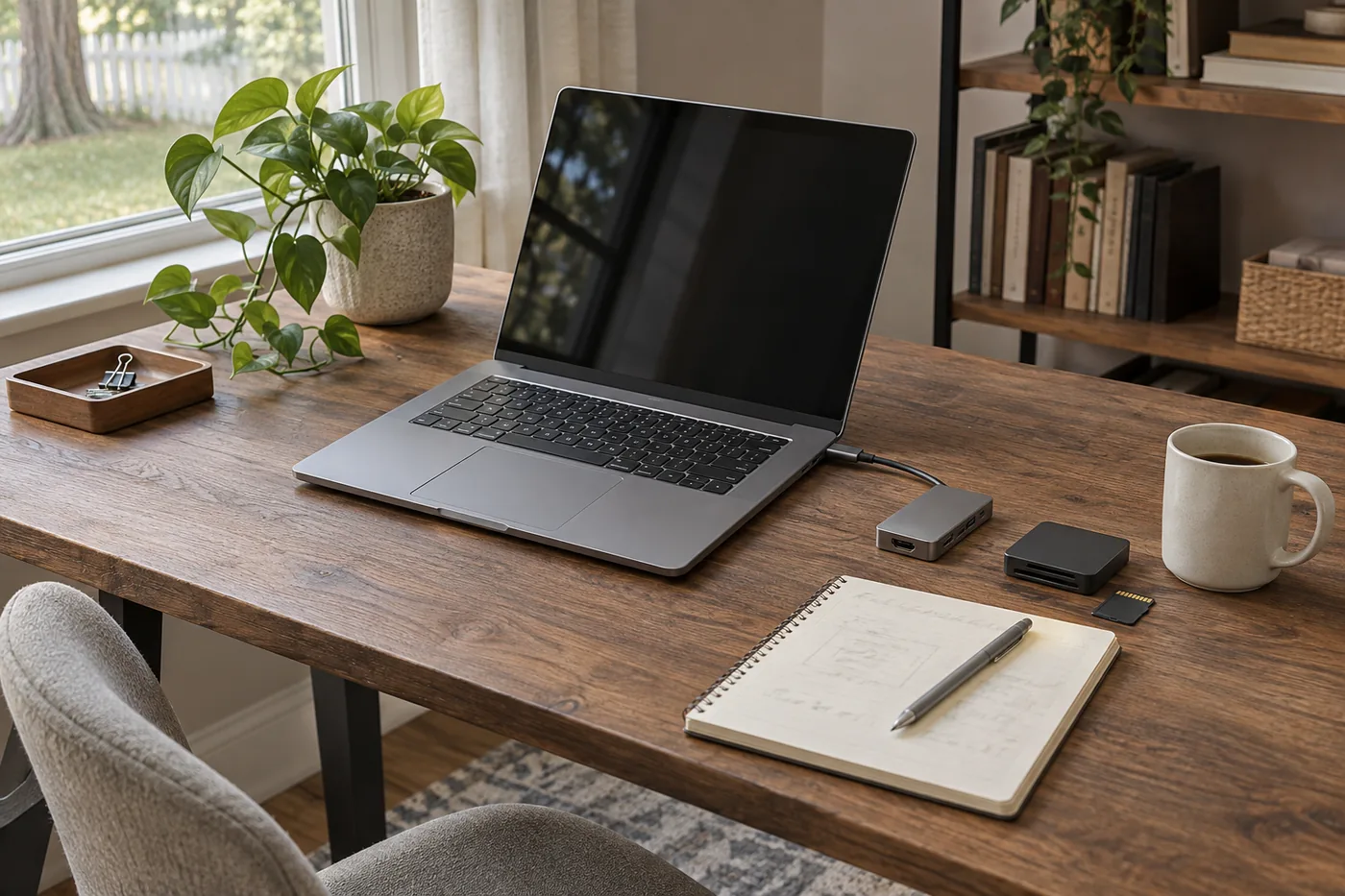 Compare a complete desk setup, not just the number beside the laptop.
For the ordinary docked home office, I'd keep the Air and the lower purchase cost. But I'd pay for the Pro when sustained workloads or direct connections remove a specific daily nuisance. That is a better reason than hoping an expensive laptop will negotiate with the monitor.
Method and selection: Apple's US specifications, product descriptions, store configuration data, and fan guidance were reviewed for workload, desk connections, and total purchase cost. Recommendations interpret published capabilities, not measured speed, sound levels, or meeting endurance. Last checked: November 24, 2026. Apple prices are before tax, excluding trade-in and education discounts; no future sale price was verified.
In one sentence
A docked monitor alone is not a reason to pay for the Pro.
Apple MacBook Air 13-inch, M5, 10-core CPU, 8-core GPU, 16GB memory, 512GB SSD
Apple MacBook Pro 14-inch, M5 Pro, 15-core CPU, 16-core GPU, 24GB memory, 1TB SSD, standard Liquid Retina XDR display
Frequently asked questions
Can the M5 MacBook Air run two external monitors?
Apple lists up to two external displays with the built-in display active, including two at up to 6K and 60Hz. The dock, cables, resolution, and refresh rate still need to support your intended arrangement.
Is the MacBook Pro quieter than the MacBook Air?
The Air has no cooling fan. Apple Support says intensive work can make fans run faster and become audible in a quiet room; no matched noise measurement for these configurations was verified.
Does the MacBook Pro last longer during video calls?
A video-call endurance comparison was not verified. Apple's published ceilings are 18 hours streaming and 15 hours wireless web for the Air, versus 22 hours streaming and 14 hours wireless web for this Pro; those categories do not predict meeting endurance.
What price gap should I compare with Black Friday offers?
Apple US starting purchase prices checked 2026-11-24 were $1,299 for the selected Air and $2,499 for the selected Pro, a calculated $1,200 gap before tax, excluding trade-in and education discounts. Match the exact configuration and required accessories; no future sale price was verified. Price varies; check Amazon.
Sources
- Apple MacBook Air 13-inch, M5, 10-core CPU, 8-core GPU, 16GB memory, 512GB SSD · 2026-11-24
13-inch M5 configuration: 10-core CPU, 8-core GPU, 16GB memory, 512GB SSD; 13.6-inch screen at 500 nits; two Thunderbolt 4 ports; up to two external displays including two at 6K/60Hz with the internal screen active; up to 18 hours streaming and 15 hours web; 2.7 lb.
- Apple MacBook Pro 14-inch, M5 Pro, 15-core CPU, 16-core GPU, 24GB memory, 1TB SSD, standard Liquid Retina XDR display · 2026-11-24
14-inch M5 Pro variant: 15-core CPU, 16-core GPU, 24GB memory and 1TB SSD; three Thunderbolt 5 ports, HDMI, SDXC; up to three external displays including three at 6K/60Hz; 14.2-inch Liquid Retina XDR screen, up to 120Hz and 1600-nit HDR peak; up to 22 hours streaming and 14 hours web; 3.5 lb. Values are for M5 Pro, not the M6 or M5 Max columns.
- Apple US MacBook Air purchase configurations · 2026-11-24
Embedded price key 13inch-silver-10-8 has amount 1299.00 for the selected 13-inch M5 configuration. Used as the $1,299 starting purchase baseline before tax, excluding trade-in and education discounts.
- Apple US 14-inch MacBook Pro purchase configurations · 2026-11-24
Page identifies the 15-core CPU/16-core GPU M5 Pro with standard display, 24GB memory, and 1TB SSD. Embedded price key 14inch-spaceblack-standard-m5pro-15-16 has amount 2499.00. The $1,200 gap is calculated as $2,499 minus $1,299, before tax and excluding trade-in and education discounts.
- Apple MacBook Air design · 2026-11-24
Confirms the fanless design, two Thunderbolt 4 ports, support for up to two external displays, 500-nit display brightness, and 2.7-pound starting weight. No measured fan-noise or matched sustained-load comparison is claimed.
- Apple Support fan behavior · 2026-11-24
No numerical noise figure used. Apple explains that intensive processing can increase fan speed and make airflow audible, particularly in quiet environments; this supports the qualitative noise limitation only.
- Apple Liquid Retina XDR MacBook Pro overview · 2026-11-24
Confirms the Liquid Retina XDR M5 Pro family, 1600-nit peak HDR brightness, and support for up to three external displays with M5 Pro. Distinguishes Liquid Retina XDR models from the separately named PROLED XDR family.







