

A fan humming beneath a colleague's voice is an unwelcome sound in a spare-bedroom office. If that has you browsing a discounted macbook pro m1, pause at the listing: the useful upgrade is a laptop that joins your workday without bringing someone else's problems along.
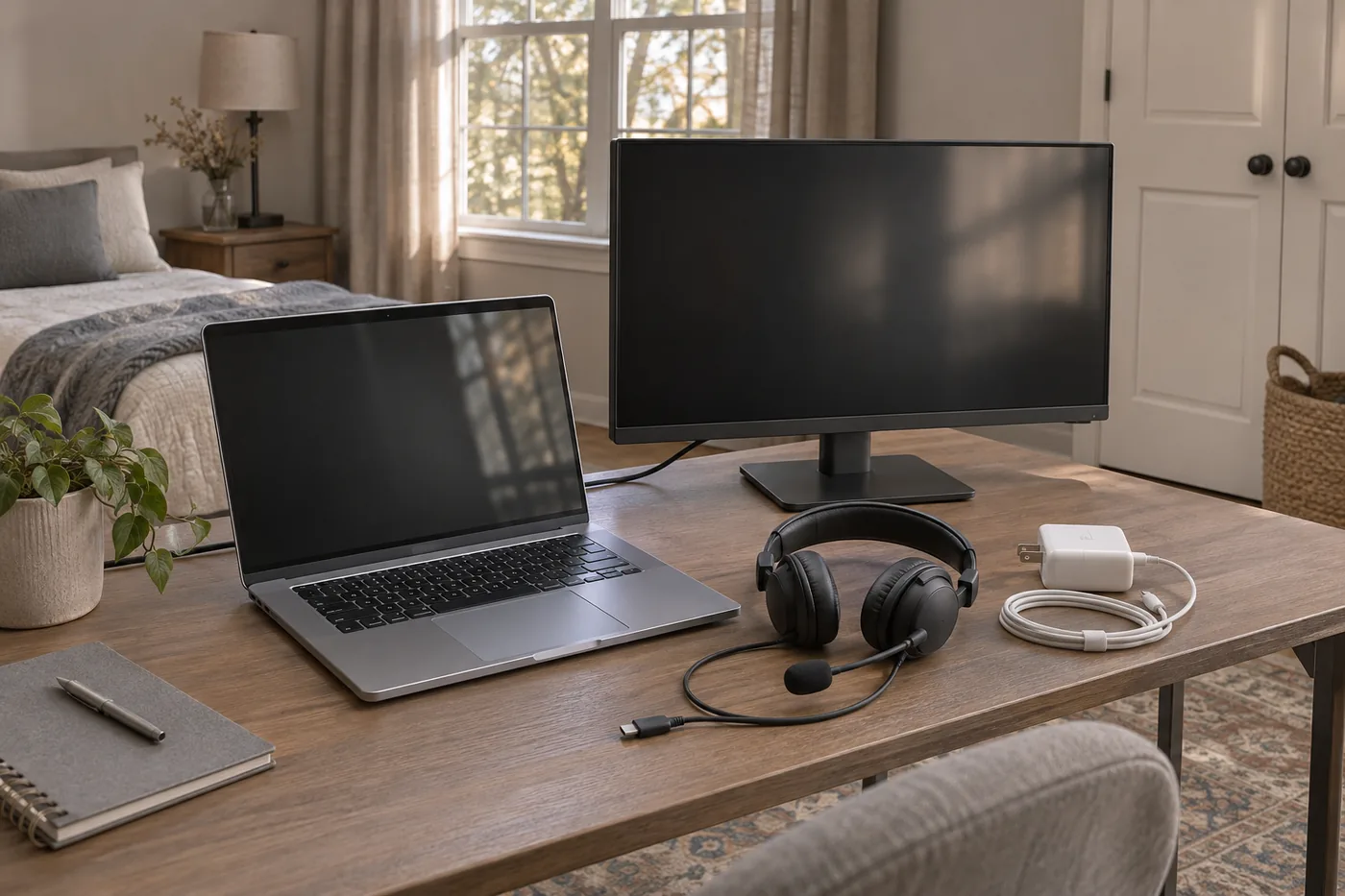 Make room for the connections your working day actually needs.
I'd consider the Apple MacBook Pro (13-inch, M1, 2020) for a desk with its own screen and a single external monitor, but only after the actual computer passes inspection. An unresolved account lock, unwanted company management, or vague return promise would stop the purchase for me.
How we chose
Apple's technical specifications, battery instructions, resale and Activation Lock guidance, deployment documentation, and US sales policy were checked. The checklist follows three concerns: compatibility with the desk, the actual unit's observable condition, and a clear ownership transfer with documented return terms.
Part 1Match the macbook pro m1 to your desk
Before discussing scratches, ask the seller to open About This Mac. This lets you compare the model, chip, and memory with the listing rather than trusting the lid or the box. Then check storage capacity in macOS, because available space and installed capacity tell different stories.
Apple's specifications describe the base M1 model below, not every laptop with Pro in its name. That distinction matters when your spare-room desk already has a monitor and a drawer of adapters.
Swipe sideways to see the full table →
| Apple specification | What it means at this desk |
|---|---|
| 8GB memory; configurable to 16GB | Verify which configuration the seller actually has |
| 256GB SSD; configurable to 512GB, 1TB, or 2TB | Match installed capacity to the listing and your local files |
| Two Thunderbolt / USB 4 ports | Charging and accessories need a connection plan |
| One external display, up to 6K at 60Hz | Native support does not cover a pair of external monitors |
Need both external screens for work? This model's native display limit is a reason to stop here, not a problem to discover after moving everything onto it. A bargain matters less if it cannot support the desk you need.
Part 2Read the battery beyond the cycle count
Apple's route to the cycle count starts by holding Option while opening the Apple menu, choosing System Information, and selecting Power. So ask to see that screen live, then inspect the battery-health information in Battery settings as well. A cropped listing image cannot show whether the computer in front of you still matches it.
Apple gives this model a maximum cycle count of 1,000. But that is not a promise of trouble-free use below the limit: a cycle measures accumulated battery use, not each occasion the charger gets connected.
Before, the seller's description was simply “good battery.” Now you can compare that description with the displayed condition and charging behavior. If macOS calls for service, get a written service estimate before deciding whether the discount still helps.
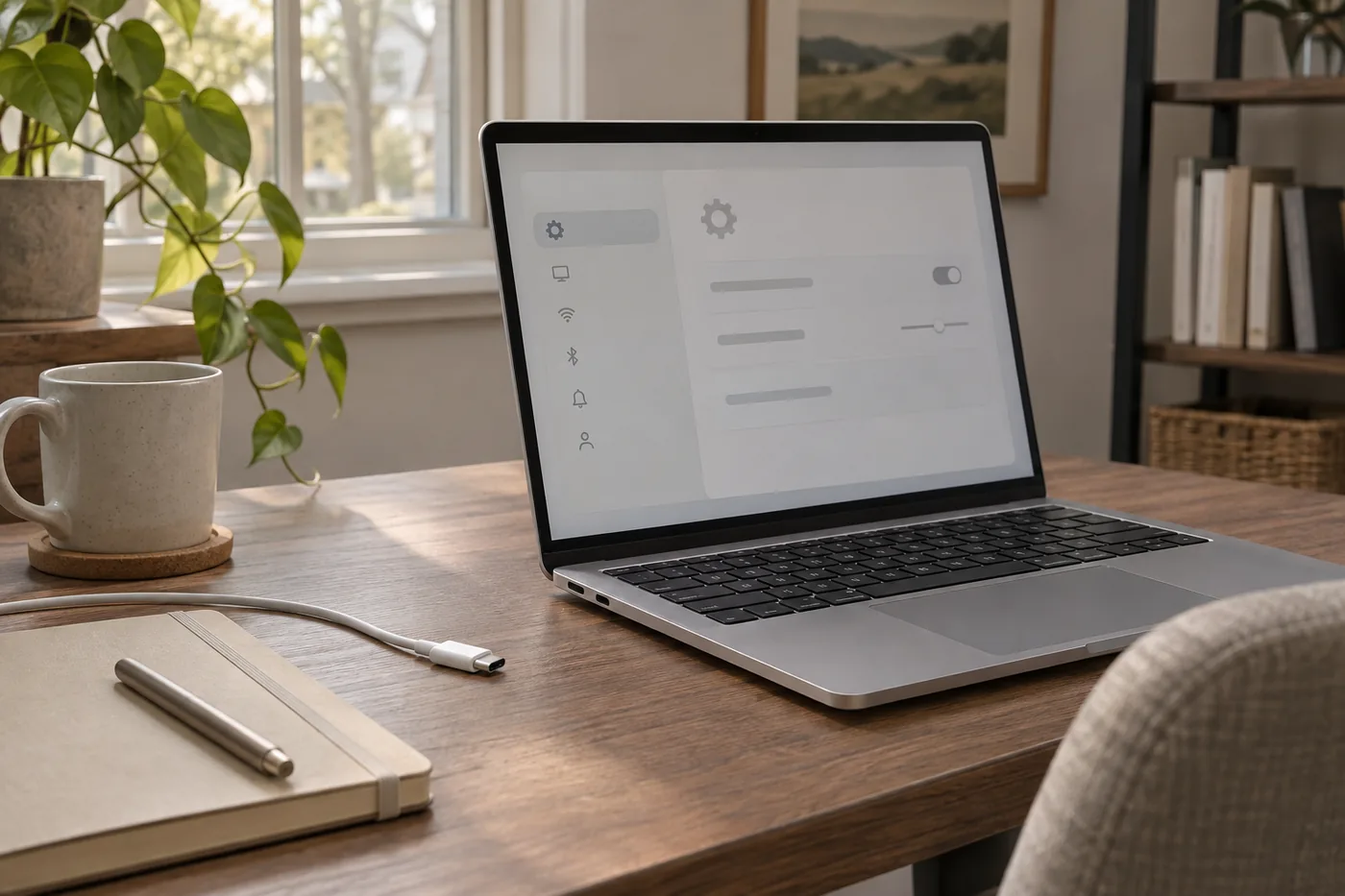 Check battery information, then watch how the computer behaves away from its charger.
With permission, unplug the charger and open the kind of work you expect to do. This may reveal an unexpected shutdown, but a short inspection cannot establish remaining battery life through a full workday. That uncertainty belongs in the price discussion.
Part 3Connect the things your colleague will notice
Bring your existing headset, display connection, and a known-working storage device if the seller agrees. Then check charging through each USB-C port and try the accessories, because a socket that looks clean still needs to work. Apple's original adapter specification is 61W; compare the included adapter with what was advertised.
The important check is the whole desk connected together. With charging and accessories sharing the available USB-C connections, a display demonstration alone does not tell you whether your planned arrangement works. Try the headphone jack too if a wired headset is part of your calls.
Apple lists a 720p built-in camera, so inspect the picture in ordinary room light rather than expecting the model name to guarantee a flattering image. Then record your voice and play it through the speakers and headset. A persistent crackle or missing sound is worth resolving before a colleague has to mention it.
Before, you had a tidy photograph of a desktop. Now the keyboard, trackpad, Touch Bar, display, and audio have had a chance to do something useful. Look for working controls, not just clean surfaces.
Part 4Let the seller finish the ownership transfer
Keep the computer available for those hardware checks before the owner erases anything. Then let the seller back up their files and handle their own passwords, because preparing it for transfer deletes their data. Apple's resale instructions offer Erase All Content and Settings on Apple-silicon Macs running macOS Monterey 12 or later.
An erase is not the same as proof that Activation Lock is gone. Apple explains that the previous owner's credentials can still be required to reactivate a Mac, so the seller needs to disable Find My and clear the lock. A promise to sort it out later leaves you with the problem.
Connect to the internet and continue through activation and setup before completing an in-person handoff. If setup asks for the former owner's credentials, pause while the seller resolves it. Keep your own work accounts off the machine during this inspection.
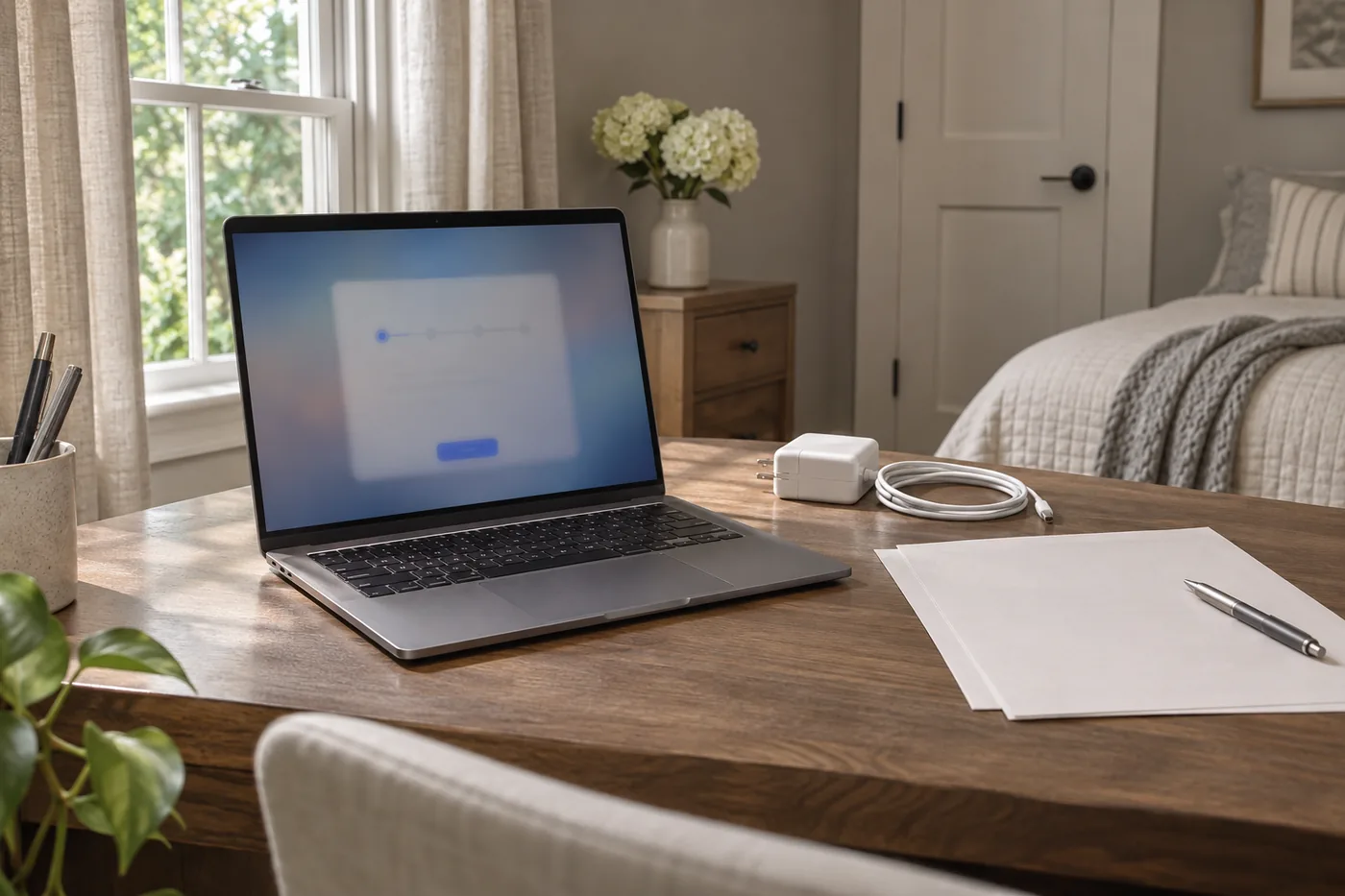 Leave time for internet-connected setup before completing the handoff.
An unexpected Remote Management screen needs a separate answer. Apple's deployment guide says organizations can enroll devices during setup and prevent removal of management enrollment. So require the owning organization's release; a bypass is not an ownership transfer, and reaching a desktop does not prove the organization has released the device.
Finish the transfer with the seller available to resolve ownership questions, not with a promise to answer them afterward.
Part 5Put the return route in writing
Before paying, save the listing and ask for the exact configuration, included accessories, seller details, and return conditions in your order record. This turns a friendly conversation into something you can refer back to if the charger is missing or the machine behaves differently at home. For a shipped order, settle those terms before ordering and inspect promptly after delivery.
Ask when the return period starts, whether a fault changes the process, who pays return shipping, and whether deductions or fees apply. Then save the policy attached to that particular order, including an Amazon.com marketplace purchase. The seller's applicable terms matter, not a policy remembered from another store.
Apple's standard US policy allows eligible returns or exchanges with a receipt within 14 days of receiving a product from Apple, subject to its conditions. But Apple also directs purchases from other retailers to those retailers' policies. That window is not a transferable guarantee for a used listing elsewhere.
No current seller price was established for this article, so there is no verified discount to compare. Instead, add the checkout total, missing accessories, and any written service quote before choosing whether this macbook pro m1 leaves enough of your office budget intact.
Today's small tweak: make a voice recording from your usual chair with your current headset. Then listen back, so you have a familiar sound to compare when checking a replacement laptop. No extra inspection gadget needed.
Source note: Apple's model specifications, battery guidance, transfer instructions, management documentation, and US return policy informed this checklist. It addresses desk fit, observable condition, and ownership and return protection; it does not assess an individual seller's computer or discount. Sources checked November 24, 2026.
In one sentence
A discount only helps when the laptop fits your desk, works as described, and can be transferred to you without unresolved ownership restrictions.
Frequently asked questions
What should a seller demonstrate before I pay for a used MacBook?
Ask to see the actual model, chip, memory, installed storage, battery information, charging, and your intended accessories working. For an in-person handoff, also allow time for the seller to prepare the Mac for transfer and demonstrate internet-connected activation without unresolved account or organizational restrictions.
Does a battery below 1,000 cycles mean the laptop is in good condition?
No. Apple's maximum cycle count for this model is not a guarantee of remaining runtime. Read the displayed battery condition, check charging behavior, and obtain a written service estimate if macOS indicates service is needed.
Can this base M1 MacBook Pro run two external monitors natively?
Apple specifies native support for one external display up to 6K at 60Hz alongside the built-in screen. If your desk requires a pair of external displays, do not assume this model supports that arrangement without a separate solution and its own compatibility checks.
Does erasing the Mac remove both Activation Lock and company management?
An erase alone does not establish that either restriction is cleared. The owner must resolve Activation Lock, while an organization may need to release a managed device; inspect internet-connected setup and do not accept a bypass as a substitute for release.
Does Apple's 14-day return policy apply to an Amazon.com seller?
Apple's standard US policy concerns eligible purchases from Apple. Apple directs purchases from other retailers to their policies, so save the applicable terms for the specific Amazon.com order before buying.
Sources
- Apple MacBook Pro (13-inch, M1, 2020) · 2026-11-24
2020 model; 8GB memory configurable to 16GB; 256GB SSD configurable to 512GB, 1TB, or 2TB; two Thunderbolt / USB 4 ports; one external display up to 6K at 60Hz; 720p camera; originally supplied 61W USB-C adapter.
- Apple battery cycle-count instructions · 2026-11-24
Maximum cycle count 1,000 for the MacBook Pro (13-inch, M1, 2020); explains accumulated charge cycles and the Option key > System Information > Power inspection route.
- Apple Activation Lock instructions · 2026-11-24
No numerical claim taken. Explains credentials required for reactivation and disabling Activation Lock by turning off Find My; an erased Mac can remain locked.
- Apple preparation for selling or giving away a Mac · 2026-11-24
Erase All Content and Settings requires macOS Monterey 12 or later on an eligible Apple-silicon or T2 Mac; warns that preparation erases data and advises a backup.
- Apple Automated Device Enrollment guidance · 2026-11-24
No numerical claim taken. Describes enrollment of organization-owned devices from setup and the organization's ability to prevent removal of management enrollment.
- Apple US standard sales and refund policy · 2026-11-24
Standard eligible returns or exchanges with receipt within 14 days of receiving a product from Apple, subject to conditions; other retailers' returns follow their own policies. No current seller price established.







