
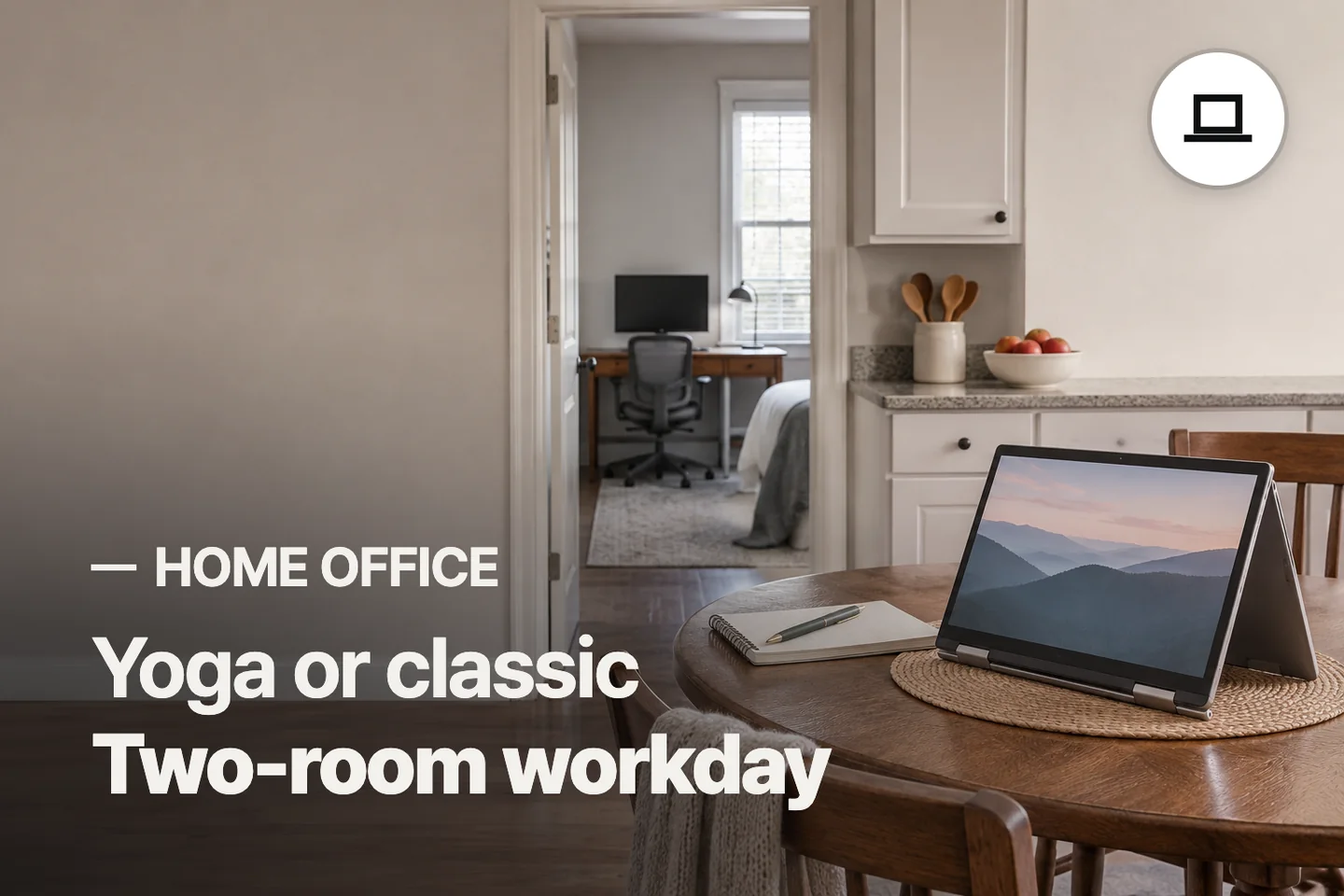
The kitchen table needs clearing for lunch, but your video call has acquired an agenda of its own. Working between that table and a spare-bedroom desk raises a surprisingly practical laptop question: what actually needs to move with you?
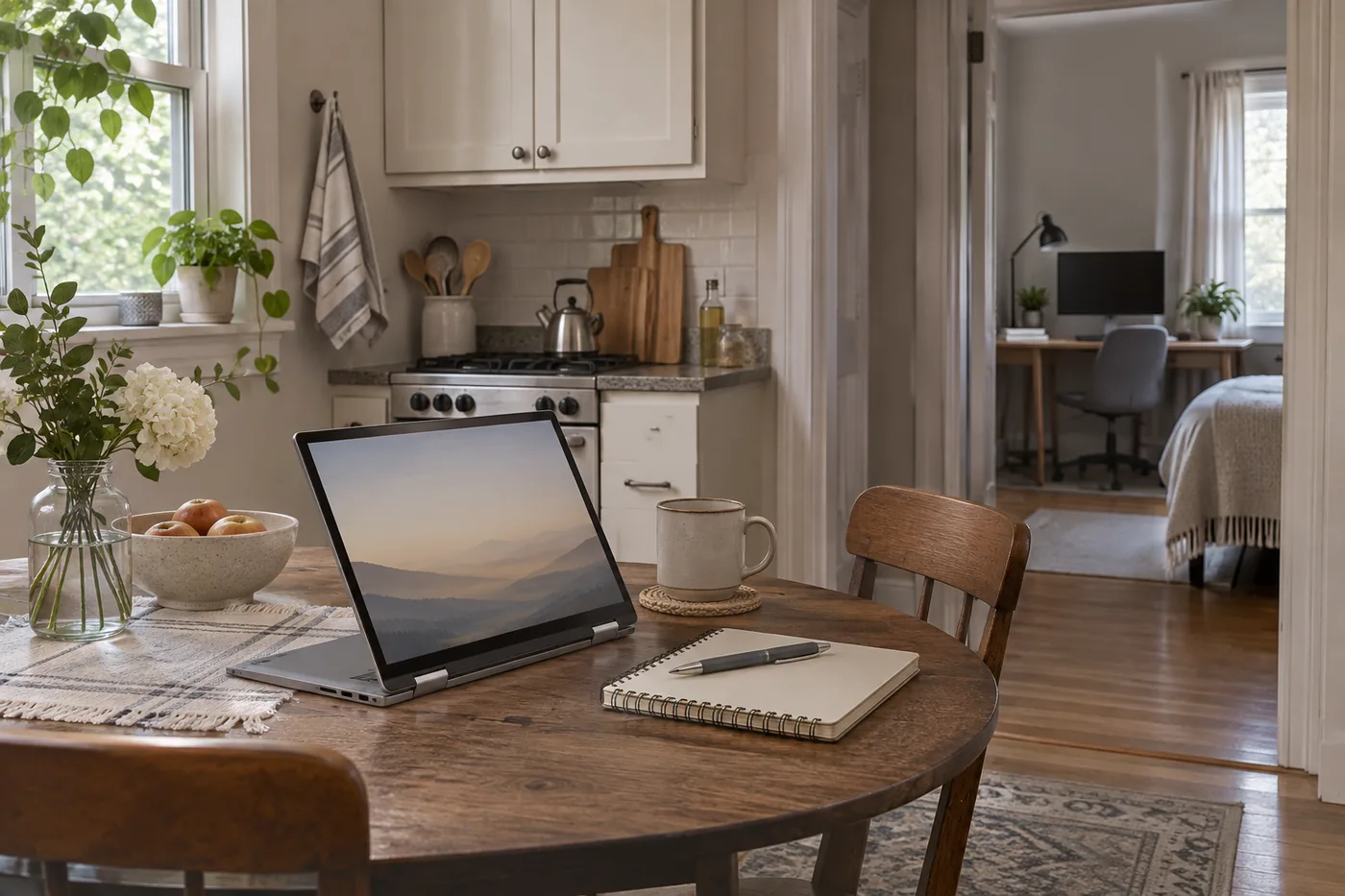 The kitchen table has another job waiting when the call ends.
For typing, calls and a bedroom monitor, I'd choose the ASUS Zenbook 14 OLED UX3405MA for its lower listed weight. The Lenovo Yoga 7i 2-in-1 14ILL10, WUXGA OLED configuration earns its place instead when folding the screen helps with regular annotation or sharing documents across the table.
How we chose
Reviewed Lenovo PSREF, ASUS US technical specifications and ASUS's battery-test footnote. The three criteria were a real use for folding, carrying weight between rooms and compatibility with a desk monitor; manufacturer runtime claims were kept separate from working-day expectations.
Toneandroom picks
Best Yoga vs. clamshell options for two-room work: Top 2
Document annotation and sharing a screen across the kitchen table
Lenovo Yoga 7i 2-in-1 14ILL10, WUXGA OLED configuration
Exact-configuration US price: Not listed by the maker on the reviewed specification page; checked November 24, 2026. Confirm the checkout total with the seller.
The folding screen serves annotation and across-the-table viewing rather than adding a feature with no regular task.
- Weight
- From 3.04 lb
- Display
- 14 in OLED touch
- Battery
- 70Wh
- Hinge
- 360 degrees
- You annotate documents regularly
- You share a screen across a table
- Pen inclusion depends on bundle
- HDMI is limited to 4K at 30Hz
Typing, calls and carrying the laptop to a bedroom monitor desk
ASUS Zenbook 14 OLED UX3405MA
Exact-configuration US price: Not listed by the maker on the reviewed pages; checked November 24, 2026. Confirm the checkout total with the seller.
Its lower listed weight suits moving a conventional typing setup between rooms without needing a folding display.
- Weight
- 2.82 lb listed
- Display
- WUXGA OLED option
- Battery
- 75Wh
- USB-C
- 2 Thunderbolt 4
- Most work is typing and calls
- You carry it between work spots
- Screen does not fold into tablet mode
- Confirm the UX3405MA model suffix
What we considered
Folding tasks
Will the keyboard need to fold away during normal work?
Lenovo lists tent, stand and tablet modes in addition to laptop mode. That makes it the better fit for recurring document annotation or showing a screen across a table, rather than touch alone.
Carrying weight
Which published weight suits moving between work spots?
The Zenbook US specification lists 2.82 lb, while Lenovo's OLED versions start at 3.04 lb. That favors the clamshell for a typing-first routine, with exact configuration weight still worth checking.
Desk connections
Will the laptop connect to the intended monitor mode?
Both families offer Thunderbolt 4, but Lenovo limits this Yoga's HDMI output to 4K at 30Hz. The monitor and cable need checking before assuming a particular resolution and refresh rate will work.
Part 1The Yoga hinge needs an actual assignment
Lenovo specifies a 360-degree hinge with laptop, tent, stand and tablet modes. That makes the Yoga useful when the keyboard gets between you and a document: folded away, it leaves the touchscreen facing you or someone opposite. But if your work stays inside email and a spreadsheet, the hinge may spend its career politely unemployed.
The reference configuration here has a 14-inch WUXGA OLED touchscreen, with 1920 × 1200 resolution and a 60Hz refresh rate. So this comparison is about folding that screen into a useful position, not buying a higher-resolution panel by accident. Lenovo offers other displays under the same family name, and their figures differ.
Lenovo lists OLED versions as starting at 3.04 lb. That means tablet mode still puts a whole computer in your hands, keyboard and all; resting it on the table is a more sensible expectation than treating it as a small reading tablet. The specification also lists both a Yoga Pen option and a no-pen option, so the retailer's bundle needs to say what arrives.
Part 2The Zenbook favors carrying and typing
The ASUS Zenbook 14 OLED UX3405MA has a US-listed weight of 2.82 lb. Compared with Lenovo's OLED starting weight, that favors the Zenbook for carrying a laptop alongside a notebook and headset, although neither number guarantees the weight of every configuration. This is an easier trip down the hallway, not a reason to buy hiking equipment.
ASUS also lists OLED touchscreen options for this clamshell, including WUXGA at 1920 × 1200 and 60Hz. So touch does not require a convertible. The distinction is whether the screen folds around, which matters much more for resting a document flat than for tapping a button during a call.
Swipe sideways to see the full table →
| Workday detail | Lenovo Yoga 7i 2-in-1 14ILL10, WUXGA OLED configuration | ASUS Zenbook 14 OLED UX3405MA |
|---|---|---|
| Published weight | OLED models start at 3.04 lb | 2.82 lb listed |
| Screen reference | 14-inch WUXGA OLED touch, 60Hz | WUXGA OLED touch, 60Hz option |
| Battery capacity | 70Wh | 75Wh |
| USB-C connections | Two Thunderbolt 4 ports | Two Thunderbolt 4 ports |
| Other desk connections | USB-A, HDMI 1.4b, audio, microSD | USB-A, HDMI 2.1 TMDS, audio |
| Folding use | Laptop, tent, stand, tablet | Conventional clamshell |
The model suffix deserves attention before the shopping tab closes. ASUS's specification page covers UX3405MA alongside other variants, including UX3405CA, so a similar product title is not enough to establish a match. That matters when a sale listing borrows a family photograph but quietly changes the processor or panel.
Part 3Battery hours and monitor ports need context
Lenovo lists up to 16 hours in MobileMark 30 for the WUXGA OLED Yoga at 250 nits, and up to 31 hours of local video playback at 150 nits. Those are different workloads at different brightness settings. So the larger number describes watching a local video under Lenovo's conditions, not a calendar filled with camera-on meetings.
ASUS advertises 15+ hours, but its footnote describes video playback on a UX3405MA with a Core Ultra 5-125H, FHD OLED panel, 512GB SSD and 8GB RAM. That test uses 150-nit brightness with Wi-Fi enabled but disconnected. Which is why lining it up against Lenovo's MobileMark result would produce a tidy comparison with an untidy premise.
The capacities are 70Wh for Lenovo and 75Wh for ASUS. But stored energy is not a working-day runtime: panel, processor, brightness and workload all affect how quickly it goes. Neither set of claims proves which exact retail unit will outlast the other during your calls.
Battery claims describe the stated test, not the length of your meeting schedule.
At the bedroom desk, check the display connection before the discount. Lenovo specifies HDMI output up to 4K at 30Hz, so a 4K monitor intended for 60Hz use calls for checking a compatible Thunderbolt/USB-C path instead. ASUS lists HDMI 2.1 TMDS, but the label alone does not establish every supported monitor mode.
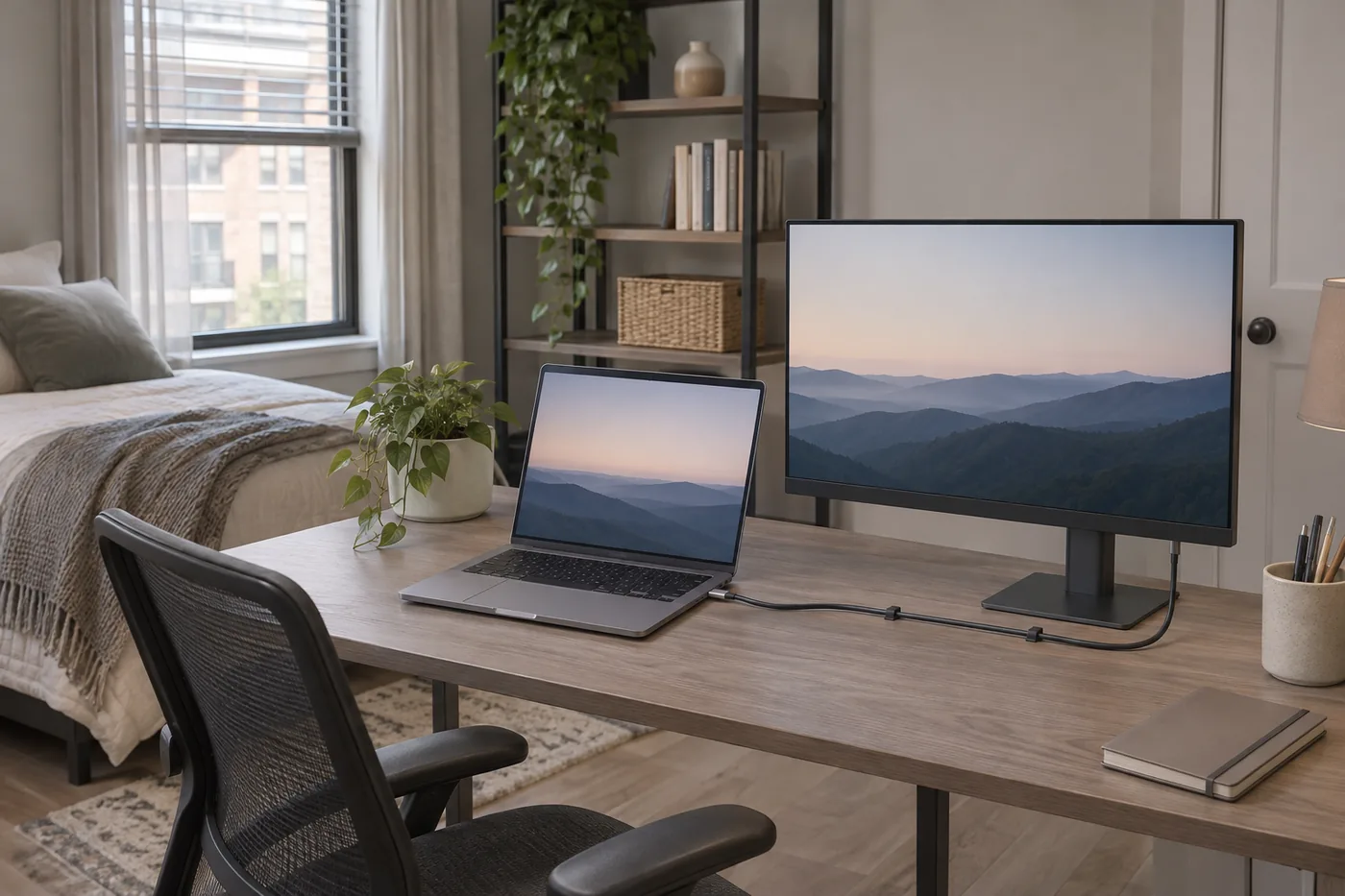 The monitor connection deserves a place on the shopping list alongside the laptop.
Both machines have Thunderbolt 4 connections supporting display output and power delivery. That makes USB-C worth investigating for the desk, but the monitor's charging output and the cable still need to match the setup. A matching socket is a start, not the entire arrangement.
Part 4A sale banner cannot identify your configuration
The manufacturer pages checked on November 24, 2026 did not establish a current US checkout price for either exact configuration. So there is no verified dollar saving here, and no sound reason to declare one the budget option. Amazon pricing also needs checking against the exact listing rather than a family-level search result.
Before comparing totals, match the processor, RAM, SSD, panel, pen bundle and condition. Then include any required pen or display adapter, plus taxes and shipping shown at checkout. A cheaper Yoga with an IPS display is not this OLED configuration, just as a different Zenbook suffix is not automatically the same machine on sale.
Would you actually fold the screen during an ordinary workweek? If document markup or showing a page across the table gives you a specific answer, the Yoga's extra flexibility has a purpose. Otherwise, the Zenbook is my typing-first choice, subject to the configuration and checkout price matching what you intended to buy.
 A useful work setup lets the kitchen become a kitchen again.
Sources and selection: Lenovo PSREF, ASUS US technical specifications and the ASUS US product page were checked November 24, 2026. The comparison prioritizes folding tasks, carrying weight and desk connections; battery figures remain manufacturer claims under their stated conditions. Exact US checkout prices were not verified.
In one sentence
Choose the Yoga for regular folding and annotation tasks, or the lighter-listed Zenbook for typing-first work between rooms.
Lenovo Yoga 7i 2-in-1 14ILL10, WUXGA OLED configuration
ASUS Zenbook 14 OLED UX3405MA
Frequently asked questions
Does a Lenovo Yoga make more sense than a clamshell for home work?
It does when folding or annotation has a recurring purpose. For typing, calls and a monitor desk without that task, the Zenbook's lower published weight makes it the more appealing fit.
Which laptop has the better battery life?
The reviewed claims do not establish a comparable working-day winner. Lenovo's WUXGA OLED Yoga figures include MobileMark and local video tests, while ASUS's 15+ hour claim refers to a specified video-playback configuration.
Can the Yoga HDMI port run a 4K monitor at 60Hz?
Lenovo specifies this Yoga's HDMI output at up to 4K at 30Hz. For 4K at 60Hz, check a compatible Thunderbolt/USB-C display connection, including the monitor and cable.
Are exact US sale prices confirmed?
No exact-configuration US checkout prices were established from the manufacturer pages checked November 24, 2026. Match the processor, memory, storage, panel, bundle and condition before comparing seller totals.
Sources
- Lenovo Yoga 7i 2-in-1 14ILL10, WUXGA OLED configuration · 2026-11-24
14-inch 1920 × 1200 WUXGA OLED touch at 60Hz; OLED starting weight 3.04 lb; 360-degree hinge; 70Wh; up to 16 hours MobileMark 30 at 250 nits and 31 hours local video at 150 nits; two Thunderbolt 4 ports; HDMI 1.4b up to 4K at 30Hz; pen and no-pen options.
- ASUS Zenbook 14 OLED UX3405MA · 2026-11-24
UX3405MA column: 2.82 lb listed weight, 75Wh battery, WUXGA 1920 × 1200 OLED touch at 60Hz option, two Thunderbolt 4 ports, USB-A, audio and HDMI 2.1 TMDS. Page distinguishes MA and CA variants.
- ASUS US battery-claim conditions · 2026-11-24
15+ hour claim; 1080p video-playback footnote specifies UX3405MA, Core Ultra 5-125H, FHD OLED, 512GB SSD, 8GB RAM, 150 cd/m² brightness and Wi-Fi enabled but disconnected.







