
Your meeting window is on the laptop, the document you need is on the far monitor, and reaching for the mute key nudges the coffee toward an expensive edge. In a spare-bedroom office, a replacement laptop needs to make that arrangement less awkward. Weekend gaming is welcome; another cable puzzle is not.
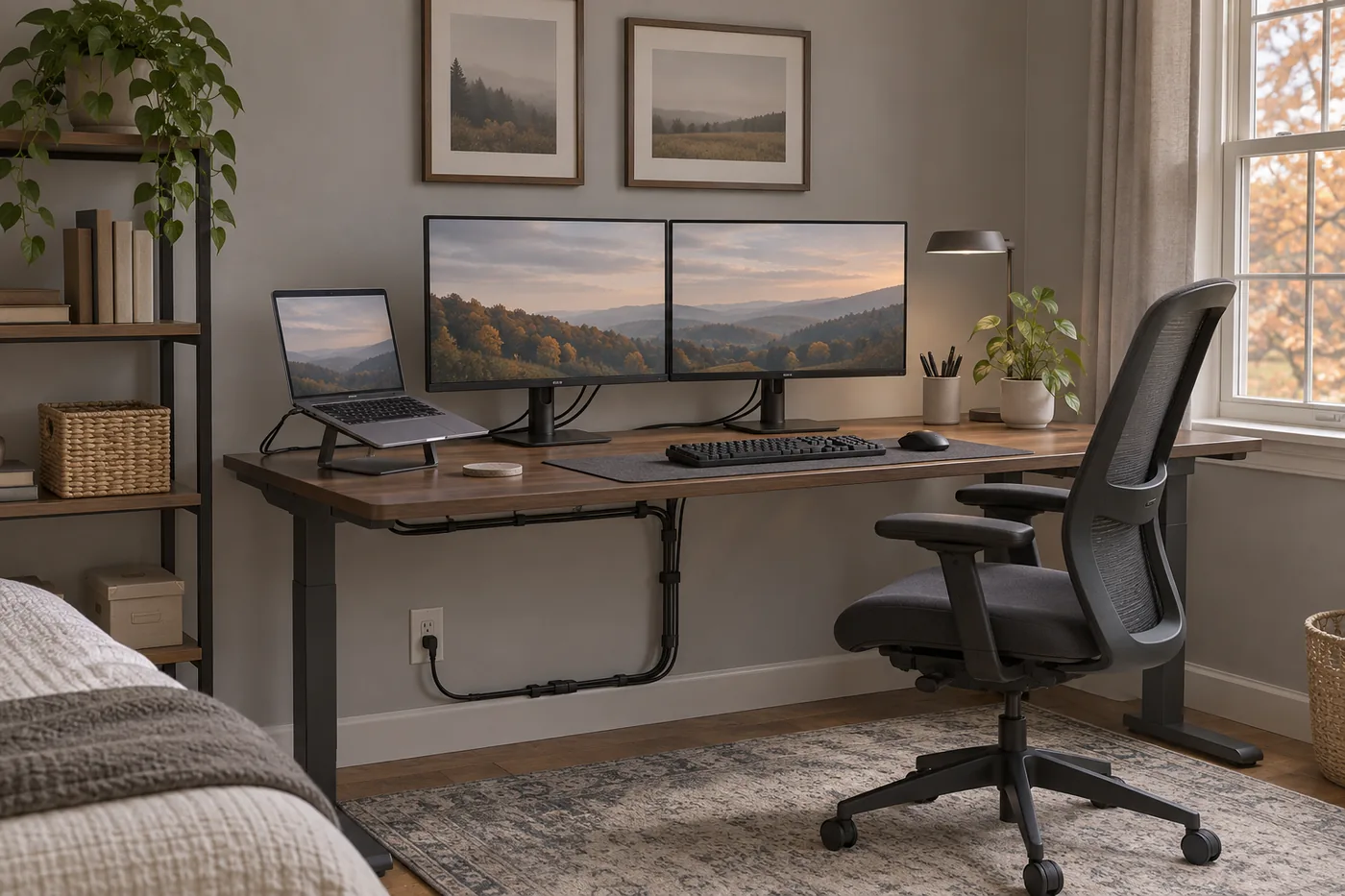 A home-office desk needs room for the work, not just the computer.
For a work-first purchase, I'd choose the ThinkPad. The Lenovo ThinkPad T14 Gen 5 Intel, 21ML0055US suits carrying and an existing Thunderbolt desk, while the Lenovo Legion 5 16IRX9, RTX 4060 configuration makes more sense when demanding local games are part of the brief. Neither needs to win every category to earn its place.
How we chose
Compared previously verified Lenovo platform specifications and the US ThinkPad model record using desk connections, portability, and gaming needs. The November 24 refresh did not expose readable specification data, so retained facts keep their November 9 verification dates; current prices and stock remain unverified.
Toneandroom picks
Best Lenovo laptops for a two-monitor home office: Top 2
A mostly plugged-in home office that must also handle demanding local games
Lenovo Legion 5 16IRX9, RTX 4060 configuration
US exact-configuration asking price: Not listed by the maker in the specifications verified 2026-11-09. Price varies; check Amazon. No newer price verified on 2026-11-24.
Dedicated RTX 4060 graphics make the extra weight and separate gaming power supply worthwhile when the work laptop must also run demanding local games.
- Weight
- Around 5.2 lb
- GPU memory
- 8GB
- USB-C
- 2 × 10Gbps
- Adapter
- 230W / 300W
- Demanding games share this desk
- A built-in number pad matters
- No Thunderbolt support listed
- Check gaming adapter inclusion
A work-first desk with Thunderbolt connections and regular trips away from home
Lenovo ThinkPad T14 Gen 5 Intel, 21ML0055US
US model 21ML0055US asking price: Not listed by the maker in the specifications verified 2026-11-09. Price varies; check Amazon. No newer price verified on 2026-11-24.
Its lower starting weight, smaller footprint, and explicit Thunderbolt connections fit a work-focused desk better than paying for dedicated graphics that will rarely be needed.
- Weight
- From 3.05 lb
- USB-C
- 2 × 40Gbps
- Adapter
- 65W USB-C
- Graphics
- Intel Graphics
- You carry the laptop regularly
- You already own a Thunderbolt dock
- This model lacks dedicated graphics
- Battery maximum is another build
What we considered
Desk connections
Will the laptop support your screens and existing dock?
Both platforms list enough external-display support for this setup, but only the T14 explicitly lists Thunderbolt. That distinction matters more than connector appearance when reusing an existing dock.
Portability
How often will the computer leave the desk?
The Legion's approximate weight and the T14's starting weight are not matched measurements. They still favor the ThinkPad for carrying, while adapter size and packed-bag weight need a separate check.
Local gaming
Does this computer also need demanding gaming graphics?
The selected Legion includes a dedicated RTX 4060 option, while this exact T14 uses integrated Intel Graphics. That gives the Legion a clear purpose when local gaming is necessary, without inventing comparative frame rates.
Part 1Start with what stays on the desk
The Legion's maker-listed weight is around 5.2 lb, while the T14 model record gives a starting weight of 3.05 lb. Those are not matched measurements, but they suggest rather different trips from the spare room to the office. Starting weight is not your packed bag, particularly once the power adapter joins it.
The footprint matters even if neither machine leaves home. Lenovo lists the Legion at 14.16 × 10.33 inches and the T14 at 12.44 × 8.81 inches, so the ThinkPad leaves more space beside the keyboard for paperwork or a mouse. That is useful when the desk already belongs mostly to the monitors.
The Legion earns its larger presence with an RTX 4060 Laptop GPU option carrying 8GB of dedicated graphics memory and a listed 140W graphics power specification. That makes it the gaming-oriented choice, but 140W is not a frame-rate promise or a reading of household electricity use. Before paying for it, check that the listing actually includes this GPU rather than another configuration under the same family name.
Part 2Compare the connections before the dock
Both Lenovo platforms list support for the built-in screen plus three external displays. That puts a two-monitor office within the display count, but the dock still needs checking for your screens' resolutions and refresh rates. A display count is permission to investigate the setup, not certification of every cable combination.
Swipe sideways to see the full table →
| Desk consideration | Lenovo Legion 5 16IRX9, RTX 4060 configuration | Lenovo ThinkPad T14 Gen 5 Intel, 21ML0055US |
|---|---|---|
| Carrying weight | Around 5.2 lb | Starting at 3.05 lb |
| USB-C connections | Two 10Gbps ports, with DisplayPort | Two Thunderbolt 4 / USB4 40Gbps ports |
| Other connections | HDMI; three USB-A ports | HDMI; two USB-A ports |
| Graphics | RTX 4060, 8GB dedicated memory | Integrated Intel Graphics |
| Power adapter | Platform lists 230W or 300W slim-tip options | Model lists 65W USB-C |
For either laptop, HDMI to one monitor and a compatible USB-C-to-DisplayPort connection to the other is a sensible arrangement to check against the monitors' inputs. But an existing Thunderbolt dock points more directly toward the T14, because Lenovo explicitly lists that standard. The Legion's USB-C socket has the familiar shape without the same listed capabilities.
The T14's integrated Intel Graphics also needs its proper name. This Core Ultra 7 165U model is not the platform's optional Arc configuration, so an Arc claim on a generic listing is a reason to inspect the model code. For office work and light games, match the actual graphics to the software you intend to run.
The connector's shape tells you where the cable fits, not everything the cable can do.
Part 3Keep charging separate from display support
Does your ideal desk involve unplugging just one cable? The T14 is the clearer starting point because its model record lists a 65W USB-C adapter, though the dock must still supply suitable power and display support. That makes dock power delivery a purchase check, not an assumption.
The Legion platform instead lists 230W or 300W slim-tip power adapters, depending on the offering. Lenovo also specifies that its advertised 140W USB-C input requires a particular Lenovo adapter. So a display connection through an ordinary office dock does not establish that the same dock replaces the gaming power supply.
The keyboard decision is more personal than the port decision. Lenovo lists 1.5mm travel for the Legion with a numeric keypad; the T14 lists 1.5mm travel, with 1.35mm for the Fn row and G/H/B keys, plus a TrackPoint. Similar travel figures do not prove similar feel, but the keypad and pointing controls are concrete differences you can choose between.
If the laptop stays open for number entry, the Legion's numeric keypad has a practical purpose. But if an external keyboard already does that work, paying much attention to the built-in layout is rather like choosing a dining table for the drawer you never open. Put the connections and desk space ahead of it.
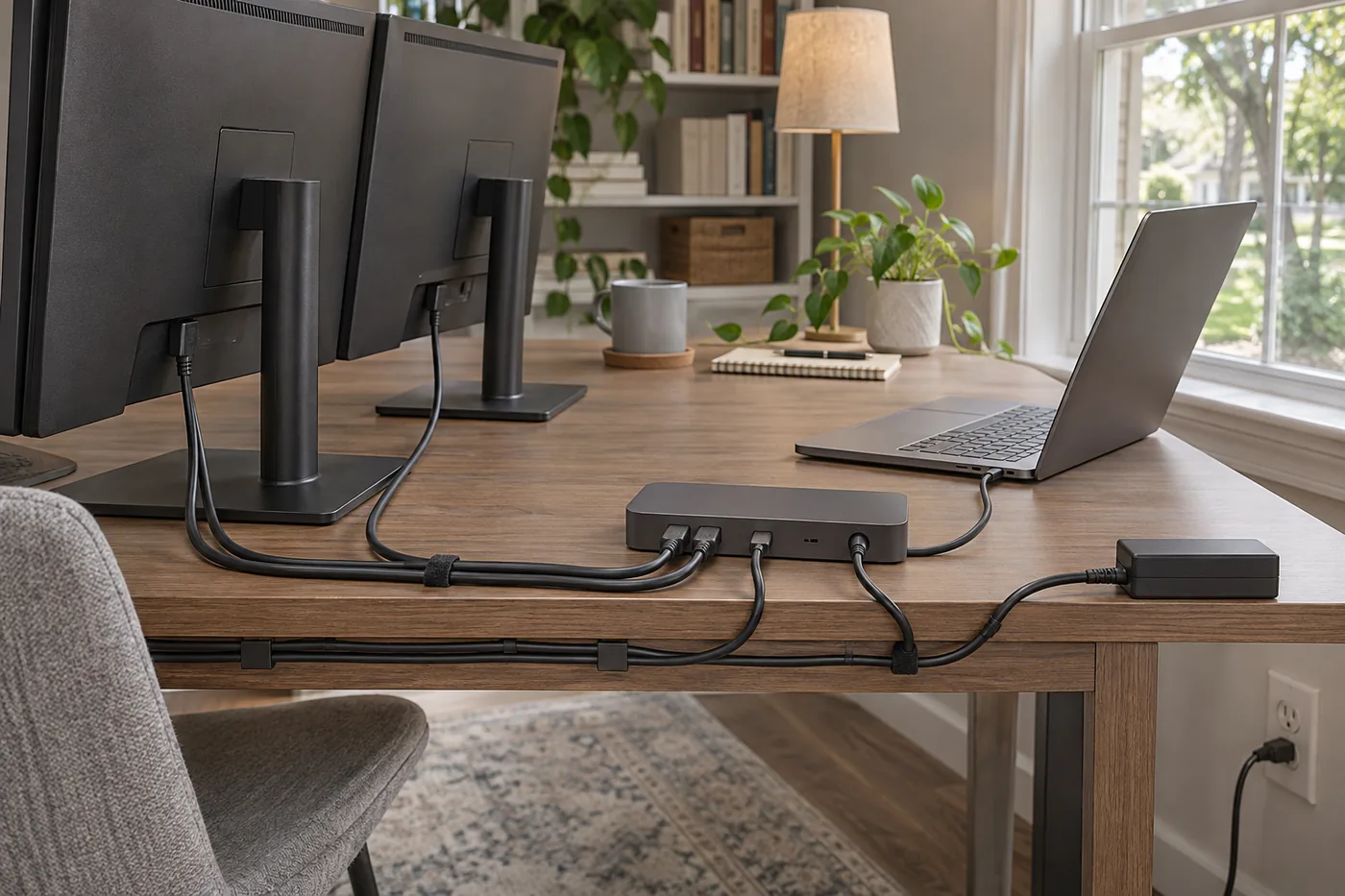 A display cable and a power lead solve different problems.
Part 4Battery claims are not matching workdays
The Legion has an 80Wh battery, compared with 52.5Wh in the specified T14. But capacity alone cannot rank runtime, because the components and workload also draw power. The larger number does not turn a gaming configuration into the obvious travel choice.
Lenovo published 5.7 hours under MobileMark 2018 for the Legion platform, alongside 6.5 hours of local video playback at 150 nits. That MobileMark figure does not promise an outlet-free workday, and the video figure describes playing a file rather than joining meetings. Neither is a measurement of your particular work schedule.
The T14 platform's published maximum is up to 11.5 hours under MobileMark 25, but that uses a Core Ultra 5 125U, low-power non-touch display, 8GB memory, and best-efficiency mode. That is not the 165U touch-screen US model here, and the benchmark version differs too. So do not read these claims as a doubling of working time.
Noise deserves the same restraint. The reviewed specifications provide no comparable fan measurements for these configurations, so neither gets a quiet-call recommendation from the evidence here. If shared-room calls are central to the purchase, seek configuration-matched acoustic measurements before treating either as discreet.
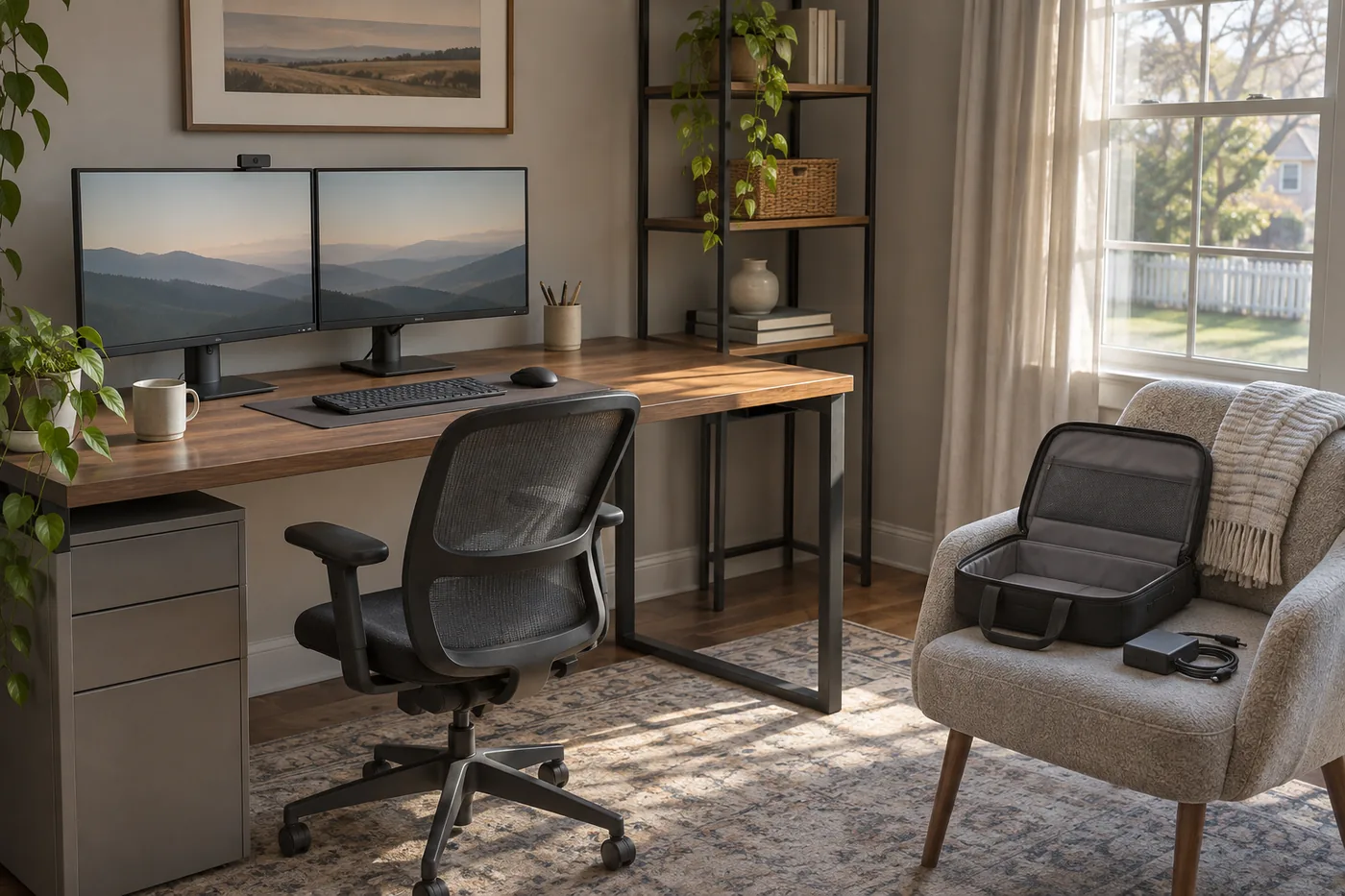 Portability includes the computer and whatever must travel with it.
Part 5Choose for the job it cannot avoid
I'd take the ThinkPad for a work-first desk that regularly needs a portable computer. But if this purchase must also run demanding local games, the Legion's dedicated GPU is the reason to accept its weight and separate power arrangements. The monitors alone do not force you toward the gaming laptop.
Both platforms were marked withdrawn in the earlier Lenovo records, so treat offers as older stock rather than automatic bargains. With no current exact-configuration price verified, compare model code, condition, warranty, and return terms before comparing discounts. A cheaper listing is not useful if it describes a different computer.
Method: This rewrite uses Lenovo platform specifications and the US T14 model record verified on November 9, 2026, comparing desk connections, portability, and gaming needs. A November 24, 2026 refresh did not expose readable specifications or prices, so the earlier verification dates remain.
In one sentence
Choose the ThinkPad for carrying and Thunderbolt docking, or the Legion when demanding local games must share the work computer.
Lenovo Legion 5 16IRX9, RTX 4060 configuration
Lenovo ThinkPad T14 Gen 5 Intel, 21ML0055US
Frequently asked questions
Can the Legion 5 and ThinkPad T14 run two external monitors?
Lenovo lists each platform as supporting its built-in screen plus three external displays. Two external screens fit that count, but the dock, monitor inputs, cables, resolution, and refresh rate must also match.
Can a USB-C dock charge the Legion while gaming?
Display support does not establish sufficient charging power. Lenovo lists 230W or 300W slim-tip adapters for the Legion platform and makes its advertised 140W USB-C input conditional on a particular Lenovo adapter; check the exact laptop and dock requirements.
Does ThinkPad T14 Gen 5 model 21ML0055US have Intel Arc graphics?
No. The previously verified US model record specifies a Core Ultra 7 165U with integrated Intel Graphics. The platform's Arc options do not describe every T14 configuration.
Which laptop has better battery life and quieter fans?
The published battery figures use different benchmark versions and configurations, including a T14 configuration other than this US model. Comparable fan-noise measurements are not supplied in the reviewed specifications, so they do not establish either an exact runtime winner or a quieter machine.
Sources
- Lenovo Legion 5 16IRX9, RTX 4060 configuration · 2026-11-09
Retained from the original verification: RTX 4060 option with 8GB dedicated memory and 140W TGP; around 5.2 lb; 14.16 × 10.33 in footprint; 80Wh; 5.7 hr MobileMark 2018 and 6.5 hr local video at 150 nits; 1.5mm key travel; three USB-A and two 10Gbps USB-C ports; built-in screen plus three external displays; 230W/300W slim-tip adapter options and conditional 140W USB-C charging. Reopened 2026-11-24, but readable specifications were unavailable; original date retained.
- Lenovo ThinkPad T14 Gen 5 Intel platform specifications · 2026-11-09
Retained from the original verification: two Thunderbolt 4 / USB4 40Gbps ports; two USB-A ports; built-in screen plus three external displays; 1.5mm key travel with 1.35mm exceptions. Up to 11.5 hr MobileMark 25 applies to Core Ultra 5 125U, low-power non-touch display, 8GB RAM and 52.5Wh battery in best-efficiency mode. Reopened 2026-11-24 without readable specifications; original date retained.
- Lenovo ThinkPad T14 Gen 5 Intel, 21ML0055US · 2026-11-09
Retained from the original verification: US model 21ML0055US; Core Ultra 7 165U; integrated Intel Graphics; 52.5Wh battery; 65W USB-C adapter; starting at 3.05 lb; 12.44 × 8.81 in footprint; touch display. No asking price supplied. Reopened 2026-11-24 without readable model specifications; original date retained.







