
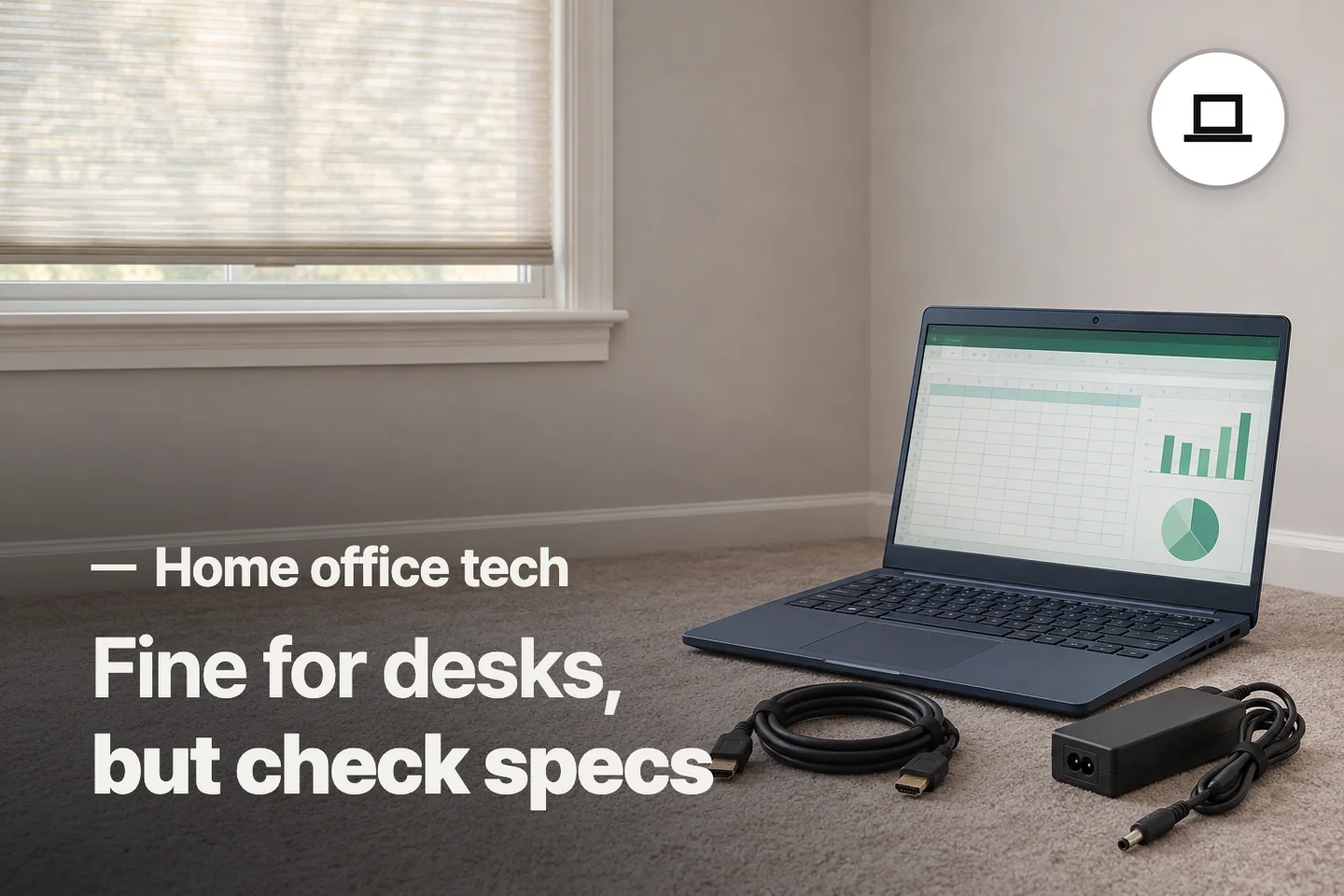
The morning call is about to start at your spare-bedroom desk, and your old laptop is still opening email while a Lenovo IdeaPad 3 listing waits on your phone.
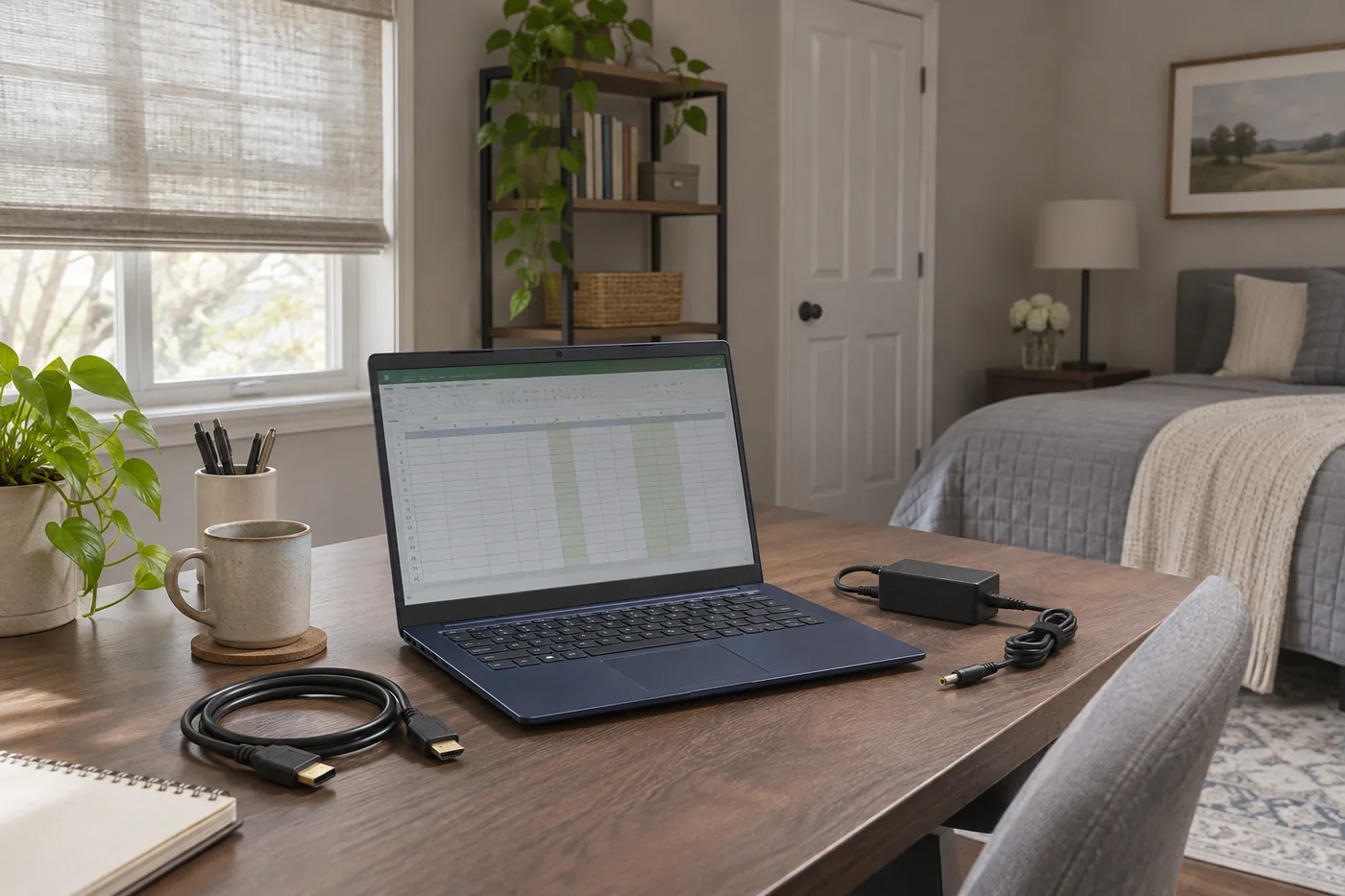 A replacement laptop has to fit the work already happening at this desk.
I'd consider the Lenovo IdeaPad 3 15ALC6, 82KU003NUS for email, everyday spreadsheets, and occasional calls at a mostly plugged-in desk. But I'd pass if the seller cannot confirm the exact configuration and a supported Windows installation; a low asking price does not settle either question.
The last recorded Amazon Marketplace offer was $435.00 before tax, with free delivery shown for New York, checked November 18, 2026. That is a dated offer, not today's quote: the November 24, 2026 recheck reached a continue-shopping screen without a readable price. Price varies; check Amazon.
How we chose
Compared retained Lenovo exact-model specifications and the dated Amazon offer with Lenovo's current platform documentation and Microsoft's lifecycle guidance. The three buying checks are workload headroom, screen and desk connections, and support plus seller clarity.
Toneandroom picks
Best lenovo ideapad 3 for basic desk work: Top 1
Routine office work at a mostly plugged-in home desk, after seller and software checks
Lenovo IdeaPad 3 15ALC6, 82KU003NUS
Amazon.com Marketplace, HotDeal Express: $435.00 before tax; free delivery displayed for New York; checked November 18, 2026. Price unreadable on November 24, 2026. Price varies; check Amazon.
The recorded Ryzen processor, SSD, backlit keyboard, and HDMI connection make sense for basic desk work, but only after confirming the actual unit and supported Windows installation.
- CPU
- Ryzen 5 5500U
- Memory
- 8GB DDR4
- Storage
- 256GB SSD
- Screen
- 15.6 in TN
- Mostly desk-based work
- Existing HDMI monitor
- Confirm Windows and identity
- TN screen; limited RAM headroom
What we considered
Workload headroom
Will your everyday apps fit this configuration?
The retained model record specifies 8GB memory and a 256GB SSD. That favors a restrained office workload over buying on the assumption that an upgrade will resolve heavy multitasking.
Desk connections
Does the screen and cable arrangement suit your desk?
This model's retained specification identifies a TN panel, while Lenovo confirms HDMI and data-only USB-C for the platform. An existing HDMI monitor helps, but a USB-C charging-and-display dock is not the right plan.
Purchase clarity
Can the seller confirm the hardware and supported software?
The earlier Amazon listing contained conflicting model details, and the original configuration shipped with Windows 10 Home. Written configuration confirmation and an employer-approved, supported Windows setup are conditions of the recommendation.
Part 1Start with the Lenovo IdeaPad 3 model number
Lenovo's exact-model details retained from the November 18 check identify a Ryzen 5 5500U processor, 8GB of memory, and a 256GB SSD. That combination gives this machine a reasonable role in routine office work, but published specifications do not establish how smoothly your particular apps will run together.
The distinction matters when replacing a slow computer. If your workday means keeping a call, a large workbook, and a crowded browser open, 8GB is the compromise to question first, rather than assuming any replacement will feel roomy.
The stored configuration also includes a backlit US keyboard, while Lenovo's platform documentation confirms a numeric keypad. So spreadsheet entry has a practical attraction here, although the SSD still needs to accommodate your existing files and installed software.
Before ordering, compare the storage already occupied on your old machine with that 256GB capacity. That small check is more useful than discovering during the move that your recordings and downloads need somewhere else to go.
Part 2The screen and cables shape the desk
The retained exact-model specification lists a 15.6-inch, 1920 × 1080, non-touch TN screen rated at 250 nits. But Lenovo's current platform sheet also includes IPS alternatives, so a family-level IPS description does not establish what is in this box.
Does your desk face a bright window? That brightness specification makes a returnable purchase especially important, because resolution alone cannot establish comfortable viewing in your room.
An existing monitor makes the built-in screen less central to the buying decision. Lenovo confirms HDMI output on the platform, so a conventional desk display is a more straightforward plan than relying on the laptop panel for everything.
The USB-C socket needs a separate warning: Lenovo describes it as data transfer only, not a charging or display connection. That means a USB-C dock cannot be assumed to power the laptop and carry the monitor picture through that port.
Instead, the retained configuration specifies a 65W round-tip adapter, and the platform sheet confirms that adapter type. So budget desk space for the charger connection and HDMI cable separately; this is not the machine to choose specifically for a single-cable docking setup.
Desk takeaway: an existing HDMI monitor helps with the screen compromise, but it does not change what the USB-C port can do.
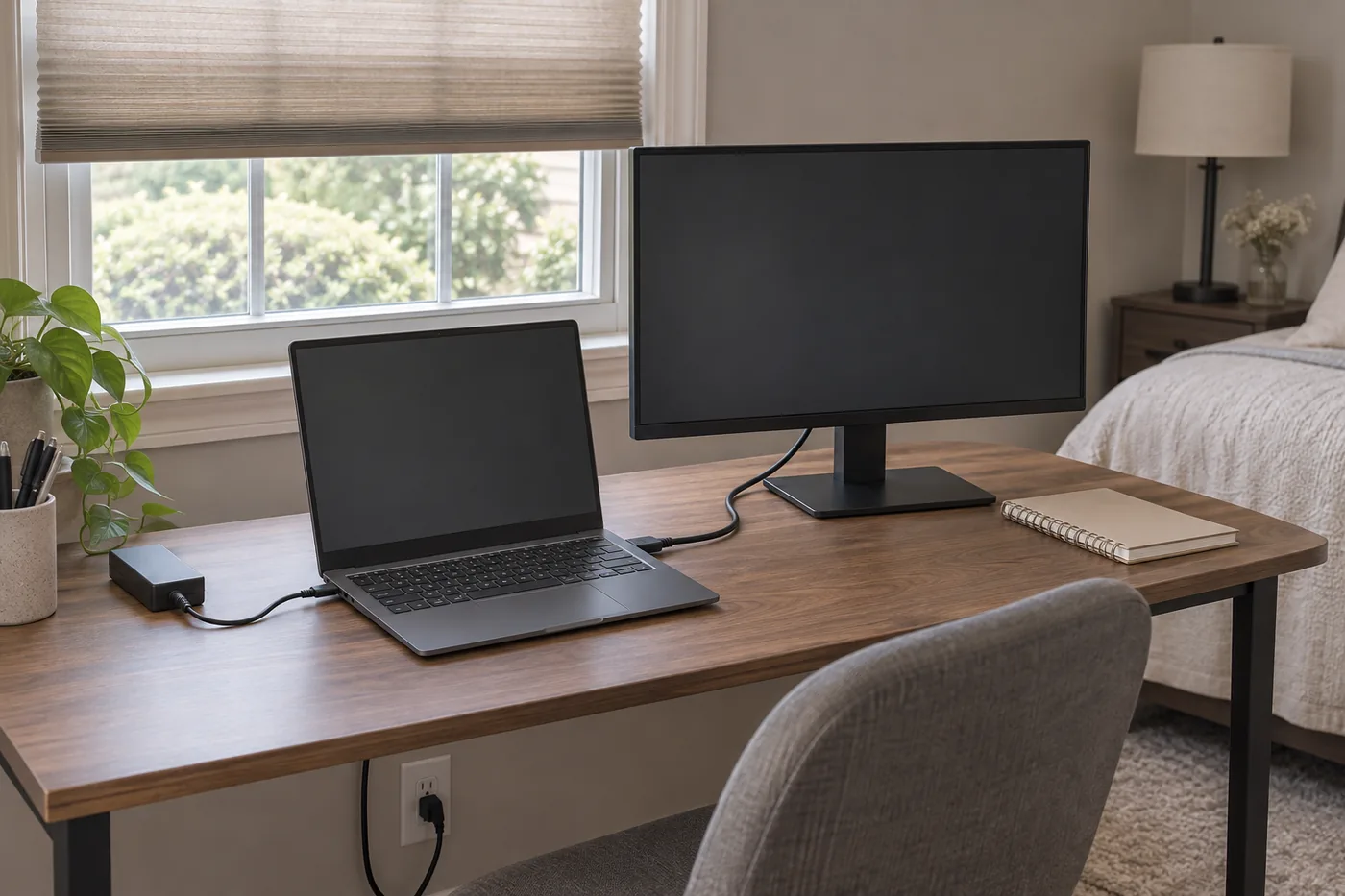 A shaded window and separate cable routes suit this kind of desk setup.
Part 3Memory upgrades are not interchangeable
The recorded base configuration divides its 8GB between 4GB soldered to the board and a removable 4GB module. Lenovo's current platform sheet lists a 12GB offering for the soldered-4GB version, using an 8GB replacement module.
That is different from the platform's 16GB offering, which starts with 8GB soldered to the board. So an advertisement mentioning the larger capacity elsewhere in the family is not enough reason to order this base configuration expecting the same upgrade.
Those figures describe Lenovo's published offerings, not an independently established absolute hardware ceiling. For this purchase, the useful question is which replacement module Lenovo supports for the actual unit and what the installed upgrade would cost.
Battery claims need similar care. The retained model specification lists a 45Wh battery, and Lenovo's current platform document gives that battery configuration up to 9 hours under MobileMark 2018 conditions.
But Lenovo calls its runtime figures approximate maximums and says actual results depend on configuration and use. So the published figure is not a full-day video-call promise, particularly for old stock or a used machine whose battery condition the seller has not documented.
For a laptop that mostly stays beside an outlet, that uncertainty may be manageable. But if your replacement needs to travel between meetings away from power, ask about battery condition rather than treating the original benchmark as a timetable.
 Battery condition and upgrade costs belong in the purchase calculation too.
Part 4Settle support and seller details before paying
The original configuration shipped with Windows 10 Home, while Microsoft says Windows 10 support ended October 14, 2025. That makes the installed operating system a purchase condition, not a detail to sort out after moving your work files.
Ask for the installed edition, activation status, and Windows 11 eligibility of the actual computer. Then match that answer against your employer's VPN, management tools, and required applications; a family specification listing Windows options does not confirm this seller's installation.
There is also a separate Lenovo deadline. The exact-model record checked November 18 lists the model as withdrawn and gives March 19, 2027 as its end-of-support date; the November 24 recheck returned a page shell without readable model details, so that older date remains the available record.
That date does not mean the computer automatically stops working. But it does make Lenovo's remaining service and download arrangements worth confirming before buying a machine intended to last through future work changes.
The earlier Amazon offer had an identity problem too: its title named 82KU003NUS, while the product table named V15 G2 and black rather than Lenovo's recorded Abyss Blue. Because the current page did not expose those details, treat that as an unresolved listing discrepancy, not proof that today's offer has the same contents.
My choice would be this Lenovo IdeaPad 3 only for a modest desk workload, with a clear return policy and written confirmation of the model, condition, panel, memory, storage, and supported Windows setup. Otherwise, I'd keep looking rather than pay to inherit uncertainty alongside the old hardware.
Method: This assessment compares retained exact-model specifications and the dated Amazon offer with Lenovo's platform documentation and Microsoft's lifecycle page. Selection weighs workload headroom, desk connections, and support plus seller clarity; it does not use measured app or battery results. Commission arrangements were not established in the source material. Sources were rechecked November 24, 2026; unreadable exact-model details and the price retain their November 18, 2026 check date.
In one sentence
A possible basic desk laptop, provided its identity and supported Windows installation are confirmed before purchase.
Lenovo IdeaPad 3 15ALC6, 82KU003NUS
Check price on AmazonFrequently asked questions
Is this configuration suitable for email, spreadsheets, and video calls?
It is a plausible fit for routine tasks, based on its published configuration, not measured app performance. The installed 8GB memory warrants caution if you keep large workbooks and many browser tabs open during calls.
Can a USB-C dock charge the laptop and connect a monitor?
Lenovo lists the USB-C port as data-transfer only. Plan on the round-tip adapter for power and HDMI for a conventional external display instead.
Is 16GB the published memory upgrade for this base model?
No. Lenovo's platform sheet lists a 12GB offering for the version with 4GB soldered memory, using an 8GB SO-DIMM. Its separate 16GB offering starts with 8GB soldered memory; these are published configurations, not an independently verified absolute capacity ceiling.
Is the original Windows installation still a sensible work setup?
Microsoft says Windows 10 support ended October 14, 2025. Confirm the actual computer's installed edition, activation, Windows 11 eligibility, and employer requirements rather than accepting the factory installation without a supported arrangement.
Is the previously recorded Amazon price still available?
The $435.00 before-tax offer with free delivery displayed for New York was checked November 18, 2026. The November 24, 2026 recheck did not expose a readable offer. Price varies; check Amazon and verify the selected model, condition, seller, and checkout total.
Sources
- Lenovo IdeaPad 3 15ALC6, 82KU003NUS · 2026-11-18
Retained exact-model record: Ryzen 5 5500U; 8GB memory split 4GB soldered plus 4GB SO-DIMM; 256GB SSD; 15.6-inch 1920 × 1080 TN screen, 250 nits; 45Wh battery; 65W adapter; Windows 10 Home; backlit US keyboard; Abyss Blue; withdrawn status; end of support March 19, 2027. Reopened November 24, 2026, but only a page shell was readable; original values and check date retained.
- Lenovo IdeaPad 3 15ALC6 platform specifications · 2026-11-24
Published memory offerings: 12GB with 4GB soldered plus 8GB SO-DIMM; 16GB with 8GB soldered plus 8GB SO-DIMM. USB-C supports data only; HDMI display output; numeric keypad; 65W round-tip adapter. The 45Wh configuration lists up to 9 hours MobileMark 2018, with approximate-maximum and usage caveats. Platform includes both 250-nit TN and 300-nit IPS panels, not a guarantee of the exact model's panel.
- Microsoft Windows 10 Home and Pro lifecycle · 2026-11-24
The page states Windows 10 end of support on October 14, 2025 and identifies 22H2 as the final Windows 10 version.







