
Your upstairs office drops video calls while the router downstairs seems perfectly happy, and now Black Friday laptop deals are tempting you to replace the aging computer too. But those are separate problems: compare the connection upstairs and near the router before expecting a new laptop to repair the wireless path.
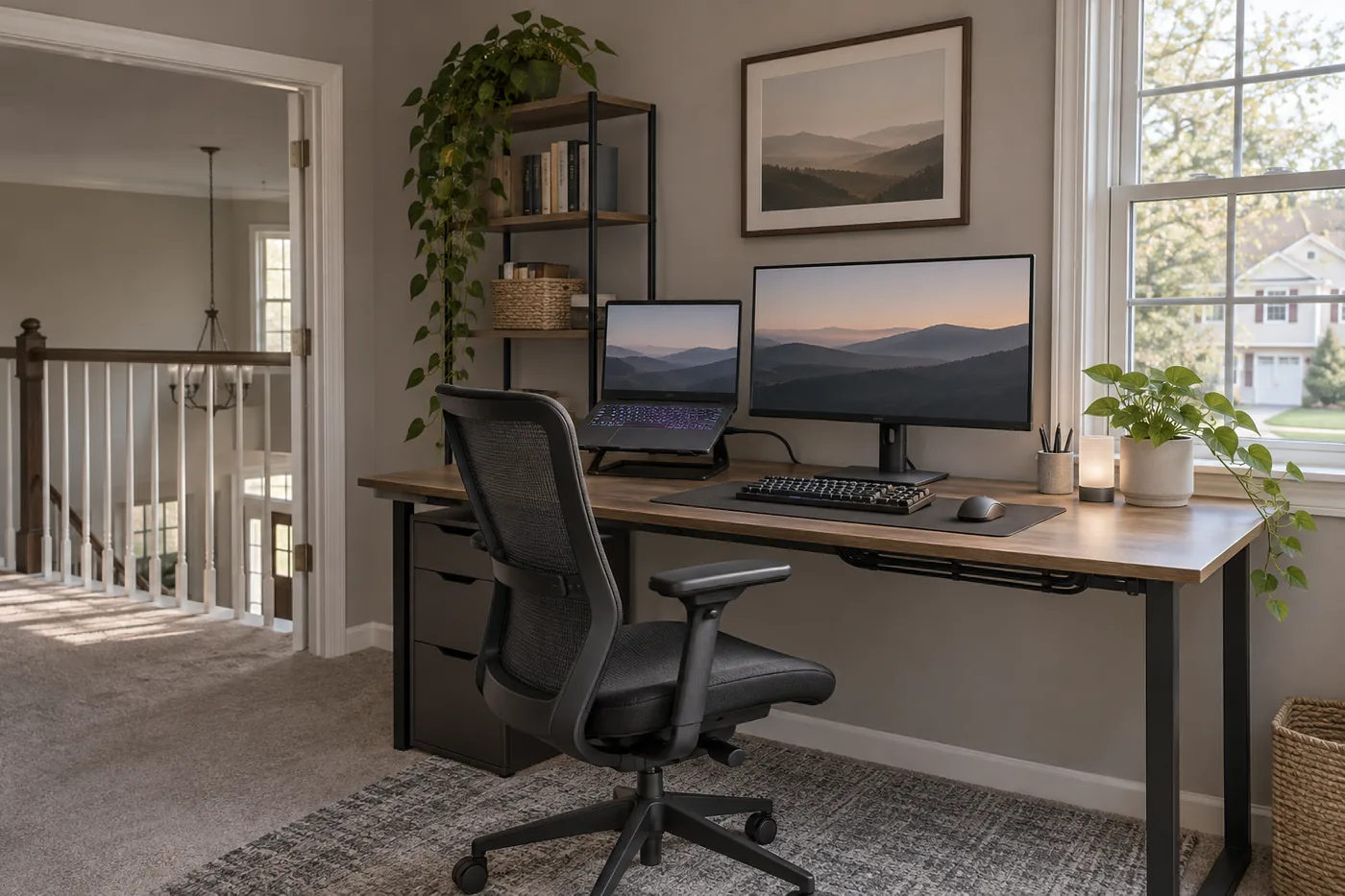 Start with the room and its connection, not the discount badge.
I'd choose the Dell Alienware 16 Aurora AC16250 for a desk that stays upstairs, provided its current configuration and checkout price still match your budget. Its documented monitor outputs and Ethernet connection suit that arrangement; the ASUS TUF Gaming A16 FA608UP makes more sense for future upgrades, while the ASUS ROG Zephyrus G14 GA403UP-CB94 is the lighter room-to-room option.
How we chose
Reviewed ASUS US specifications and offer data, plus retained Dell source details where a fresh page request was blocked. Compared desk connections, memory and storage flexibility, and carrying weight; model-specific price dates are kept separate from the refresh date.
Toneandroom picks
Best laptop deals for a work-and-play desk: Top 3
A stationary upstairs desk with an external monitor and usable Ethernet wiring
Dell Alienware 16 Aurora AC16250, offer ac16250_so_22
Dell US offer: $1,349.99 before tax and applicable checkout charges, checked 2026-11-09. Refresh blocked 2026-11-24; not a current verified quote. Price varies; check Amazon.
I would start here for a fixed desk because the retained exact offer combines HDMI and USB-C video with Gigabit Ethernet; today's price must still be confirmed.
- Graphics
- RTX 5050, 8 GB
- Memory
- 16 GB DDR5
- Storage
- 512 GB SSD
- Weight
- From 5.49 lb
- You have wired networking upstairs
- The laptop usually stays at the desk
- Reconfirm the November 9 price
- Check game storage against 512 GB
An upstairs workstation where future memory expansion matters more than portability
ASUS TUF Gaming A16 FA608UP
Exact FA608UP configuration price: Not listed by the maker in the reviewed US specification table, checked 2026-11-24. Obtain a matching quote including checkout charges. Price varies; check Amazon.
Replaceable memory and documented storage slots make this the expansion-focused choice, with HDMI, USB-C video, and RJ45 for the desk.
- Graphics
- RTX 5070, 8 GB
- Memory
- 2 × 16 GB
- Maximum RAM
- 64 GB
- Weight
- 4.85 lb
- You expect memory needs to grow
- Your monitor desk has wired LAN
- Get an exact FA608UP price
- Slot counts include installed parts
Working at an upstairs monitor, then carrying the laptop downstairs after work
ASUS ROG Zephyrus G14 GA403UP-CB94
ASUS US embedded offer for GA403UP-CB94: $2,349.99 before checkout tax, shipping, and other charges; checked 2026-11-24. Confirm at checkout. Price varies; check Amazon.
The lighter chassis and documented USB-C display support suit moving between rooms, provided the fixed memory capacity meets your work needs.
- Weight
- 3.31 lb
- Display
- 14 in OLED
- Memory
- 16 GB onboard
- Storage
- 1 TB SSD
- You carry it between floors
- You use its screen away from the desk
- 16 GB memory cannot grow later
- The only M.2 slot is occupied
What we considered
Desk connections
Can this exact model connect to the upstairs monitor and network?
The Alienware and TUF list wired networking alongside external-display connections. The G14 documents DisplayPort over USB-C, so match your monitor and any networking adapter separately.
Upgrade room
Will memory or storage limits force another purchase later?
FA608UP lists replaceable SO-DIMM memory with a 64 GB maximum. CB94 instead lists 16 GB onboard with a 16 GB maximum, which rules out a later memory increase.
Carrying weight
Will the laptop stay upstairs or move around the house?
The G14's listed 3.31 lb weight suits frequent moves better than the larger alternatives. A stationary desk gives the TUF's expansion layout and the Alienware's wired connections more importance.
Part 1Three checks before comparing laptop deals
Start with the route to the upstairs desk. If usable Ethernet wiring reaches the room, a built-in network port avoids needing a separate adapter; without that wiring, the port alone changes nothing. So the Alienware and TUF deserve attention for a wired office, not a promise of better calls everywhere.
Next comes the monitor connection. USB-C is the connector shape, so look separately for DisplayPort support and match the monitor input, cable, resolution, and refresh rate. That video connection does not establish whether the monitor can replace the laptop's gaming power supply.
Then ask where the computer goes after work. A machine parked beside a monitor can trade portability for expansion, but daily trips downstairs make weight harder to ignore. Which matters more in your house: replacing memory later or carrying less now?
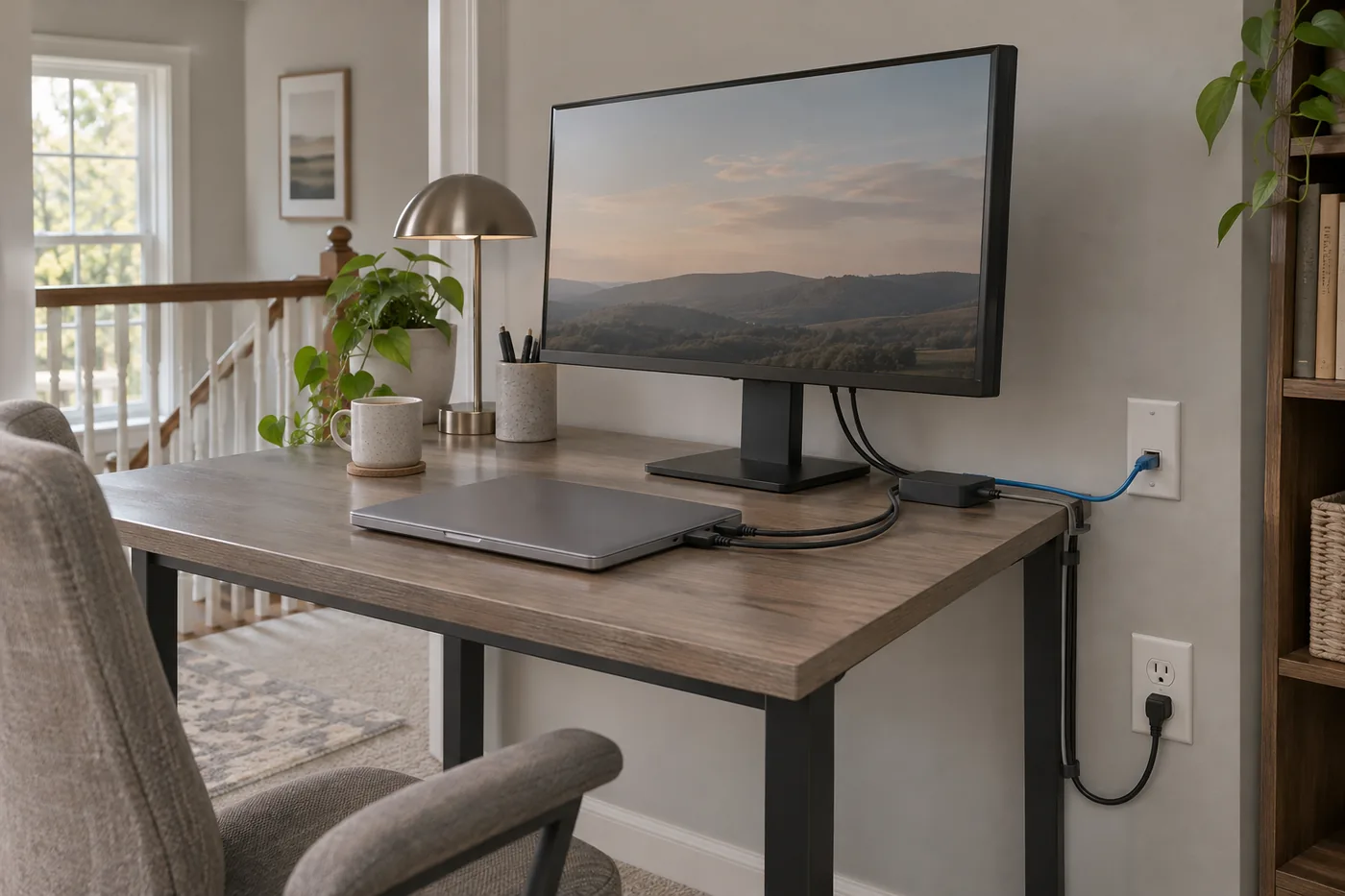 A monitor cable, network cable, and power lead each have a different job.
Write down the desk's connections before comparing the machines that will plug into them.
Part 2Alienware 16 Aurora: start with the stationary desk
The Dell Alienware 16 Aurora AC16250, offer ac16250_so_22, pairs a Core 7 240H with an RTX 5050 and 8 GB of graphics memory. That dedicated graphics hardware makes local Windows gaming worth investigating, but the GPU name is not a frame-rate guarantee. Check measurements for your actual games before choosing settings for a large external screen.
Dell's previously checked offer was $1,349.99 before tax and applicable checkout charges on November 9, 2026. The page blocked access during the November 24 refresh, so that is a dated reference, not today's confirmed deal. Its $1,999.99 Estimated Value figure was a comparison label, not evidence that buyers previously paid that amount.
The retained specifications list HDMI 2.1 with discrete-graphics direct output, USB-C DisplayPort 1.4a, and Gigabit Ethernet. So an upstairs desk with a compatible monitor and usable wired connection has documented routes for both display and networking. Confirm those ports on the exact offer before paying.
Its 16 GB memory and 512 GB SSD need a different check: whether your work applications and installed games fit. With a listed starting weight of 5.49 lb, this is not the machine I'd favor for frequent trips between floors. That trade makes sense only if it mostly stays at the desk.
Part 3TUF Gaming A16: leave room for later upgrades
The ASUS TUF Gaming A16 FA608UP is the more appealing desk companion when memory expansion matters. ASUS's US specification column lists two 16 GB memory modules, two SO-DIMM slots, and a 64 GB maximum. So you have a documented upgrade path rather than a plan that depends on replacing the entire laptop.
That column also lists a Ryzen 9 270, RTX 5070 with 8 GB graphics memory, and a 1 TB SSD. But these are FA608UP specifications, not permission to treat every A16 listing as equivalent. A cheaper offer with a different suffix needs its own comparison.
ASUS lists two M.2 storage slots, including occupied slots, so that count does not mean two empty spaces. Its HDMI 2.1 FRL, USB-C DisplayPort, USB4, and RJ45 connections also suit a monitor-centered desk; the listed 4.85 lb weight makes it less compelling than the G14 for carrying around.
The exact FA608UP price was not available in the reviewed table on November 24, 2026. So request a configuration-specific quote rather than treating an A16 family starting price as this machine's price. I would not call it the cheaper choice without that quote.
Part 4Zephyrus G14: pay for the trip downstairs
The ASUS ROG Zephyrus G14 GA403UP-CB94 weighs 3.31 lb according to ASUS. That makes room-to-room carrying its clearest reason to cost more, especially when the upstairs monitor handles weekday work and the built-in screen gets used downstairs.
ASUS's page data associates this exact configuration with $2,349.99 on November 24, 2026, before checkout tax, shipping, or other charges. That is a maker offer, not an Amazon.com quote, and it still needs confirmation at checkout. Price varies; check Amazon.
The CB94 has a Ryzen 9 270, RTX 5070, and 1 TB SSD, alongside a 14-inch OLED screen specified at 2880 × 1800 and 120 Hz. But that screen specification does not establish game performance at native resolution. The verified USB-C and USB4 DisplayPort routes are what matter when reconnecting it to the office monitor.
Its 16 GB onboard memory has a listed 16 GB maximum. So this exact configuration is wrong for work that already needs more memory; a later RAM upgrade is not the answer. Its single M.2 slot also includes the installed drive, rather than promising space for another SSD.
Part 5Black Friday checkout: compare the exact machine
Keep the important limits beside the prices. That prevents a fresh sale badge from hiding an old quote or a configuration with different memory.
Swipe sideways to see the full table →
| Desk check | Dell Alienware 16 Aurora AC16250, offer ac16250_so_22 | ASUS TUF Gaming A16 FA608UP | ASUS ROG Zephyrus G14 GA403UP-CB94 |
|---|---|---|---|
| Wired desk | Gigabit Ethernet | RJ45 LAN | No RJ45 in reviewed port list |
| Memory | 16 GB installed | Two 16 GB modules; 64 GB maximum | 16 GB onboard; 16 GB maximum |
| Maker price before checkout charges | $1,349.99; November 9, 2026 reference | Not listed by the maker | $2,349.99; November 24, 2026 |
 Moving between rooms changes what a useful laptop looks like.
Before ordering, compare the full model suffix and final total, along with the seller and return terms. So an Amazon.com bundle only belongs in the comparison when its graphics, memory, and storage match; no future Black Friday price is established here. If the seller cannot identify the configuration, I'd wait rather than buy the family name.
Method: Reviewed ASUS US model specifications and embedded offer data on November 24, 2026; retained Dell specifications and its November 9, 2026 price because the refresh was blocked. Selection follows desk connectivity, memory and storage flexibility, and carrying weight. No measured gaming, battery, fan-noise, or call-quality results are claimed.
In one sentence
Choose for the upstairs desk's connections, then decide whether expansion or carrying weight matters more.
Dell Alienware 16 Aurora AC16250, offer ac16250_so_22
ASUS TUF Gaming A16 FA608UP
ASUS ROG Zephyrus G14 GA403UP-CB94
Frequently asked questions
Will replacing a Windows laptop fix upstairs video calls?
Not automatically. Compare the connection near the router and upstairs before assigning the problem to the computer. An Ethernet port helps only if usable wiring reaches the desk and the rest of the connection works.
Which laptop has an upgradeable memory layout?
ASUS lists two SO-DIMM slots and a 64 GB maximum for TUF Gaming A16 FA608UP. The recommended G14 GA403UP-CB94 instead has 16 GB onboard and a listed maximum of 16 GB.
Can a USB-C monitor replace the gaming power adapter?
Video support and charging support are separate checks. Match the monitor's power output and the laptop's requirements; do not assume a working picture means full gaming power is available.
Are these confirmed Black Friday or Amazon.com prices?
No. The G14 maker offer was checked on November 24, 2026; the retained Dell quote is from November 9, 2026 because its refresh was blocked. An exact TUF FA608UP price was unavailable in the reviewed table, and no matching Amazon offer or future sale price was verified.
Sources
- Dell Alienware 16 Aurora AC16250, offer ac16250_so_22 · 2026-11-09
Retained original source values: offer ac16250_so_22 $1,349.99; Estimated Value $1,999.99 is not a verified past transaction price. Core 7 240H, RTX 5050 8 GB, 16 GB DDR5, 512 GB SSD; HDMI 2.1, USB-C DisplayPort 1.4a, Gigabit Ethernet; starting weight 5.49 lb. Attempted refresh 2026-11-24 returned HTTP 403, so the original verification date is retained.
- ASUS TUF Gaming A16 FA608UP · 2026-11-24
FA608UP first model column: Ryzen 9 270, RTX 5070 8 GB, two 16 GB SO-DIMM modules, 64 GB maximum, 1 TB SSD; two SO-DIMM and two M.2 slots including used slots; HDMI 2.1 FRL, USB-C DisplayPort, USB4, RJ45; 4.85 lb. No exact FA608UP price was available in the retrieved table.
- ASUS ROG Zephyrus G14 GA403UP-CB94 · 2026-11-24
GA403UP-CB94 is mapped to SKU 90NR0LV1-M00270 in the page HTML; that SKU's embedded Product offer is USD 2349.99. Its properties list Ryzen 9 270, RTX 5070 8 GB, 16 GB onboard with 16 GB maximum, 1 TB SSD, one M.2 slot including used, USB-C/USB4 DisplayPort, 14-inch 2880 × 1800 OLED 120 Hz, and 3.31 lb.







