
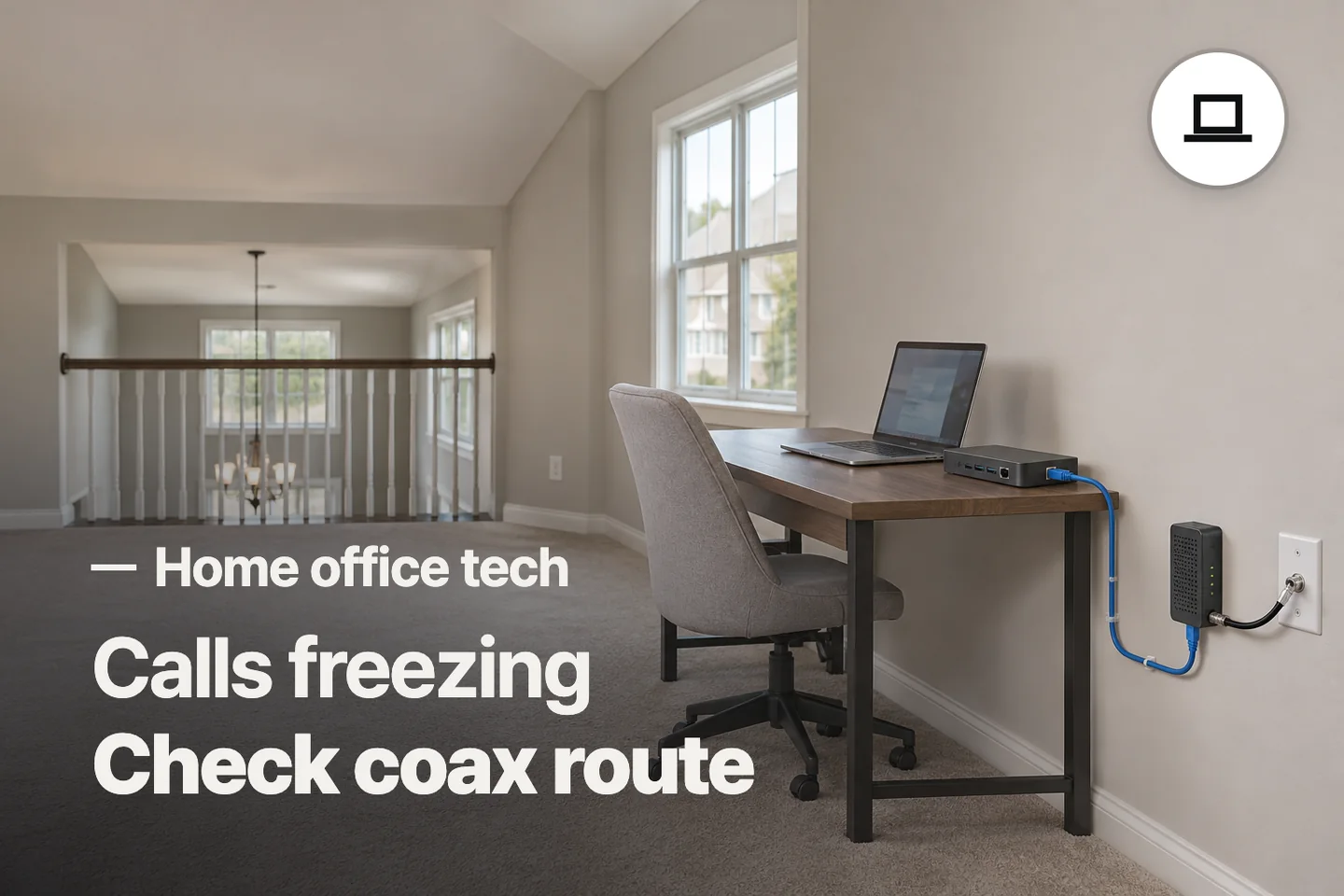
The laptop fan keeps humming, but your colleague's voice has stopped mid-sentence. In a bedroom turned upstairs office, with the router downstairs, that frozen call makes the coax jack beside your desk worth a closer look.
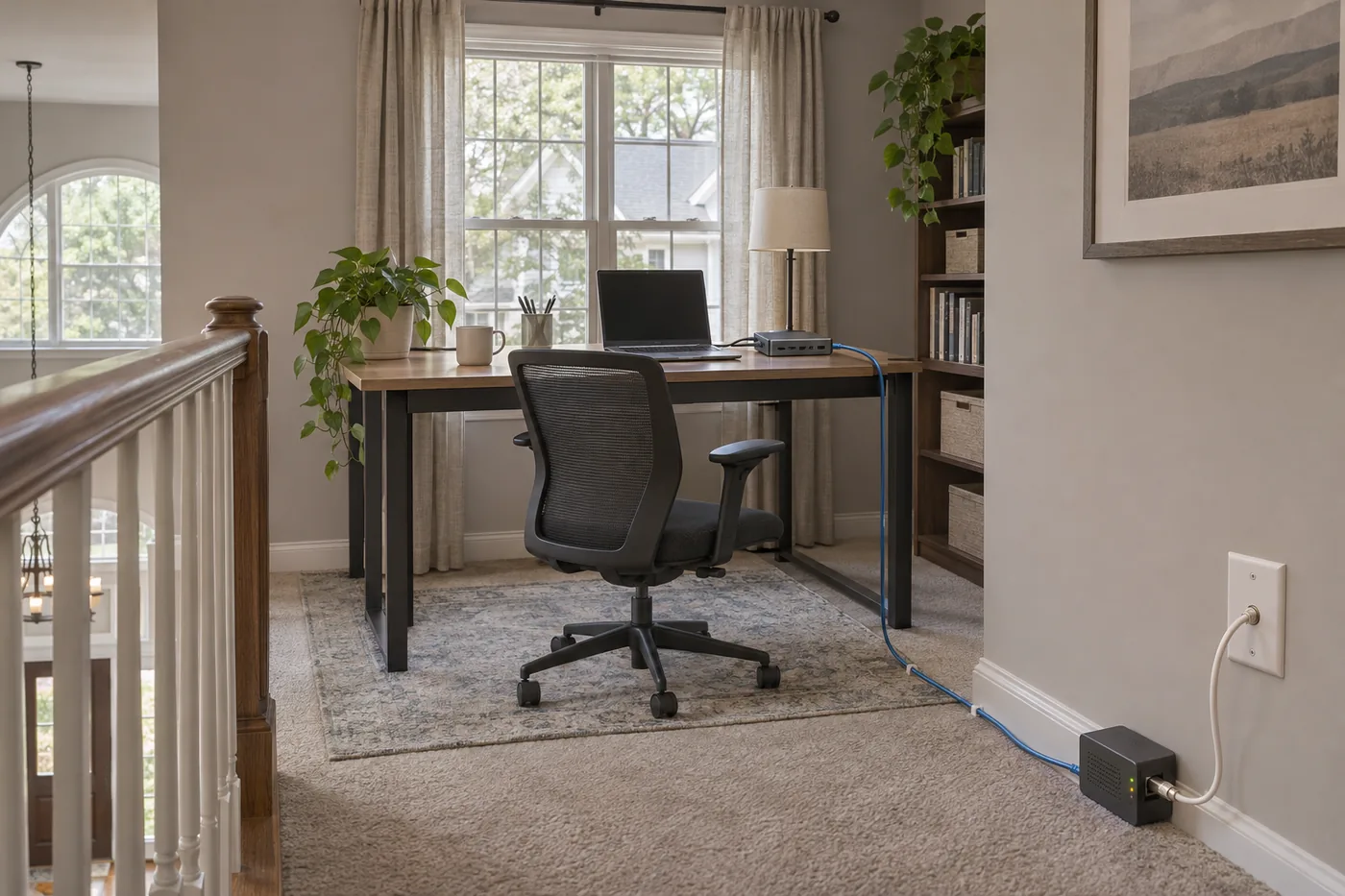 An existing coax outlet may offer a wired route to the upstairs desk.
I'd choose the goCoax MA2500D for this job only after confirming the coax route and checking that the call works over Ethernet beside the router. It can carry your router's network connection upstairs through compatible TV cable, but it won't fix an unreliable broadband connection. Nor does the adapter broadcast Wi-Fi.
How we chose
Reviewed goCoax's MA2500D specifications, US store listing, and support guidance, plus Hitron's compatibility and Ethernet-port specifications. The three checks were a connected coax route, coexistence with the home's existing service, and an Ethernet endpoint suited to the office laptop.
Toneandroom picks
Best MoCA adapter for an upstairs office: Top 1
An upstairs office with confirmed compatible coax to the router and a laptop or dock that accepts Ethernet
goCoax MA2500D
Official US store, checked 2026-11-24: $74.99 regular / $60.00 displayed sale per single adapter; Out of Stock. Tax, shipping, and accessories are not included in these listed prices.
Provides Ethernet at the upstairs desk using compatible existing coax, bypassing the weak wireless route without claiming to repair the broadband connection.
- LAN port
- 1 × 2.5GbE
- MoCA speed
- Up to 2.5 Gbps
- RF band
- 1125–1675 MHz
- Status LEDs
- 4 indicators
- Your desk has compatible coax
- Your dock accepts Ethernet
- Confirm both MoCA endpoints
- Maker store is out of stock
What we considered
Coax route
Do the desk and router outlets connect through suitable coax?
GoCoax requires a path whose splitters pass its MoCA signals. A visible wall jack alone wasn't enough to make the adapter appropriate for an office.
Service compatibility
Can MoCA coexist with the service using that cable?
GoCoax describes cable-modem arrangements that need filtering and excludes ordinary MoCA sharing with satellite TV. The recommendation therefore depends on provider confirmation of the home's actual cable layout.
Desk connection
Does the office need Ethernet or a separate Wi-Fi access point?
The MA2500D provides a wired Ethernet endpoint rather than a wireless radio. It fits a laptop or dock directly, while wireless office devices need additional compatible equipment.
Part 1Start with the call, not the shopping cart
Does the same conversation break up downstairs? Bring the work laptop beside the router, connect it to a LAN port with Ethernet, and temporarily disconnect Wi-Fi so the comparison actually uses the cable. Then repeat the meeting task, including screen sharing if that's when things unravel.
If the wired call also stutters, pause the MoCA purchase. That result points away from the upstairs wireless path, so the laptop, meeting service, router, or internet connection needs attention first. Buying another indoor connection won't settle which of those is failing.
But if the wired call behaves and upstairs Wi-Fi doesn't, a wired route to the office is worth investigating. This is where coax becomes useful: the adapters bridge Ethernet across existing compatible cable rather than asking another wireless hop to reach through the floor.
A working call beside the router is a more useful starting point than a bigger speed-test number.
Part 2Find out where the office coax actually goes
The office jack and a jack near the router need to belong to the same usable coax network. Matching wall plates don't prove that connection; a branch may be disconnected or attached to equipment that needs a different arrangement. If you're renting, get the owner's permission before changing wiring, and have the provider or installer identify shared building connections.
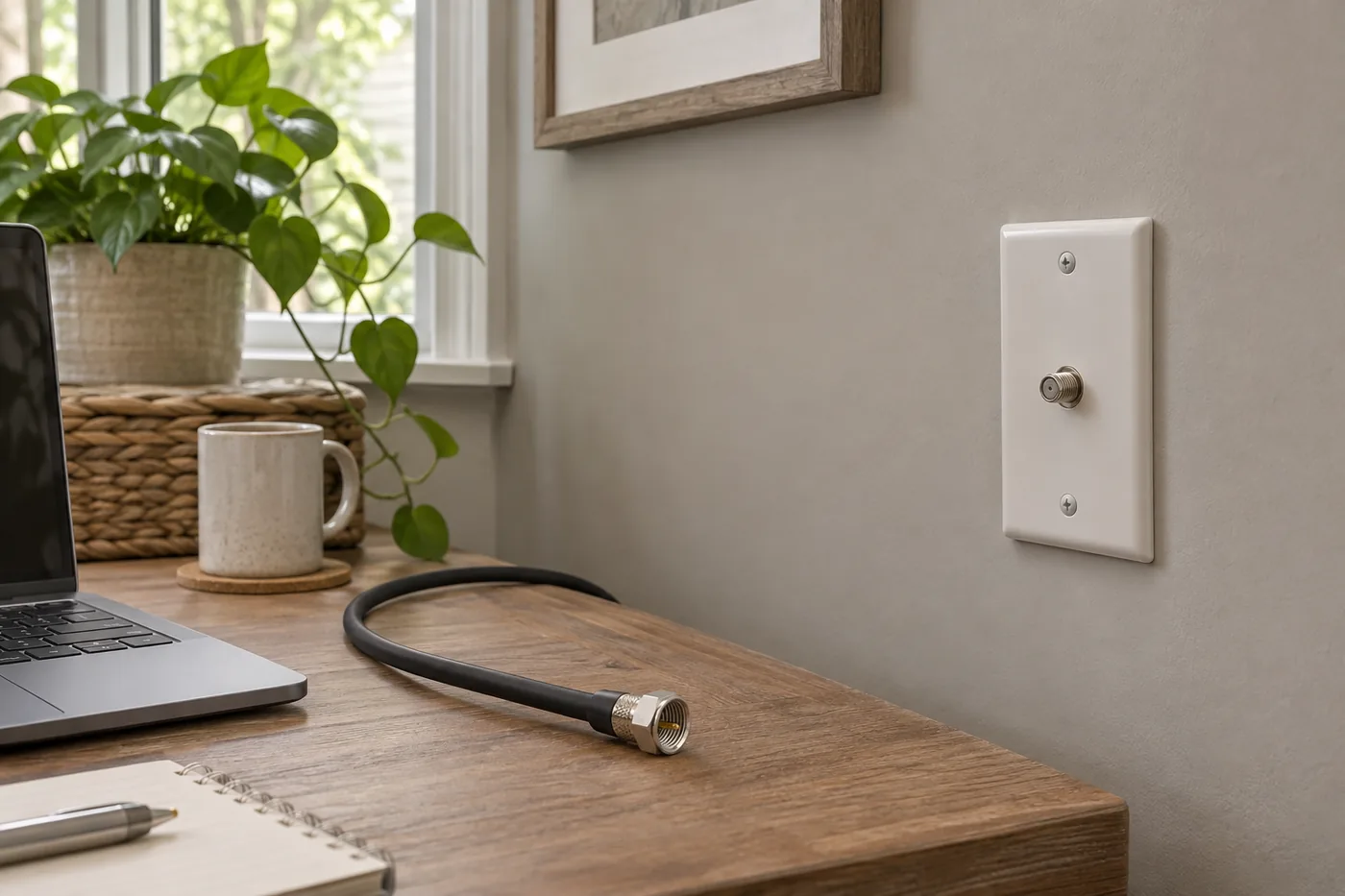 Identify the office branch before changing splitters or ordering adapters.
GoCoax specifies 1125–1675 MHz for the MA2500D's MoCA signals and says splitters along the route must pass them. So an old splitter's TV label isn't enough: check its model documentation for MoCA compatibility. If the cable route remains unclear, tracing it is the next job, not replacing parts at random.
Cable internet adds a compatibility check because its signals may share that coax. GoCoax describes DOCSIS setups that require modem-side filtering, so ask your provider to confirm its current frequencies, the appropriate entry-point filter, and any modem-side filter placement. That layout needs to suit your service, not a diagram borrowed from someone else's house.
Satellite service changes the answer. GoCoax says ordinary MoCA and satellite TV cannot share the same coax network because their frequencies overlap; Hitron also excludes satellite and AT&T U-verse coax networks for its HTEM4. So a former satellite outlet isn't automatically ready for this job: have the provider confirm an isolated, compatible path before proceeding.
Part 3What the MA2500D adds at the desk
The goCoax MA2500D supplies one 2.5GbE Ethernet port, with goCoax advertising up to 2.5 Gbps of MoCA throughput. That means the office end can feed an Ethernet-equipped laptop or dock, but the figure isn't a promise about your call quality. GoCoax's support page says devices share MoCA capacity, and your router port, dock, and broadband connection still matter.
GoCoax says a network needs at least two MoCA devices or adapters. So unless your gateway already provides compatible, enabled MoCA LAN functionality, plan for an adapter near the router and another in the office. A cable modem's coax connector alone doesn't establish that support.
The official US store showed a $74.99 regular price per single adapter, a $60.00 sale display, and Out of Stock when checked November 24, 2026. So neither displayed price establishes an available purchase today. Confirm current stock and delivered cost before ordering; don't mistake the single-unit listing for a pair.
Before connecting the wall outlets, establish a direct link between the adapters with a known-good coax lead near the router. Connect a router LAN port to the first adapter and the laptop to the other, then follow goCoax's setup and pairing instructions. The MA2500D has an MPS pairing button and separate Power, ETH, SEC, and MoCA indicators to help distinguish the connections.
Once that arrangement works, move the laptop-side adapter to the office jack. Keep the router-side Ethernet cable on LAN, not the incoming WAN connection, and connect the office adapter to the laptop or dock. Then temporarily disconnect laptop Wi-Fi again, so the next call checks the coax route rather than quietly falling back to wireless.
Part 4Follow the missing link, then retry the meeting
Power without a MoCA link suggests a problem between the coax endpoints rather than proof of a laptop fault. GoCoax specifically points to splitter connections when the MoCA light stays off, so compare the wall-outlet setup with the direct-coax arrangement that worked earlier. That comparison helps separate house wiring from adapter setup.
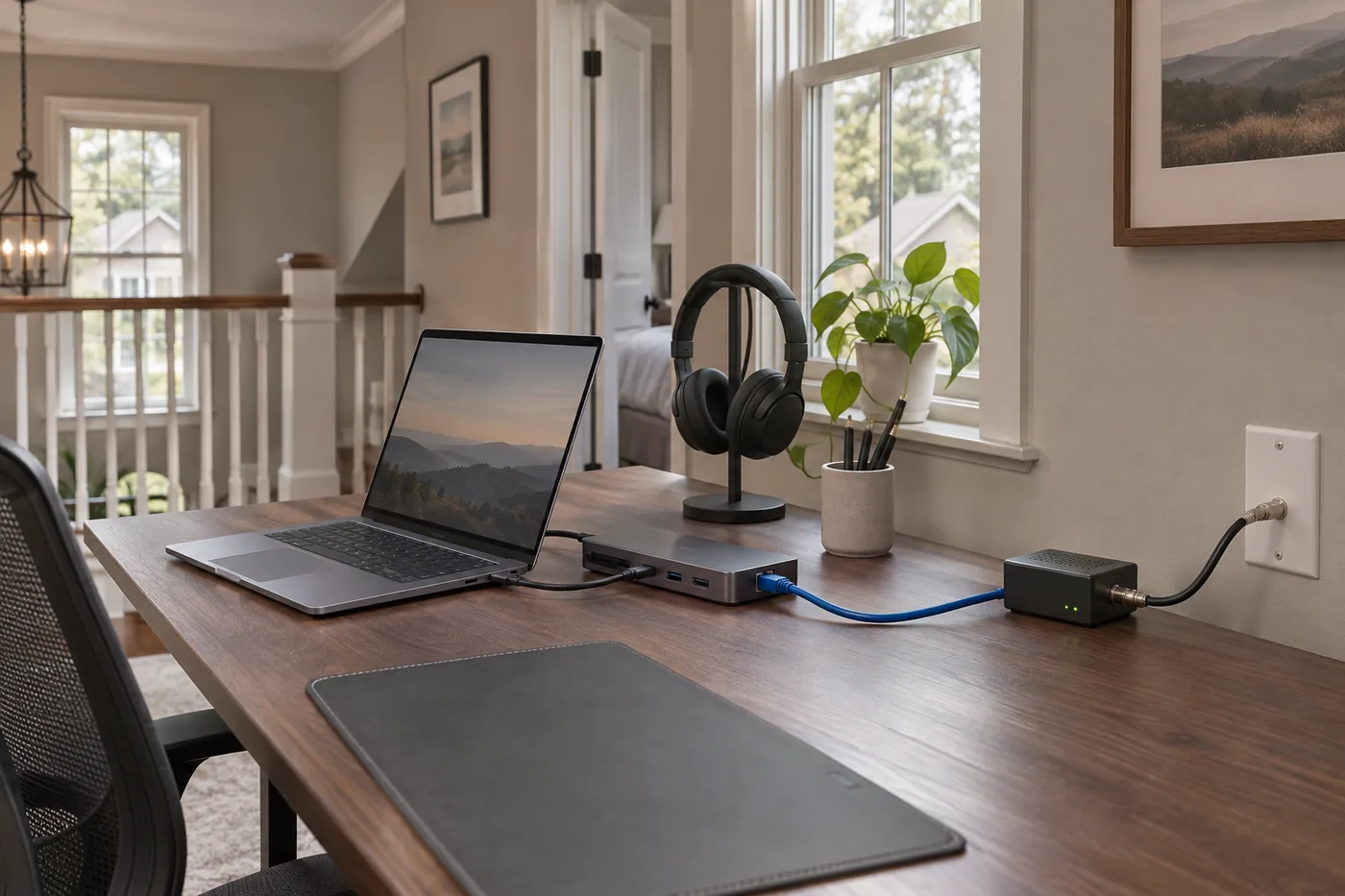 Repeat the meeting over Ethernet after the office coax link is established.
If MoCA links but Ethernet doesn't, check the Ethernet cable, dock, and port next. If both links appear present but internet access is missing, recheck the router LAN connection and laptop network settings. Change a connection at a time; otherwise a new fault can obscure the original one.
Now repeat the office conversation and screen-sharing task. Link lights aren't the finish line: your colleague needs to hear complete sentences and see the shared screen without the original interruption. If that problem remains, repeat the router-side wired comparison rather than assuming the coax equipment has solved it.
For a laptop, this wired endpoint may be all you need. But if the goal includes phones or other wireless devices, goCoax describes feeding a compatible access point or mesh unit through MoCA as wired backhaul. That separate unit supplies Wi-Fi; check that it supports Ethernet backhaul before adding it.
Today's quick tweak costs nothing: move the laptop beside the router for the wired meeting comparison. So before touching that upstairs jack, you can find out whether bypassing Wi-Fi is even the right repair.
Sources and selection: goCoax's MA2500D specifications, US store listing, and support guidance were checked alongside Hitron's compatibility and port specifications. Selection focused on a connected coax path, service compatibility, and the Ethernet endpoint. Prices and stock were last checked November 24, 2026; seller terms can change.
In one sentence
Connected, compatible coax can bypass weak upstairs Wi-Fi by carrying Ethernet from the router to your desk.
goCoax MA2500D
Frequently asked questions
Will a MoCA adapter improve upstairs Wi-Fi on its own?
No. The MA2500D provides Ethernet, not a Wi-Fi radio. It can connect a laptop directly or feed a separate compatible access point or mesh unit that supports Ethernet backhaul.
Do I need two goCoax MA2500D adapters?
GoCoax says a MoCA network needs at least two MoCA devices or adapters. A compatible gateway with enabled MoCA LAN may supply one endpoint; otherwise plan for an adapter at each end. Check the gateway manual and provider settings rather than relying on the presence of a coax socket.
Can MoCA share coax with cable internet or satellite TV?
Cable internet may coexist with MoCA, but your provider needs to confirm frequency compatibility and filter placement for the service. GoCoax says ordinary MoCA and satellite TV cannot operate together on the same coax network because their frequencies overlap.
What does the goCoax MA2500D cost right now?
The official US store showed $74.99 regular and $60.00 displayed sale pricing for a single adapter on November 24, 2026, alongside Out of Stock. Those displays are not an available bundle quote or a confirmed restock date; check stock and delivered cost before ordering.
Sources
- goCoax MA2500D · 2026-11-24
One 2.5GbE LAN port; up to 2.5 Gbps MoCA throughput; 1125–1675 MHz; four status LEDs; at least two MoCA devices. Also supplies splitter, DOCSIS filtering, and satellite coexistence guidance.
- goCoax US store single-unit listing · 2026-11-24
$74.99 regular price and $60.00 displayed sale price for one MA2500D; Out of Stock. The listing is a single adapter, not a pair.
- goCoax support and mesh backhaul guidance · 2026-11-24
Up to 16 devices share 2.5G bandwidth. Describes MoCA feeding mesh access points as wired backhaul; used to distinguish shared capacity and Ethernet transport from a Wi-Fi radio.
- Hitron HTEM4 compatibility specifications · 2026-11-24
MoCA 2.5 with one Gigabit Ethernet port and a 1 Gbps endpoint ceiling. Also excludes satellite TV and AT&T U-verse coax networks; used as a service-compatibility cross-check, not an additional product pick.







