
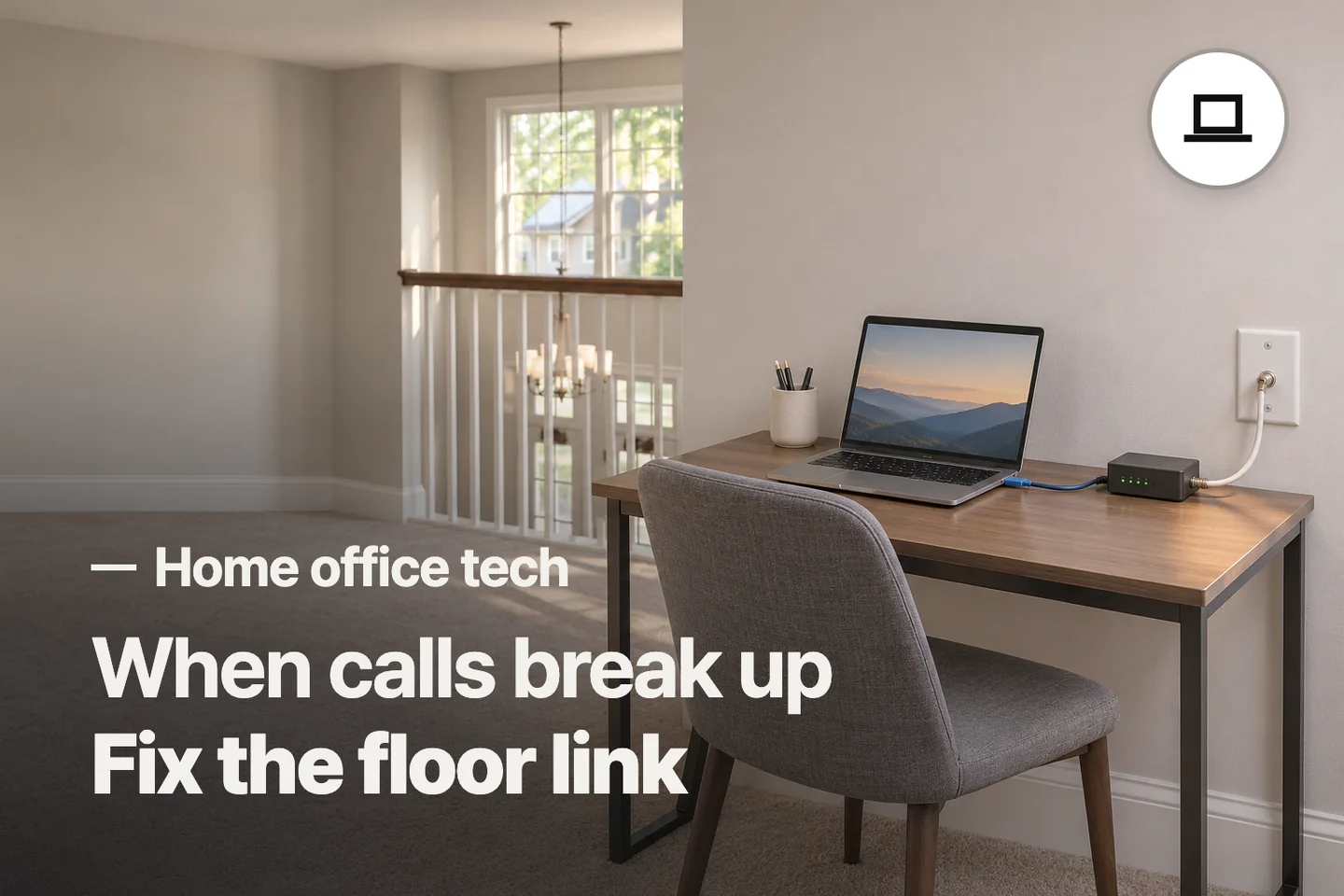
Rain taps the upstairs office window while your colleague's voice disappears mid-sentence. You're working in a second-floor bedroom, the next meeting is approaching, and a moca powerline search has replaced the work on your screen. Before ordering anything, find out whether the trouble actually starts upstairs.
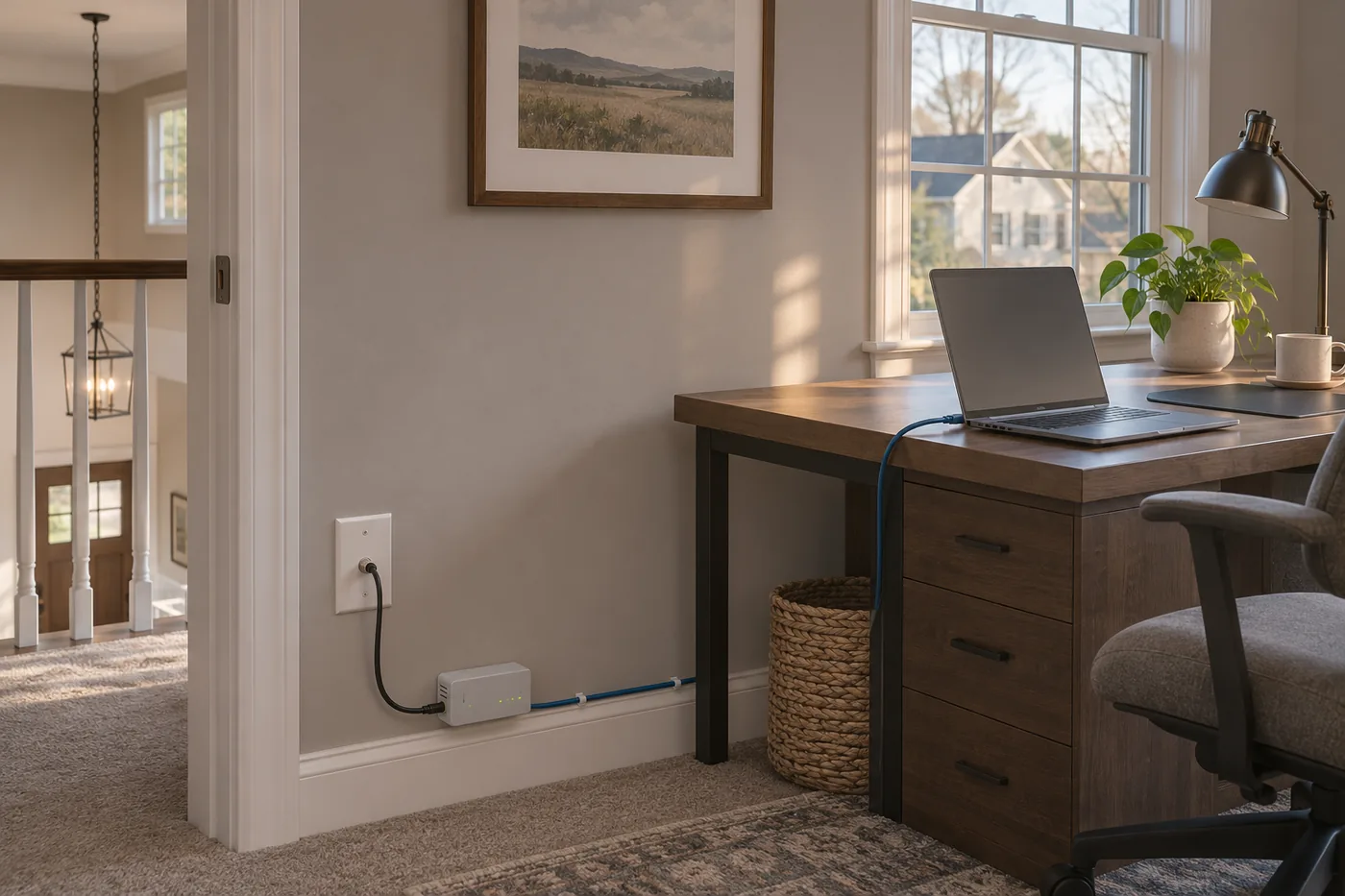 The upstairs room needs a dependable route back to the router, not just stronger-looking Wi-Fi bars.
I'd start with the goCoax MA2500D if the house has compatible, connected coax; the TP-Link TL-PA7017 KIT is the fallback to try when it doesn't. But neither belongs in the cart until a wired call beside the router sounds clear. Both create wired connections, not their own office Wi-Fi.
How we chose
Reviewed goCoax and TP-Link specifications, goCoax's store prices and stock, and TP-Link's interference guidance. The three checks were a clear router-side call, compatibility with the home's wiring, and whether the upstairs connection stays usable during ordinary household activity.
Toneandroom picks
Best moca powerline for upstairs offices: Top 2
Clear router-side calls and a provider-confirmed compatible coax route to the upstairs office.
goCoax MA2500D
Official single-adapter listing: $74.99 regular / $60.00 sale; out of stock, checked November 24, 2026. Not an available pair offer.
My first route to investigate when compatible connected coax can bypass the weak upstairs Wi-Fi path; confirm stock before planning around this model.
- Standard
- MoCA 2.5
- LAN port
- 2.5GbE
- Coax band
- 1125–1675 MHz
- Connected office coax exists
- Router-side calls stay clear
- Store listing out of stock
- Check services and splitters
No usable office coax, with accessible wall outlets and return terms that allow an in-home connection trial.
TP-Link TL-PA7017 KIT
US-dollar kit price: Not listed by the maker on its US page, checked November 24, 2026. Check Amazon for current price and return terms; retailer stock unverified.
Supplies both ends of an electrical-wiring Ethernet link to try when compatible coax isn't available, without promising performance from the AV1000 label.
- Kit
- 2 adapters
- LAN port
- Gigabit
- Signal rate
- 1000 Mbps max
- No usable coax at the desk
- Wall outlets are accessible
- Noise can interrupt the link
- Use direct wall outlets
What we considered
Call baseline
Does the laptop sound clear on router-side Ethernet?
A failure on direct Ethernet points beyond upstairs Wi-Fi. Adapters only enter the shortlist after that same laptop and meeting setup produce a clear router-side call.
Wiring fit
Can the existing coax or electrical path carry this link?
GoCoax requires connected coax with compatible splitters and services. TP-Link performance depends on electrical conditions, so the wall plates alone cannot settle the choice.
Everyday stability
Does the office call stay complete during normal household activity?
A published signaling rate is not evidence of clear speech at the desk. Compare the upstairs call with the router-side baseline while the home operates normally.
Part 1Start where the connection still sounds clear
Connect the same laptop directly to a router LAN port with a known-working Ethernet cable, then disable Wi-Fi. That keeps the call from slipping back onto wireless while you're comparing rooms. Keep your usual meeting app and work VPN unchanged.
Ask a colleague whether speech stays complete while you talk and share your screen. If it still breaks up, leave the upstairs wiring alone for now: swap the Ethernet cable or router port and check whether other devices have the same problem. A laptop, dock, VPN, router, or internet-service fault won't disappear inside a new adapter.
If that downstairs conversation is clear, repeat it over upstairs Wi-Fi. A failure only upstairs points toward the room's network path, so an alternative route is worth investigating. That's a much smaller problem than replacing everything on the desk.
A clear wired call downstairs gives you something useful to compare with upstairs.
Part 2Let the wiring settle the moca powerline choice
Can you find coax outlets beside both the router and the office desk? Those outlets must connect through the house wiring; matching wall plates don't establish that. In a rental, ask the landlord or provider to identify the route before touching shared distribution equipment.
 The outlets are the starting point; the wiring behind them decides whether the route is usable.
GoCoax specifies 1125–1675 MHz for its MoCA signals and requires splitters that pass that range. Its guidance also rules out normal D-band MoCA sharing a coax network with satellite TV. Because cable-internet equipment can overlap MoCA frequencies, have the provider confirm the modem, splitters, and point-of-entry filter arrangement rather than guessing.
Swipe sideways to see the full table →
| What the room needs | goCoax MA2500D | TP-Link TL-PA7017 KIT |
|---|---|---|
| Route back to router | Connected, compatible coax | Suitable electrical wiring and wall outlets |
| Ethernet connection | One 2.5GbE port per adapter | One Gigabit port per adapter |
| Equipment to budget for | At least two compatible MoCA devices | Two adapters included |
If coax isn't available, TP-Link's electrical-wiring kit offers another route. But TP-Link identifies interference, AFCI breakers, and separate circuits as performance variables. The room directly above the router isn't necessarily an easy electrical path, so check return terms and the exact US model's rating before committing.
Part 3Bring the goCoax link upstairs in stages
The goCoax MA2500D combines MoCA 2.5 with a single 2.5GbE Ethernet port. GoCoax advertises throughput up to 2.5 Gbps, but that ceiling doesn't tell you whether a colleague will hear an uninterrupted sentence. For this office, clear conversation matters more than the headline rate.
GoCoax says at least two MoCA devices are needed. Unless your router already supplies compatible, enabled MoCA LAN functionality, that means an adapter beside the router and another upstairs. Start with the adapters nearby, connected by a short coax cable, following the maker's setup and security instructions.
Connect router LAN to one adapter and the laptop to the other, leaving Wi-Fi off. Once that nearby call works, move the remote adapter onto the office coax outlet. If the MoCA light disappears there, check the coax route before blaming the laptop; if only the Ethernet link is missing, check its cable and laptop connection instead.
The official single-adapter listing showed a $74.99 regular price and a $60.00 sale price, but it was out of stock on November 24, '26. Those are listing prices, not an available pair offer, so confirm stock and any required accessories before planning the installation. A displayed discount can't connect tomorrow's meeting.
Part 4Give the TP-Link kit a normal working afternoon
The TP-Link TL-PA7017 KIT includes two adapters and two Ethernet cables, with a Gigabit Ethernet port on each adapter. That makes the basic router-to-laptop arrangement straightforward. Its AV1000 label describes a maximum physical signaling rate of 1000 Mbps, not a guaranteed download speed or call result.
TP-Link instructs users to connect powerline adapters directly to wall outlets, not power strips or surge protectors. So the strip under the desk isn't the place for this networking unit, even if it has an empty socket. TP-Link also identifies motors and nearby AC power adapters as possible interference sources.
Pair the units in nearby wall outlets using TP-Link's instructions and confirm a wired call before moving the remote unit upstairs. If the link vanishes after the move, try another accessible office wall outlet. That separates an outlet-dependent failure from a pairing problem without changing the wiring.
Once connected upstairs, repeat a call while household appliances normally used during meetings are operating. Listen for missing words as those loads change, rather than treating a steady indicator as proof. If ordinary household activity keeps disrupting speech, return the kit within the seller's terms instead of building your workday around it.
A US-dollar price wasn't shown on TP-Link's reviewed product page on November 24, '26. So check the current Amazon price and return policy before ordering; retailer availability hasn't been confirmed here. The practical attraction is the included pair, not a price the manufacturer hasn't supplied.
Part 5Keep the route that keeps words intact
Ready to call the upstairs room fixed? Use the same laptop, meeting app, VPN, and call partner as the downstairs comparison. Then talk while sharing your screen and ask whether your voice remains complete; if the app exposes packet loss or latency variation, compare those too.
For this moca powerline decision, I'd favor confirmed compatible coax over an unproven electrical route. But keep either setup only when the actual office call stays clear during normal household activity. Neither model is a wireless access point, so the laptop still needs an Ethernet connection, possibly through a compatible USB Ethernet adapter or dock.
If neither route holds up, discuss an installed Ethernet run or a better-positioned wireless system. For today's meeting, the quick tweak is simpler: borrow a known-working Ethernet cable and make that router-side call. You'll know whether to look upstairs or somewhere else.
 The useful result is a complete conversation from the desk where you actually work.
Sources and selection: Reviewed goCoax's MA2500D specifications and single-adapter store listing, TP-Link's US TL-PA7017 KIT overview and specifications, and its powerline interference guidance. Selection considered the router-side call, wiring compatibility, and performance during ordinary household activity. Last checked November 24, '26; prices, stock, and seller terms can change.
In one sentence
Confirm a clear wired call at the router, then use compatible coax or a proven wall-outlet link to reach the upstairs desk.
goCoax MA2500D
TP-Link TL-PA7017 KIT
Check price on AmazonFrequently asked questions
How do moca and powerline ethernet adapters differ?
MoCA carries networking over compatible connected coax; powerline carries it over electrical wiring. The goCoax MA2500D needs compatible MoCA equipment at both ends, while the TL-PA7017 KIT includes two adapters. Neither of these models adds its own Wi-Fi access point.
Will adapters fix calls that also fail beside the router?
Not if the failure remains on direct router-side Ethernet. Check cables, laptop or dock, VPN, router, and internet service before paying for an alternative path upstairs.
Can the MA2500D share the satellite TV coax?
GoCoax says normal D-band MoCA and satellite TV cannot operate together on the same coax network because their frequency ranges overlap. Have the provider identify a separate compatible route or choose another networking method.
Does the TL-PA7017 KIT guarantee gigabit downloads?
No. TP-Link describes its 1000 Mbps powerline rate as a maximum physical signaling rate, not guaranteed usable throughput. Electrical interference, AFCI breakers, and separate circuits can affect results, so compare actual office calls under normal household loads.
Sources
- goCoax MA2500D · 2026-11-24
MoCA 2.5; one 2.5GbE port; maker-claimed throughput up to 2.5 Gbps; 1125–1675 MHz splitter requirement; at least two MoCA devices. Also explains satellite incompatibility and cable-modem frequency overlap.
- goCoax single-adapter store listing · 2026-11-24
Single MA2500D listed at $74.99 regular and $60.00 sale, marked Out of Stock. Package lists one adapter, Ethernet cable, and a default US-plug power supply.
- TP-Link TL-PA7017 KIT · 2026-11-24
AV1000 maximum physical signaling rate 1000 Mbps, not guaranteed throughput; one Gigabit port per adapter. US-dollar price not displayed. Footnotes identify interference, AFCI breakers, and separate circuits as performance factors.
- TP-Link kit specifications · 2026-11-24
Package includes two TL-PA7017 adapters and two Ethernet cables; Gigabit Ethernet interface. These package counts inform the equipment comparison.
- TP-Link powerline placement guidance · 2026-11-24
Guidance updated June 24, 2026; explains direct wall outlets, power-strip filtering, motor interference, and AC power-adapter noise. No throughput measurement from this page is presented as an office result.







