
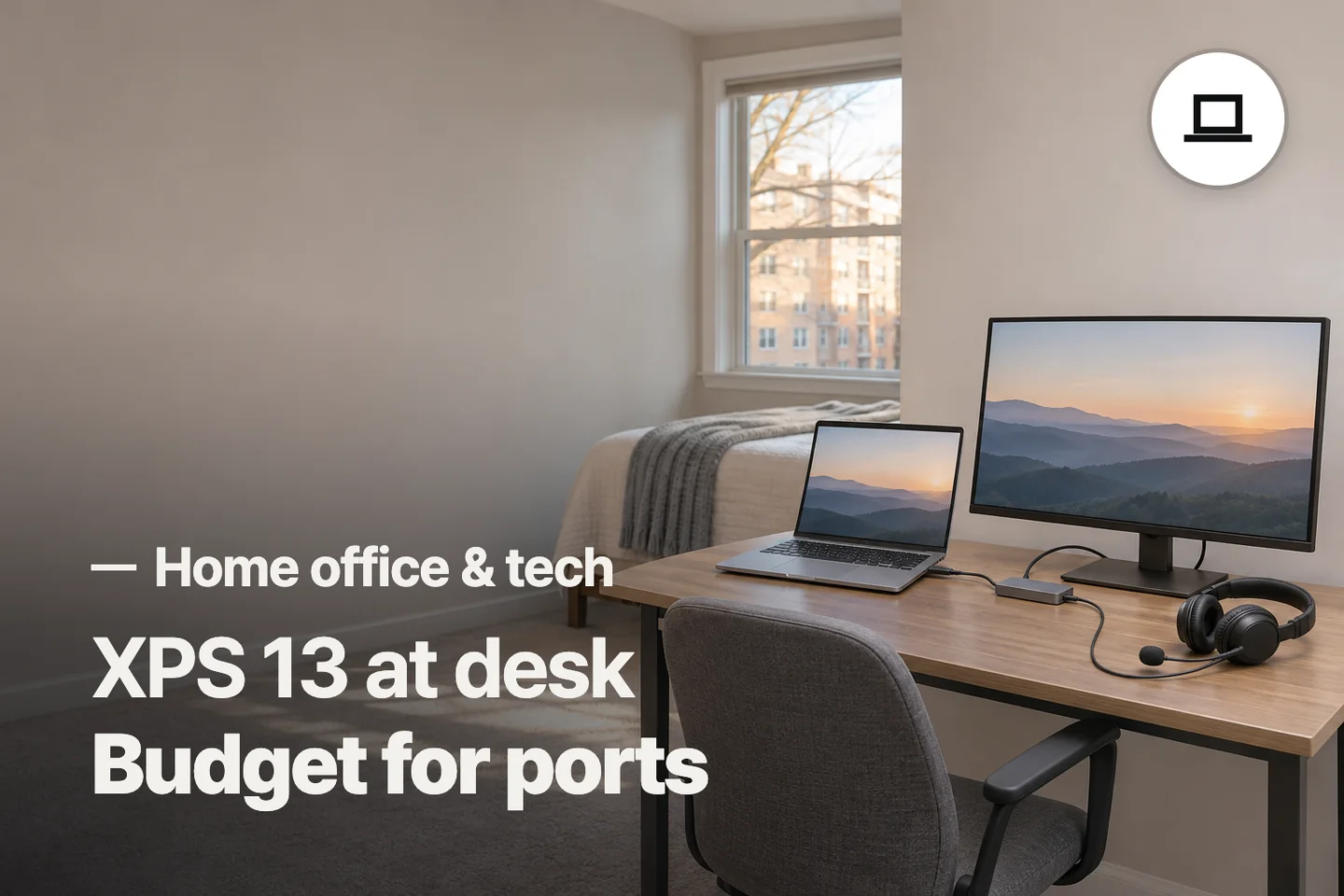
At the spare-bedroom desk just before Monday’s first call, the monitor cable is connected but the wired headset still needs a socket.
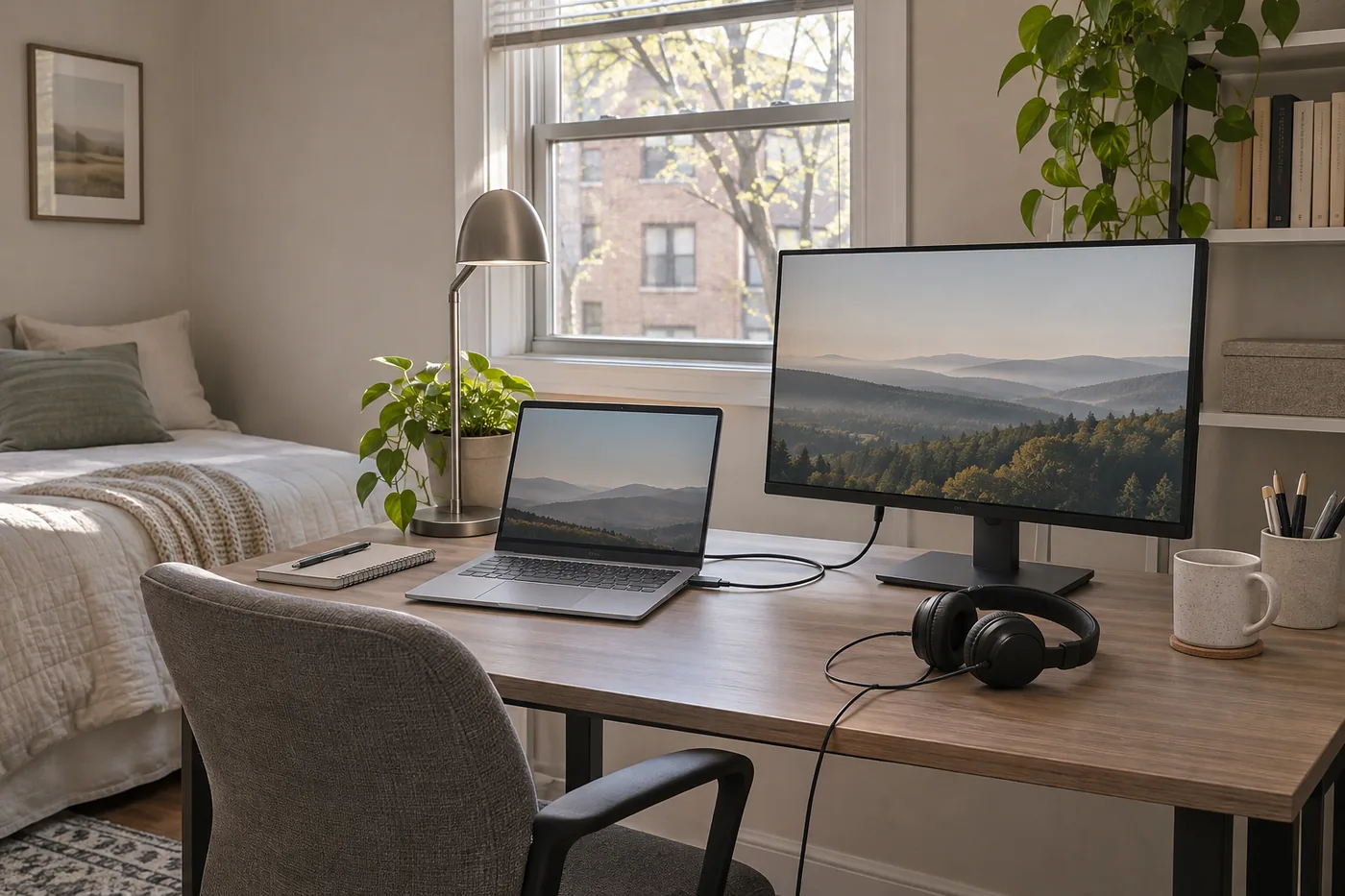 The laptop’s footprint is only part of what has to fit on the desk.
I’d choose the Dell XPS 13 9350 for this room only if the existing monitor and accessories work with its limited connections, and the seller confirms the exact configuration. That makes it a conditional fit for an already-equipped desk, not a way to furnish the whole office on the same budget.
The configuration here is the Intel Core Ultra 7 256V with 16GB memory, a 512GB SSD and an FHD+ screen. But the marketplace description previously checked for this machine mixed in conflicting hardware details, so the model name alone isn’t enough reassurance.
How we chose
Used previously verified Dell specifications and service documentation alongside the recorded Amazon listing, assessing desk footprint, connection needs and upgrade limits. November 24 access attempts could not refresh the product details, so source facts and the historical price retain their November 15 verification date.
Toneandroom picks
Best Dell XPS 13 for an existing home-office desk: Top 1
An existing monitor desk with compatible USB-C connections, few wired accessories and no need for future memory expansion
Dell XPS 13 9350, Intel Core Ultra 7 256V, 16GB/512GB, FHD+
Historical Amazon.com marketplace advertised price: $1,199.99 before applicable tax, sold and shipped by BLUE CLOUD PCs; free delivery displayed for the selected US destination, verified 2026-11-15. R
The compact footprint and published external-display capability suit an existing monitor setup, provided the seller confirms the Intel configuration and the total includes required adapters.
- Footprint
- 11.62 × 7.84 in
- Starting weight
- 2.70 lb
- Memory
- 16GB, fixed
- USB-C ports
- 2 × Thunderbolt 4
- You already own a compatible monitor
- You accept the installed 16GB memory
- Count ports with charging connected
- Resolve the seller’s hardware mismatch
What we considered
Desk fit
Will the laptop fit beside the monitor you already own?
Dell lists a footprint of 11.62 by 7.84 inches. That favors a compact existing workspace, but does not establish how much space your monitor stand and paperwork leave.
Connections
Can the monitor and accessories connect while the laptop charges?
The two Thunderbolt 4 USB-C ports share charging, video and data duties. A suitable charging monitor can reduce adapter needs; older peripherals may add costs that belong in the purchase budget.
Upgrade limits
Can you keep working with the memory supplied at purchase?
Dell specifies integrated, non-upgradeable memory for this configuration. Its documented SSD servicing does not change that limit, so software requirements need to fit the installed 16GB.
Part 1Start with what is already on the desk
Dell’s specifications put the chassis at 11.62 inches wide and 7.84 inches deep, with the FHD+ version starting at 2.70 lb. That gives you a compact machine to place beside a monitor or carry out of the spare room when the desk needs clearing.
But a small chassis doesn’t make the cables disappear. Dell lists two Thunderbolt 4 USB-C ports, and those connections also handle charging and display output rather than leaving separate sockets for each job.
With a charger occupying one port and a display adapter occupying the other, the headset in the opening scene has nowhere to connect directly. So the useful question is not whether the laptop looks tidy in a product photograph, but which accessories your desk actually needs during a call.
The published layout has no built-in HDMI, USB-A or analog headset socket. That means an older monitor, a USB-A receiver or a conventional wired headset can bring an extra adapter or dock expense, even when the laptop itself fits comfortably.
Part 2The monitor can work; the whole chain must match
Dell’s display matrix allows two external 4K displays while the internal screen remains on. So an existing single 4K monitor falls within the published display-count capability; you don’t need to assume that this small laptop can only run its own screen.
But display count is not dock compatibility. The matrix doesn’t establish that your particular monitor, adapter and cable will deliver every desired resolution and refresh-rate combination, so those accessory specifications still matter.
A compatible USB-C monitor with suitable power delivery may combine video and charging in one connection. That can leave the other laptop port available, but only if the monitor actually supports both functions rather than merely having a USB-C socket.
Swipe sideways to see the full table →
| What your desk already has | What to check before ordering |
|---|---|
| USB-C monitor | Video input support, charging capability and the supplied cable |
| DisplayPort monitor | A compatible USB-C-to-DisplayPort adapter, sold separately according to Dell |
| Wired headset or USB-A receiver | The required adapter or dock, plus enough connections when charging |
Does your screen already charge a connected laptop? That answer is more useful here than a photograph of an uncluttered desk, because it changes how many separate accessories you need to accommodate.
A supported monitor count answers the laptop question; the monitor and cable specifications answer the connection question.
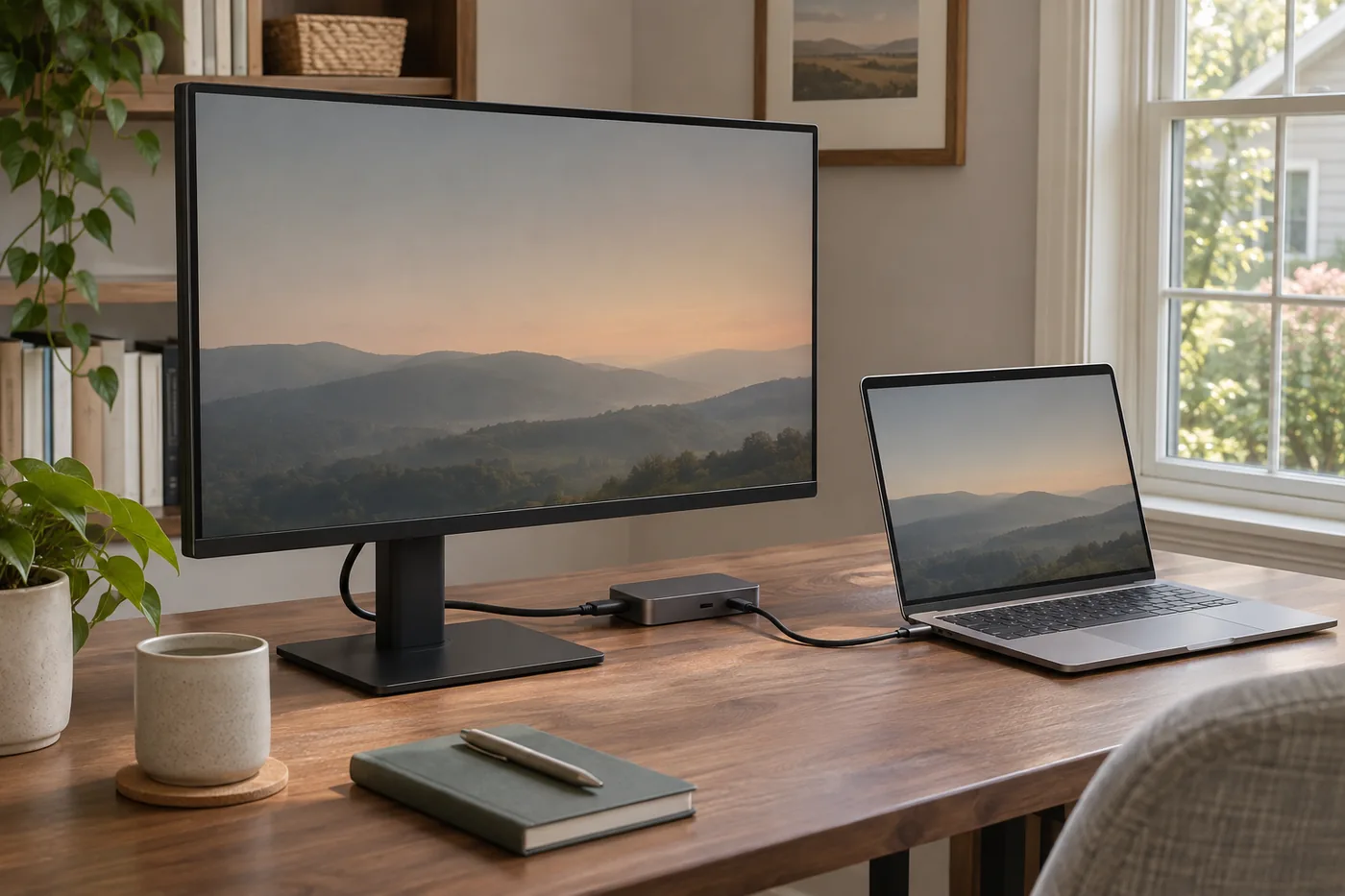 A charging-capable monitor can simplify the desk, provided its connection specifications match.
Part 3Memory is the decision you cannot postpone
Dell associates the Core Ultra 7 256V configuration with 16GB of memory and says that memory is integrated into the processor, without upgrade slots. So 16GB is a permanent purchase decision, not a starting point you can expand when your workload changes.
That matters more than a vague promise that the laptop will be suitable for work. If your day involves development tools, large creative files or employer software with demanding requirements, compare those requirements with this configuration before making the purchase.
The SSD is a separate issue: Dell documents service procedures for M.2 2230 and M.2 2280 storage, depending on the ordered configuration. But serviceable storage does not mean expandable memory, and the drive format needs confirmation before a replacement is chosen.
The earlier Amazon offer also advertised Windows 11 Home. That makes employer approval another purchase check, because a personal laptop running that edition may not meet your organization’s device or operating-system requirements.
Part 4Leave room for the checkout total
The Amazon marketplace page previously checked on November 15, 2026 advertised $1,199.99, before applicable tax, shipped and sold by BLUE CLOUD PCs. That page displayed free delivery for the selected US destination, but this was a seller-specific historical offer, not a Dell-direct price or a confirmed holiday discount.
Against the earlier $1,300 laptop allowance, that leaves a calculated $100.01 before tax and connection accessories. So even at the recorded price, the remaining money should not be treated as a separate monitor-and-chair budget.
The listing’s description also mixed the Intel model with Qualcomm component references and an Ethernet connection missing from Dell’s port layout. That is a reason to obtain written confirmation of the shipped configuration and support eligibility, not to choose whichever description sounds more appealing.
The November 24, 2026 recheck could not retrieve the product details: Dell blocked access, and Amazon returned a shopping-continuation page rather than the offer. So the earlier figures retain their November 15 verification date; for today’s Amazon price, Price varies; check Amazon.
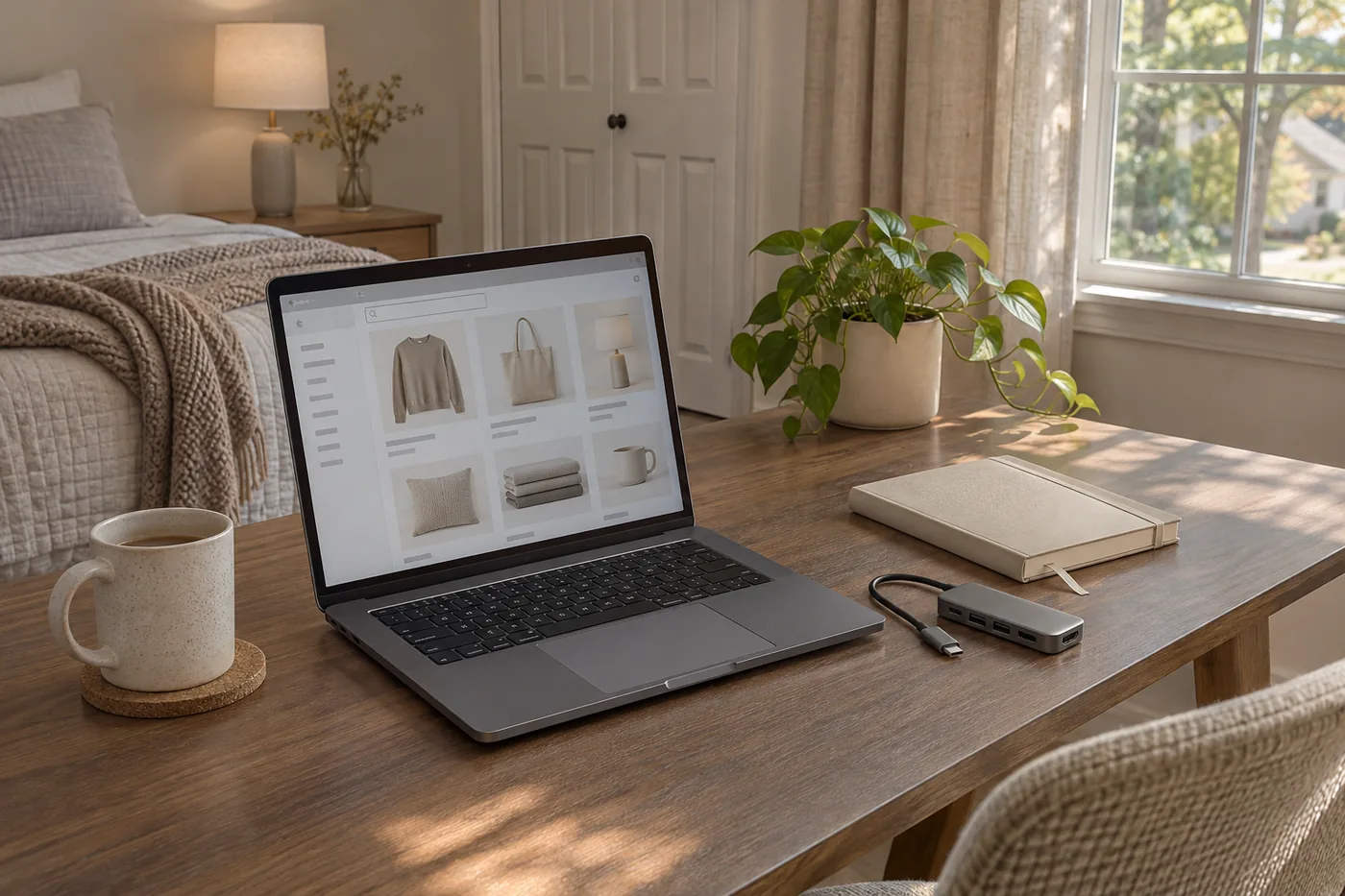 Leave space in the purchase budget for tax and the connections the desk actually needs.
I’d pass if the seller cannot resolve the configuration mismatch, or if adapters push the full total beyond the available budget. But for someone who already owns the right monitor, needs few wired accessories and accepts fixed memory, the documented desk fit remains a sensible reason to consider this exact XPS 13.
Method: This rewrite uses the previously checked Dell specifications, display matrix, port and memory documentation, SSD instructions and Amazon offer. Selection rests on desk footprint, connection needs and upgrade limits; no battery, workload or dock measurements are claimed. Source details were verified November 15, 2026; access attempts on November 24, 2026 did not refresh them.
In one sentence
The XPS 13 suits an existing monitor desk only when its connections, fixed memory and exact seller configuration fit the job.
Dell XPS 13 9350, Intel Core Ultra 7 256V, 16GB/512GB, FHD+
Check price on AmazonFrequently asked questions
Can the Dell XPS 13 9350 run an external 4K monitor?
Dell’s previously checked display matrix allows two external 4K displays with the internal screen on. A single monitor fits that count, but the cable, adapter or dock must support the desired display mode.
Can I add RAM to the Core Ultra 7 256V configuration later?
No. Dell identifies this configuration with 16GB of memory integrated into the processor and no upgrade slots. Check your software requirements before purchase rather than planning a later memory expansion.
Is the recorded Amazon price still available?
The $1,199.99 marketplace price was verified on November 15, 2026, before applicable tax. The November 24, 2026 access attempt did not retrieve the offer. Price varies; check Amazon.
Will I need a dock for a wired headset and an older monitor?
Possibly: the published laptop layout has two Thunderbolt 4 USB-C ports shared with charging, without HDMI, USB-A or an analog headset socket. Match each peripheral to a compatible adapter or dock and include that expense in the total.
Sources
- Dell XPS 13 9350, Intel Core Ultra 7 256V, 16GB/512GB, FHD+ · 2026-11-15
Previously verified: chassis 11.62 in wide by 7.84 in deep; FHD+ starting weight 2.70 lb; two Thunderbolt 4 ports. Access blocked on 2026-11-24, so the original verification date is retained.
- Dell XPS 13 9350 external ports · 2026-11-15
Previously verified: two Thunderbolt 4 USB-C ports; separate DisplayPort and 3.5 mm audio adapters described; no media-card reader. Access blocked on 2026-11-24.
- Dell external-display support matrix · 2026-11-15
Previously verified: two external 4K displays supported with the internal display on. No dock-specific refresh rate inferred. Access blocked on 2026-11-24.
- Dell memory specifications · 2026-11-15
Previously verified: Core Ultra 7 256V paired with 16GB; memory integrated into the processor and not upgradeable, with no memory slots. Access blocked on 2026-11-24.
- Dell configuration-specific SSD servicing · 2026-11-15
Previously verified: M.2 2230 or M.2 2280 drive support depends on ordered configuration; SSD removal has service prerequisites. Access blocked on 2026-11-24.







