
The call breaks up in the upstairs spare bedroom, yet sounds fine when you carry the laptop downstairs. That is an awkward reason to start shopping: you need dependable work space, but you do not yet know whether the old computer or the connection through the house is letting you down.
 The room where a call fails matters as much as the machine on the desk.
I would choose the Dell 16 DC16250 for an upstairs spreadsheet desk without a separate monitor. But I would repeat the troublesome call beside the router before ordering it, because a larger screen cannot establish whether the connection upstairs is the problem.
How we chose
Compared maker specifications for screen fit, accessory connections and room-to-room portability, alongside Microsoft's Arm guidance. ASUS specifications were refreshed November 24, 2026; Dell and Lenovo details and all prices retain their November 10, 2026 checks where fresh verification was unavailable.
Toneandroom picks
Best work laptops for a home office: Top 3
A fixed spreadsheet desk without an external display
See all specsDell 16 DC16250, Core 5 120U / 16 GB / 512 GB
Dell US configuration: $989.99 before tax and checkout charges, checked 2026-11-10. Page blocked on 2026-11-24; current price unverified. Price varies; check Amazon.
I favor the larger antiglare screen and numeric keypad when the upstairs desk has no separate monitor.
- Screen
- 16 in touch
- Weight
- From 4.37 lb
- Battery
- 41 Wh
- Memory
- 16 GB
- You need spreadsheet space
- You enter numbers often
- Keyboard is non-backlit
- Starting weight is 4.37 lb
Moving rooms with approved Arm-compatible work tools
See all specsASUS Vivobook 14 X1407QA, Snapdragon X / 16 GB / 512 GB
ASUS US model-page reference: $899.99 before tax and other charges, checked 2026-11-10; not a matched checkout quote. Specifications reopened 2026-11-24 without a displayed price. Price varies; check
The smaller antiglare screen and lower listed weight fit room changes, provided your employer's tools and peripheral drivers support Arm.
- Screen
- 14 in antiglare
- Weight
- 3.28 lb
- Battery
- 50 Wh
- Memory
- 16 GB onboard
- You move between work areas
- You need USB-A accessories
- Confirm Arm driver support
- Memory maximum is 16 GB
A shared table where touch and repositioning help
See all specsLenovo Yoga 7i 2-in-1 14-inch Gen 10, 83JQ0001US
Lenovo US part 83JQ0001US: $799.99 with EARLYBFDEALUS before tax and checkout charges, checked 2026-11-10. Page blocked on 2026-11-24; coupon and availability unverified. Price varies; check Amazon.
The convertible touchscreen suits a shared surface when touch has a real role; the historical coupon alone is not a reason to choose it.
- Screen
- 14 in OLED touch
- Storage
- 1 TB SSD
- Memory
- 16 GB
- Weight
- 3.04 lb advertised
- You use touch to discuss work
- You need convertible positions
- Glossy screen can reflect light
- Recheck the exact coupon part
Compare 3 products at a glance
Screen, connections and movement at a glance
| Desk question | Top pickDell 16 DC16250, Core 5 120U / 16 GB / 512 GBDell US configuration: $989.99 before tax and checkout charges, checked 2026-11-10. Page blocked on 2026-11-24; current price unverified. Price varies; check Amazon. | ASUS Vivobook 14 X1407QA, Snapdragon X / 16 GB / 512 GBASUS US model-page reference: $899.99 before tax and other charges, checked 2026-11-10; not a matched checkout quote. Specifications reopened 2026-11-24 without a displayed price. Price varies; check | Lenovo Yoga 7i 2-in-1 14-inch Gen 10, 83JQ0001USLenovo US part 83JQ0001US: $799.99 with EARLYBFDEALUS before tax and checkout charges, checked 2026-11-10. Page blocked on 2026-11-24; coupon and availability unverified. Price varies; check Amazon. |
|---|---|---|---|
| Screen | 16 in antiglare touch | 14 in antiglare non-touch | 14 in glossy OLED touch |
| Desk connections | 2 USB-A; USB-C display/PD; HDMI 1.4 | 2 USB-A; 2 USB4 USB-C display/PD; HDMI | 2 Thunderbolt 4; USB-A; HDMI; microSD |
| Published weight | From 4.37 lb | 3.28 lb | 3.04 lb family claim |
| Battery basis | 41 Wh capacity | 50 Wh capacity | Up to 31 h video, 1080p at 150 nits |
| Historical US price, 2026-11-10 | $989.99 configuration | $899.99 model-page reference | $799.99 with EARLYBFDEALUS |
| What needs checking | Monitor output and dim-room typing | Employer tools and Arm drivers | Window reflections and coupon validity |
Swipe sideways to see the full table →
What we considered
Screen fit
Will the built-in screen suit your work surface?
Dell's recorded panel is larger, while ASUS offers an antiglare surface in a smaller laptop. Lenovo adds glossy OLED touch, so placement beside a window matters as much as the panel label.
Existing equipment
Will your accessories and work tools connect correctly?
The listed USB-C ports have display and charging capabilities, but monitor requirements still need matching. The Snapdragon ASUS also needs Arm-compatible drivers and employer approval for required tools.
Room changes
Will you carry it around or leave it upstairs?
Published weight favors the smaller ASUS and Lenovo over Dell's starting figure. Battery capacity and video-playback claims are different measures, so neither establishes video-call endurance.
Part 1Match the laptop to the room, not the frozen call
Keep the application and laptop the same when you move closer to the router. If the call improves there, investigate the upstairs connection before spending money on a replacement; then open a local spreadsheet with unnecessary applications closed to see whether slow work persists without the call.
Would the old machine still do the job after that check? If it would, keeping it avoids buying around the wrong problem. If local work remains frustrating, look at available storage, startup applications and repair options before deciding that replacement is necessary.
For a replacement, I start with screen space at the actual desk. Dell's larger panel suits a room without an external display, while the smaller ASUS takes less room on a dining table; a glossy Lenovo screen asks more of your window placement.
Next comes the equipment you already own. Write down the monitor connection, mouse receiver and headset before comparing ports, because a USB-C socket alone does not tell you whether it carries display output or charging.
Finally, consider how often you move rooms. Listed weight helps with that decision, but battery capacity and advertised playback hours do not establish how long a laptop will last through meetings.
A room-specific connection problem deserves a room-specific check before a computer purchase.
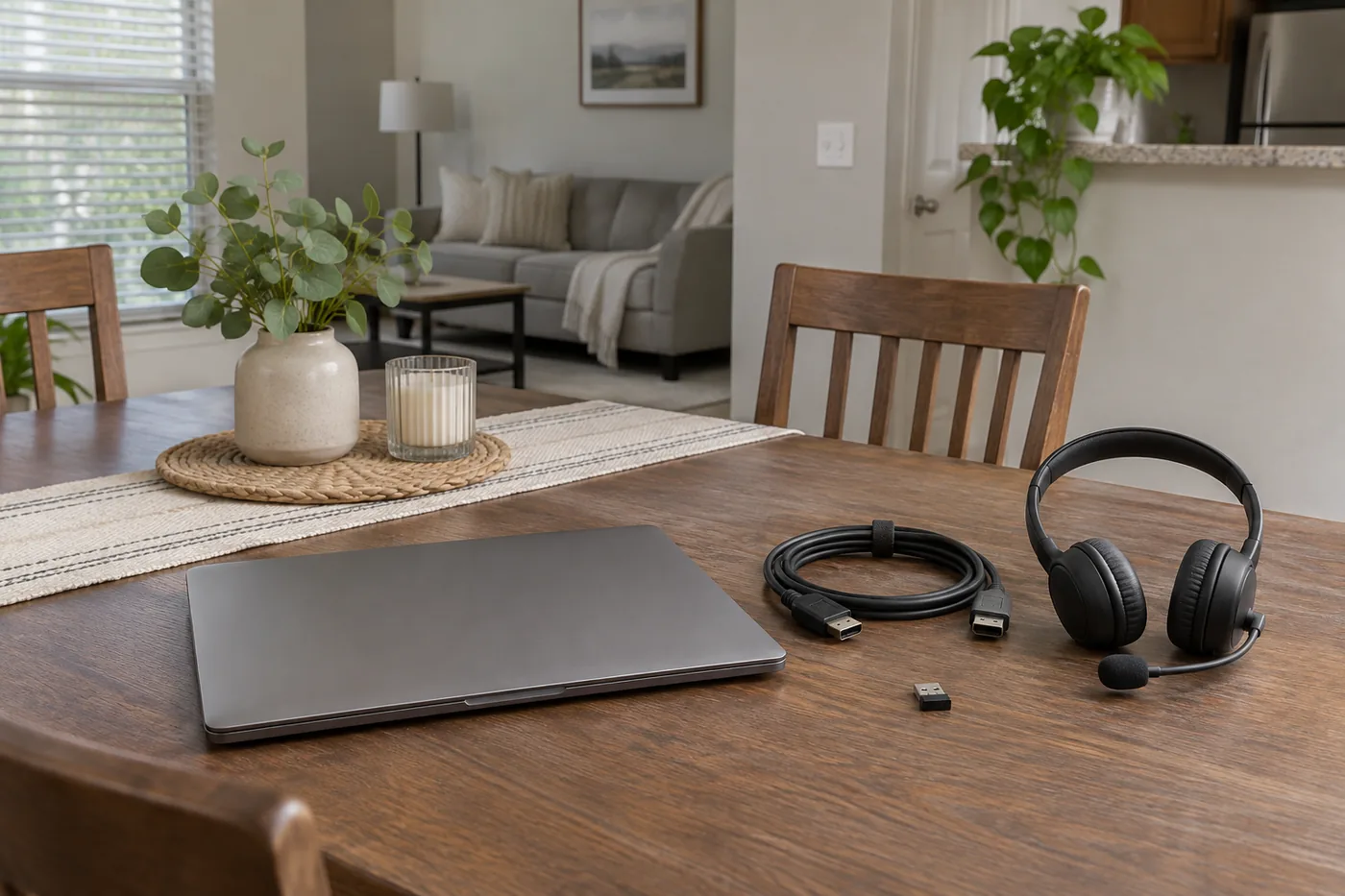 Lay out the accessories that must move between your desk and the shared table.
Part 2Dell 16: more room for the spreadsheet
The Dell 16 DC16250, Core 5 120U / 16 GB / 512 GB is my choice for a mostly fixed workspace. Its recorded configuration has a 16-inch antiglare touch screen, so the reason to choose it is physical working space rather than an assumption that every new processor will fix every delay.
The numeric keypad gives spreadsheet users another concrete reason to favor this layout. But the selected keyboard is non-backlit, so someone working after the spare room becomes a dim evening office should weigh that limitation against the larger display.
Dell's last recorded US price was $989.99 before tax and checkout charges, checked November 10, 2026. The official page could not be reopened on November 24, 2026, so this remains a dated reference, not a current offer or a promise about holiday discounts.
That configuration lists two USB-A ports, USB-C with display output and power delivery, and HDMI 1.4. Because the USB-C listing specifies DisplayPort 1.4, match the intended output to your monitor's requirements rather than treating HDMI and USB-C as interchangeable connections.
The published starting weight of 4.37 lb makes this the machine I would leave upstairs most often. Its 41 Wh battery is a capacity figure, not a meeting-runtime measurement; for this choice, desk fit matters more than a battery headline.
Part 3ASUS Vivobook 14: check your work tools first
The ASUS Vivobook 14 X1407QA, Snapdragon X / 16 GB / 512 GB makes more sense when work moves between the bedroom and dining table. ASUS lists 3.28 lb, so it carries less published weight than the Dell while keeping an antiglare, non-touch display.
The compatibility check comes before the attractive port list. This is a Snapdragon-based Windows on Arm machine, and Microsoft says hardware and application drivers must support that platform; that includes software behind some printers and employer-required tools.
Microsoft lists native versions of familiar applications including Teams and Excel. But those applications working does not settle the status of your employer's security software, so ask IT about the exact tools and ask the printer maker about the exact driver before choosing this model.
ASUS's specification page, reopened November 24, 2026, lists two USB4 USB-C ports supporting display output and power delivery, plus two USB-A ports. That combination leaves room for older accessories, but it does not remove the Arm compatibility gate.
The page also confirms 16 GB onboard memory with a listed 16 GB maximum, a 512 GB SSD and a 50 Wh battery. Because the memory ceiling is already reached, this is not a purchase to make on the assumption that you can add RAM later.
The earlier ASUS page price was $899.99, checked November 10, 2026, before tax and other charges. No price appeared in the refreshed specifications, so confirm both the retail configuration and checkout total rather than treating that historical model price as today's quote.
Part 4Lenovo Yoga: touch matters more than the coupon
The Lenovo Yoga 7i 2-in-1 14-inch Gen 10, 83JQ0001US belongs here for a shared table where touch and convertible positioning have a purpose. That might mean looking through plans together, rather than paying for a hinge you will leave in laptop position.
The recorded configuration pairs a Core Ultra 5 226V with 16 GB memory and a 1 TB SSD. Its 14-inch OLED touch panel is glossy, so a bright window behind you deserves attention even if the display specifications otherwise appeal.
Lenovo's last recorded price was $799.99 with eCoupon EARLYBFDEALUS for this exact part, checked November 10, 2026, before tax and checkout charges. The page was blocked on November 24, 2026; that means the coupon and availability need fresh confirmation, not an assumption that every Yoga shares that price.
The family page advertised 3.04 lb, two Thunderbolt 4 ports, USB-A, HDMI and microSD. But its up-to-31-hour battery claim referred to continuous 1080p video playback at 150 nits, so playback hours are not meeting hours and do not establish endurance for this household's workday.
A convertible earns its place when touch changes how you work, not simply because a coupon lowers the number.
Part 5Leave room in the budget for keeping what works
For a fixed upstairs desk, I still favor Dell's larger screen and keypad. But if moving rooms is the daily reality, ASUS is worth considering after employer approval; Lenovo makes the stronger case when touch is genuinely useful.
Before paying, confirm the exact configuration, return terms and current total. None of these selections establishes that a replacement will cure the upstairs connection, so keep that diagnosis separate from the purchase.
 Choose for the work surface after checking why the call fails there.
Method: Compared manufacturer screen, connection and portability specifications with Microsoft's Arm compatibility guidance. ASUS specifications and Microsoft guidance were rechecked November 24, 2026; inaccessible Dell and Lenovo details, and all prices, retain November 10, 2026 verification dates. Battery figures are manufacturer claims, not measured call endurance.
In one sentence
Check the upstairs connection first, then choose a laptop for the screen, accessories and movement your work requires.
Dell 16 DC16250, Core 5 120U / 16 GB / 512 GB
Check price on AmazonASUS Vivobook 14 X1407QA, Snapdragon X / 16 GB / 512 GB
Check price on AmazonLenovo Yoga 7i 2-in-1 14-inch Gen 10, 83JQ0001US
Frequently asked questions
Will replacing a Dell laptop fix an upstairs Wi-Fi dead zone?
Not necessarily. Repeat the same call with the existing laptop near the router, then try local work separately. A location-dependent failure points to a connection check before a replacement purchase.
Is the ASUS Vivobook 14 X1407QA suitable for employer software?
Only after checking the required applications and drivers. Microsoft says drivers must support Windows on Arm, so ask IT about security software and the peripheral maker about printer support even when familiar applications have native versions.
Does Lenovo's up-to-31-hour battery claim cover video calls?
No. The retained manufacturer claim concerns continuous 1080p video playback at 150 nits, with configuration and use caveats. It does not establish meeting runtime or a comparable result against another maker's battery test.
Are the listed laptop prices current offers?
No. All prices retain their November 10, 2026 checks because updated matched prices could not be verified on November 24, 2026. Dell and Lenovo pages were blocked; ASUS specifications reopened without a price. Confirm the exact configuration, coupon and checkout total before purchasing.
Sources
- Dell 16 DC16250, Core 5 120U / 16 GB / 512 GB · 2026-11-10
Retained original verification: $989.99 Core 5 120U/16 GB/512 GB configuration; 16-inch 1920 × 1200 antiglare touch panel; non-backlit numeric keyboard; 2 USB-A, USB-C with DP 1.4/PD, HDMI 1.4; starting 4.37 lb; 41 Wh. Reopen attempted 2026-11-24 returned HTTP 403; no fresh price or specification verification.
- ASUS Vivobook 14 X1407QA, Snapdragon X / 16 GB / 512 GB · 2026-11-24
Reopened specifications confirm Snapdragon X X1 26 100, 16 GB onboard and 16 GB maximum, 512 GB SSD, antiglare non-touch display, 2 USB4 USB-C with display/PD, 2 USB-A, HDMI 2.1 TMDS, 50 Wh and 3.28 lb. No price displayed; $899.99 is retained only as the original model-page observation checked 2026-11-10, not a refreshed or matched checkout price.
- ASUS Vivobook 14 display and portability overview · 2026-11-24
Reopened overview lists the 14-inch 16:10 IPS display and starting 3.28 lb weight. Used for screen size and portability, not a claimed conferencing-runtime result.
- Lenovo Yoga 7i 2-in-1 14-inch Gen 10, 83JQ0001US · 2026-11-10
Retained original verification: 83JQ0001US $799.99 with EARLYBFDEALUS; Core Ultra 5 226V, 16 GB RAM, 1 TB SSD; 14-inch 1920 × 1200 glossy OLED touch. Family advertised 3.04 lb, 2 Thunderbolt 4, USB-A, HDMI, microSD and up to 31 h continuous 1080p playback at 150 nits, with use/configuration caveats. Reopen attempted 2026-11-24 returned HTTP 403; current coupon, availability and specifications not reverified.
- Microsoft Windows Arm-based PCs FAQ · 2026-11-24
Reopened guidance identifies native Arm64 Microsoft 365 applications including Teams and Excel and requires compatible Windows 11 Arm drivers for hardware and driver-dependent software. No price or numerical endurance claim taken.







