
The video call freezes just as a client asks for the spreadsheet, leaving a spare-room worker staring at the laptop beside an otherwise perfectly usable monitor.
 A replacement laptop needs to fit the work already happening at this desk.
I'd choose the Acer Chromebook Plus 514 CB514-6HT-368E for employer-approved browser work, but only after confirming the seller and checkout total. The HP OmniBook 3 14-hz0589wm makes sense when Windows applications are necessary and their Arm compatibility is confirmed; Windows alone isn't enough reassurance.
For this desk, assume a $500 spending ceiling and an existing monitor. That makes the question less about finding the most impressive laptop and more about paying for work the machine can actually do.
How we chose
Reviewed exact-model Walmart offers, Google's update table, and Microsoft's application guidance. The comparison uses three criteria: required software compatibility, seller-specific checkout cost, and hardware cost across explicitly assumed ownership periods, rather than promised longevity or a hoped-for holiday discount.
Toneandroom picks
Best laptops for a browser-first home office: Top 2
Employer-approved browser work with an existing monitor
Acer Chromebook Plus 514 CB514-6HT-368E
$380 new US online item price, Y J ELECTRONICS via Walmart; checked 2026-11-24. Before sales tax and checkout charges.
The lower verified item price leaves more of the assumed budget for tax and necessary connections, provided browser tools meet the job's requirements.
- Processor
- Core 3 N355
- Memory
- 8 GB
- SSD
- 512 GB
- Screen
- 14 in
- Your work stays in the browser
- You want room for local files
- Confirm marketplace return terms
- Confirm conflicting panel labels
Desktop Windows tasks with verified Arm-compatible tools
HP OmniBook 3 14-hz0589wm
$499 new US online item price, sold by Walmart.com; checked 2026-11-24. Before sales tax and checkout charges.
A Windows route for required desktop applications, conditional on employer approval of Arm software and drivers and an affordable checkout total.
- Processor
- Snapdragon X
- Memory
- 8 GB
- SSD
- 256 GB
- Screen
- 14 in OLED
- Your Windows tools support Arm
- You want the listed OLED panel
- Check tax against your ceiling
- Confirm peripheral drivers
What we considered
Work compatibility
Can the machine complete your employer's actual workflow?
Microsoft distinguishes browser access on ChromeOS from installable desktop Office. The Windows alternative also needs approval for Arm-dependent software and drivers, so neither operating-system label settles the purchase alone.
Checkout cost
Does this seller's complete total fit the budget?
The opened Acer offer is from a marketplace seller, while the HP offer is sold by Walmart.com. Compare the total charge and seller-specific terms rather than treating the shared storefront as identical service.
Useful years
How does cost change if work requirements shorten ownership?
The annual comparison divides verified item prices across assumed ownership periods. A lower sticker price is only useful when the machine stays suitable, so software costs and replacement timing belong beside the hardware calculation.
Part 1Start with the seller, not the sale label
Walmart's Acer listing showed $380 for a new unit sold by Y J ELECTRONICS, checked November 24, 2026. That's a marketplace offer, so being on Walmart's website doesn't mean Walmart is the seller; delivery, returns, and the final total need checking against this offer.
The HP listing showed $499 for a new unit sold by Walmart.com on the same date. Both figures are US online item prices before sales tax and any checkout charges, rather than complete delivered costs.
Swipe sideways to see the full table →
| Listing detail, checked November 24, 2026 | Acer Chromebook Plus 514 CB514-6HT-368E | HP OmniBook 3 14-hz0589wm |
|---|---|---|
| New item price | $380 | $499 |
| Seller | Y J ELECTRONICS | Walmart.com |
| Listed memory / SSD | 8 GB / 512 GB | 8 GB / 256 GB |
| Operating system | ChromeOS | Windows 11 Home |
The Acer's Intel Core 3 N355 configuration includes the larger listed SSD, which gives local downloads more room without spending extra. But more storage doesn't unlock desktop Office: this remains a ChromeOS purchase, not an inexpensive substitute for every Windows job.
Walmart's Acer title also mixes a WUXGA label with a conflicting resolution. So confirm the exact panel before ordering rather than paying on the assumption that either description is right.
Part 2Divide by useful years, not optimistic years
The hardware-only calculation is simple: divide the purchase price by the years you assume it will remain useful. Here, three and five years are budgeting scenarios, not predicted lifespans, and neither includes tax, software, repairs, accessories, or resale proceeds.
Swipe sideways to see the full table →
| Hardware-only planning scenario | Three assumed years | Five assumed years |
|---|---|---|
| Acer: $380 ÷ assumed years | $126.67/year | $76.00/year |
| HP: $499 ÷ assumed years | $166.33/year | $99.80/year |
At equal five-year use, the HP's $119 higher purchase price adds $23.80 per year. But if browser limitations force an Acer replacement after three years while the HP remains suitable for five, the annual comparison becomes $126.67 against $99.80; software fit can reverse the apparent saving.
For a fuller estimate, use purchase price plus required software, accessories, and repairs, minus resale proceeds, then divide that total by useful years. This keeps an adapter or a new subscription from disappearing just because it isn't printed on the laptop's price label.
The HP's Snapdragon X processor, 8 GB memory, and 256 GB SSD buy a different software platform, not an across-the-board specification upgrade. Its listed 14-inch OLED screen may matter when working away from the existing monitor, but the smaller SSD is still a trade-off.
A lower annual figure only helps if the laptop can still complete the job throughout the assumed ownership period.
Part 3Check the work file before buying the hardware
Microsoft's Chromebook guidance allows access to Microsoft 365 through web apps, but says the Windows and Mac desktop versions cannot be installed. So open a representative spreadsheet in the browser on your current computer, then check the editing, saving, and file-sharing steps your work requires.
That check should include employer device approval and the actual meeting service, not just whether a workbook opens. If an essential task needs desktop software, the browser option stops being a bargain, however generous its storage looks.
The HP needs its own compatibility check because it runs Windows on Arm. Microsoft's Arm guidance says peripherals and driver-dependent applications need suitable drivers, so confirm the exact security client, remote-access software, printer, and scanner with the employer or maker.
Your existing monitor deserves the same attention. The Acer listing describes HDMI and USB-C connections, but a familiar connector isn't a complete promise about every dock; for the HP, confirm the exact model's display-output support before counting on your current setup.
Google lists updates for the Acer CB514-6H/CB514-6HT family through June 2035. That gives this purchase a published support endpoint, but updates aren't a hardware-life guarantee or a promise that future employer requirements will stay unchanged.
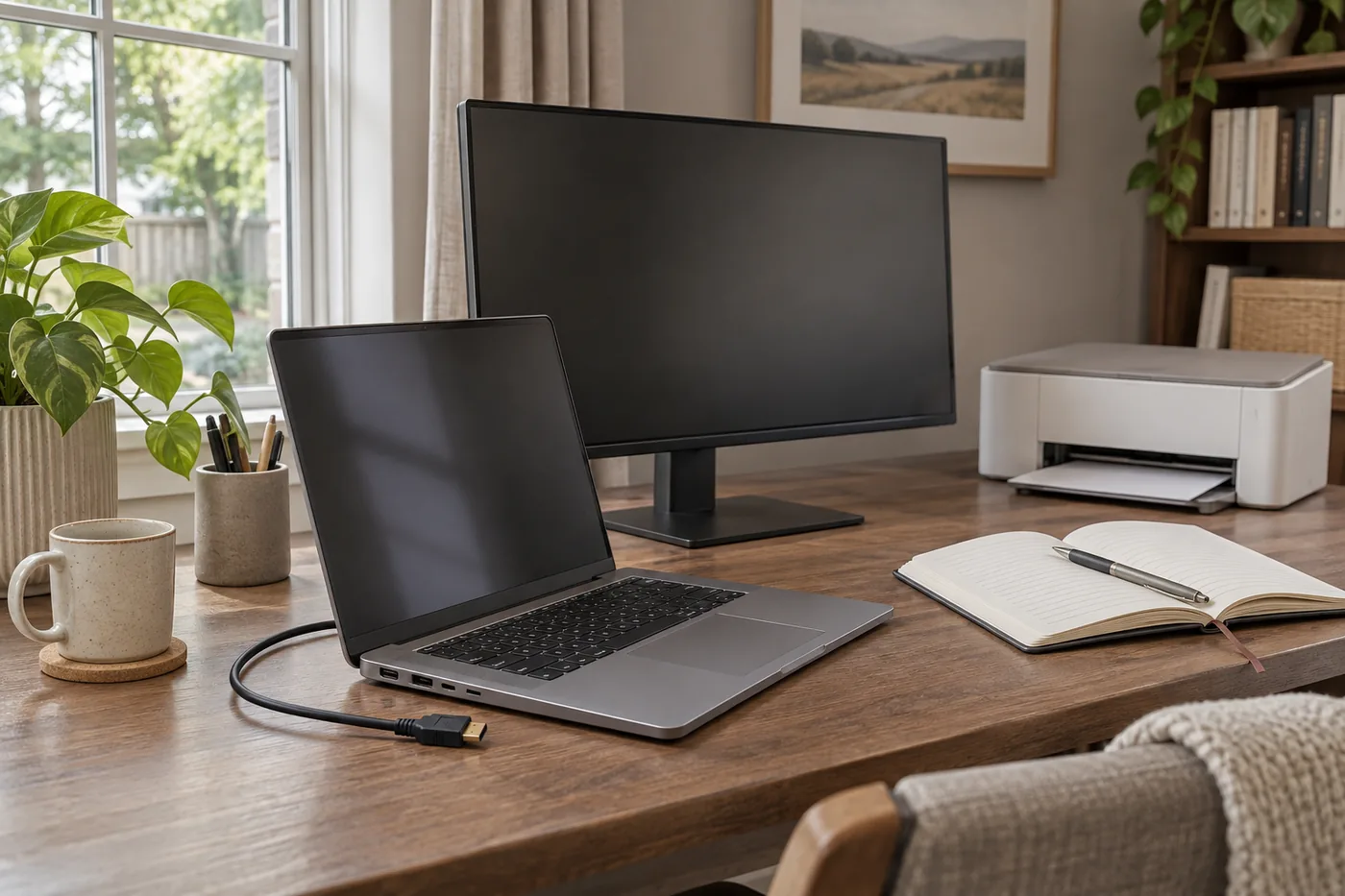 The monitor connection and required work tools belong in the budget conversation.
Google's general policy counts ten years from platform release, not the purchase date. So an unopened box doesn't start a fresh support period when it reaches your desk.
Part 4Buy for a working Monday, or wait with a reason
Against the assumed $500 ceiling, the Acer leaves $120 before tax and extras, while the HP leaves $1. That makes the checkout total the affordability test: the HP's item price doesn't establish that it fits a strict all-in budget.
If the current laptop can finish paid work, waiting is reasonable while you confirm compatibility and compare the exact configuration and seller. But a holiday banner doesn't establish a market-wide low, and an unannounced Black Friday discount isn't money you can budget today.
If calls are failing now, a compatible replacement available now can matter more than an uncertain saving. That still leaves time to read this seller's return terms and confirm the full charge rather than borrowing another offer's promises.
 Waiting helps when it resolves a real purchasing question, not merely a hope for a lower number.
Method: Rechecked Walmart's exact-model listings, Google's update policy, and Microsoft's Chromebook and Arm guidance on November 24, 2026. Selection follows software fit, seller-specific checkout cost, and explicit ownership scenarios; annual figures are calculations, not measured durability.
My recommendation is the Acer for an approved browser workflow with an acceptable seller and total; otherwise, wait until a verified compatible Windows offer fits the complete budget.
In one sentence
The $380 Acer is the lower-cost browser option, while the $499 HP needs both Arm approval and room for checkout costs.
Acer Chromebook Plus 514 CB514-6HT-368E
View on Official storeHP OmniBook 3 14-hz0589wm
View on Official storeFrequently asked questions
Can a Chromebook run Microsoft 365 for home-office work?
Microsoft supports access through web apps, not installation of the Windows or Mac desktop versions. Check representative work files, required editing features, meeting access, and employer device policy before choosing ChromeOS.
Why isn't the HP automatically compatible with all Windows software?
This model uses Snapdragon X and Windows on Arm. Microsoft's guidance says driver-dependent hardware and applications need suitable drivers; employer security tools and existing peripherals need specific confirmation.
What are the annual costs at the verified prices?
Using November 24, 2026 item prices and five assumed useful years, $380 divided by five is $76.00/year for the Acer, while $499 divided by five is $99.80/year for the HP. Those are hardware-only calculations, not lifespan promises, and exclude tax, software, accessories, repairs, and resale.
Does the $499 HP fit a $500 total budget?
Not necessarily. The Walmart.com item price checked November 24, 2026 leaves only $1 before sales tax and checkout charges, so affordability depends on the complete order total.
Is waiting for Black Friday guaranteed to save money?
No future discount is established by these opened listings. Waiting is useful if it lets you confirm software support, seller terms, and the exact configuration while the current laptop still completes your work.
Sources
- Google automatic update policy · 2026-11-24
Device table lists Chromebook Plus 514 CB514-6H/CB514-6HT through June 2035. General policy specifies ten years from platform release, not purchase; no hardware durability promise is inferred.
- Microsoft 365 on a Chromebook · 2026-11-24
Confirms Microsoft 365 web access and says Windows or Mac desktop versions cannot be installed on a Chromebook. No subscription price or performance number is taken from this page.
- Microsoft Windows Arm-based PCs FAQ · 2026-11-24
Windows 11 Arm guidance requires compatible drivers for dependent hardware and applications; native and emulated app availability does not remove that condition. No numerical performance claim is used.







