
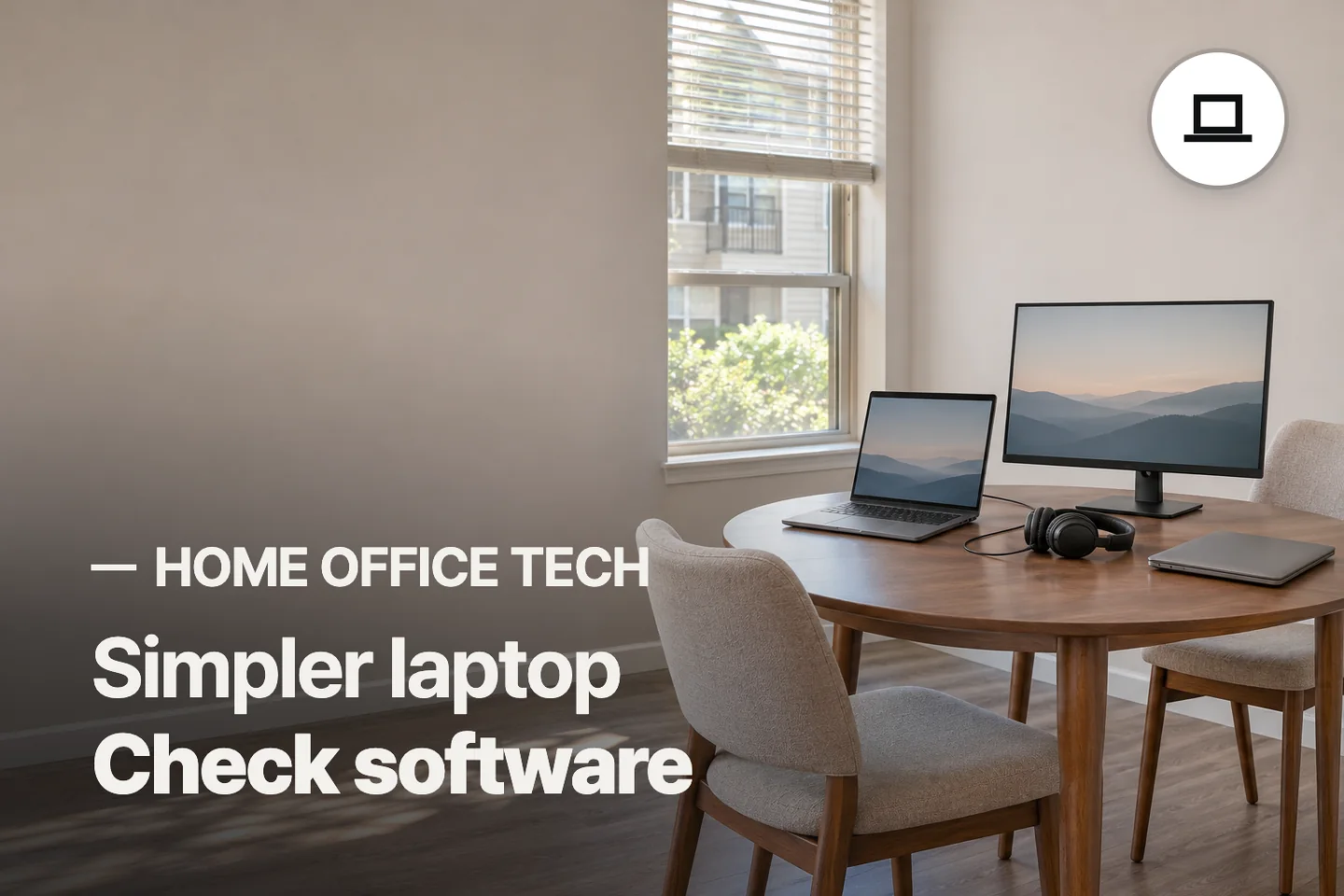
Your morning meeting link is open at the apartment dining table, but your partner needs the same laptop to finish a document.
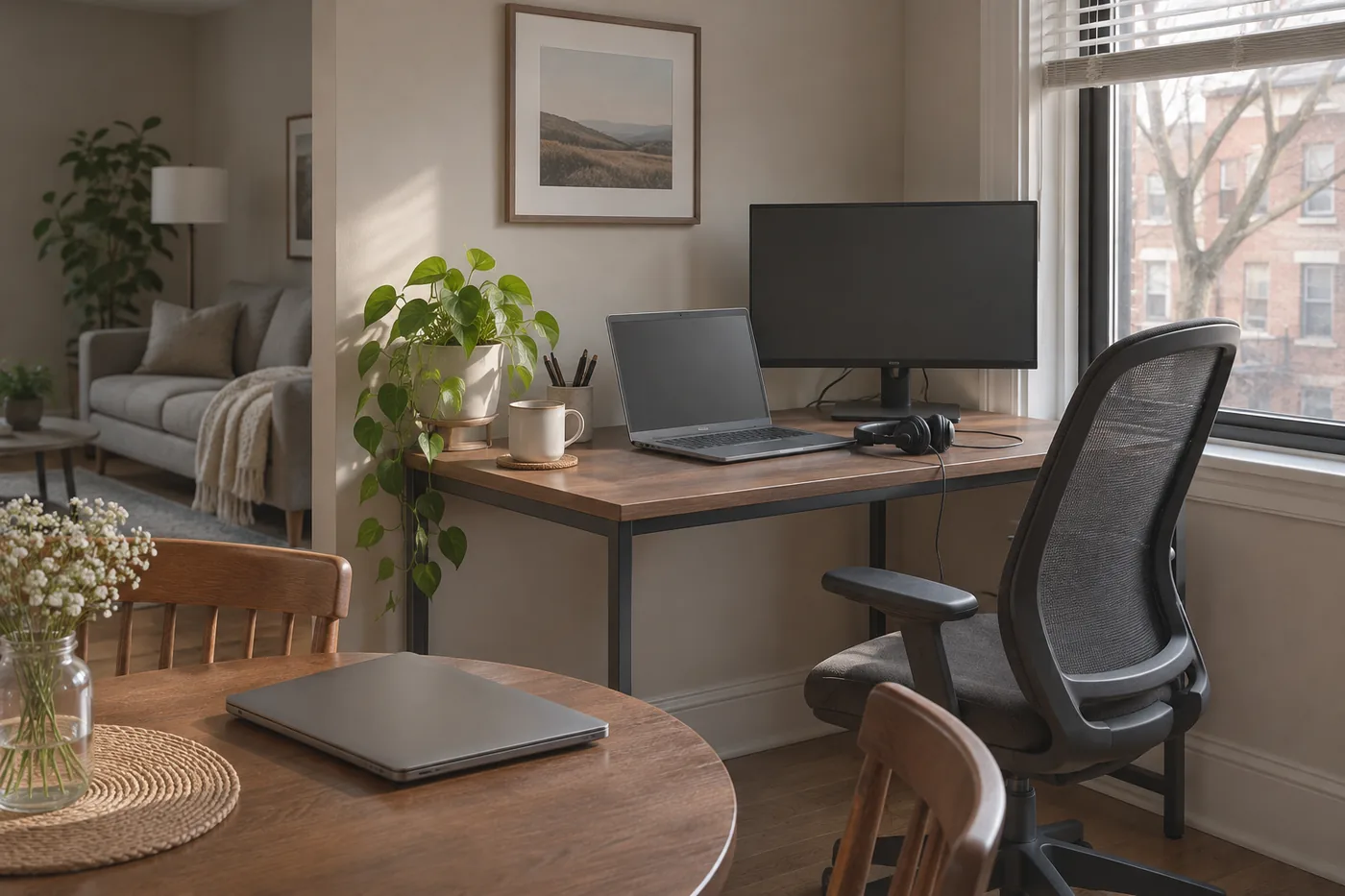 Separate workspaces start with somewhere to open each person's files.
I'd choose the ASUS Chromebook Plus CX34 CX3402CVA-DB388-GR for a separate email, Google Docs, and approved Zoom machine, provided no essential task requires Windows. That condition matters more than any processor upgrade: the purchase only helps if your partner can keep the old laptop without interrupting your work.
A Chromebook is appealing here because the job is fairly specific, not because every home office needs the same computer. So before comparing listings on Amazon.com, think through an ordinary day and the awkward task that only comes up occasionally.
How we chose
Reviewed ASUS US model information alongside Google, Microsoft, and Zoom support guidance. The selection follows three checks: essential application compatibility, preparation of offline documents, and support for existing desk accessories; it does not rely on measured speed or a claimed sale price.
Toneandroom picks
Best Chromebook for a shared home office: Top 1
Separate browser-work computer for a shared US apartment
ASUS Chromebook Plus CX34 CX3402CVA-DB388-GR
Exact-model US-dollar offer not verified in opened ASUS material; checked November 24, 2026. Price varies; check Amazon.
ASUS identifies a conventional non-touch laptop configuration for browser work. Choose it when approved applications, prepared offline documents, and compatible desk accessories let each person work independently.
- CPU
- Core 3 100U
- Screen
- 14.0 in
- Touch
- Non-touch
- Your job runs in approved browser apps
- You want a separate typing-focused laptop
- Confirm the seller's memory and storage
- Check your dock and printer individually
What we considered
Essential apps
Can your required work run without a Windows desktop app?
Microsoft directs Chromebook users to its web apps rather than Windows or Mac desktop installations. The CX34 belongs here only when the employer permits ChromeOS and an approved browser workflow covers essential tasks.
Offline files
Are the documents you need available under your work account?
Google provides offline document access after preparation, with account and administrator restrictions to consider. The choice assumes important files can be prepared and their status checked before connectivity is lost.
Desk accessories
Will your existing dock, monitor, and printer work?
ASUS describes USB-C, USB-A, and HDMI connections for the family, while Google limits printing to compatible network or USB devices. Those connection options are useful only if the exact accessories support the functions your desk needs.
Part 1Start with the work you cannot skip
Email and shared documents are the easy part of this decision. But the required desktop application deserves attention first, whether it is company software or a particular spreadsheet workflow that your employer expects you to complete.
Microsoft says the Windows and Mac desktop versions of Microsoft 365 cannot be installed on a Chromebook. Its web apps offer document editing, email, and calendars instead, so opening Word in a browser is not the same purchase promise as keeping your desktop setup.
Would your work still get done if the other laptop left the apartment? If the answer depends on borrowing it for an essential program, this is an additional computer rather than a replacement.
Zoom documents a progressive web app for ChromeOS, meaning a web-based application with an app-like window. That gives meetings an official route, but your actual meeting requirements still need checking: sign-in, screen sharing, headset use, and any employer restrictions belong in a practice call.
Part 2What this exact ASUS model gives you
ASUS's US buying page identifies this CX34 configuration with an Intel Core 3 100U and a non-touch, anti-glare 14.0-inch display. So this is a conventional keyboard-and-screen choice for the dining table, not a tablet substitute for handwritten notes.
The full model suffix matters because ASUS lists touch and non-touch versions alongside different processors. That means an attractive price attached to “CX34” alone does not tell you whether the listing describes the machine discussed here.
The opened ASUS model row does not specify memory or storage for this suffix. So ask the seller to confirm both on the actual item rather than borrowing the largest figures from a family-page headline; the space needed for downloaded attachments and offline files is yours to account for.
ASUS describes an FHD webcam with a retractable cover on the CX34 family page. That cover gives you a straightforward way to close the camera between calls in a shared room, but the camera description does not establish how flattering the picture will be beside your particular window.
For an exact-configuration price, the opened ASUS material does not provide a verified US-dollar offer as of November 24, 2026. Price varies; check Amazon. A family-level starting price is not enough to budget for this suffix, so compare the seller's delivered total and return terms before ordering.
A familiar model name does not guarantee a familiar configuration.
Part 3Prepare the files that must survive an outage
Google supports creating, viewing, and editing Docs, Sheets, and Slides offline after setup. But offline access starts while connected: Google's instructions require an internet connection, the appropriate browser setup, and available storage before those files can become useful without Wi-Fi.
Make the documents you actually need available offline and check their document status. That is more dependable than remembering that you opened a file recently, especially when your meeting notes and your partner's grocery list live under different accounts.
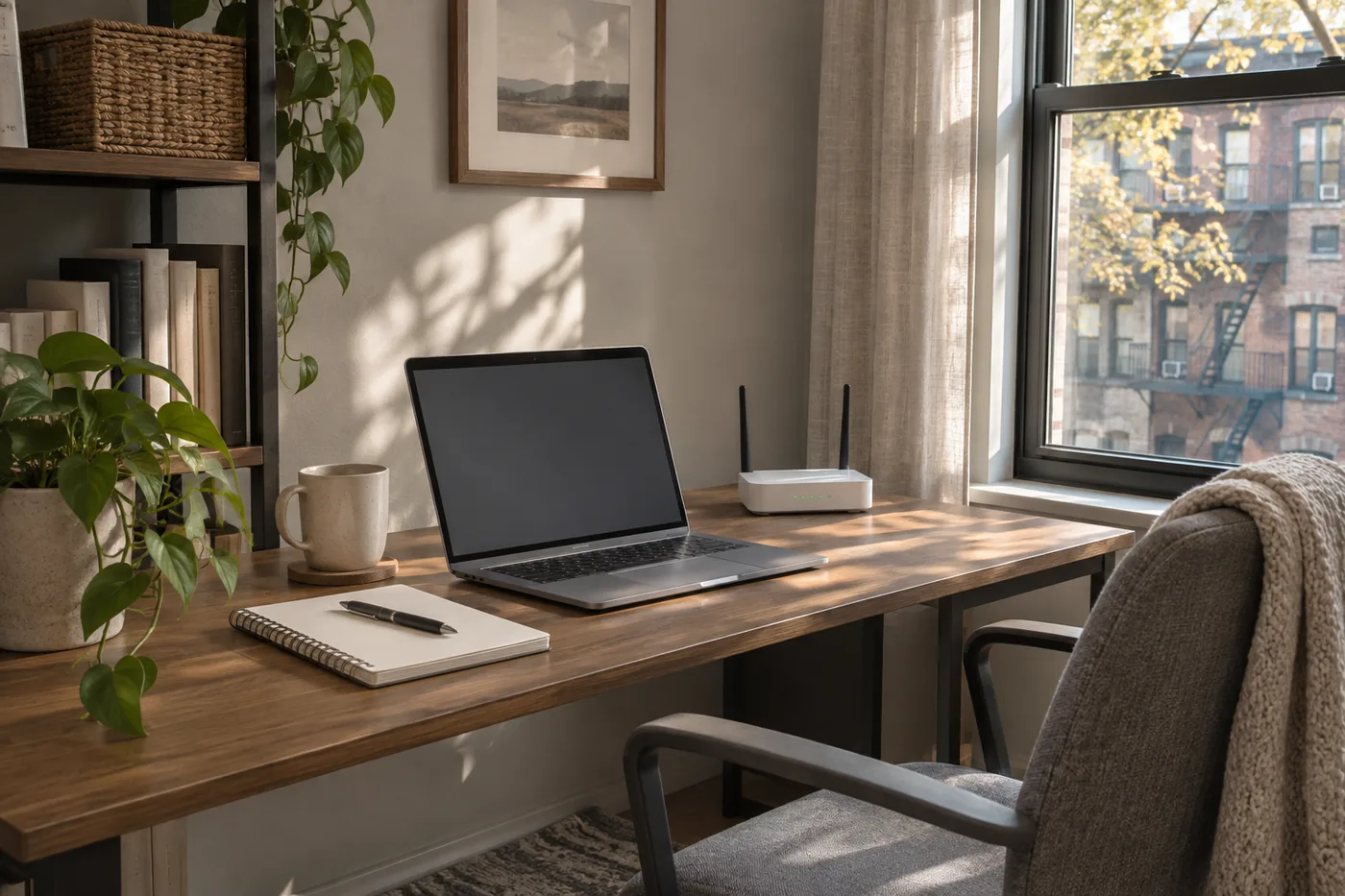 Prepare the right account and documents before the connection disappears.
Google directs people using another account to the appropriate browser profile, and its troubleshooting includes administrator-disabled offline access. So check the work account, not just a personal document that happens to open successfully; a company restriction can change what you are allowed to keep locally.
Offline documents also do not make the whole workday offline. Your call and email still depend on a connection, so a laptop replacement is not the answer if both people's meetings already break up in the same corner of the apartment.
Swipe sideways to see the full table →
| Workday dependency | What to establish before switching |
|---|---|
| Required desktop software | An employer-approved browser alternative, or a different computer platform |
| Meeting participation | Working sign-in, audio, and the presentation tasks you actually perform |
| Important documents | Offline availability verified under the correct account |
| Existing desk equipment | Compatibility for each accessory and connection you need |
Part 4Keep the desk, but check its connections
ASUS describes the CX34 family with two full-function USB-C ports, two USB-A ports, and HDMI 1.4. That provides several ways to connect desk equipment, but a matching plug is not a compatibility promise for the dock you already own.
Ask the dock maker about ChromeOS support for charging, monitor output, and Ethernet if you use those functions. Then check the monitor connection separately, because the ASUS family description does not settle every resolution and refresh-rate combination for this retail suffix.
Google says compatible network and USB printers can work with a Chromebook, but Bluetooth printing is not supported. So look up your printer's actual model rather than assuming the installation software from the old Windows machine will carry over.
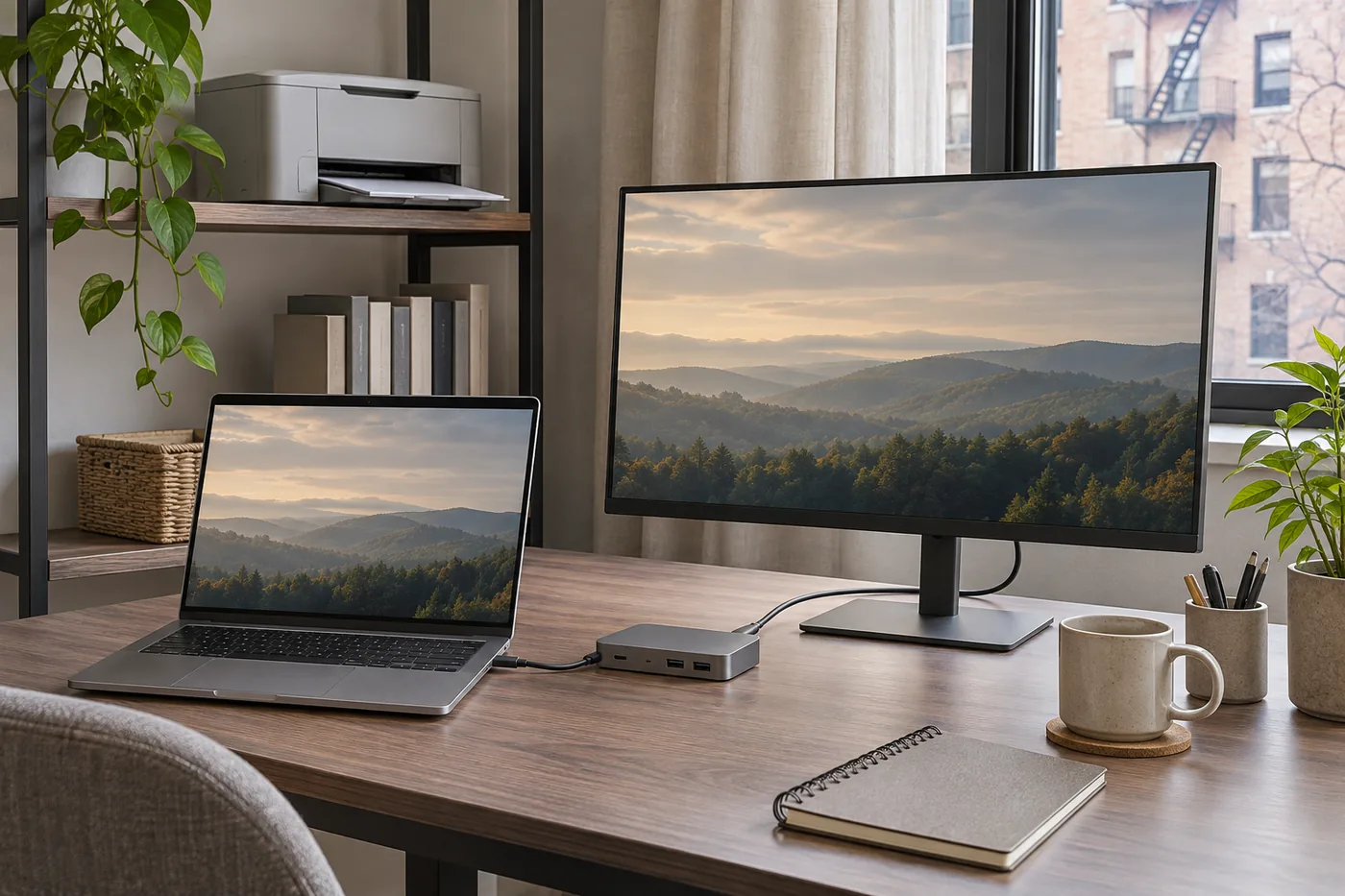 The accessories you keep deserve the same attention as the laptop you replace.
For this apartment setup, I'd put application compatibility ahead of a sale and choose the CX34 only once the work account, offline documents, and desk equipment check out. That leaves each person with a usable work machine instead of a new reason to ask for the old one back.
If those checks fail, keep shopping for the platform your work actually needs. A discounted Chromebook will not remove a required Windows program, and it will not turn an unsupported dock into a supported one.
Method: Reviewed ASUS US model listings and family features, Google document and printer guidance, Microsoft compatibility instructions, and Zoom's Chromebook guide. The selection follows application fit, offline-file preparation, and accessory compatibility. Sources checked November 24, 2026; no exact-model Amazon price is claimed.
In one sentence
Choose the ASUS CX34 for browser-based work only after checking your essential apps, offline files, and existing desk equipment.
ASUS Chromebook Plus CX34 CX3402CVA-DB388-GR
Frequently asked questions
Can a Chromebook replace a Windows laptop for home-office work?
It can if essential work has an employer-approved browser route and the equipment you need is compatible. A required Windows-only program is a reason to choose another platform rather than assume it can be installed on ChromeOS.
Can this Chromebook run Microsoft 365?
Microsoft supports access through its web apps, including Word, Excel, and Outlook. It says the Windows and Mac desktop versions cannot be installed on a Chromebook, and its Android Office applications are not currently supported there.
Will Google Docs work offline on a Chromebook?
Google supports offline Docs, Sheets, and Slides after setup while connected. Prepare the necessary files, verify their status under the correct account, and check whether workplace administrator restrictions apply.
Can I keep my existing dock and printer?
Check the dock maker's ChromeOS support for each required function, including display output and charging. Google supports compatible network or USB printers, but not Bluetooth printing; the printer's exact model still matters.
Is there a confirmed price for CX3402CVA-DB388-GR?
No exact-model US-dollar offer was verified in the opened ASUS material on November 24, 2026. Price varies; check Amazon, matching the full suffix, memory, storage, seller, condition, return terms, and delivered total.
Sources
- ASUS Chromebook Plus CX34 CX3402CVA-DB388-GR · 2026-11-24
Exact model row identifies Intel Core 3 100U, ChromeOS, and a non-touch anti-glare 14.0-inch display. The family starting price is not used as this configuration's price; memory and storage are not supplied in this row.
- ASUS CX34 family features · 2026-11-24
Family description lists two full-function USB-C ports, two USB-A ports, HDMI 1.4, and an FHD webcam with retractable cover. These are family descriptions, not a guarantee of exact-suffix dock or monitor performance.
- Google offline document instructions · 2026-11-24
No numerical specification used. Google describes offline Docs, Sheets, and Slides setup, file availability and status checks, browser profiles, storage requirements, and administrator restrictions.
- Google Chromebook printer setup · 2026-11-24
No numerical specification used. Google permits compatible network or USB printers and states that Bluetooth printing is not supported.
- Microsoft 365 on Chromebook · 2026-11-24
365 is part of the service name, not a measured quantity. Microsoft supports web-app access and excludes installation of Windows/Mac desktop versions; Android Office applications are currently unsupported on Chromebook.
- Zoom Chromebook web-app guidance · 2026-11-24
No numerical performance claim used. Zoom describes its ChromeOS progressive web app; this supports an official meeting route, not an assurance of every employer-required feature.







