
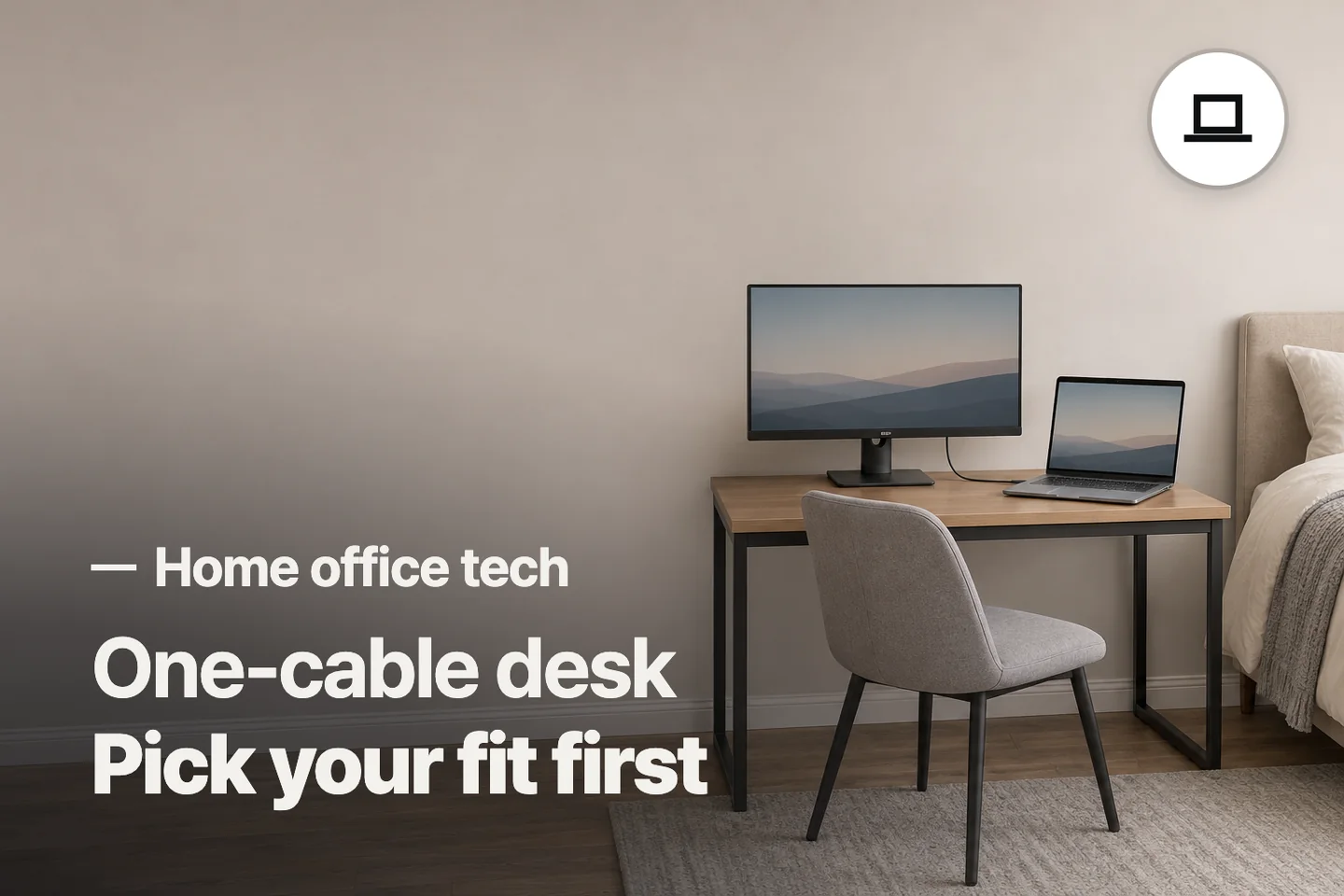
The upstairs spare bedroom is the video-call dead zone, and now the laptop charger is tangled behind the bedside table. Moving the laptop onto a proper desk sounds simple until the monitor stand takes the keyboard's place. A USB-C 4K monitor can simplify that setup, but it cannot fix the wireless connection.
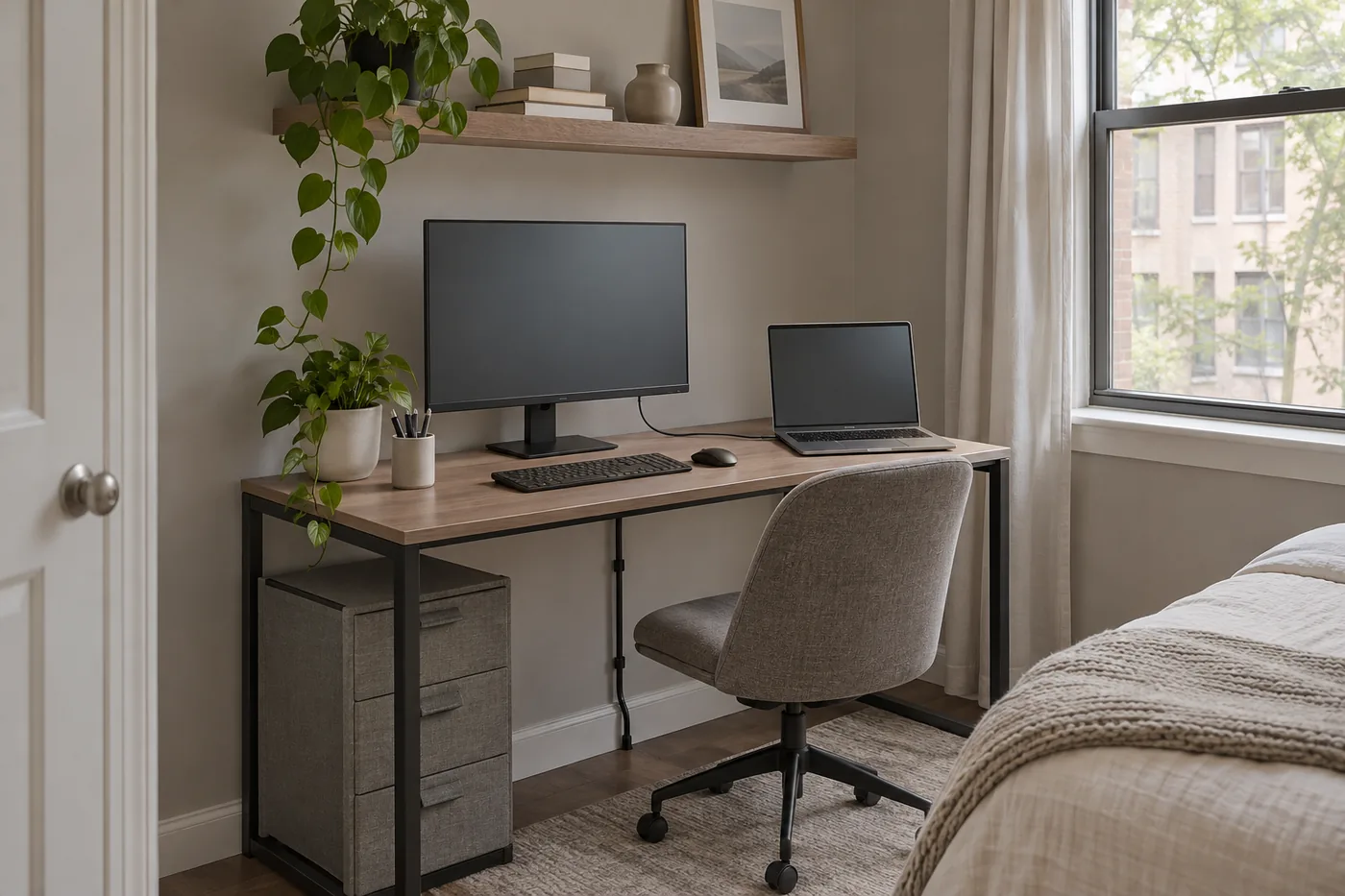 The desk still needs space for the laptop, keyboard, and cables behind the screen.
I'd choose the ASUS ProArt PA279CRV for a compact creative desk because its published stand-on depth is the shallowest here. But the BenQ MA270U makes more sense when MacBook controls matter most, while the BenQ PD3205U earns its extra space when computers share a keyboard and mouse.
How we chose
Reviewed ASUS and BenQ US specifications and product pages, plus previously recorded maker-store prices where live pricing was unavailable. The three selection criteria were laptop display compatibility, charging capacity, and stand-on desk fit; manufacturer figures are not room measurements.
Toneandroom picks
Best USB-C 4K monitors for a laptop desk: Top 3
A compact bedroom desk also handles photo or design work
See all specsASUS ProArt PA279CRV
ASUS US product-page pricing metadata: $349 USD, checked 2026-11-24; not a verified checkout total. Applicable tax and checkout charges may differ. Price varies; check Amazon.
Its published stand-on depth is the shallowest here, paired with 96W USB-C delivery and maker-listed wide-gamut coverage.
- Panel
- 27 in
- USB-C PD
- 96W
- Width
- 24.10 in
- Depth
- 8.46 in
- A shallow stand fits the desk
- Wide-gamut color matters
- 60Hz limits gaming appeal
- Check laptop power needs
A MacBook is the main computer at the bedroom desk
See all specsBenQ MA270U
BenQ US store historical observation: $549.99, checked 2026-11-15, before applicable tax and checkout charges. Live price unavailable in the page retrieved 2026-11-24. Price varies; check Amazon.
BenQ advertises MacBook brightness and volume synchronization without requiring the larger footprint of the PD3205U.
- Panel
- 27 in
- USB-C PD
- 90W
- Width
- 24.2 in
- Depth
- 8.7 in
- MacBook controls matter
- A matte screen suits the room
- Check Mac software support
- 15W port is not for the laptop
A roomier desk shares peripherals between computers
See all specsBenQ PD3205U
BenQ US store historical observation: $549.99, checked 2026-11-15, before applicable tax and checkout charges. Live price unavailable in the page retrieved 2026-11-24. Price varies; check Amazon.
The listed KVM switch and Hotkey Puck G2 give a shared-computer workstation a reason to accept the larger stand-on dimensions.
- Panel
- 31.5 in
- USB-C PD
- 90W
- Width
- 27.9 in
- Depth
- 10 in
- Computers share peripherals
- A larger panel fits the desk
- Allow room behind the stand
- Other computers need cables
Compare 3 products at a glance
Published desk-fit and connection comparison
| Specification | Top pickASUS ProArt PA279CRVASUS US product-page pricing metadata: $349 USD, checked 2026-11-24; not a verified checkout total. Applicable tax and checkout charges may differ. Price varies; check Amazon. | BenQ MA270UBenQ US store historical observation: $549.99, checked 2026-11-15, before applicable tax and checkout charges. Live price unavailable in the page retrieved 2026-11-24. Price varies; check Amazon. | BenQ PD3205UBenQ US store historical observation: $549.99, checked 2026-11-15, before applicable tax and checkout charges. Live price unavailable in the page retrieved 2026-11-24. Price varies; check Amazon. |
|---|---|---|---|
| Stand-on width × depth | 24.10 × 8.46 in | 24.2 × 8.7 in | 27.9 × 10 in |
| USB-C laptop power | 96W | 90W | 90W |
| Panel diagonal | 27 in | 27 in | 31.5 in |
| Resolution / refresh | 3840 × 2160 / 60Hz | 3840 × 2160 / 60Hz | 3840 × 2160 / 60Hz |
| Main reason to choose | Shallow creative setup | MacBook control integration | KVM for shared computers |
Swipe sideways to see the full table →
What we considered
Laptop connection
Does your exact laptop port carry video and accept charging?
The selected monitors list USB-C display connections, but the laptop must supply a compatible video signal. A connector's appearance is not enough, so port documentation and a video-capable cable come before choosing a screen.
Charging capacity
Will the monitor's power output cover your laptop's requirements?
ASUS lists 96W and both BenQ models list 90W. Compare those limits with the exact computer's documented requirements rather than assuming a larger monitor supplies more power.
Desk fit
Can the stand fit without pushing the keyboard forward?
Published stand-on depths range from 8.46 in to 10 in across these models. Leave additional room for cable exits and the laptop, because the maker dimensions do not describe the complete working arrangement.
Part 1Check the laptop before clearing the desk
Start with the laptop's port description, not the shape of its socket. These monitors list USB-C display input with DisplayPort Alt Mode, but the laptop must also support display output through its chosen port. So a USB-C connector alone does not establish compatibility, and a charging-only cable will not do the same job.
Then compare the laptop's documented charging requirements with the monitor's output. ASUS specifies 96W for the PA279CRV; BenQ specifies 90W for each model here. That means charging power is a ceiling, not a promise that every laptop will stay charged under every workload. Keep the original adapter available if the computer needs more.
Finally, measure the desk with the keyboard where your hands need it. The published dimensions include the stand, but cable bends and the laptop still need room. Would the bigger screen leave you typing against the front edge? That is a reason to stay smaller, not rearrange everything around the diagonal.
One cable to the laptop does not remove the monitor's wall-power lead or the peripherals' cables.
Part 2ASUS ProArt PA279CRV for the compact creative corner
The PA279CRV measures 24.10 in wide and 8.46 in deep with its stand, according to ASUS. That shallower stand-on footprint is why it gets my first place for a bedroom desk that also holds a laptop. It is still worth marking out the full monitor dimensions before ordering, especially if a shelf sits above the desk.
ASUS lists 99% Adobe RGB and 99% DCI-P3 coverage for its 27-inch panel. Those specifications give a photo or design workspace a reason to choose it beyond cable tidiness. But wider color coverage does not guarantee a match to a printer or another screen; the listed sRGB preset is also worth considering for ordinary web content.
Its USB-C connection supplies up to 96W while carrying video and data. So a compatible laptop can return to the desk through that upstream connection rather than reconnecting the charger separately. The height, tilt, swivel, and pivot adjustments also give you ways to position the display without balancing it on household objects.
The trade-off is 60Hz rather than high-refresh gaming. This is a document-and-creative-work recommendation, not a reason to expect smoother fast-moving games. The panel's 3840 × 2160 resolution adds detail, but it does not change that refresh-rate limit.
ASUS's US product-page pricing metadata lists $349 in USD, checked November 24, 2026. That is a maker-page listing, not a verified checkout total, and tax or other checkout charges may apply. Price varies; check Amazon.
Part 3BenQ MA270U for the MacBook-focused desk
The MA270U is the one I'd move ahead of the ASUS when matching a MacBook's controls matters more than the smallest footprint. BenQ advertises brightness and volume synchronization with MacBook computers. So the useful question is whether your exact Mac and software meet the requirements, rather than whether the case colors look coordinated.
BenQ lists a 24.2 in width and 8.7 in depth with the stand. That keeps it close to the ASUS in physical desk demand, rather than turning the Mac-focused choice into a much larger piece of furniture. Its Nano Matte surface and 400-nit typical brightness are relevant beside a bedroom window, but screen placement still matters when daylight lands directly on it.
The connection to distinguish is 90W upstream versus 15W downstream. BenQ lists the former USB-C port for display, data, and laptop power, while the latter is a separate downstream connection. So the convenient spare USB-C socket is not an equivalent place to plug in the laptop for video and charging.
The last recorded BenQ US store price is $549.99, checked November 15, 2026, before applicable tax and checkout charges. The purchase page opened again on November 24, 2026, but its live price did not appear in the retrieved page, so that older amount is not a fresh offer. Price varies; check Amazon.
Part 4BenQ PD3205U when the desk serves different computers
Before choosing the PD3205U, leave the keyboard in place and mark out its published 27.9 in width and 10 in stand-on depth. That larger desk footprint is the cost of moving to its 31.5-inch panel. If those dimensions crowd the working area, the smaller displays solve the bedroom problem more cleanly.
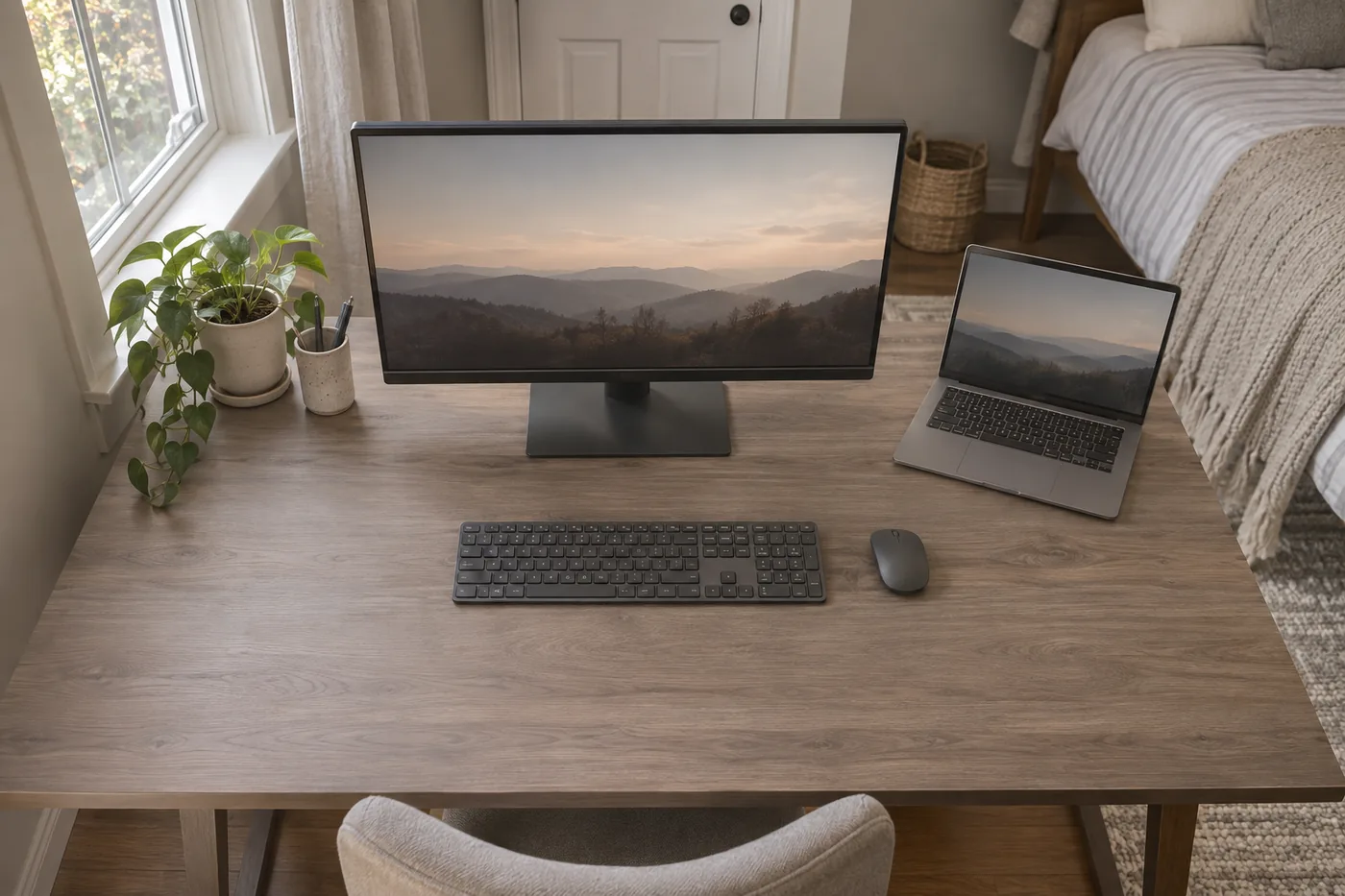 Keep the typing position clear before committing the back of the desk to a larger display.
BenQ lists a KVM switch, which lets connected computers share keyboard and mouse control. That makes the PD3205U more compelling for a work laptop and another computer than for a laptop alone. But shared controls still need connections: the other computer requires its appropriate video and USB cabling, rather than gaining access simply by sitting nearby.
The included Hotkey Puck G2 is another control option BenQ lists, while USB-C power delivery remains up to 90W. So the larger monitor does not buy extra laptop charging capacity over the MA270U. It also uses the same 3840 × 2160 resolution, spreading those pixels across a larger surface rather than adding more of them; operating-system scaling still affects usable document space.
The last recorded BenQ US store price is $549.99, checked November 15, 2026, before applicable tax and checkout charges. As with the MA270U, the November 24 page retrieval did not expose a current live price. Price varies; check Amazon.
Part 5Leave room for the working part of the desk
For this bedroom setup, desk fit comes before screen size. I'd stay with the ASUS unless the MA270U's MacBook integration or the PD3205U's shared-computer controls answer a specific need. That leaves the purchase tied to what happens at the desk, rather than a feature that sounds useful but never gets connected.
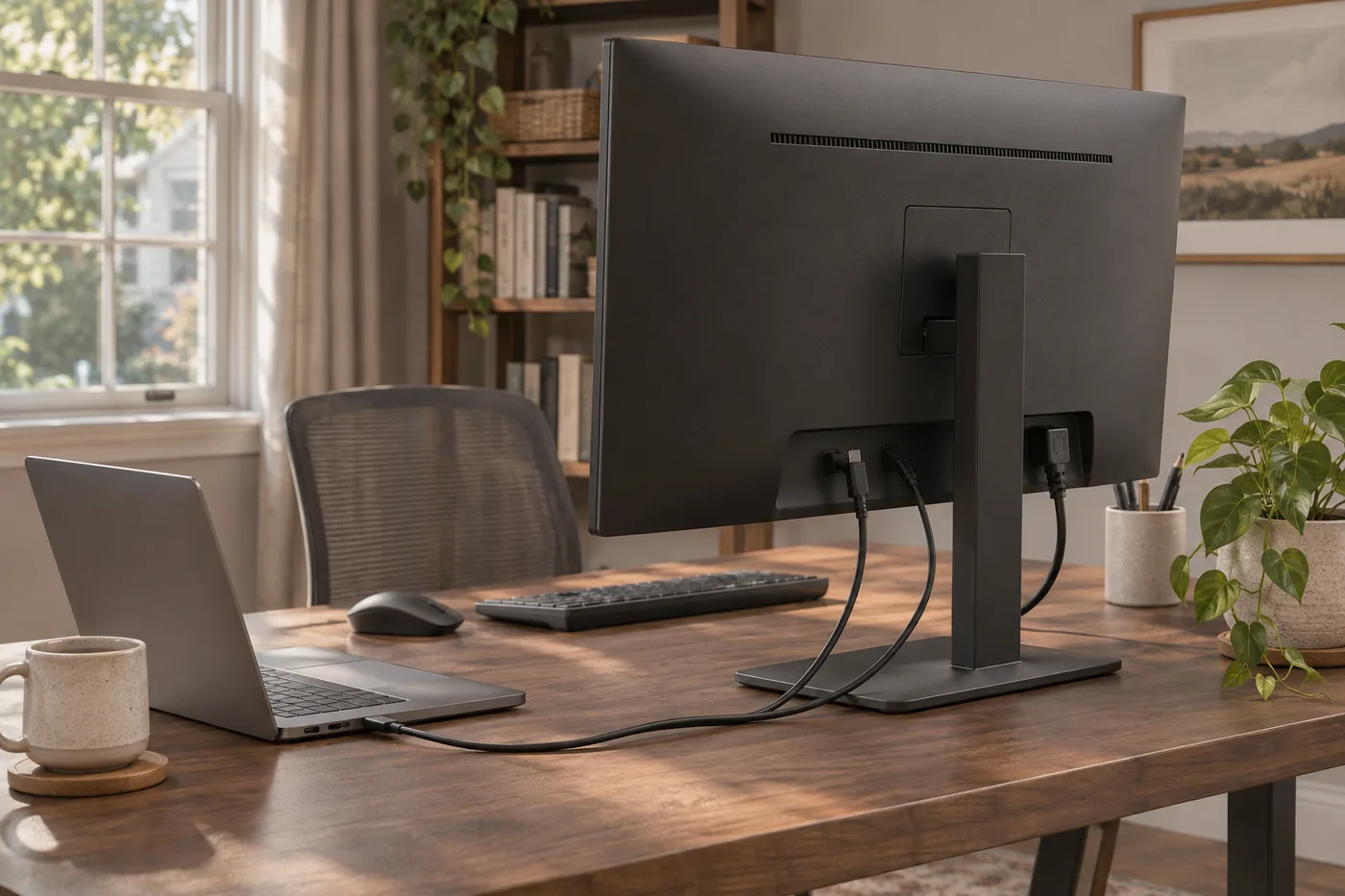 An accessible laptop connection matters more than hiding every cable out of reach.
Method: Compared ASUS and BenQ US product pages and specifications for laptop connection support, charging output, and stand-on desk fit. Specifications were checked November 24, 2026; BenQ prices retain their November 15, 2026 observation because current prices were not exposed. Amazon checkout prices were not verified.
In one sentence
Choose the ASUS for compact creative work, the MA270U for MacBook controls, or the PD3205U for shared computers with more desk space.
ASUS ProArt PA279CRV
BenQ MA270U
Check price on AmazonBenQ PD3205U
Check price on AmazonFrequently asked questions
Does any USB-C laptop work with these 4K monitors?
No. Check the exact port for external-display output and the laptop for USB-C charging support. These monitor specifications cannot establish what a particular laptop port supports; use a cable capable of carrying the required video signal.
Is 90W USB-C charging enough for a laptop?
It depends on the exact laptop and workload. Compare the computer's documented input requirements with the monitor's output; the PA279CRV lists 96W and the BenQ models list 90W. Keep the original adapter available when those limits are insufficient.
Which monitor makes most sense for a MacBook desk?
The MA270U is the MacBook-focused option because BenQ advertises brightness and volume synchronization. Check the exact Mac, operating system, and software requirements before relying on those controls.
Does the larger PD3205U provide more pixels?
No. All three list 3840 × 2160 resolution; the PD3205U spreads that pixel count over a 31.5-inch panel. Its main distinctions here are physical size and KVM switching, not a higher pixel count.
Are the listed prices current Amazon offers?
No. The ASUS amount is US maker-page pricing metadata checked 2026-11-24. The BenQ amounts retain the original 2026-11-15 maker-store observations because live prices were not exposed on rechecking. Price varies; check Amazon.
Sources
- ASUS ProArt PA279CRV · 2026-11-24
Product-page JSON-LD lists USD price 349; not a verified checkout total. Overview lists 27-inch 3840 × 2160 display, 99% Adobe RGB and 99% DCI-P3 coverage.
- ASUS PA279CRV specifications · 2026-11-24
96W USB-C delivery, 60Hz maximum, stand-on dimensions 24.10 × 21.19 × 8.46 inches; tilt, swivel, pivot and height adjustment; sRGB preset.
- BenQ MA270U · 2026-11-24
27-inch 3840 × 2160, 60Hz, Nano Matte, 400-nit typical brightness; USB-C 90W upstream and 15W downstream; stand-on width 24.2 in and depth 8.7 in.
- BenQ MA270U US purchase page · 2026-11-24
90W and 15W ports; MacBook brightness and volume synchronization. Current price not exposed in retrieved page; retained original maker-store $549.99 observation dated 2026-11-15, not a new price check.
- BenQ PD3205U · 2026-11-24
31.5-inch 3840 × 2160, 60Hz, 90W USB-C, stand-on width 27.9 in and depth 10 in; KVM switch and Hotkey Puck G2 listed.
- BenQ PD3205U US purchase page · 2026-11-24
31.5-inch 3840 × 2160 panel; Hotkey Puck G2 included. Current price not exposed in retrieved page; retained original maker-store $549.99 observation dated 2026-11-15, not a new price check.







