
The video call starts just as a coffee mug makes the apartment desk wobble, and moving to the dining table suddenly seems sensible. Then comes the awkward question: will the gaming laptop need its charger there, too? For a remote worker shopping before Black Friday, the best gaming laptop has to survive this rather unglamorous part of the day.
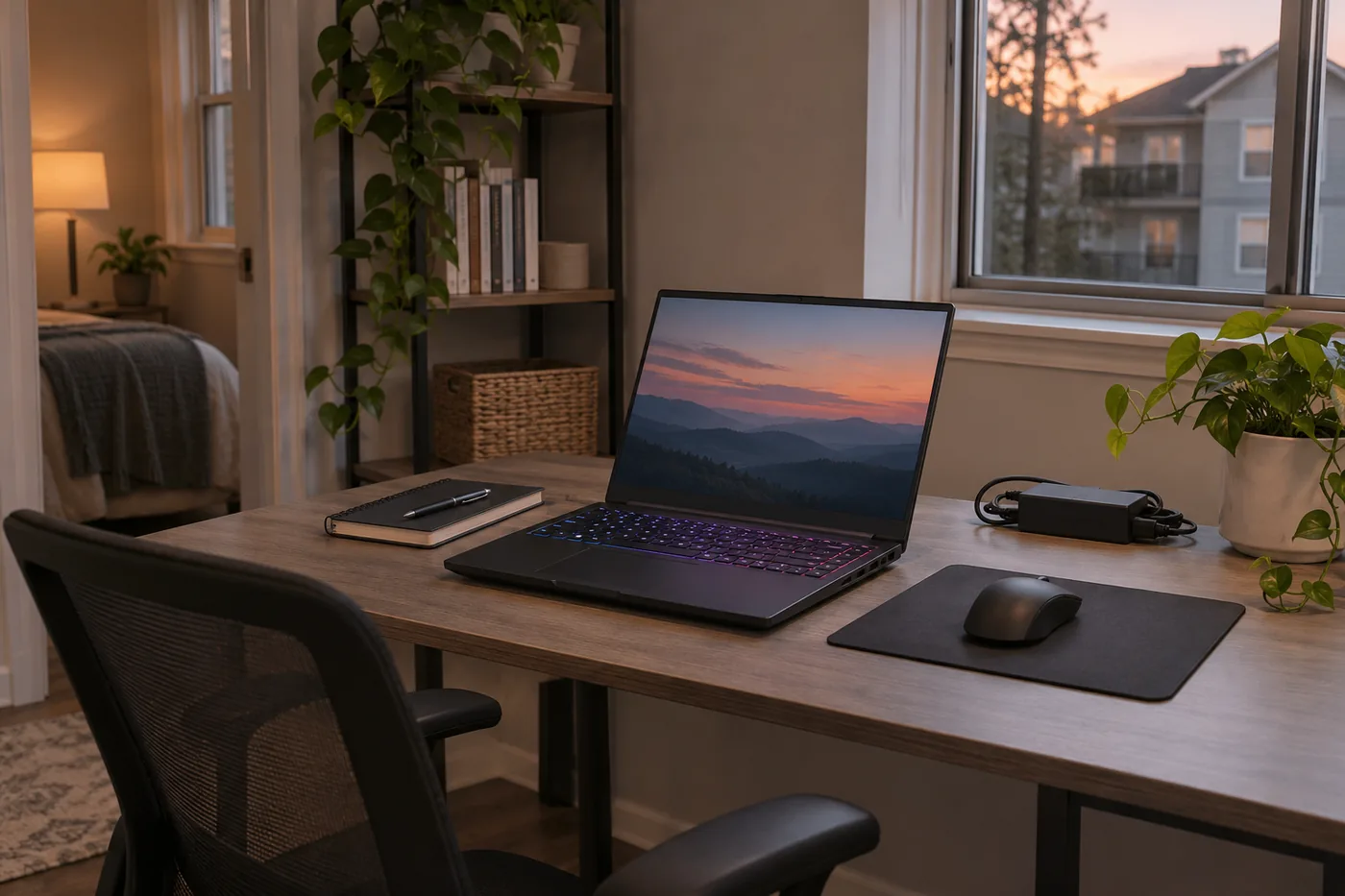 The trip from office corner to dining table still counts as moving your computer.
I'd start with the HP Victus 15-fb3093dx (BM4X8UA#ABA) if its graphics meet your games' requirements and moving around the apartment matters. But I'd choose the Lenovo Legion 5 16IRX9 for a mostly plugged-in desk where its larger, higher-resolution display earns its space; neither has the published fan-noise measurements needed to promise a quieter call.
How we chose
I checked HP's manufacturer-authored Victus datasheet and Lenovo's Legion platform specification PDF. The comparison uses carrying weight and desk fit, battery claims with their test conditions, and exact-configuration purchase checks; missing fan-noise measurements and current prices remain unresolved rather than estimated.
Toneandroom picks
Best gaming laptop for an apartment office: Top 2
Moving between an apartment office corner and dining table, with games suited to the specified hardware
HP Victus 15-fb3093dx (BM4X8UA#ABA)
Manufacturer datasheet price: Not listed by the maker. No current US dollar offer verified as of November 24, 2026. Amazon: Price varies; check Amazon.
My starting choice for room-to-room work because HP identifies the complete package and publishes longer maximum battery claims, though those tests do not match Lenovo's.
- Weight
- 5.06 lb
- Display
- 15.6 in / 144 Hz
- Battery
- 70 Wh
- Graphics
- RTX 4050 / 6 GB
- You want a fixed hardware package
- You move between work surfaces
- Battery claims use different tests
- Call-noise evidence is missing
A mostly plugged-in apartment desk where a larger, higher-resolution laptop display is useful
Lenovo Legion 5 16IRX9
Manufacturer platform PDF price: Not listed by the maker. No current US dollar offer verified as of November 24, 2026. Amazon: Price varies; check Amazon.
The larger, higher-resolution display gives the Legion a clear desk-use rationale, but the exact US configuration must be identified before comparing graphics or price.
- Weight
- Around 5.2 lb
- Display
- 16 in
- Pixels
- 2560 × 1600
- Battery
- 80 Wh
- You prioritize a larger display
- Your desk has power nearby
- Verify the exact configuration
- Fan-noise figures are missing
What we considered
Daily movement
Does the laptop fit both your desk and the move to the dining table?
The published weights are 5.06 lb for HP and around 5.2 lb for Lenovo, before carrying accessories. I give the small weight difference less importance than the usable desktop and whether you must move the charger too.
Battery evidence
Were the advertised battery hours measured under matching conditions?
HP and Lenovo cite different MobileMark versions and different local-video conditions. I use those figures to flag charging needs, not to calculate a guaranteed runtime advantage or infer fan noise.
Exact offer
Are the hardware, condition and purchase terms actually comparable?
HP identifies a fixed product number, while Lenovo's platform lists several component options. I would compare the complete US packages and return terms before treating any sale label as a reason to choose.
Part 1Start with the laptop you actually carry
HP lists the Victus at 5.06 lb, while Lenovo puts the Legion around 5.2 lb and warns that individual configurations vary. So either means carrying roughly five pounds before the charger and bag join in. The HP is lighter on paper, not suddenly a featherweight.
That makes the exact package more useful than a tiny weight advantage. HP's datasheet identifies a Ryzen 7 7445HS, RTX 4050 graphics with 6 GB dedicated memory, 16 GB system memory and a 512 GB SSD. Because these belong to a specific product number, you can check a retailer's offer against something firmer than the word Victus.
The HP Victus 15-fb3093dx (BM4X8UA#ABA) also has a 15.6-inch, 1920 x 1080 IPS screen rated at 144 Hz. But that refresh rate is a display specification, not a promise that your game reaches the same frame rate. Check the game and settings you care about before deciding this package is enough.
Part 2Give the Legion's screen a job
The Lenovo Legion 5 16IRX9 makes more sense when screen space matters more than moving rooms. Lenovo lists 16-inch, 2560 x 1600 IPS display options, so there are more pixels available for a spreadsheet beside a document, although scaling affects how much fits comfortably. That does not establish faster gaming at the panel's native resolution.
Lenovo's document describes a platform with multiple processor and graphics choices, including RTX 4050, RTX 4060 and RTX 4070 options. So the family name cannot tell you which graphics chip a US seller is offering. A better-equipped Legion elsewhere on the internet does not upgrade the one in your cart.
Swipe sideways to see the full table →
| Workday check | HP Victus 15-fb3093dx (BM4X8UA#ABA) | Lenovo Legion 5 16IRX9 |
|---|---|---|
| Laptop weight | 5.06 lb | Around 5.2 lb |
| Width × depth | 14.09 × 10.04 in | 14.16 × 10.33 in |
| Battery capacity | 70 Wh | 80 Wh |
| Maximum mixed-use claim | 7 hr 45 min; MobileMark 25 | 5.7 hr; MobileMark 2018 |
| Exact-model fan-noise figure | Not listed by the maker | Not listed by the maker |
These footprints are close enough that mouse room deserves more attention than chassis width. So measure the usable desk with your notebook and separate keyboard in place, rather than the empty tabletop. Leave space for the connected cables as well; the product photograph has unusually few administrative responsibilities.
Part 3Battery hours are not quiet-office evidence
HP's maximum mixed-use claim is up to 7 hours 45 minutes, against Lenovo's 5.7 hours. But HP uses MobileMark 25 and Lenovo names MobileMark 2018, so subtracting the figures would not reveal extra working time in a controlled comparison. They are different tests on different machines.
The video figures need the same caution. Lenovo lists up to 6.5 hours of local 1080p playback at 150 nits; HP lists up to 12 hours of local FHD playback at 200 nits under its stated audio and wireless conditions. Because neither is your afternoon of calls and browser tabs, neither guarantees that you can leave the charger in the office corner.
Lenovo's 80 Wh battery is larger than HP's 70 Wh pack, but capacity alone does not settle runtime. So I would treat HP's longer published claims as a reason to investigate unplugged work, not as permission to plan a charger-free day. Both makers qualify runtime by configuration and use.
Fan noise is a separate question, and the opened specifications provide no comparable decibel measurements. That means there is no supported quiet-office winner here, however reassuring the cooling language sounds. Would an audible fan during a call rule either machine out for you?
If it would, look for measurements covering the exact configuration and a call-like workload, then check the seller's return terms. HP includes OMEN Gaming Hub, but that software name establishes neither a noise level nor membership in the separate Omen laptop family. A settings menu is not an acoustic measurement.
Battery claims help plan charging; they cannot tell your housemate how the room will sound.
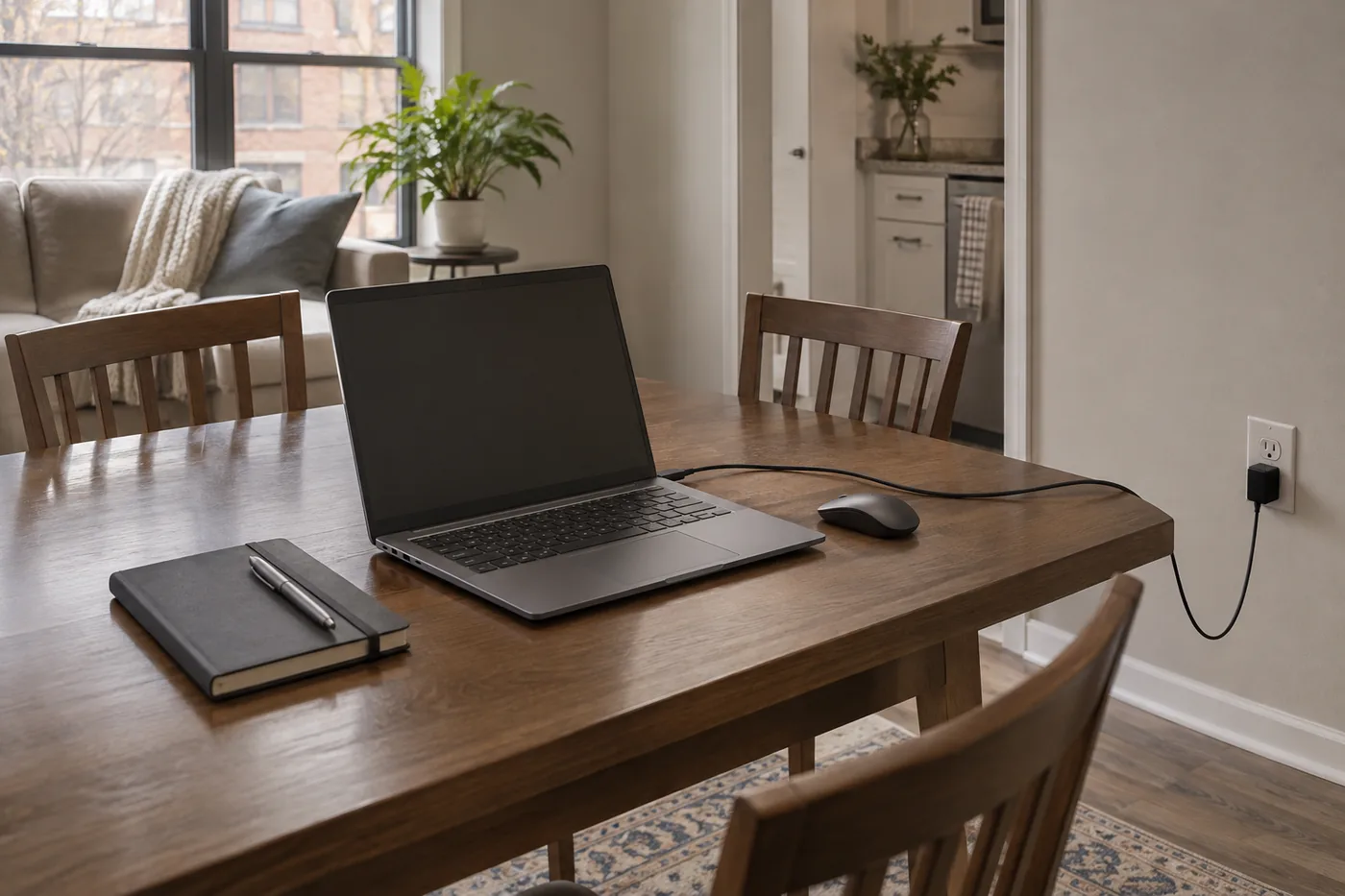 A nearby outlet makes changing rooms less dependent on a maximum-runtime claim.
Part 4Check the offer before the sale label
The manufacturer PDFs reopened on November 24, 2026 provide specifications, not current US dollar offers. So there is no verified price gap here to turn into a savings claim, and no established Black Friday discount. For Amazon, Price varies; check Amazon.
Compare the actual processor, graphics chip, memory, storage and screen before comparing checkout totals. Then match condition, seller, included charger, shipping charges and warranty eligibility, because a refurbished or reseller-modified package is not automatically equivalent to a new machine. A crossed-out reference price does not establish a historical low.
For a worker who regularly changes rooms, my starting choice is the fixed HP package, provided the games and final offer fit. But for someone staying at the desk, the Legion's display is the more persuasive reason to investigate a specific configuration. I would not pay extra for either on an unsupported promise of silence.
 Match the hardware and purchase terms before giving the sale badge any credit.
Sources and selection: HP's manufacturer-authored datasheet and Lenovo's platform specification PDF were reopened on November 24, 2026. The comparison weighs carrying and desk fit, qualified battery claims, and exact-package purchase checks; fan-noise figures and current dollar prices were not established. The earlier Lenovo lookup is retained with its November 7, 2026 source date because its current page exposed no readable specifications.
In one sentence
Start with the fixed HP package for room-to-room work, or a verified Legion configuration for a larger desk display; neither has a documented noise advantage.
HP Victus 15-fb3093dx (BM4X8UA#ABA)
Lenovo Legion 5 16IRX9
Frequently asked questions
Which is the best gaming laptop here for an apartment office?
I'd start with the fixed HP Victus package for moving between work surfaces, if its hardware meets your games' requirements. The Lenovo Legion is more compelling for its larger, higher-resolution display at a mostly plugged-in desk. Neither has a verified noise advantage in the opened specifications.
Does the Legion's 80 Wh battery outlast the Victus's 70 Wh battery?
Capacity alone cannot establish that. Lenovo lists a maximum 5.7 hours under MobileMark 2018, while HP lists up to 7 hours 45 minutes under MobileMark 25; different systems and tests prevent a controlled runtime comparison.
Is the HP Victus quieter than the Legion during calls?
The manufacturer documents provide no comparable exact-configuration fan-noise figures. Look for workload-matched measurements and a return policy that lets you check whether the laptop suits your shared office space.
What should I check before a Black Friday gaming laptop deal?
Match the exact processor, graphics, memory, storage and display, then compare condition, seller, included charger, shipping, warranty eligibility and return terms. No current US dollar offer or historical-low price was established for these packages on November 24, 2026.
Sources
- HP Victus 15-fb3093dx (BM4X8UA#ABA) · 2026-11-24
HP-authored datasheet hosted by Best Buy: 5.06 lb; 14.09 × 10.04 in footprint; 70 Wh; up to 7 hr 45 min mixed usage under MobileMark 25; up to 12 hr local FHD video at 200 nits. Ryzen 7 7445HS, RTX 4050 6 GB, 16 GB memory, 512 GB SSD, 15.6 in 1920 × 1080 IPS 144 Hz display. No current price or comparable fan-noise figure.
- Lenovo Legion 5 16IRX9 · 2026-11-24
Lenovo platform PDF: around 5.2 lb; 14.16 × 10.33 in footprint; 80 Wh; maximum 5.7 hr MobileMark 2018 and 6.5 hr local 1080p video at 150 nits. Lists 16 in 2560 × 1600 IPS panels and RTX 4050, 4060 and 4070 options, not one fixed US package. No current price or comparable fan-noise figure.
- Lenovo Legion family lookup, earlier source record · 2026-11-07
Earlier source record identified the 16IRX9 family and 16 in 2560 × 1600 display options. Reopening on November 24 returned a JavaScript page without readable model specifications, so the earlier source date is retained; the reopened platform PDF supports the numerical comparisons.







