
The morning meeting invitation opens on a spare-bedroom desk just as a loose monitor cable slips behind the old laptop.
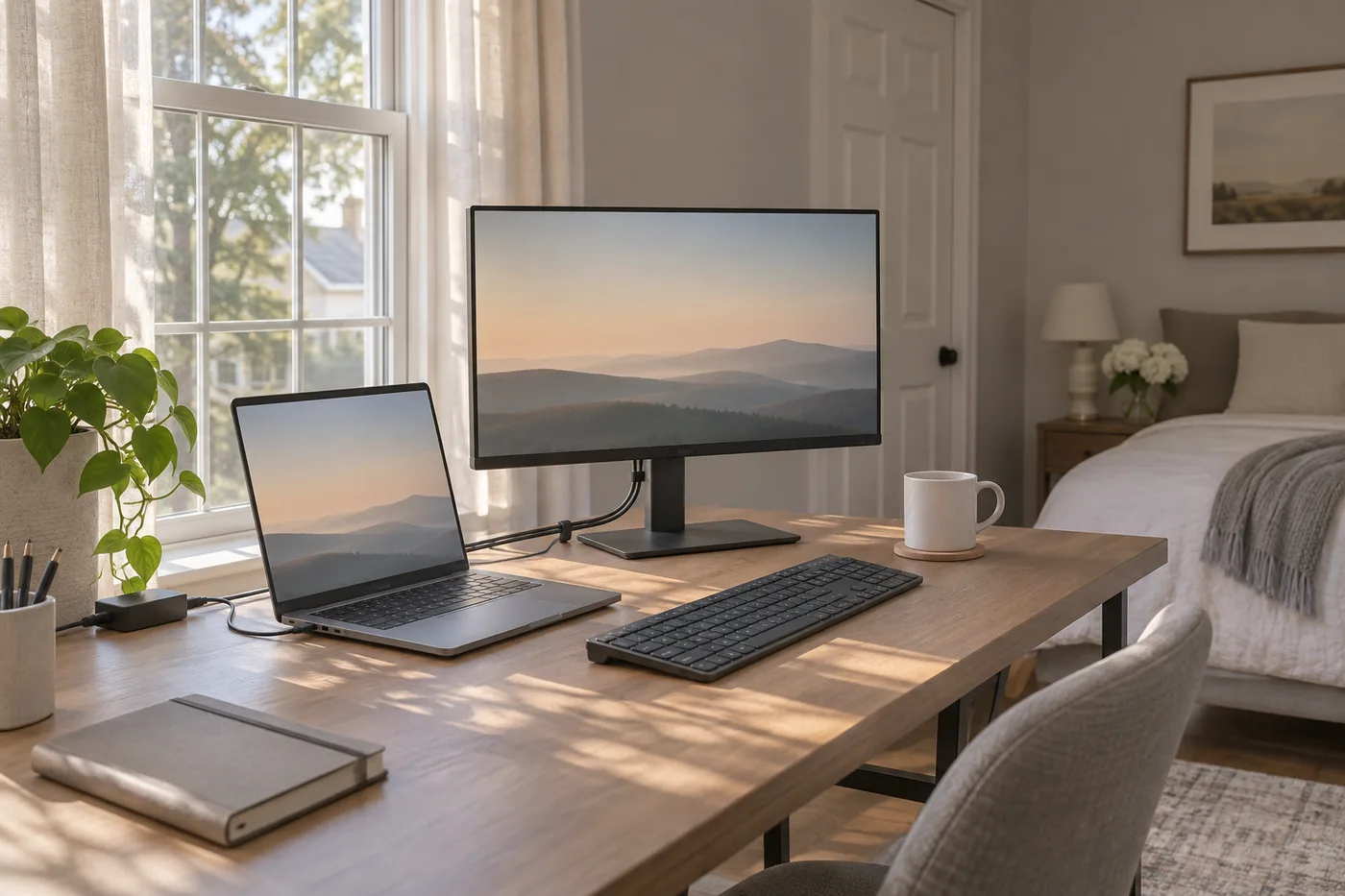 A replacement laptop still has to work with the desk you already own.
I'd choose the Apple 13-inch MacBook Air (M5, 16GB unified memory, 512GB SSD, Midnight) for browser work and everyday spreadsheets, provided the required software runs on macOS. But the monitor connection and local files need checking before a Black Friday offer becomes a purchase.
How we chose
Reviewed Apple's US specifications, product overview, and purchase configurator, alongside the original Amazon price record. The three checks were software compatibility, monitor and accessory connections, and local storage needs; the blocked Amazon listing could not supply a refreshed offer.
Toneandroom picks
Best MacBook Air for a modest home office: Top 1
A spare-bedroom office using browser tools, everyday spreadsheets, and an external monitor, with confirmed macOS compatibility
Apple 13-inch MacBook Air (M5, 16GB unified memory, 512GB SSD, Midnight)
Apple US starting purchase price: $1,299 before applicable tax, checked 2026-11-24. Historical Amazon.com new offer: $1,099.99 before applicable tax, checked 2026-11-13; not refreshed. Price varies; c
I'd choose this configuration for modest office work when macOS compatibility is confirmed and the desk needs no more than Apple's supported display arrangement. Its compact screen is easier to accept when a larger monitor carries the main workbook.
- Memory
- 16GB unified
- Storage
- 512GB SSD
- Display
- 13.6 in
- Weight
- 2.7 lb
- Your work tools run on macOS
- A monitor carries the workbook
- Older ports need adapters
- Offline files must fit the SSD
What we considered
Work software
Does the actual work process run on macOS?
A laptop specification cannot confirm an employer's VPN or spreadsheet add-ins. This configuration is recommended only when the required applications and workbook features are compatible.
Desk connections
Can the monitor and accessories connect together?
Apple lists two Thunderbolt 4 ports and separate MagSafe charging. That favors a simple display setup, while older accessories may add a hub or adapter to the budget.
Offline files
Will the selected SSD hold the files needed away from Wi-Fi?
The advertised 512GB includes space needed for the system and apps, and formatted capacity is lower. Existing local file usage is more useful than assuming every office has the same storage needs.
Part 1Start with the work, not the chip
A normal office morning mixes email, shared documents, a workbook, and a meeting window. So the useful question is whether those particular tools transfer to the Mac, rather than whether the processor sounds newer than the one on your desk.
For spreadsheets, opening the file is only the beginning. If your job depends on macros, specialized add-ins, or a company-managed data connection, ask your IT team to confirm that exact workflow on macOS before replacing a Windows laptop.
Apple specifies 16GB of unified memory for this configuration. That makes it my starting choice for a modest office workload, but it isn't a measured assurance about a sprawling financial model or every application you might leave open.
The Air's screen measures 13.6 inches diagonally, according to Apple. With an external monitor handling the workbook, that leaves the laptop available for messages; without that monitor, the smaller workspace becomes the compromise, especially when comparing documents side by side.
Apple also describes the Air as fanless. That removes a cooling fan from the desk, but it doesn't establish how quickly a long export or sustained calculation will finish.
Part 2Give the monitor cable a destination
Apple lists two Thunderbolt 4 ports with USB-C connectors, alongside MagSafe charging and a headphone jack. So HDMI, USB-A, and Ethernet need adapters when those are the connections your existing equipment uses.
A USB-C connector on a monitor isn't enough information by itself. Check the monitor's manual for video input and charging support, because a service port that happens to have the same shape won't do the job.
Swipe sideways to see the full table →
| What is already on the desk | What the Air needs |
|---|---|
| USB-C display | A video-capable monitor input and compatible cable |
| HDMI or DisplayPort display | A suitable USB-C adapter or cable for the intended display mode |
| USB-A webcam or keyboard | A hub with enough accessory connections left over |
| Wired network connection | An Ethernet adapter or compatible dock |
Apple says the M5 Air supports up to two external displays while its built-in display stays active, including two external screens at up to 6K and 60Hz. That comfortably covers a desk built around a single external monitor, but the dock still has to support the arrangement on macOS.
MagSafe charging is useful here because it doesn't occupy a Thunderbolt port. So a separate charger can leave more room for the display and accessories, rather than forcing everything through the cheapest hub you can find.
Count the connections you need together, not just the sockets on the laptop.
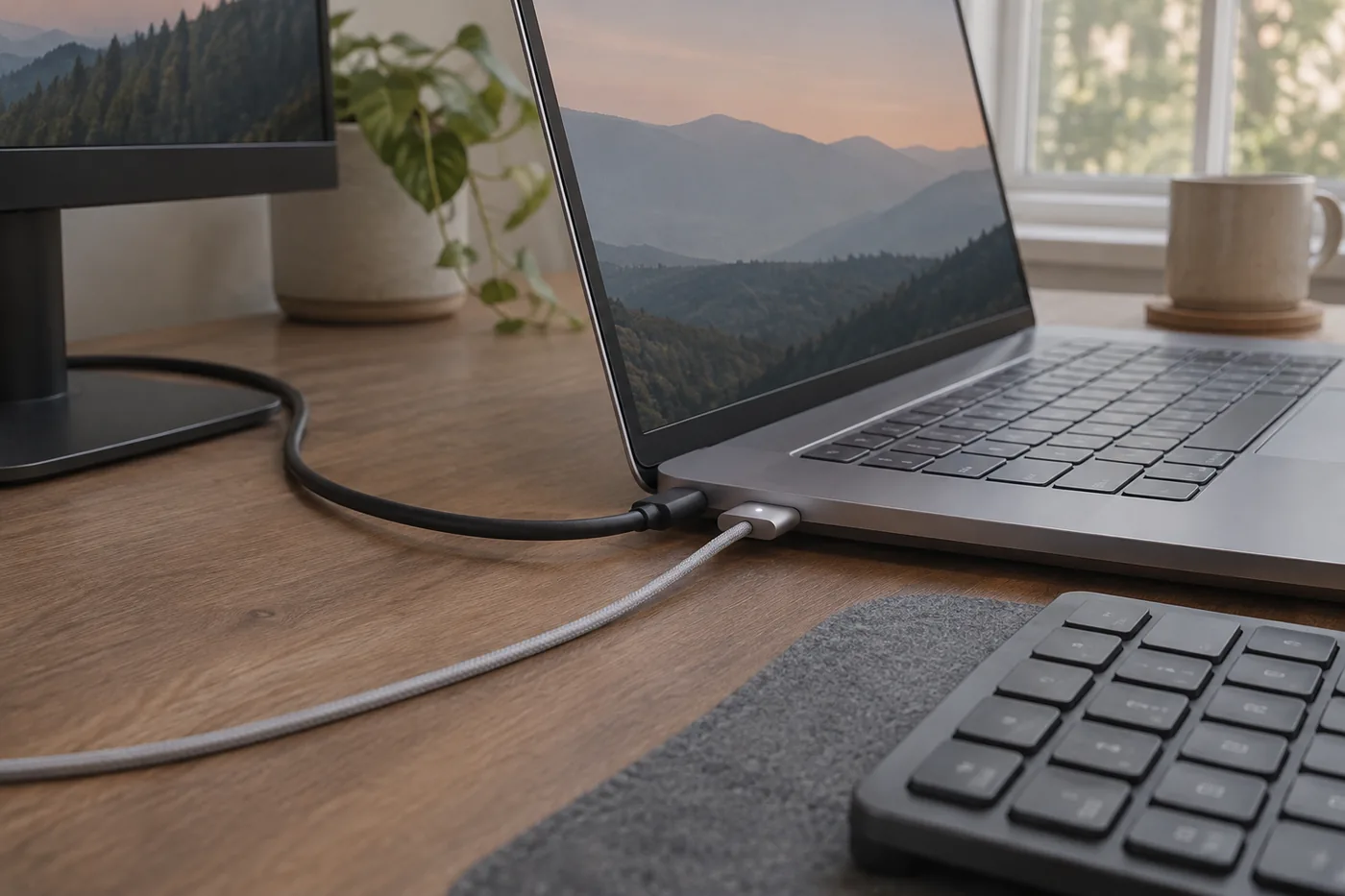 Separate charging keeps a data connection available for the rest of the desk.
Part 3Decide what has to stay offline
The selected SSD is 512GB, and Apple notes that formatted capacity is lower than the advertised figure. That means 512GB is not your empty filing space: macOS, applications, and existing files all need room.
Start with the storage currently occupied on the old laptop, then look inside the biggest folders. Downloads, locally synchronized work directories, and permitted meeting recordings can tell you more than a general label such as office work.
Do your project folders need to open when the internet drops? If they do, count those files as local storage even when the service storing them also calls itself cloud storage.
An external SSD can move some files off the internal drive. But external storage adds another connection, which brings the decision straight back to the cable plan rather than making it disappear.
Memory and storage solve different problems. So paying for more unified memory won't give you more space for files, and choosing a larger SSD won't establish that a demanding workbook runs comfortably.
For this configuration, I'd keep the purchase conditional on the existing files fitting with room to grow. If your work already depends on a substantial offline archive, the selected 512GB model is the wrong place to force a saving.
Part 4Price the whole replacement before Black Friday
Apple's US configurator lists the starting 13-inch M5 model at $1,299 before applicable sales tax, checked November 24, 2026. That is an outright purchase reference, not a monthly payment or a price reduced by trading in another device.
The earlier Amazon.com check recorded $1,099.99 for the new Midnight 16GB/512GB model, shipped and sold by Amazon.com, before applicable tax on November 13, 2026. But the current page blocks access to the listing, so that is a historical offer, not today's quote. Price varies; check Amazon.
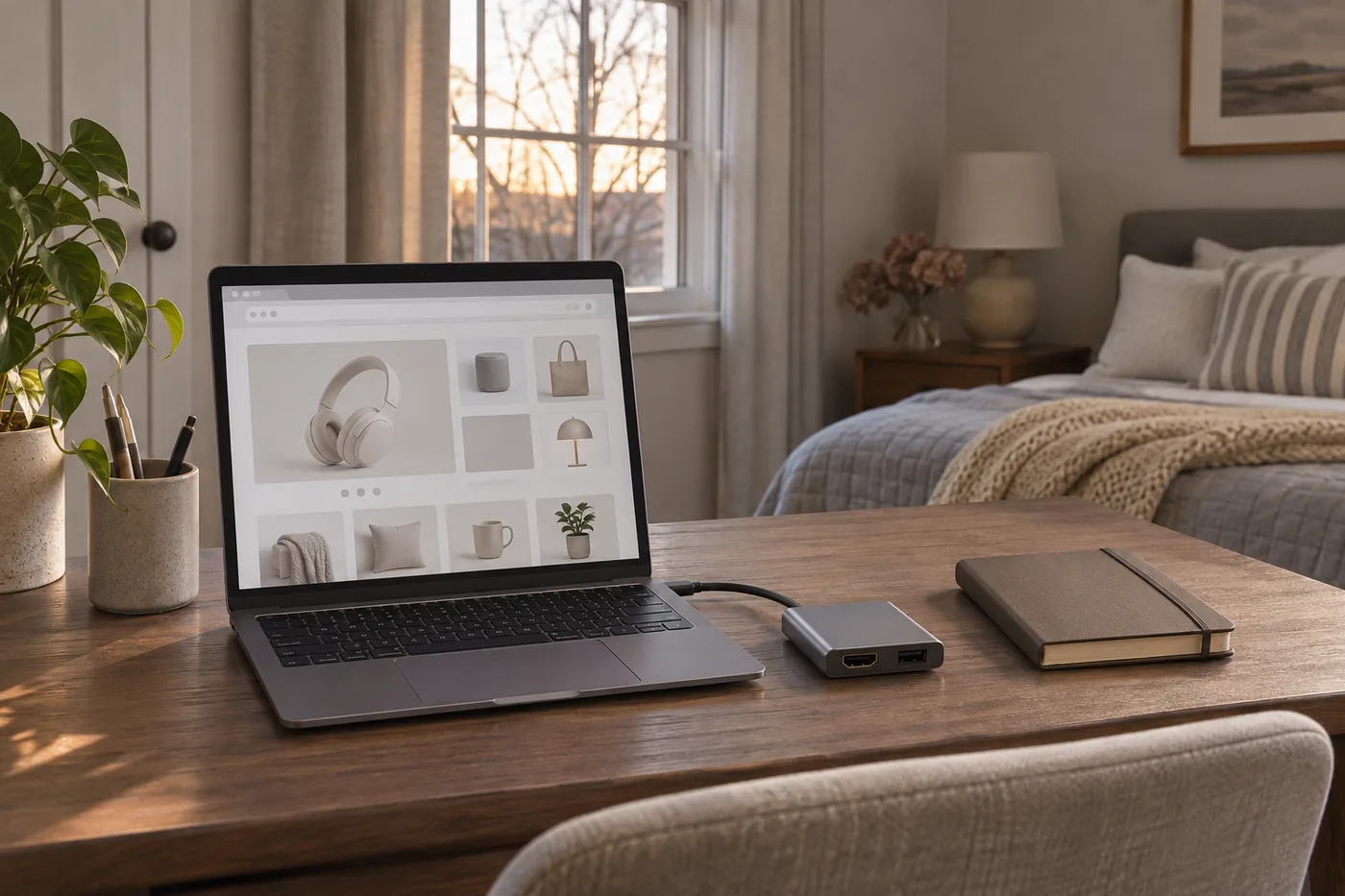 Compare matching configurations, then add the connections your desk is missing.
A lower listing price only helps when the selected chip, memory, capacity, condition, and seller match. So include any necessary dock, cable, or storage purchase in the replacement budget before deciding that the discounted laptop is the cheaper working setup.
Apple quotes up to 15 hours of wireless web use and up to 18 hours of video streaming. Those are different maker tests, so neither is a promise for meeting-heavy days with synchronization and peripherals; a regular charging spot still belongs in the plan.
I'd choose this Air when the software check clears, the monitor connection is straightforward, and the files fit. But if an essential work tool won't transfer or the desk needs more displays than Apple supports, waiting for a deeper discount won't solve the problem.
Method: This assessment compares Apple's US specifications, product overview, and configurator with the previously recorded Amazon listing. Selection follows software compatibility, desk connections, and local storage needs rather than discount size. Apple information was checked November 24, 2026; the retained Amazon price was checked November 13, 2026 and could not be refreshed. US purchase prices exclude applicable sales tax.
In one sentence
The M5 Air fits a modest home office when the software works on macOS, the monitor connects, and the local files fit.
Apple 13-inch MacBook Air (M5, 16GB unified memory, 512GB SSD, Midnight)
Check price on AmazonFrequently asked questions
Can the M5 MacBook Air use external monitors with its own screen open?
Apple specifies up to two external displays while the built-in display remains active, including two external displays at up to 6K and 60Hz. The monitor, cable, and dock still need to support the intended arrangement on macOS.
Is 16GB of memory enough for spreadsheet work?
It is the starting configuration recommended here for everyday spreadsheets and browser work, not a measured guarantee for a particular workbook. Check demanding models, macros, add-ins, and company data connections with your IT team before changing platforms.
Is a 512GB SSD enough for a home-office laptop?
Compare your current occupied storage and required offline folders with the selected capacity. Apple notes that formatted capacity is less, and macOS and applications also use space; a large local archive can make this configuration unsuitable.
What US price can I compare with Black Friday laptop offers?
Apple's starting 13-inch M5 purchase price was $1,299 before applicable tax when checked November 24, 2026. The retained Amazon.com offer of $1,099.99 is dated November 13, 2026, not a current quote. Price varies; check Amazon.
Sources
- Apple 13-inch MacBook Air (M5, 16GB unified memory, 512GB SSD, Midnight) · 2026-11-24
M5 starting configuration: 16GB unified memory, 512GB SSD, 13.6-inch display, 2.7 lb weight, two Thunderbolt 4 ports, separate MagSafe charging. Supports up to two external displays alongside the built-in screen, including two at 6K/60Hz. Battery claims: up to 15 hours wireless web and 18 hours video streaming. Formatted storage is less than advertised capacity.
- Apple US 13-inch MacBook Air purchase configurator · 2026-11-24
Page purchase-price data lists the starting 13-inch M5 configuration from $1,299 USD, distinct from monthly financing and lease prices. The model list includes Midnight with M5, 16GB memory, and 512GB storage.
- Apple MacBook Air product overview · 2026-11-24
Confirms a fanless design and starting 16GB unified memory and 512GB storage; the advertised battery headline is up to 18 hours, not a guarantee of mixed office runtime.







