
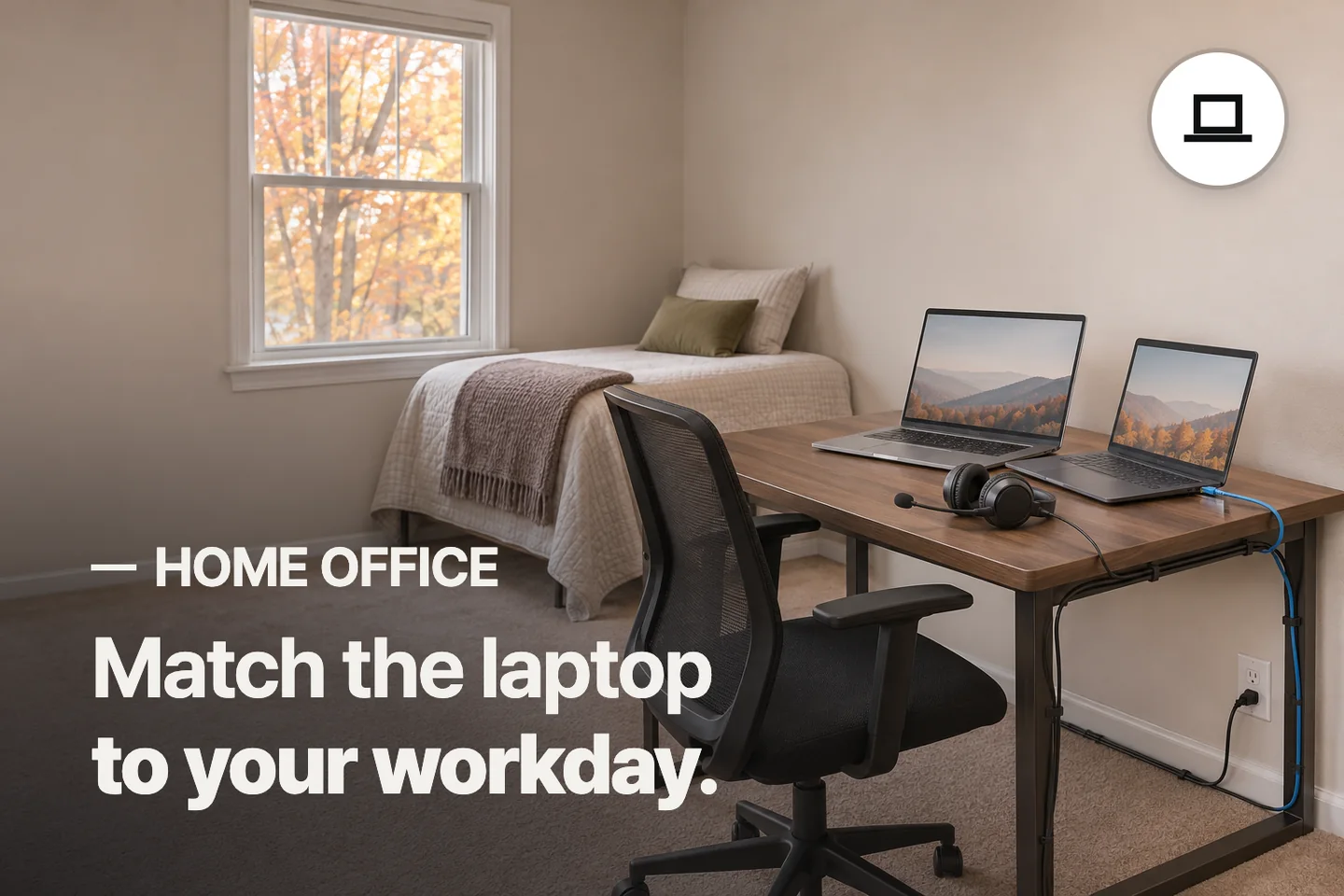
Your meeting invitation says cameras on; the spare-bedroom desk says there is nowhere to put the mouse. For someone comparing an acer aspire 5 with an older IdeaPad before Black Friday, that awkward workday starts with a useful question: which machine fits the work, and which merely fits the sale banner?
 The guest room can accommodate an office without making every desk accessory welcome.
I'd choose the Lenovo IdeaPad 3 82H80358US for spreadsheets and local files. But the Acer Aspire 5, seller-configured 8GB/256GB makes more sense beside an Ethernet cable and several USB-A accessories, provided the seller confirms its full factory model and warranty.
Walmart's selected new-condition offers showed $459 for Acer and $488 for Lenovo, checked November 24, 2026, before tax and checkout charges. Those are specific listing prices, not established Black Friday discounts; the lower-priced used Lenovo offer is a different condition, not a like-for-like saving.
How we chose
We reviewed the selected Walmart listings, Lenovo's official platform specifications and Microsoft's S-mode guidance. The comparison weighs screen suitability, office memory and storage configuration, and desk connections, while separating seller claims from manufacturer-documented family options.
Toneandroom picks
Best acer aspire 5 alternatives for a spare-room desk: Top 2
A desk with wired networking and USB-A accessories
See all specsAcer Aspire 5, seller-configured 8GB/256GB
Walmart selected new-condition offer: $459, checked November 24, 2026, before tax and checkout charges. Price varies; check Amazon.
Seller-listed Ethernet and three USB-A ports reduce the immediate need for desk adapters, subject to confirmation of the complete factory model and installed configuration.
- Screen
- 15.6 in FHD IPS (seller)
- Memory
- 8GB DDR4 (seller)
- SSD
- 256GB (seller)
- USB-A
- 3 ports (seller)
- You have an Ethernet cable at the desk
- Several accessories still use USB-A
- Confirm factory model and warranty
- Check S mode with workplace IT
A spreadsheet-first office with more local files
See all specsLenovo IdeaPad 3 82H80358US
Walmart selected new-condition offer: $488, checked November 24, 2026, before tax and checkout charges. Price varies; check Amazon.
The selected configuration combines a larger SSD with Lenovo's documented quad-core i5, making it my preference for overlapping office tasks.
- Screen
- 15.6 in FHD touch
- CPU
- Core i5-1135G7
- Memory
- 8GB
- SSD
- 512GB
- You keep work folders on the laptop
- Spreadsheets overlap with email and calls
- USB-C handles data, not a display
- Ethernet needs a separate adapter
Compare 2 products at a glance
The selected configurations, not every laptop in either family
| Desk requirement | Top pickAcer Aspire 5, seller-configured 8GB/256GBWalmart selected new-condition offer: $459, checked November 24, 2026, before tax and checkout charges. Price varies; check Amazon. | Lenovo IdeaPad 3 82H80358USWalmart selected new-condition offer: $488, checked November 24, 2026, before tax and checkout charges. Price varies; check Amazon. |
|---|---|---|
| Display | Seller: 15.6 in, 1920 × 1080 IPS, anti-glare | Seller: 15.6 in FHD touch; platform touch option: IPS, 300 nits |
| Processor | Seller: Core i3-1115G4, 2 cores | Core i5-1135G7; Lenovo documents 4 cores |
| Memory / SSD | Seller: 8GB DDR4 / 256GB; confirm installed amounts | Seller: 8GB / 512GB |
| Desk ports | Seller: 3 USB-A, USB-C, HDMI, Ethernet | Platform: 2 USB-A, data-only USB-C, HDMI, card reader; no Ethernet |
| Keyboard | Seller: numeric keypad; confirm backlight | Platform: numeric keypad; backlight varies |
| Battery caveat | Seller: up to 8.5 hours, workload unspecified | Platform: 38Wh or 45Wh; MobileMark 2018 maximums 5.5 or 7.5 hours; fitted battery unconfirmed |
| Selected new-condition price | $459; Walmart, November 24, 2026; before tax/checkout charges | $488; Walmart, November 24, 2026; before tax/checkout charges |
Swipe sideways to see the full table →
What we considered
Screen fit
Does the exact listing identify the panel you want?
The Acer seller specifies Full HD IPS, while the Lenovo seller specifies Full HD touch. Lenovo's platform contains different panels, so the family name cannot establish the screen fitted to every offer.
Office workload
Are storage capacity and working memory being confused?
Both selected configurations advertise 8GB memory, but Lenovo lists a 512GB SSD against Acer's 256GB. Lenovo's documented quad-core i5 also makes it the configuration I'd prioritize for overlapping office tasks, without claiming a measured speed advantage.
Desk connections
Will your accessories need adapters or a different dock?
The Acer seller lists three USB-A ports and Ethernet; Lenovo documents two USB-A ports without Ethernet. Lenovo's USB-C is data-only, and the Acer listing does not establish USB-C display or charging support.
Part 1Which acer aspire 5 screen are you actually buying?
The Acer seller describes a 15.6-inch, 1920 × 1080 IPS anti-glare display, while the selected Lenovo listing specifies a 15.6-inch Full HD touchscreen. So these listings offer the same nominal pixel workspace, but that does not make their brightness, reflections or colors identical.
Lenovo's official 15ITL6 platform sheet lists its Full HD touch option as IPS at 300 nits. But that is family-level documentation, not a serial-number check of the unit in your cart; the same family also includes a non-touch TN screen. A cheaper listing without the same model code may quietly change the display you were shopping for.
For a desk beside a bedroom window, ask the seller to confirm the actual panel and check the return terms. Because Acer's listing does not establish brightness, there is no sound basis here for claiming it handles that window better. Touch is useful only if you want it; it does not create extra spreadsheet space.
Matching screen size and resolution does not establish matching panels.
 Window position belongs in the screen decision, even when the listing leads with the processor.
Part 2Acer: fewer adapters for the cable-heavy desk
The selected Acer seller lists three USB-A ports and Ethernet. That means a USB headset, mouse receiver and another USB accessory can connect without immediately adding a hub, while a network cable has its own socket. It is a practical advantage when the desk already has enough little objects to lose.
The seller also lists HDMI and USB-C, but does not establish USB-C charging or display output. So a dock purchase needs written confirmation of those capabilities, not reassurance that the plug looks right; a connector shape is a remarkably unhelpful shopping assistant.
This configuration is advertised with a Core i3-1115G4, 8GB DDR4 and a 256GB SSD. But the listing's fuller description uses “up to” for memory and storage and lacks a complete factory suffix, so ask the seller to confirm the installed 8GB/256GB configuration and warranty in writing. The product title alone should not settle an ambiguous specification. That written reply should also identify who handles support if the seller has changed the original configuration, because a memory upgrade and a clear warranty are not the same service.
The seller specifies Windows 11 Home in S mode, which matters if work requires applications outside the Microsoft Store. Microsoft says leaving S mode has no charge and is a one-way change; check the employer's software and IT requirements before assuming the laptop is ready for the company VPN.
Part 3Lenovo: more storage, not magically more memory
The Lenovo listing pairs a Core i5-1135G7 with 8GB memory and a 512GB SSD. That gives it twice the Acer's labeled storage capacity for downloaded folders and local work documents, though the operating system and applications occupy part of either drive. It does not double the memory available to open applications.
Lenovo documents four processor cores for that i5, against the Acer seller's two-core i3. So I'd put the Lenovo first for overlapping spreadsheets, email and calls, without turning core count into an invented speed comparison. For demanding workbooks or specialist software, the employer's requirements still take precedence over this recommendation.
The platform includes a numeric keypad, which can keep expense entry from requiring another accessory. But backlit and non-backlit keyboards both appear in the official options, so evening workers need the seller to confirm the fitted keyboard rather than trusting an attractive product photo.
The trade-off arrives at the ports: Lenovo documents two USB-A connections, HDMI and data-only USB-C, with no onboard Ethernet. That means the USB-C socket is not a route to charging or monitor output; use the documented HDMI connection and separate power adapter. If wired networking is essential, include an adapter in the shopping comparison rather than discovering the missing socket at your desk. This matters especially when a headset and mouse already occupy the available USB-A ports, because the network adapter then competes with equipment you actually need.
Part 4Battery promises and the checkout total
The Acer seller claims up to 8.5 hours of battery life without identifying a comparable video-call workload. But Lenovo's platform figures distinguish 38Wh and 45Wh batteries, with MobileMark 2018 maximums of 5.5 and 7.5 hours respectively. Neither battery option is confirmed here for the selected Lenovo unit.
Those are not interchangeable workday estimates. Lenovo also publishes local-video results under different conditions, so taking the longest number and assigning it to a day of meetings would answer a question nobody measured. For this spare-room office, I'd plan around an outlet and ask for the installed battery specification. That also keeps the comparison honest if the laptop occasionally moves to the kitchen: these published maximums cannot tell you whether the battery will cover your particular afternoon away from the charger.
Amazon pricing for these exact configurations could not be verified. Price varies; check Amazon. On Amazon.com, compare the full model, processor, installed memory, SSD, screen and condition against these listings, because the same family name can conceal a substantially different purchase.
For the acer aspire 5, the unresolved factory identifier remains the main purchase hurdle; for the Lenovo, it is whether the missing Ethernet and limited USB-C fit your desk. So my preference stays with Lenovo for spreadsheet-led work, while Acer earns its place when its built-in connections avoid extra hardware. Neither needs a countdown timer to explain its strengths.
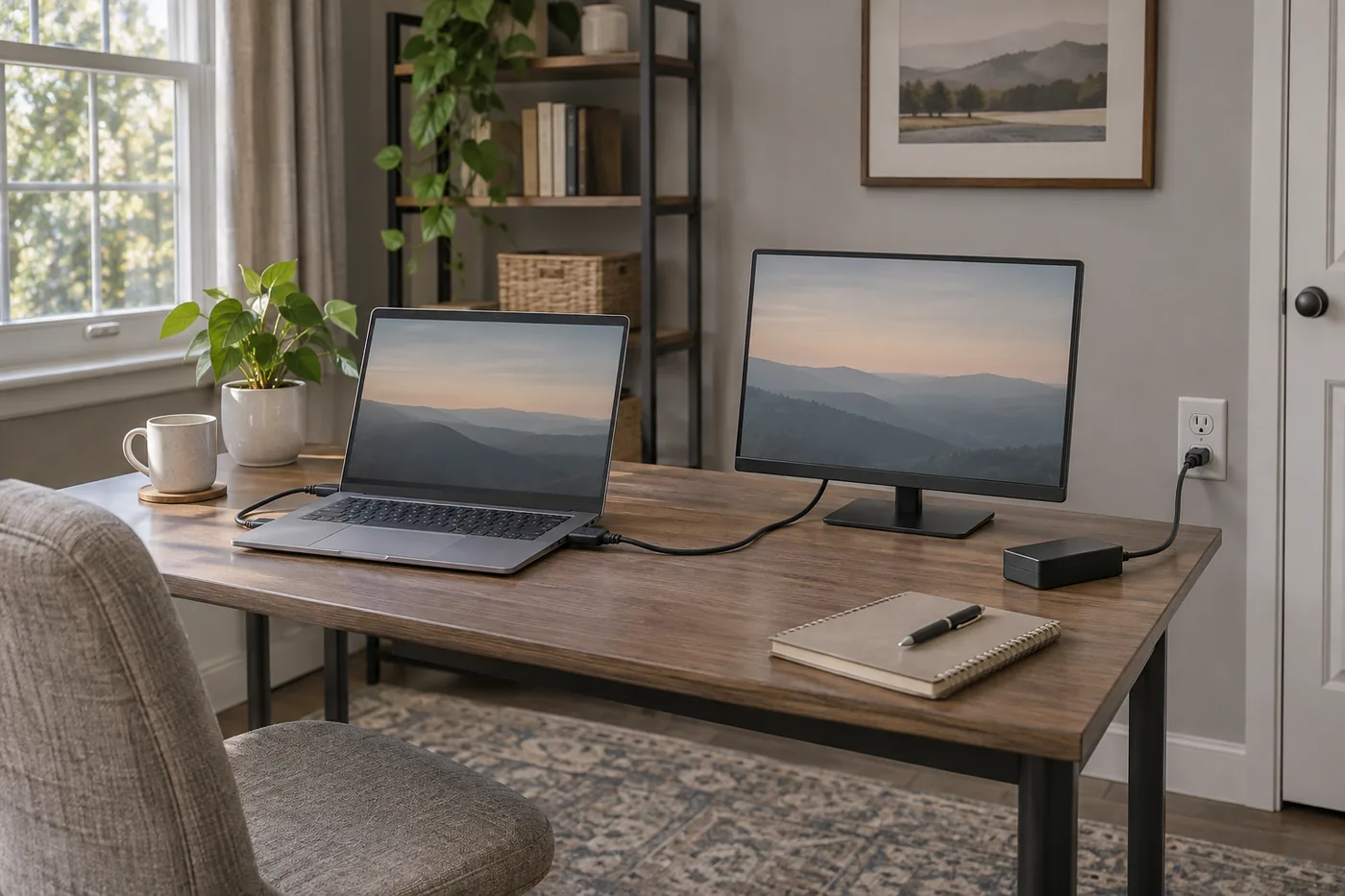 A separate charger and a documented monitor connection are easier to plan for before checkout.
How this comparison was made: Walmart's selected listings were checked against Lenovo's official platform specifications and Microsoft's S-mode guidance, using screen suitability, office configuration and desk connections. Family options are separated from confirmed listing claims.
In one sentence
Lenovo suits spreadsheet-led work; Acer suits a desk with Ethernet and several USB-A accessories.
Acer Aspire 5, seller-configured 8GB/256GB
Check price on AmazonLenovo IdeaPad 3 82H80358US
View on Official storeFrequently asked questions
Which Acer Aspire 5 configuration does this comparison cover?
The seller-configured Walmart listing advertised with Core i3-1115G4, 8GB DDR4 and a 256GB SSD. Its description uses 'up to' for memory and storage and omits a complete factory suffix, so obtain written confirmation of installed amounts, full model and warranty before purchase.
Can the Lenovo IdeaPad 3 charge through USB-C or run a USB-C monitor?
Lenovo labels the 15ITL6 platform's USB-C port as data-transfer only. Plan on the documented HDMI output for an external screen and the separate power adapter, rather than USB-C charging or display output.
Are the listed prices confirmed Black Friday discounts?
No. Walmart's selected new-condition offers were $459 for Acer and $488 for Lenovo when checked November 24, 2026, before tax and checkout charges. These snapshots do not establish a holiday saving, and lower-priced used offers are not equivalent-condition comparisons.
Will either laptop last an unplugged day of video meetings?
The available evidence does not establish that. Acer's seller claims up to 8.5 hours without a matching call workload; Lenovo's platform lists different battery options and benchmark results, not the fitted battery or a measured meeting-day result for this unit.
What does Windows 11 Home in S mode mean for work software?
Microsoft says applications outside the Microsoft Store require switching out of S mode. The switch has no charge and is one-way, so confirm your employer's applications and IT policy before choosing the advertised Acer configuration.
Sources
- Lenovo IdeaPad 3 82H80358US · 2026-11-24
15ITL6 family specifications, not a unit-specific configuration confirmation: i5-1135G7 has 4 cores; 15.6-inch FHD touch option is IPS, 300 nits. Numeric keypad, optional backlight, 2 USB-A ports, data-only USB-C, HDMI and no onboard Ethernet. Battery alternatives are 38Wh/45Wh, with MobileMark 2018 maximums of 5.5/7.5 hours.
- Microsoft Support: switching out of S mode · 2026-11-24
Windows 11 Home S-mode guidance: installing applications unavailable in the Microsoft Store requires switching out of S mode. Microsoft states the switch has no charge and is one-way.







