
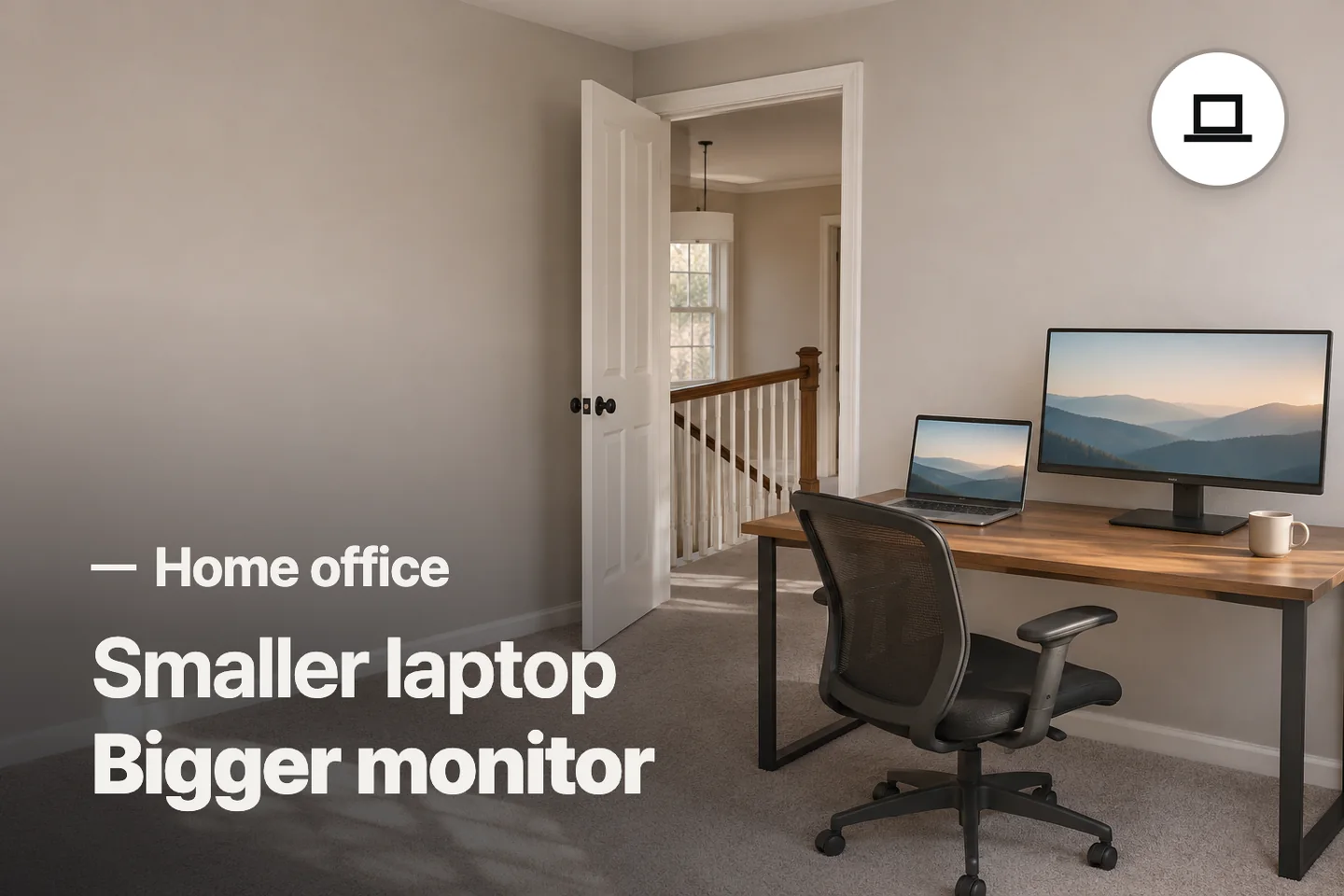
You're halfway downstairs when the meeting reminder appears, the laptop is upstairs, and the coffee has somehow been given priority. In a home office with an external monitor, that awkward little trip raises a useful question: how much laptop do you actually want to carry?
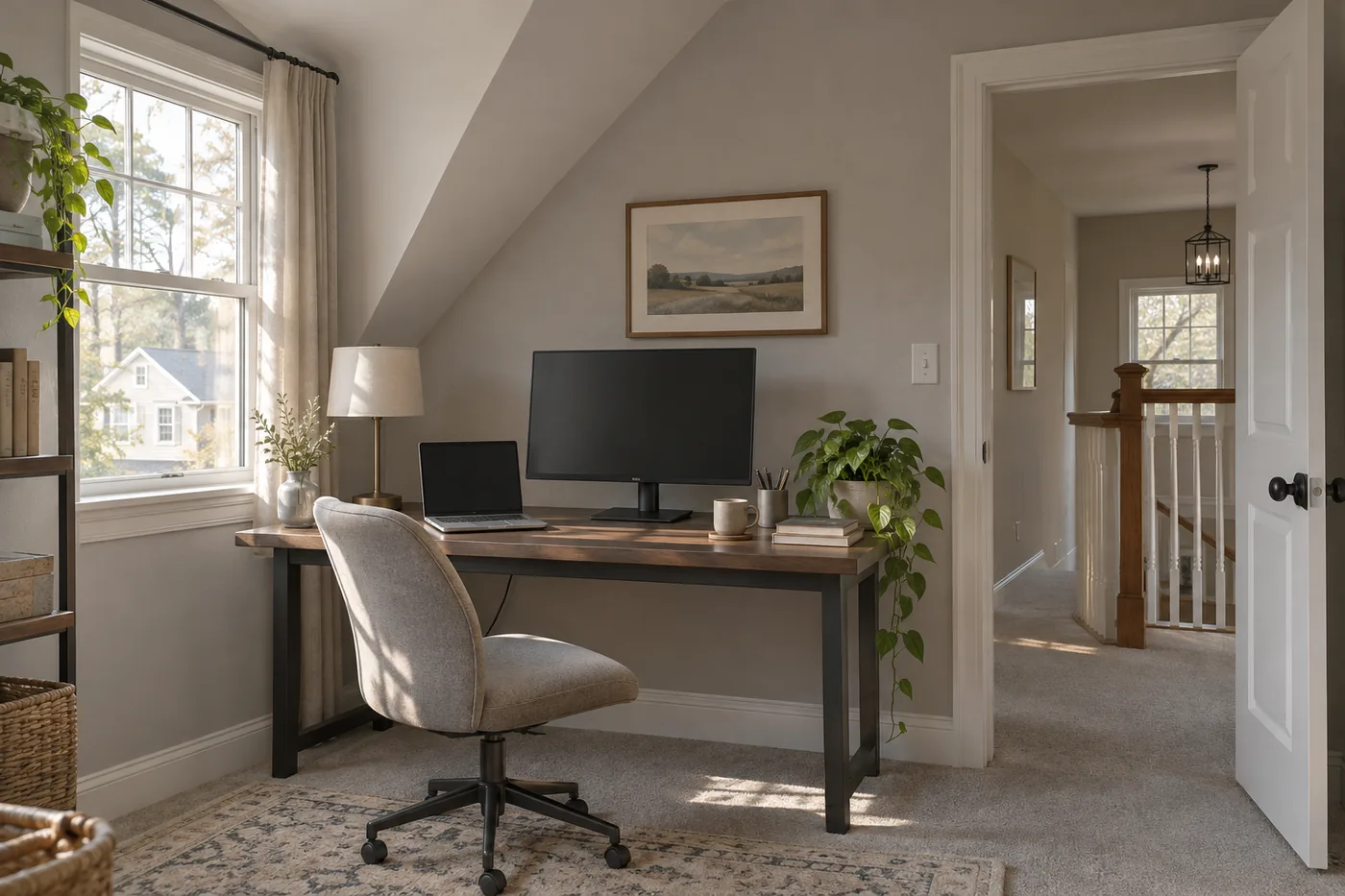 A monitor-first office makes the journey away from the desk part of the buying decision.
I'd choose the Apple MacBook Pro 14-inch (2024) with M4 Pro for this house. The Apple MacBook Pro 16-inch (2024) makes more sense when substantial work moves downstairs, because its larger screen helps only when you're looking at it. These are specific older models, not a comparison of Apple's newest lineup.
How we chose
Reviewed Apple's technical specifications, battery-test footnotes, and external-display guidance for these M4 Pro configurations. The three criteria were carrying weight and desk footprint, monitor connection options, and usefulness away from the desk; current US prices were not verified.
Toneandroom picks
Best MacBook Pro size for a monitor-first home office: Top 2
A macOS-compatible upstairs office where the external monitor is the main workspace
Apple MacBook Pro 14-inch (2024), M4 Pro, 14-core CPU, 20-core GPU, 24GB memory, 512GB SSD
Current US configuration price: Not listed by the maker in the opened Apple specifications, checked November 24, 2026. Price varies; check Amazon.
My choice for a monitor-first desk: a lighter, smaller body without losing the larger model's listed ports or external-display support.
- Weight
- 3.5 lb
- Footprint
- 12.31 × 8.71 in
- Display
- 14.2 in
- Adapter
- 96W
- You carry work between floors
- Your monitor is the main screen
- Less screen room away from desk
- Current US price is unverified
macOS-compatible spreadsheet and document work regularly moves away from the monitor
Apple MacBook Pro 16-inch (2024), M4 Pro, 14-core CPU, 20-core GPU, 24GB memory, 512GB SSD
Current US configuration price: Not listed by the maker in the opened Apple specifications, checked November 24, 2026. Price varies; check Amazon.
The larger built-in display is useful when it replaces the external monitor for substantial work; the battery claim is supporting context, not a guarantee.
- Weight
- 4.7 lb
- Footprint
- 14.01 × 9.77 in
- Display
- 16.2 in
- Adapter
- 140W
- You work away from the monitor
- You need room for documents
- More weight on every stair trip
- Matched price premium unknown
What we considered
Daily carrying
Will the laptop move between floors during the workday?
Apple lists the smaller M4 Pro body at 3.5 lb and the larger at 4.7 lb. I favor the smaller body when frequent carrying and limited desk space matter more than the built-in display.
Monitor connections
Does a larger chassis add a connection your desk needs?
Both models list HDMI and three Thunderbolt 5 ports with the same M4 Pro external-display limits. I would check the monitor, cable, and charging arrangement rather than change laptop size to solve a connection problem.
Off-desk work
Will substantial document work happen away from the external monitor?
The larger model pairs a 16.2-in display with a higher published wireless-web battery ceiling. I would accept its extra bulk for sustained laptop-screen work, but not treat Apple's battery claim as guaranteed meeting time.
Part 1Start with the stairs, then the desk
Apple lists the smaller M4 Pro laptop at 3.5 lb and the larger at 4.7 lb. Subtract those figures and you're carrying 1.2 lb more with the larger machine, before either charger enters the bag. That difference follows you between floors even when the extra screen stays closed upstairs.
The smaller chassis measures 12.31 by 8.71 in; the larger measures 14.01 by 9.77 in. So the larger body takes more desk room beside the monitor, where your mouse and notebook might already be negotiating a boundary. A vertical stand changes the arrangement, but it doesn't make the laptop smaller.
For this comparison, both configurations have a 14-core CPU, 20-core GPU, 24GB memory, and 512GB SSD. That matters because the smaller model also has a lower-core M4 Pro option; a cheaper listing for that version isn't a screen-size saving. Matching the chip doesn't establish identical sustained performance, either, so there's no performance tie claimed here.
Part 2The monitor doesn't need the larger chassis
Both models have HDMI, three Thunderbolt 5 ports, SDXC, a headphone jack, and MagSafe 3. So ports aren't a reason to move up a size for this desk. HDMI can carry the picture while MagSafe handles charging, leaving a dock optional rather than compulsory for connecting the monitor.
Apple's specifications list a single external display at up to 4K at 240Hz over HDMI for either M4 Pro model. But that's the laptop's capability, not an upgrade to the monitor you already own. The monitor's input and your cable must support the intended resolution and refresh rate.
Apple's separate display-support guide also says these models support up to two external displays, subject to resolution and refresh rate. That guide explicitly says closing the lid doesn't increase the supported display count. So buying the larger laptop, or shutting either one, doesn't unlock an extra monitor.
The included adapters differ: 96W for the smaller configuration here, 140W for the larger. Those ratings describe the supplied adapters, not office electricity use. If you want charging through a monitor or dock, check its power delivery and display support together; a matching connector isn't the whole answer.
A dock can simplify reconnecting, but the laptop, monitor, cable, and charging supply still need to agree.
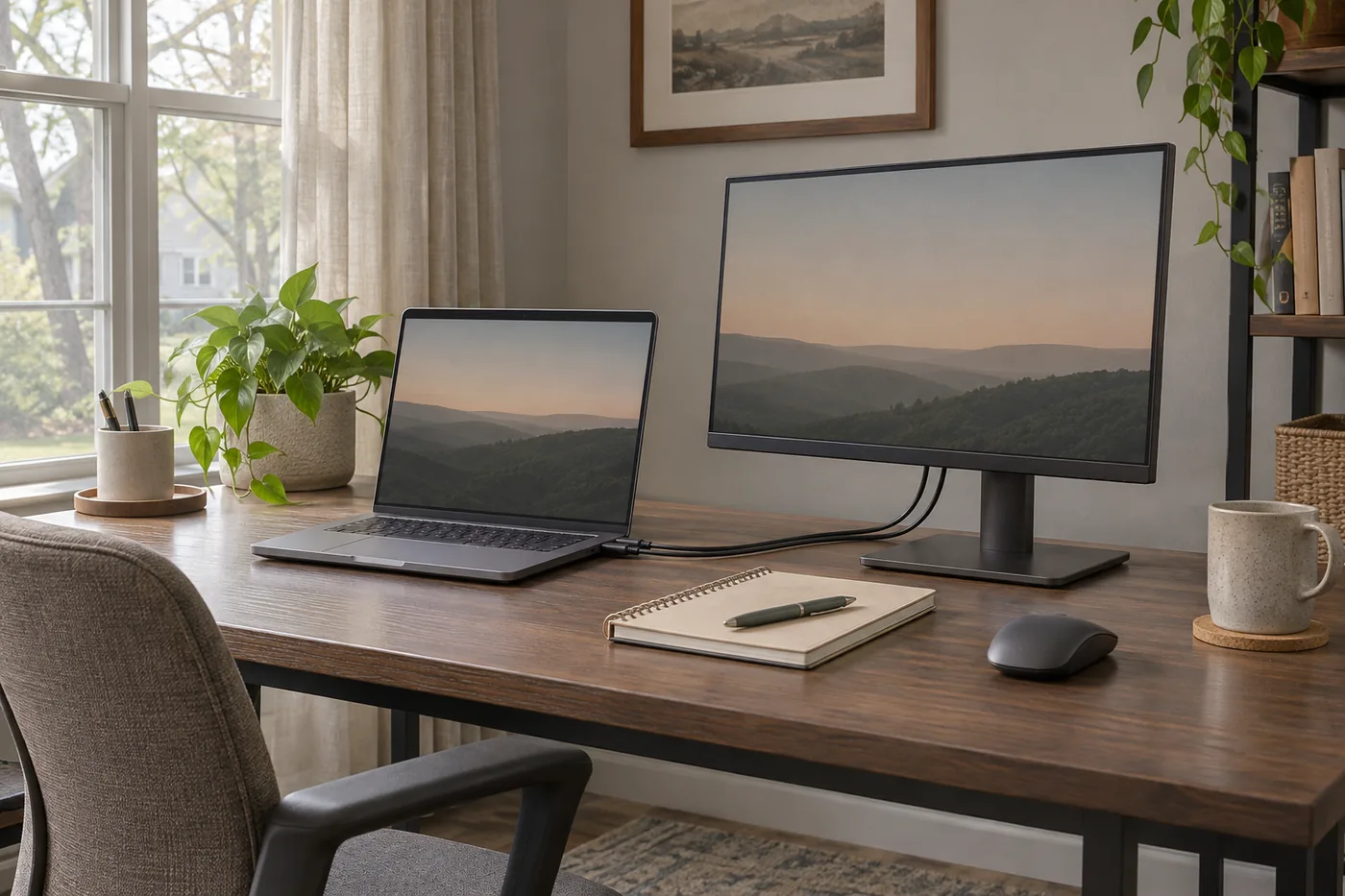 Leave room for the cables as well as the laptop when planning the monitor connection.
Part 3The bigger screen earns its place downstairs
The Apple MacBook Pro 16-inch (2024) has a 16.2-in display, against 14.2 in on the smaller model. That gives a spreadsheet and reference document more physical room away from the monitor. But readable workspace depends on scaling and text size, so extra pixels aren't a promise of extra readable columns.
Is downstairs work a quick reply, or a proper stretch with documents open side by side? I'd accept the larger body for the latter, because the built-in screen becomes the workspace. For a brief message before returning upstairs, I'd rather carry less.
Swipe sideways to see the full table →
| Comparison | Apple MacBook Pro 14-inch (2024), M4 Pro, 14-core CPU, 20-core GPU, 24GB memory, 512GB SSD | Apple MacBook Pro 16-inch (2024), M4 Pro, 14-core CPU, 20-core GPU, 24GB memory, 512GB SSD |
|---|---|---|
| Carrying weight | 3.5 lb | 4.7 lb |
| Desk footprint | 12.31 × 8.71 in | 14.01 × 9.77 in |
| Built-in screen | 14.2 in | 16.2 in |
| Apple wireless-web claim | Up to 14 hours | Up to 17 hours |
| Current US price, checked November 24, 2026 | Not listed by the maker | Not listed by the maker |
Apple's wireless-web claims favor the larger machine, but neither figure is a video-call schedule. Its battery footnotes describe different memory and storage configurations from each other, not a matched test of our buying pair. That makes the published ceilings useful context for unplugged work, not guaranteed runtime or a measured size advantage.
Part 4Compare checkout totals, not sale labels
The Apple specification pages checked on November 24, 2026 don't give current US purchase prices for these configurations. So there's no verified dollar premium to attach to the larger screen, and no established sale saving here. Price varies; check Amazon.
A useful comparison starts with the same CPU, GPU, memory, and SSD, then matches condition, seller, warranty, and return terms. That means a refurbished smaller machine and a new larger one aren't a clean size comparison, even if the listing titles look reassuringly similar. Subtract equivalent complete checkout totals only after those details match.
Before either Mac goes in the cart, check your employer's software requirements. If work depends on Windows-only applications without a confirmed compatible workflow, neither screen size fixes that problem. The operating system is a less glamorous decision than display size, but much harder to ignore after delivery.
For this monitor-first home, I'd keep the smaller machine unless long downstairs sessions genuinely need the larger display. That leaves more room beside the monitor and less weight on the stairs, without giving up the listed ports. The larger model wins its place through work away from the desk, not through looking more substantial on it.
 Think about the work done away from the monitor before paying for a larger built-in screen.
Method: Compared Apple's specifications, battery-test footnotes, and external-display guidance for carrying weight and footprint, monitor connections, and off-desk usefulness. These are published claims, not measured battery or performance results. Last checked: November 24, 2026; matched US prices and Amazon availability remain unverified.
In one sentence
Choose the smaller M4 Pro MacBook Pro when your external monitor does most of the work.
Apple MacBook Pro 14-inch (2024), M4 Pro, 14-core CPU, 20-core GPU, 24GB memory, 512GB SSD
Apple MacBook Pro 16-inch (2024), M4 Pro, 14-core CPU, 20-core GPU, 24GB memory, 512GB SSD
Frequently asked questions
Is the 16-inch MacBook Pro better for an external monitor?
Not because of chassis size alone. These M4 Pro models list the same ports and external-display capability, so the monitor and connection requirements do not favor the larger model.
Do these M4 Pro laptops need a dock for a 4K monitor?
Both have HDMI, with Apple listing a single external HDMI display up to 4K at 240Hz. A compatible monitor and cable are still required; a dock can help with peripherals and reconnecting but is not necessary merely to attach an HDMI display.
Does closing the lid allow more external displays?
Apple's M4 and M4 Pro display guide says closing the lid does not increase the supported external-display count. It lists support for up to two external displays, subject to resolution and refresh rate.
Will the larger MacBook Pro last three hours longer on battery?
Apple lists up to 17 hours of wireless web for the larger M4 Pro model and up to 14 hours for the smaller. The three-hour subtraction compares published ceilings from different test configurations, not measured runtime for these matched purchase configurations or video calls.
How much extra does the 16-inch configuration cost?
A current matched US price difference was not verified. Compare complete checkout totals for the same processor, memory, storage, condition, warranty, and seller before deciding whether the larger display justifies the premium.
Sources
- Apple MacBook Pro 14-inch (2024), M4 Pro, 14-core CPU, 20-core GPU, 24GB memory, 512GB SSD · 2026-11-24
2024 M4 Pro options include 14-core CPU and 20-core GPU, 24GB unified memory and 512GB SSD; 3.5 lb; 12.31 × 8.71 in; 14.2-in display; up to 14 hours wireless web; 96W adapter with 14-core M4 Pro; three Thunderbolt 5 ports, HDMI, SDXC, headphone jack and MagSafe 3. Single external HDMI display up to 4K at 240Hz. Battery testing used 24GB memory and 1TB SSD. No current US price listed.
- Apple MacBook Pro 16-inch (2024), M4 Pro, 14-core CPU, 20-core GPU, 24GB memory, 512GB SSD · 2026-11-24
2024 M4 Pro: 14-core CPU, 20-core GPU, 24GB unified memory, 512GB SSD; 4.7 lb; 14.01 × 9.77 in; 16.2-in display; up to 17 hours wireless web; 140W adapter; same listed port selection and M4 Pro external-display limits. Battery testing used 48GB memory and 512GB SSD. The 1.2-lb weight difference and three-hour battery-ceiling difference are arithmetic, not measurements. No current US price listed.
- Apple M4 and M4 Pro MacBook Pro external-display support · 2026-11-24
Up to two external displays subject to resolution and refresh rate; closing the lid does not increase this limit. One external display supports up to 4K at 240Hz over Thunderbolt or HDMI. Used for display-count and connection guidance, not pricing.







