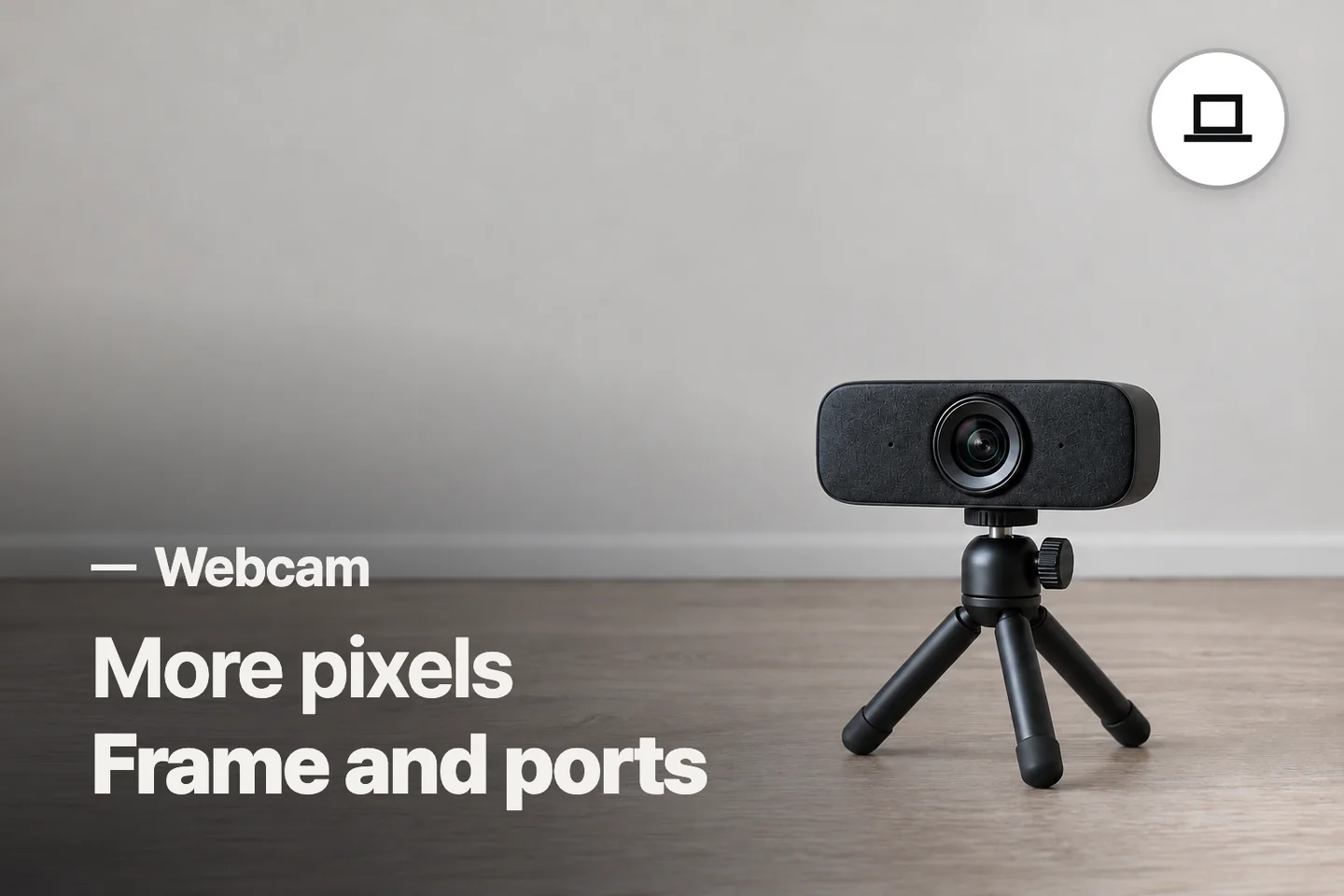
Conclusion
NexiGo suits a lower-cost fixed-position setup when its wide frame works for your room. Logitech C920S makes more sense when changing distance calls for autofocus and a narrower view.
3 selected products
- No photoIf you want a low-cost fixed-position camera
NexiGo N60 1080P Webcam
about $24.99 on Amazon.com (Oct 12, 2026) - No photoIf you want a wider shared frame and an adapter
EMEET C960 2025 Version 1080P Webcam
about $28.49 on Amazon.com (Oct 12, 2026) - No photoIf you change distance during calls
Logitech C920S HD Pro Webcam
about $69.89 on Amazon.com (Oct 12, 2026)
Buying a webcam for its resolution alone can leave you with too much room in the frame, the wrong connector, or a microphone your meeting app never selects. Before choosing, check these three things, in order
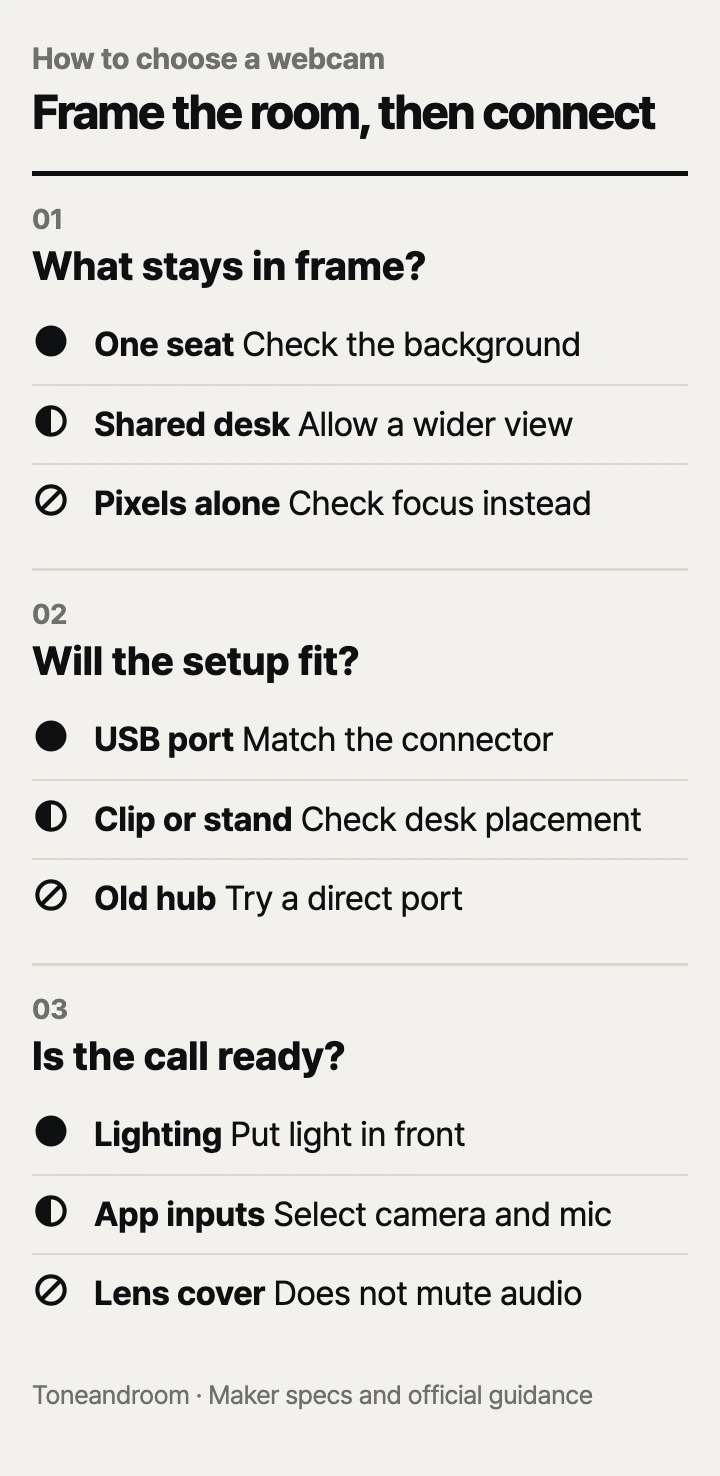
How much of the room belongs in the frame?
Pick the field of view and focus type for your seating position before paying for more pixels.
Logitech gives the C920S a fixed 78-degree diagonal field of view, a glass lens, and autofocus. EMEET describes the C960 as a fixed-focus webcam with a 90-degree field of view. NexiGo's N60 Amazon page lists a 110-degree viewing angle and fixed focus. These are different framing choices even though all three support Full HD 1080p video. The angle alone does not tell you how flattering or detailed the picture will look.
A wider camera can include another person at the desk, but it also shows more shelves, doors, and household activity. For someone sitting alone in a small office corner, more coverage is not automatically better. Sit where you normally work and decide what should be visible behind you. Moving the webcam farther away changes the composition, but it also changes your distance from its microphones and focus range.
Swipe sideways to see the full table →
| If your home calling setup looks like this | Our take | What to check |
|---|---|---|
| One person at a fixed desk with a tidy background | Worth it | Framing at your normal chair position |
| Two people sharing the desk for a call | It depends | Wider view and both seats in focus |
| A small room with a busy doorway behind you | Only some models | Narrower framing or room rearrangement |
| A good built-in camera with only a lighting problem | Skip it | Improve the desk lighting first |
Focus is a separate decision. Logitech's autofocus can adjust as your distance changes, which is useful when you lean back or hold up an object. EMEET and NexiGo use fixed focus for these models, so the distance from the camera matters. NexiGo describes an optimized range from 19.6 inches to 13 feet. EMEET's updated Amazon C960 description gives a range of 11.8 to 118.1 inches. Those are published ranges, not a promise that every point within them looks equally sharp.
Check the exact model, too. Logitech's C920S includes a privacy shutter; the C920x is a different package and is not the model compared here. EMEET has several C960 versions, including higher-resolution variants. For this guide, the selected Amazon item is the updated 1080p C960, not a 4K model with a similar name.
Will the mount and cable fit your desk?
Choose a webcam that can sit steadily at a useful height and connect through the ports you actually have.
EMEET's updated C960 Amazon package includes a USB-A connection and an A-to-C adapter. NexiGo lists USB compatibility for the N60, and Logitech's C920S is a USB webcam. A computer with only USB-C ports needs the appropriate connection path; do not assume every package includes the same adapter. Confirm the included components on the exact color and version before ordering.
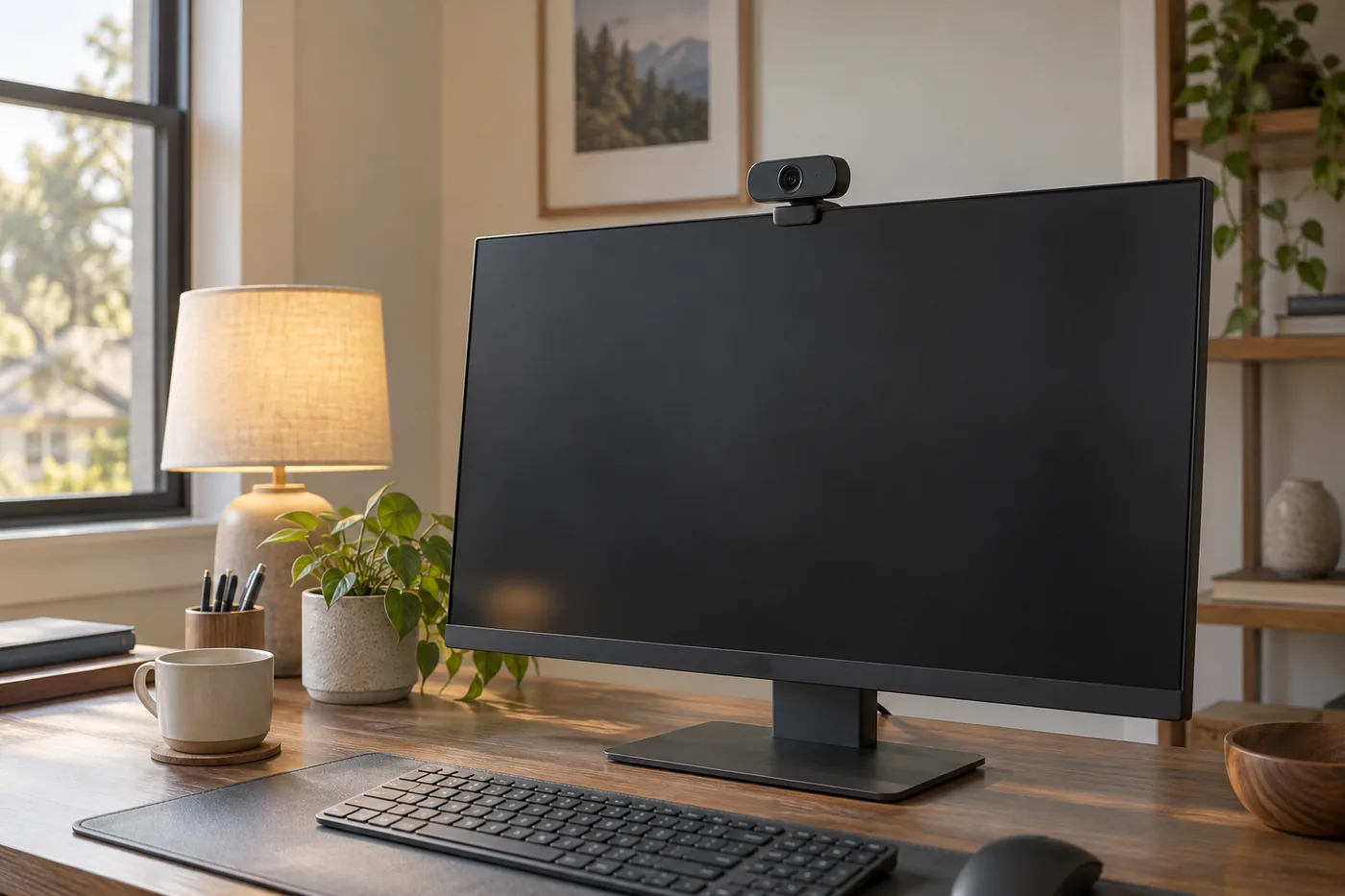 AI-generated illustration for explanation. Not a specific product.
Mounting is worth planning before the delivery. A thick monitor edge, a thin laptop lid, and a freestanding screen create different places to clip a camera. Check that the clip does not cover important parts of the display or press on an awkward area. On a laptop that frequently moves between rooms, the camera and cable add items you must reposition each time. A permanent monitor setup is usually simpler to arrange.
EMEET's official C960 page describes an adjustable base and a tripod thread, offering a desk or separate stand arrangement. Those options can help place the camera nearer eye level, but a tripod needs its own footprint. Before buying any extra stand, compare its placement with the keyboard, lamp, and monitor base. A camera that fits on paper may still compete with the work you do at the desk.
Connection quality also matters. EMEET recommends using a main computer USB port for the updated C960 and checking that a hub provides stable data transmission and sufficient power. That is a useful troubleshooting order: try the camera directly before blaming the device or buying another one. Do not assume an older hub handles a webcam simply because it charges a phone.
None of these cameras replaces your speakers. EMEET explicitly states that the updated C960 does not have built-in speakers. A microphone records your voice; hearing the other person still depends on your computer speakers or a headset. Keep that distinction in mind when arranging a complete calling setup.
Will your lighting, sound, and privacy routine work?
Make the room and meeting app support the webcam rather than expecting the camera to fix every call problem.
Logitech publishes Full HD 1080p at 30 frames per second for the C920S, along with automatic light correction and dual microphones. EMEET publishes 1080p at 30 frames per second for the C960 family, and NexiGo gives the same resolution and frame rate for the N60. That makes basic resolution a weak way to separate these options. Focus, framing, controls, and connection are more useful differences for ordinary meetings.
EMEET recommends a well-lit environment for its updated C960. Place light toward your face rather than relying on a bright window behind the chair. Auto light correction can adjust the image, but it does not rearrange the room. If you already have a usable built-in camera, change your seating and lamp position before deciding that another camera is necessary.
Check audio in the app you actually use. EMEET instructs users to select the C960 as the camera and microphone in both computer and video-app settings and enable permissions. Logitech offers stereo microphones, while NexiGo describes a noise-canceling microphone. Those descriptions do not provide directly comparable measurements of room noise rejection. In a shared room, a suitable headset may be more important than the camera's microphone label.
All three selected packages include a physical privacy cover or shutter. Logitech describes the C920S shutter as a way to close the lens between calls. The cover blocks the camera's view, not the microphone's ability to capture sound. Use the app's microphone controls or disconnect the camera when your routine calls for that; do not treat a lens cover as an audio mute.
- Select the correct camera and microphone in the meeting application.
- Check camera and microphone permissions before an important call.
- Put light in front of the seating position and simplify the background.
- Close the lens cover after calls and manage microphone settings separately.
How do the popular picks compare side by side?
NexiGo keeps the price low, EMEET suits a wider shared frame, and Logitech adds autofocus for changing positions.
Swipe sideways to see the full table →
| Model | Video | Focus and view | Connection or privacy | Price (Amazon.com, Oct 12, 2026) |
|---|---|---|---|---|
| NexiGo N60 | 1080p at 30 fps | Fixed focus; listed 110-degree angle | USB; physical cover | about $24.99 |
| EMEET C960, updated 1080p version | 1080p at 30 fps | Fixed focus; 90-degree view | USB-A plus A-to-C adapter; cover | about $28.49 |
| Logitech C920S HD Pro | 1080p at 30 fps | Autofocus; 78-degree diagonal view | USB; privacy shutter | about $69.89 |
Prices are what Amazon.com showed on Oct 12, 2026 and change often.
Choose the N60 for a low-cost fixed-position setup after checking its broad view. Choose the updated C960 when its included adapter and wider framing suit your desk. The C920S costs more for autofocus and a narrower published frame, not a higher Full HD resolution. Your room layout and calling routine remain part of the result.
A closer look at each product
If you want a low-cost fixed-position camera · NexiGo N60 1080P Webcam
Supports 1080p at 30 fps with fixed focus and a physical lens cover. Its listed 110-degree viewing angle calls for checking how much background it includes.
- 1080p at 30 fps
- Physical privacy cover
- USB plug-and-play setup
- Fixed focus
- Broad framing may show unwanted background
If you want a wider shared frame and an adapter · EMEET C960 2025 Version 1080P Webcam
The updated Amazon package combines a 90-degree view with dual microphones and a USB-A-to-C adapter. It remains a fixed-focus camera, so check seating distance.
- A-to-C adapter included in this package
- Two omnidirectional microphones
- Physical privacy cover
- Fixed focus
- Not compatible with Windows Hello
If you change distance during calls · Logitech C920S HD Pro Webcam
Adds autofocus and a published 78-degree diagonal view while retaining 1080p at 30 fps. The C920S package includes the physical privacy shutter.
- Autofocus
- Dual stereo microphones
- Privacy shutter included
- Higher price without a resolution increase
- Check adapter needs on USB-C-only computers
In one sentence
Match webcam framing, physical setup, and app settings before comparing resolution claims.
NexiGo N60 1080P Webcam
View on AmazonEMEET C960 2025 Version 1080P Webcam
View on AmazonLogitech C920S HD Pro Webcam
View on AmazonWhat to check
- FramingCheck your normal chair position, visible background, and focus distance.
- ConnectionInspect the monitor edge, cable path, USB ports, and included adapter.
- Call setupArrange lighting and verify app camera, microphone, and privacy settings.
- Framing and focus
- Mount and connection
- Lighting, audio, and privacy routine
Frequently asked questions
Is 1080p enough for Zoom and home meetings?
These three models all support Full HD 1080p, and their makers list compatibility with common meeting platforms. App settings, connection conditions, focus, and lighting still affect what other participants see.
Does a privacy shutter mute the microphone?
A shutter blocks the lens rather than muting audio. Manage the microphone through your app or disconnect the device when needed.
What is the difference between fixed focus and autofocus?
Fixed-focus cameras rely on placing subjects within their published working range. Autofocus adjusts as distance changes, which can suit people who lean back or hold objects near the camera.
Can EMEET C960 unlock Windows Hello?
EMEET states that the updated 1080p C960 is not compatible with Windows Hello. Video-call support is a separate feature from biometric sign-in support.
Sources
- Logitech official C920S · Oct 12, 2026
1080p at 30 fps, fixed 78-degree diagonal field of view, autofocus, glass lens, stereo microphones, and shutter.
- EMEET official C960 · Oct 12, 2026
C960 family's 1080p at 30 fps, 90-degree view, fixed focus, adjustable base, and tripod thread; updated Amazon bundle details come from its specific product page.
Read next
Best Wireless Earbuds on Amazon (2026): Check Fit, Connections and Battery Care First
Best Power Bank on Amazon (2026): Check Connection, Output and Daily Fit First
Best Noise Cancelling Headphones on Amazon.com (2026): Check Fit, Connections, and Upkeep First
Best USB-C fast charger on Amazon.com (2026): cable ends, power, and placement first
Other topics
Best Cat Water Fountain on Amazon.com (2026): Check Placement, Capacity, and Cleaning First
Best Automatic Cat Feeder on Amazon (2026): Check Feeding Fit, Setup and Upkeep First
Best Self-Cleaning Litter Box on Amazon (2026): Check Cat Fit, Floor Space and Upkeep First